
Check the acquisition promise
Read the store headline, screenshots and description. What problem is the app promising to solve?
Study the storefront ↗
Skyler Lauren · iOS
Explore the ad evidence, study the storefront, and build your next acquisition hypothesis.
01 / Creative research
Read the store headline, screenshots and description. What problem is the app promising to solve?
Study the storefront ↗Explore apps with direct store-link matches. Compare their hooks and formats without assuming the same approach works here.
Browse observed advertisers ↗Store rankings and revenue estimates describe market context. They do not establish ad spend, conversions or ROAS.
Review the market context ↗02 / Storefront & product
Study the product story and store experience behind the acquisition funnel.



03 / Market context
Keep revenue, downloads and store rankings separate from advertising performance.
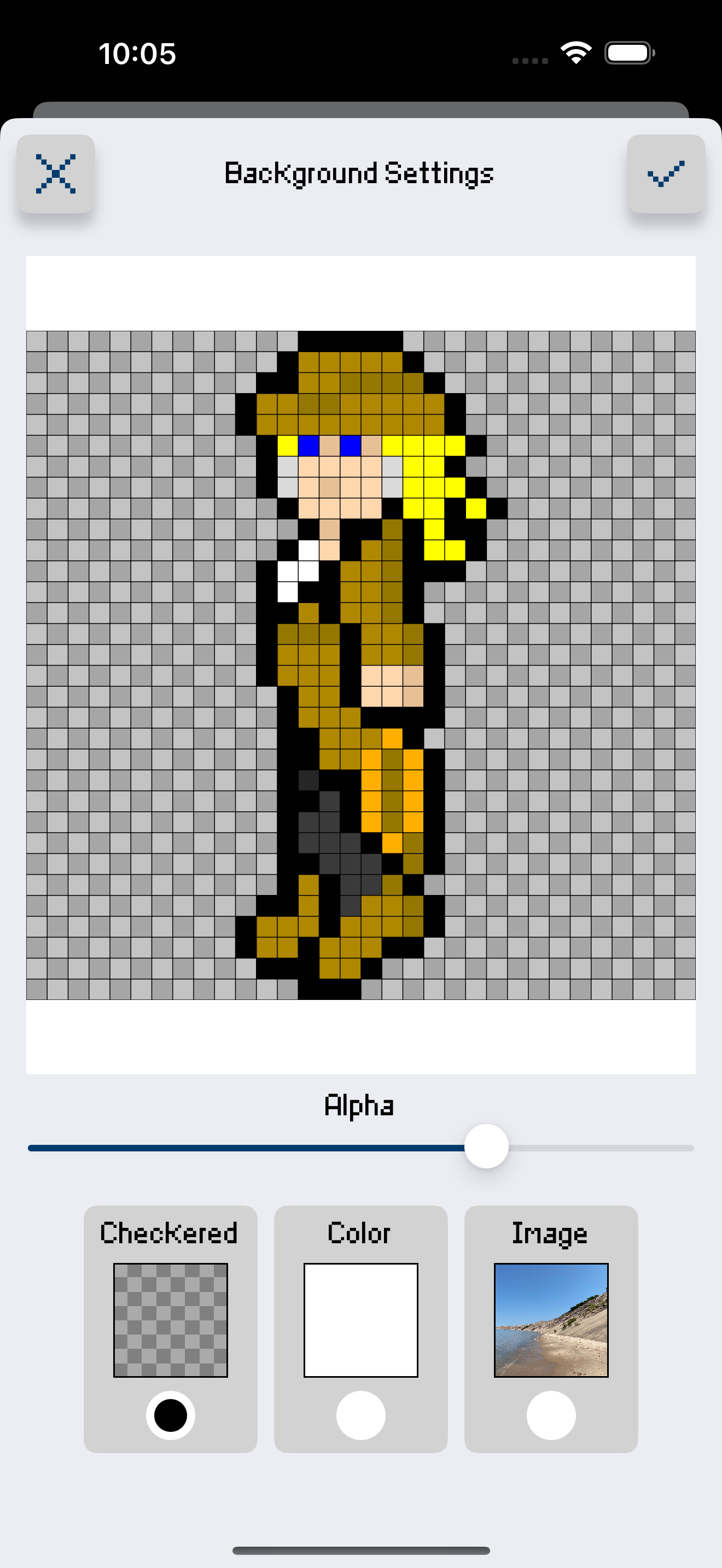
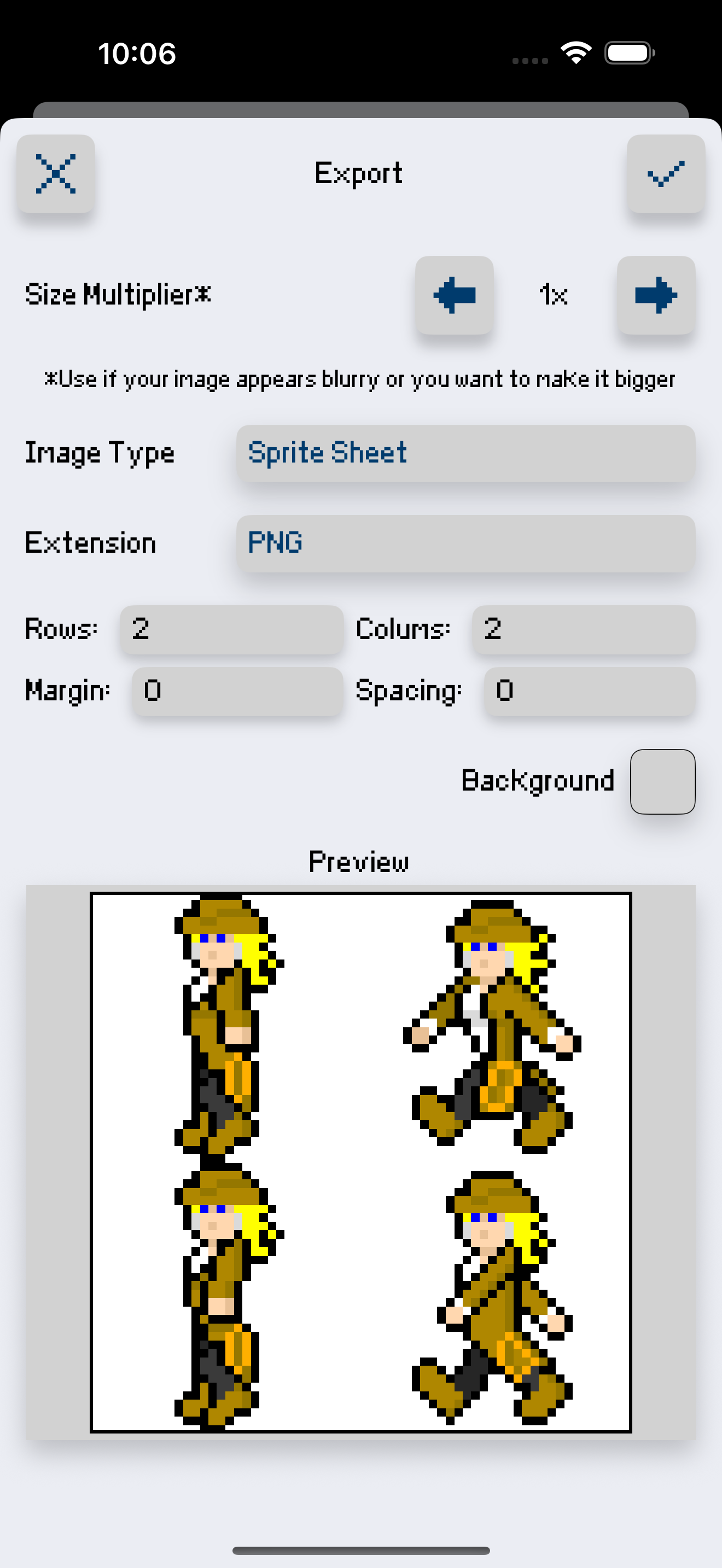
This app is definitely worth its price, there’s no ads to distract you, the size multiplier is very useful, the animation is a cool feature that’s easy to use, and it has a way of creating custom colors. There aren’t any bugs, and it’s a great app to use for sprite creation. The only thing I suggest is making a tool that flips your sprite in opposite directions, for example, I was making a sprite turn all the way around, and I made it face the left but, I had to make the one facing right from scratch since there wasn’t any flip tool. But besides that, I love this app 👍🙂
I’ve been using this for over a year now and I adore the new interface (even if I had to battle the muscle memory of the old one) and the app overall but few things that I’ve been thinking about, First of all there’s what I believe is a nasty bug. This is a problem I’ve only come across after the update, some of my older sprites (which opened fine before) now cannot load and crash the app. This hasn’t happened from any other update so I assume it’s because of the new one. I’m lucky the sprites this happened to I have exports of, but I’m still going to have to recreate them and I’m afraid of this happening to a file I don’t have a export of. It seems random on the sprites it affects, so I have no idea how to prevent it. 2. Opacity: the fact that it doesn’t keep the color when it merges is rather irritating, like I want to make a character underwater so I have a blue color with opacity on it, but when it merges it becomes solid blue meaning I just have to recolor it manually. 3. The files themselves need a better menu, with the amount I’ve made I have to keep scrolling down and back up to find something, I end up saving what I need again just so it’s at the top. 4. Please have a color select, I don’t mean eye dropper obviously, I mean selecting only areas of the sprite with a specific color (I feel like I’m wording this badly,sry), it’d make recoloring so much less of a hassle.
I've tried out several pixel creator apps and I've find this one to be appealing and interesting. However, I do have one gripe and that is when I upload my imported .PNG file, it uploads the transparent background as white background instead of transparent. And the other problem is that when I export the same file, it's background is uploaded as white instead of transparent. And when I loaded the exported file to photoshop, the background is white instead of transparent which it should have been transparent just like how it was saved in photoshop before it was imported to this app. Please add the transparency option for the image background when importing and allow to save background as transparent instead of white background. Thanks. Other than that, this is by far the best pixel creator out there! So, I'm giving it a 5 star. 👍🏻
Sprite Creator is a very powerful and easy to use pixel art drawing app. Create and import sprite sheets, tile maps, or even animated gifs. This app h...