Check the acquisition promise
Read the store headline, screenshots and description. What problem is the app promising to solve?
Study the storefront ↗
SSA · iOS
Explore the ad evidence, study the storefront, and build your next acquisition hypothesis.
01 / Creative research
Read the store headline, screenshots and description. What problem is the app promising to solve?
Study the storefront ↗Explore apps with direct store-link matches. Compare their hooks and formats without assuming the same approach works here.
Browse observed advertisers ↗Store rankings and revenue estimates describe market context. They do not establish ad spend, conversions or ROAS.
Review the market context ↗02 / Storefront & product
Study the product story and store experience behind the acquisition funnel.





03 / Market context
Keep revenue, downloads and store rankings separate from advertising performance.
The fact that the publisher is selling one in app purchase… gimp with no ads for $.99 - I wonder how many refunds Apple has processed on behalf of the ignorant ones involved in this. This app is masked with a gui that is, on the surface, similar to gimp… I don’t know why the publisher of this app would steal images from gimp, an open source platform and than would make the sorriest attempt at replicating the gimp software but apparently that’s exactly what this is. As for the Trojan part -good luck getting access to even the basic menu system of this app without encountering, you guessed it an advertisement, completely innocuous, might I add, not to mention the app is about is stable as a spark. This is not gimp or anything remotely related to gimp. It’s an ad campaign designed to steal your money and download viruses (Trojan viruses, in this case) to your device. I strongly suggest to stay away from this app and delete immediately. To the developer - if you dare to be sincere - get rid of the ads! If it works right, we will donate because that’s how the open-source community works not being bat-and-switched into a $.99 in app purchase to see shades of gray.
well I too ran into problems i was I thought excited to see gimp for I thought would work on an apple I Pad,,, well it don’t I as well had a blank screen did the same as your other reviewer, opened it up as new and it failed to open up to the images. I love gimp too I’m one of the users from 2010, I kept my older version as I honestly hated the newer version as it was all different and was not as good as the version I have, and I will never take it off from my desk top or laptop,,, the old vein was true if it wasn’t broken then don’t fix it,,, gimp personnel, you thought you had improved it, gave it updated, look I gotta tell ya,,, Stop, Stop, Stop, you can not improve what was already working great. i hate that gray field and white icons, I had to take it off and go back to my old thumb drive and bring back my saved working above perfect version….. It’s annoying actually, with people not stopping to what was fantastic, working apps or programs, and ruin it in a new version. (2. 8. 20) was your best. the simplicity of it never fails ya….now I was hoping to find a version of it to work with the apple I pad I was given as a early Birthday, Christmas Present,,, sad it don’t,,,, I hope you see from that version I listed and work it for I Pads and Apples… You are awesome ,,, yours faithfully terry alan vincent, Illinois
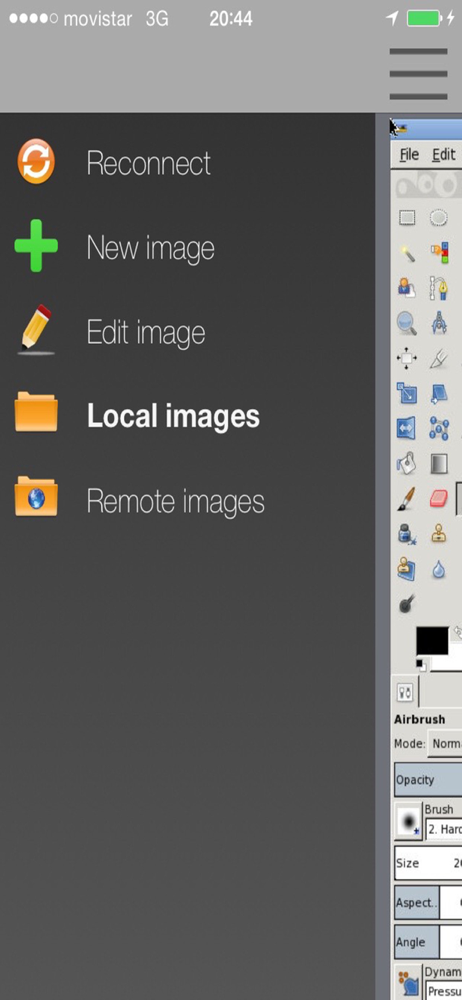
First of all, I can't import any photos from my device into the local editor. I have an 11 pro. I can create a new image, then edit the blank image, but how do you make an image editor t h a t d o e s n t i m p o r t i m a g e s??? Am I supposed to figure out how to move them into a special folder? ¯\_(ツ)_/¯ Then there's the remote editor. It looks just like the desktop version, only nothing is scaled to fit a mobile screen so you constantly zoom in and zoom out using buttons, not native gestures. Then ~I guess~ you can import your images but the zoom thing is a huge annoyance, plus it froze up before I had chance to see if I could actually import anything. Now it says to use an iPad or bigger screen, but this is ios not the ipad operating system so why is it even in the app store if it doesn't work with my device?? even if I did air play it onto a larger screen I still have to use that stupid zoom. As much as I love gimp, this port is pure trash and should be deleted from the app store.
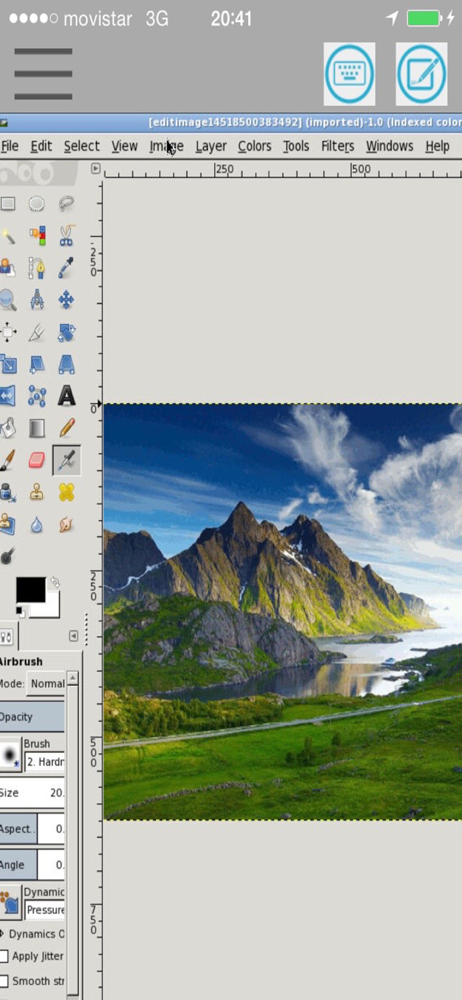
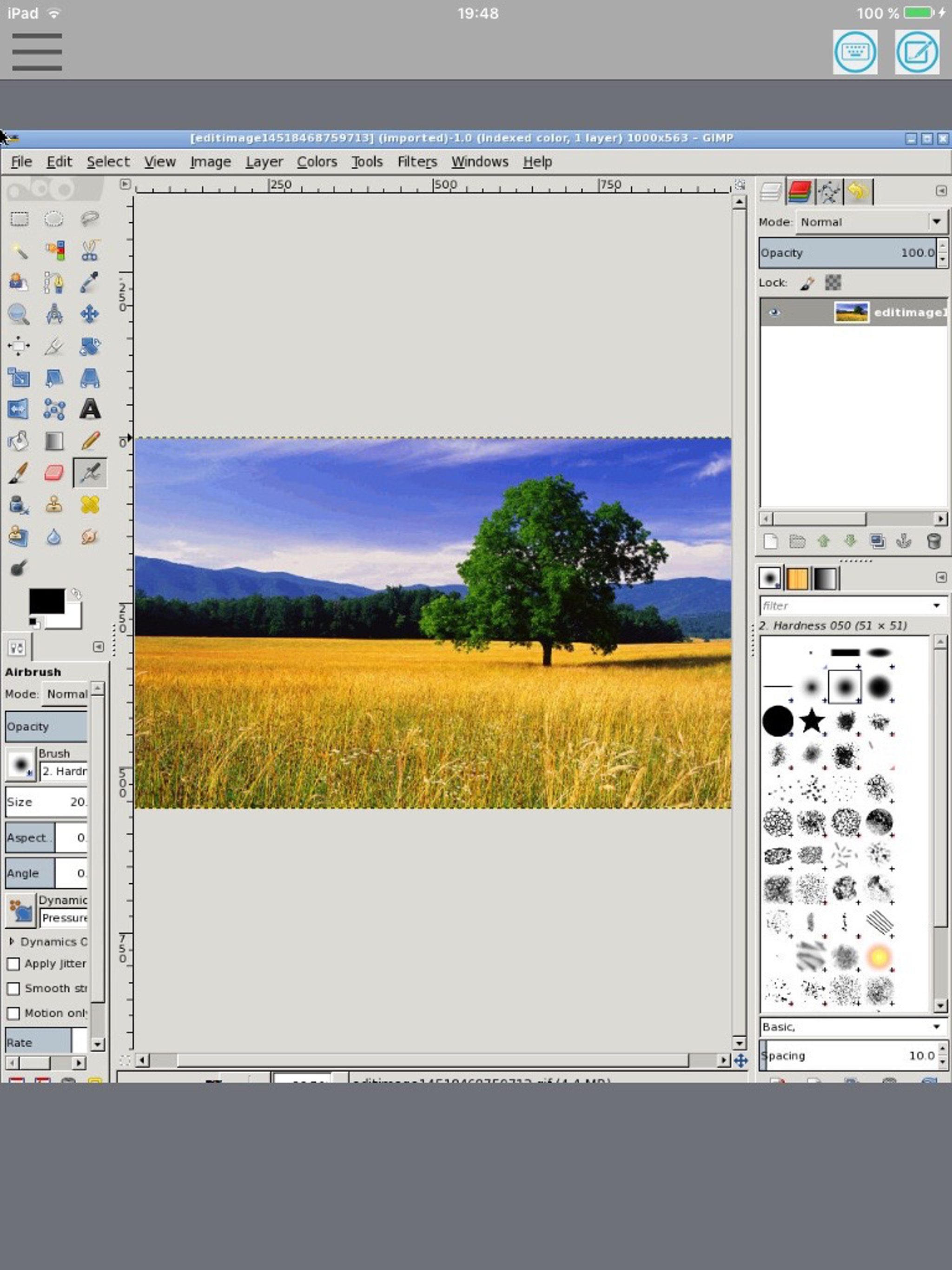
XGimp is an adaptation for iPhone and iPad of the app GIMP (GNU Image Manipulation), which is a freely distributed program for tasks as photo retouchi...