Check the acquisition promise
Read the store headline, screenshots and description. What problem is the app promising to solve?
Study the storefront ↗
Sounak Sarkar · iOS
Explore the ad evidence, study the storefront, and build your next acquisition hypothesis.
01 / Creative research
Read the store headline, screenshots and description. What problem is the app promising to solve?
Study the storefront ↗Explore apps with direct store-link matches. Compare their hooks and formats without assuming the same approach works here.
Browse observed advertisers ↗Store rankings and revenue estimates describe market context. They do not establish ad spend, conversions or ROAS.
Review the market context ↗02 / Storefront & product
Study the product story and store experience behind the acquisition funnel.


03 / Market context
Keep revenue, downloads and store rankings separate from advertising performance.
Okay here is what I did. First I could not install the regular app I use on this old iPhone 7 as it can only manage updates of iOS to 15.8.4 and well, so here I am. As a totally blind user and I am relieved to know this works with voice over. Many apps do not. Nobody often think about the fact that blind people need these things to. Thank you for using apple’s framework and properly labeling the elements, so far I have got into it. I have an iPhone 7 Concepst to my 12 Pro Max hotspot, my 12 pro max concert to boyfriends 12 pro and also have his windows laptop concert to my 12 pro maxx hot spot. Running this appp on the old 7, it identified not just its conclusion to my 12 pro max but also identified all the other devices as well and provided me the IP addresses as assigned u the 7. Since we are not all concerned to a single router, this is expecte that the IP address my 12 pro max differ…. Each iPhone, I believe, assigns its own up address since this is not a proper “netrwork’ but it did identify all 4 devices. I think its the $hiz ;-) still exploring but so far so good! Old reviews..apps change over time. :-)
Just a basic scanner. A better app would be one from the maker of your router. For instance, ASUS has a great iPad app for their routers. You can do everything from it. If you want to know WHAT those devices are, simply log into your router to see the MAC address of each and look them up online. If you’ve never logged into your router you probably never changed the default password, and if you’ve never changed the default password, you deserve to get hacked.
Trying to figure out what is all running on my wifi, (obviously thats what this app is for) Says it gives you the ability to name the devices, however it applies that name to all devices. Stupid.
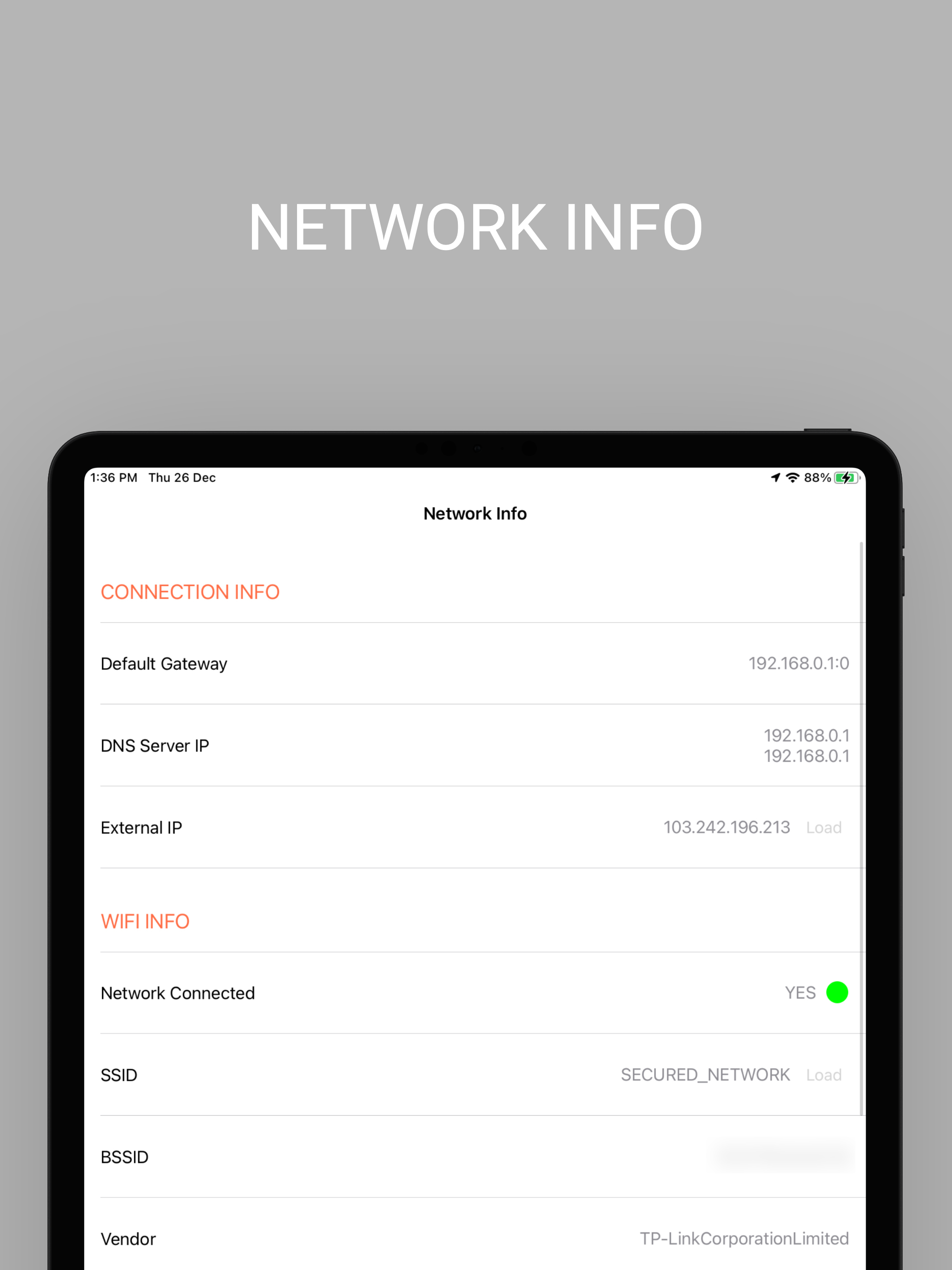
Share wifi password using QR code. Easily connect to WiFi. Features: * View network info (Connection info, Data Sim info, Wired device info, Wifi i...