
Check the acquisition promise
Read the store headline, screenshots and description. What problem is the app promising to solve?
Study the storefront ↗
Kirill Berezin · iOS
Explore the ad evidence, study the storefront, and build your next acquisition hypothesis.
01 / Creative research
Read the store headline, screenshots and description. What problem is the app promising to solve?
Study the storefront ↗Explore apps with direct store-link matches. Compare their hooks and formats without assuming the same approach works here.
Browse observed advertisers ↗Store rankings and revenue estimates describe market context. They do not establish ad spend, conversions or ROAS.
Review the market context ↗02 / Storefront & product
Study the product story and store experience behind the acquisition funnel.


03 / Market context
Keep revenue, downloads and store rankings separate from advertising performance.
The app is extremely finicky when connecting it to your bass meter. I have only ever had luck consistently connecting my bass meter through a wired connection to my windows laptop. 1. Turn on the bass meter 2. Plug it into your computer 3. Open the spl lab application on your computer 4. Select "next lab" in the options That's how it will work every time. Don't bother downloading the app for IOS.
Can’t get the meter to connect to this specific iPhone not sure if it’s the app problem or if my phone can’t detect the meter but having some issues
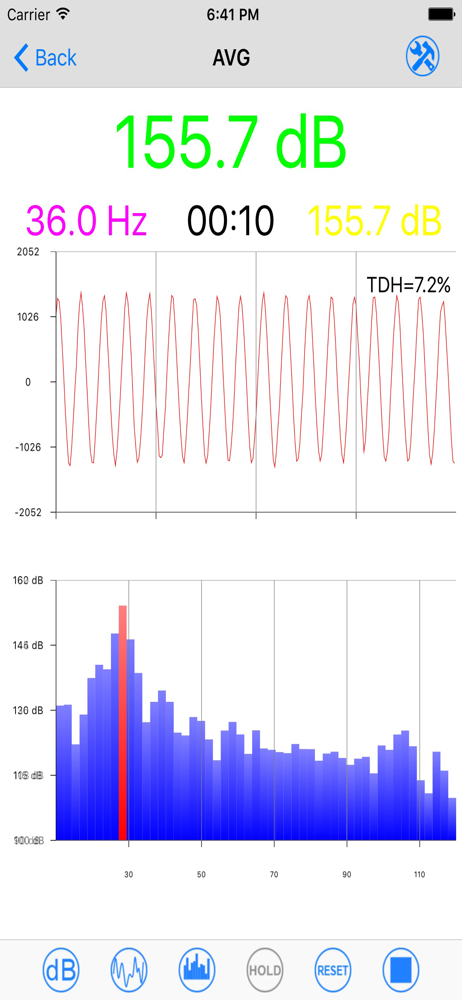
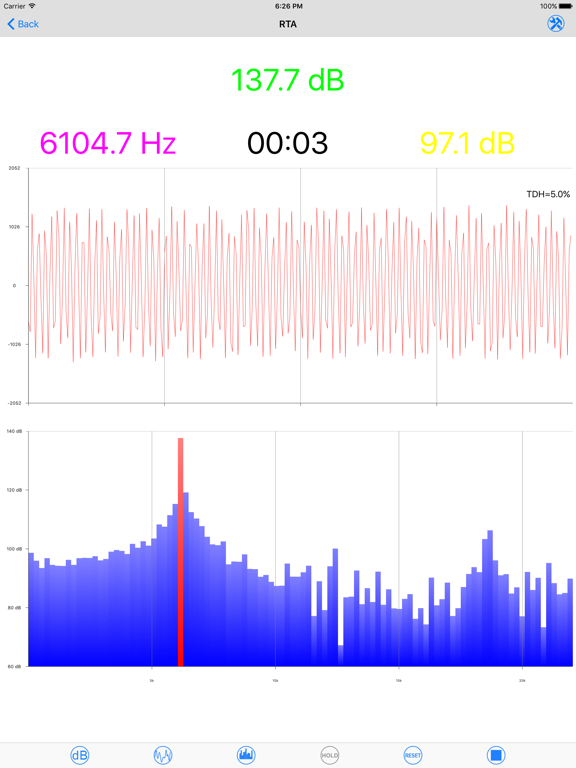
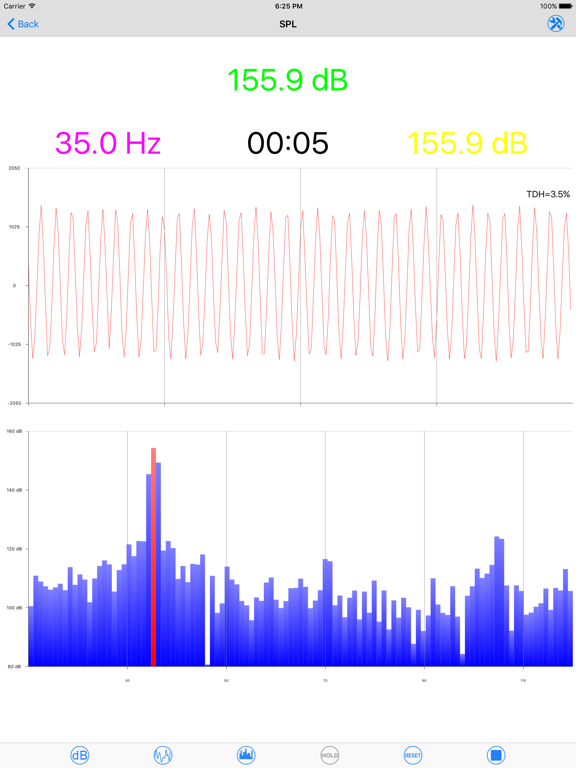
So there’s some bass haeds at work. We work crazy long days so we don’t have time to go to spl shows so I got a bass meter and I am really happy with it. We did some runs with it on the dash a sealed up on music to find out who’s really king of bass at work. This program and equipment is worth every penny for the accuracy and is about half the price of term labs
In modern world tablet PCs or smartphones are playing greater role in our lives. Devices, comparable in power with personal computers, gained a big pa...


