
Check the acquisition promise
Read the store headline, screenshots and description. What problem is the app promising to solve?
Study the storefront ↗
Obied Corner Software · iOS
Explore the ad evidence, study the storefront, and build your next acquisition hypothesis.
01 / Creative research
Read the store headline, screenshots and description. What problem is the app promising to solve?
Study the storefront ↗Explore apps with direct store-link matches. Compare their hooks and formats without assuming the same approach works here.
Browse observed advertisers ↗Store rankings and revenue estimates describe market context. They do not establish ad spend, conversions or ROAS.
Review the market context ↗02 / Storefront & product
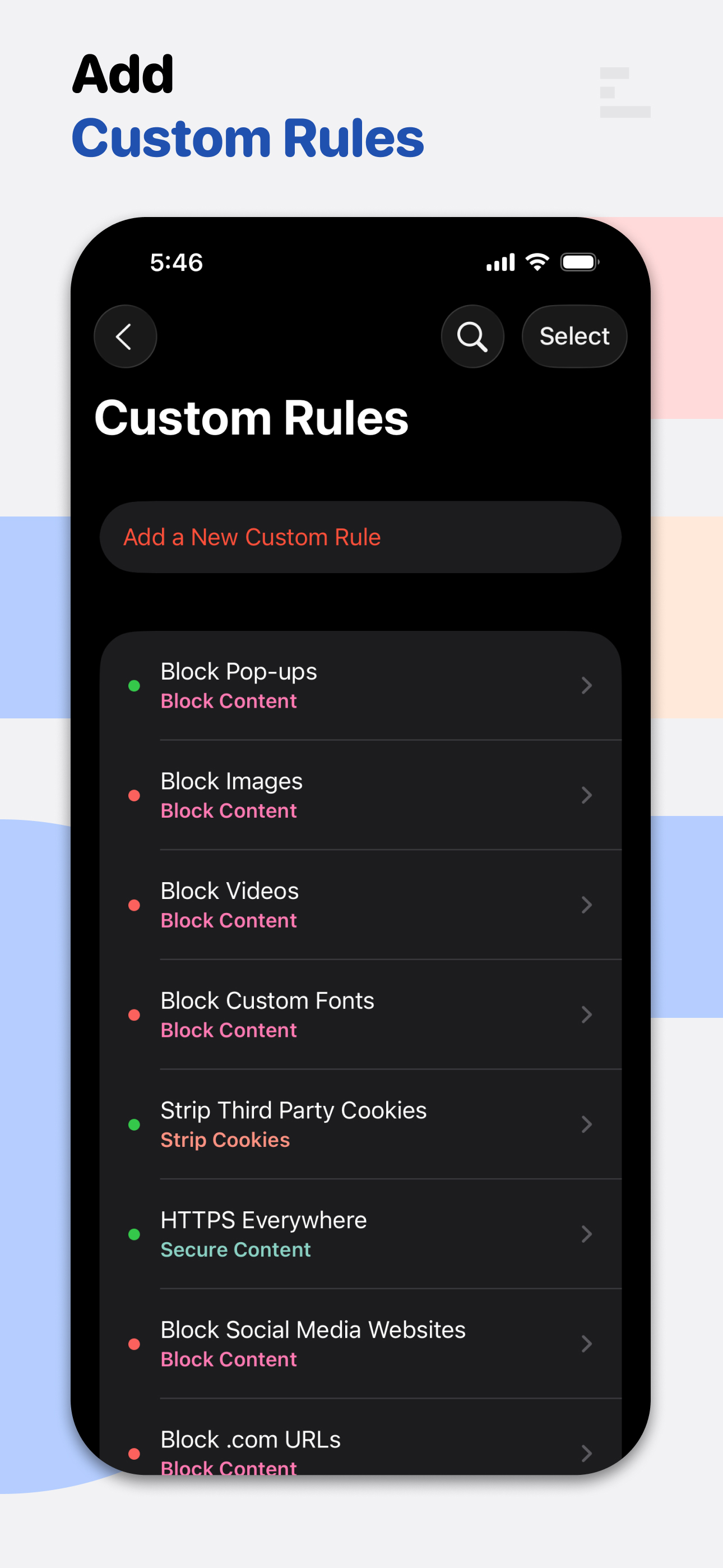
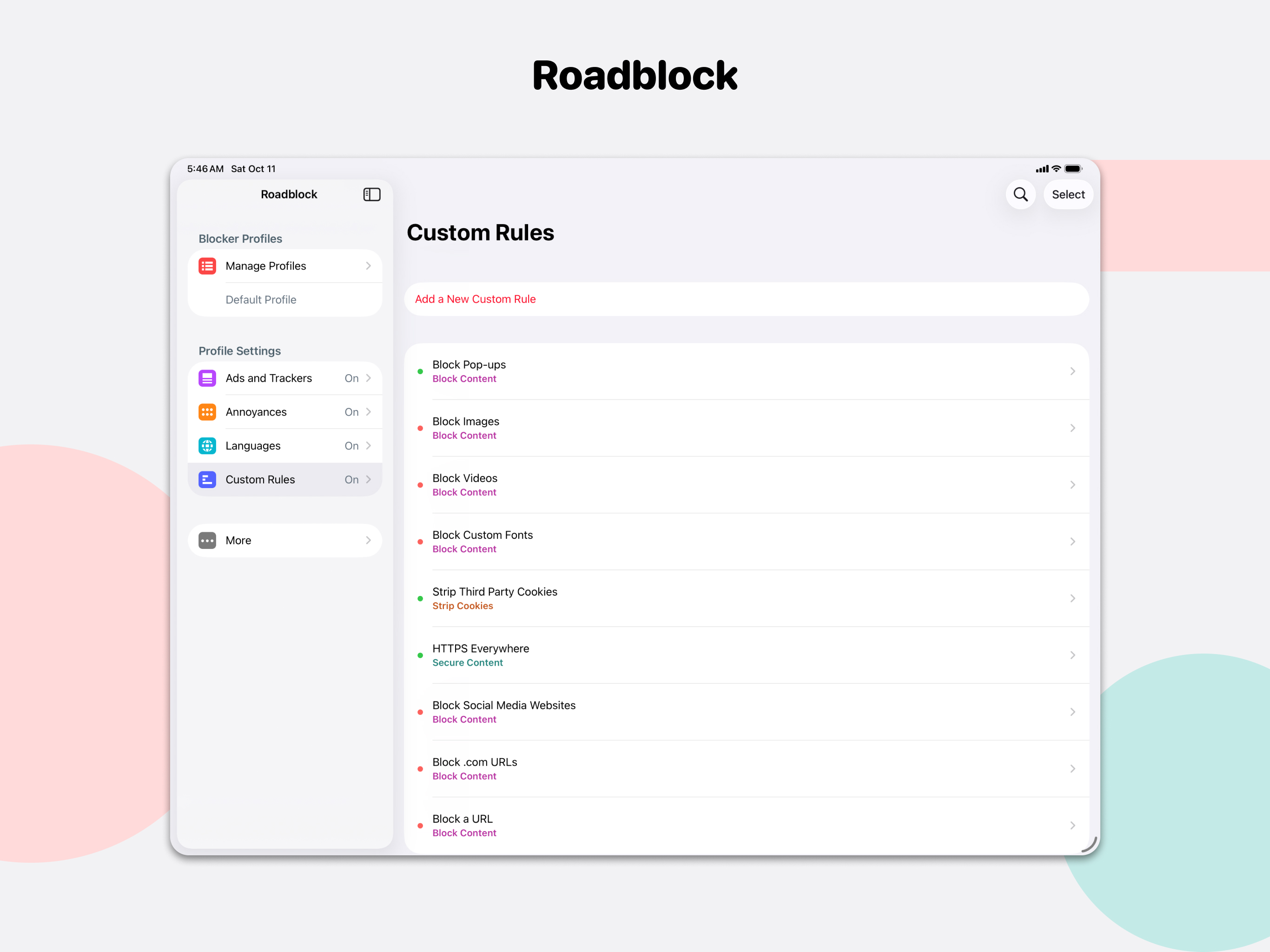
Study the product story and store experience behind the acquisition funnel.



03 / Market context
Keep revenue, downloads and store rankings separate from advertising performance.
App works very well, I just wish I had the ability to quickly whitelist sites instead of having to go through the app and whitelist it manually every time I set a rule. If it had that,I think this app would be a perfect and quick solution for its users!
I wanted a content blocker that could eliminate annoying modals (popup elements that do not move with scrolling) on some websites I like to frequent, all without needing full website access. Roadblock custom rules lets me do this! My only concern is the difficulty to use this feature. Fortunately I have experience with some lesser content blockers (and browser developer modes and javascript) so I knew to write “[class^=modal]” in the Hide Content “selector” rule, otherwise figuring out how to block would have been impossible. The online guide has almost nothing to say about how to figure out what to write in the “selector” section. Some instructions and a few examples would be helpful here! Otherwise, your app is small, sleek, syncs, and well worth the $2 for custom rules and a privacy-respecting design. Thank you!
Nothing could be found anywhere that allows for automatically downloading and automatically playing videos to be blocked. It was as if the app store is in cahoots with the large telecoms so that they can hook everybody on their useless overpriced 'unlimited' plans. Just two or three news related websites (yes the mobile versions!) would end up costing me over 150mb in data alone. With blocking video, it reduces that data usage down to under 3mb. Its a life savor if you are on a pay-as-you-go plan and do knot want to spend money on a useless 'unlimited' plan that inly gets throttled, anyway. The one time fee for this feature in the app will pay for itself very quickly.
Control your web browsing experience with Roadblock, a powerful and lightweight content blocker for Safari. Roadblock blocks unwanted content, protect...
| Name | Price | Type |
|---|---|---|
| Premium (1 Month) | $0.99 | Monthly |
| Premium (Legacy) | $1.99 | One-time |
| Premium (1 Year) | $5.99 | Yearly |


