
Check the acquisition promise
Read the store headline, screenshots and description. What problem is the app promising to solve?
Study the storefront ↗
Echo360 · iOS
Explore the ad evidence, study the storefront, and build your next acquisition hypothesis.
01 / Creative research
Read the store headline, screenshots and description. What problem is the app promising to solve?
Study the storefront ↗Explore apps with direct store-link matches. Compare their hooks and formats without assuming the same approach works here.
Browse observed advertisers ↗Store rankings and revenue estimates describe market context. They do not establish ad spend, conversions or ROAS.
Review the market context ↗02 / Storefront & product
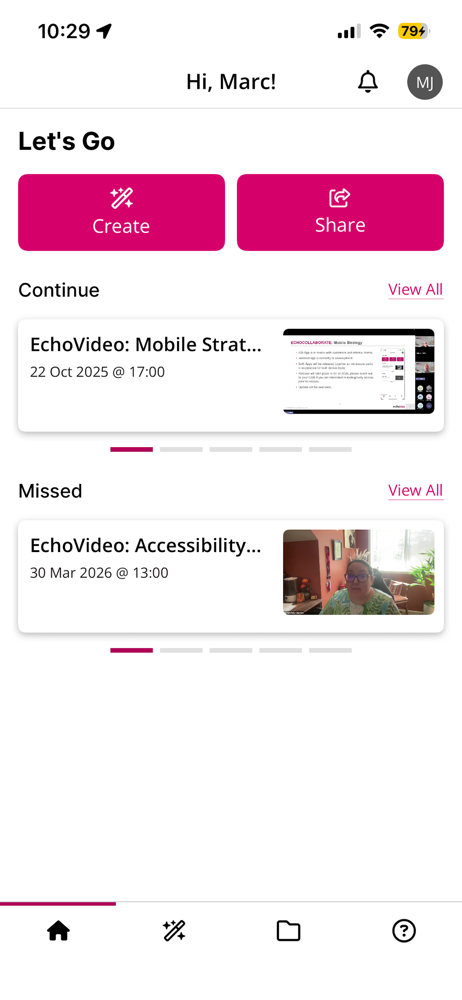
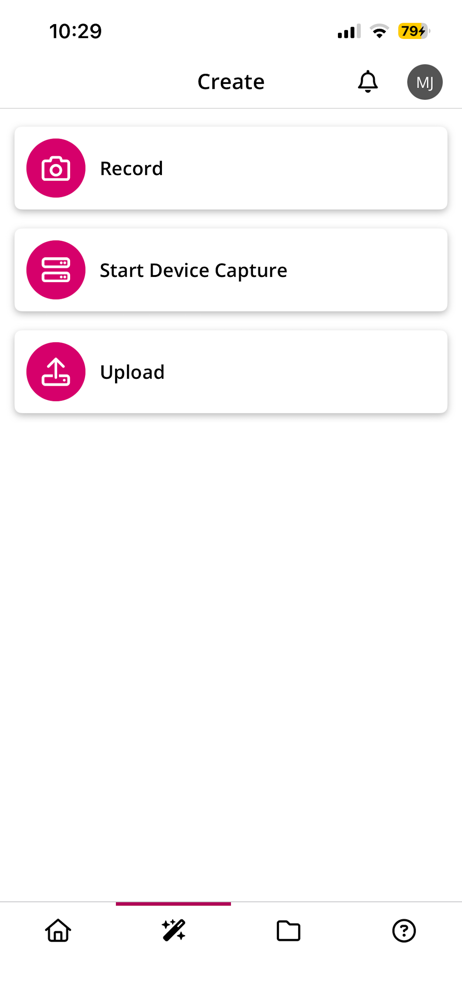
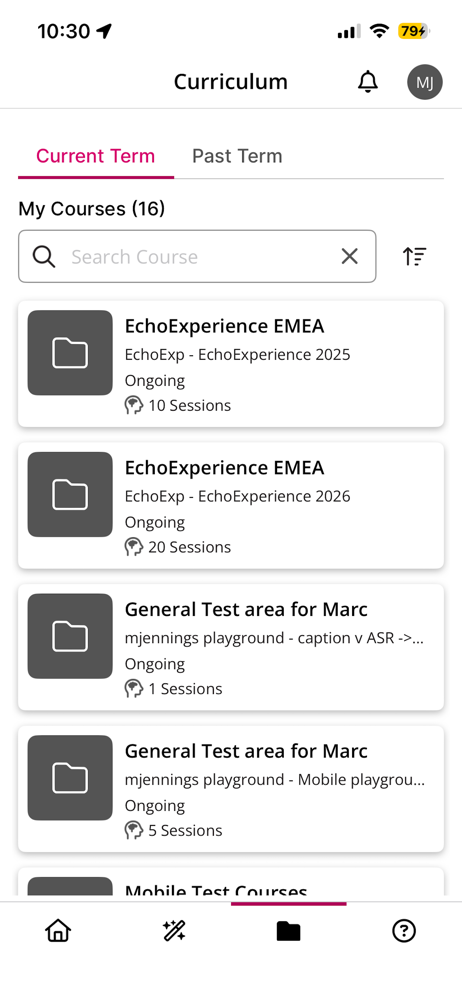
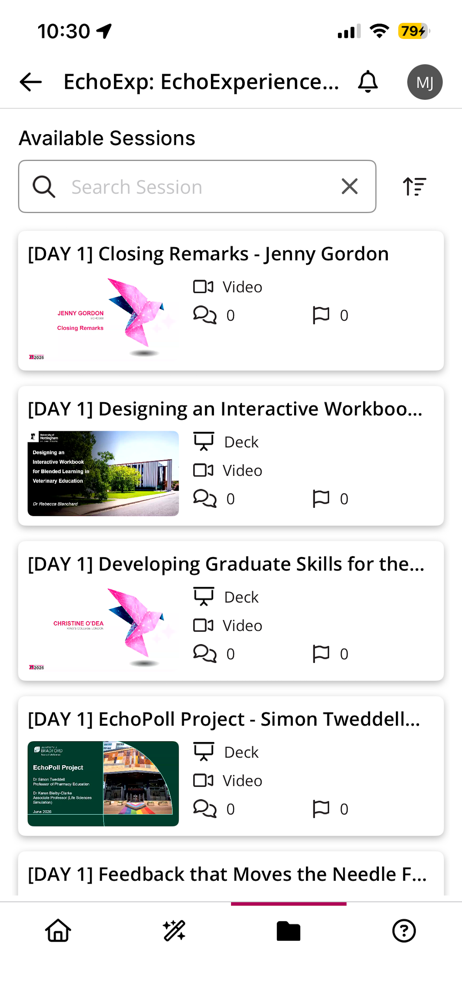
Study the product story and store experience behind the acquisition funnel.
03 / Market context
Keep revenue, downloads and store rankings separate from advertising performance.
Is this really the best you can do? All the devs that were a part of this app development absolutely failed. This app barely works. Not sure who is in charge as far as development and budgeting but you absolutely missed the mark. For an app that’s supposed to help students, this is by far the most basic and yet is done poorly. Do you even read the reviews? It’s terrible. If I was a lead for an app or the company behind it, I would be ashamed to attach my name to this app. Hugely disappointing. Needs an overhaul. Also, posting copy and paste responses are of no help. Really shows how much care is placed on consumers… which is none. Issues list: Always logs you out for no reason / video quality is in 360p / audio quality is 2005 / app itself is extremely glitchy and consistently crashes / and many more.
The app will not stay logged in, and it does not take echo360 login. Only LMS login which is tied to two factor auto so every time I want to watch a new video I have to go through the whole process. It also does not work with any password manager like the one built into the iPhone so I have to manually fill out my password every time then 2FA and hope that does not close the app and restart the whole process like it sometimes does then I get maybe an hour and have to do it all over again
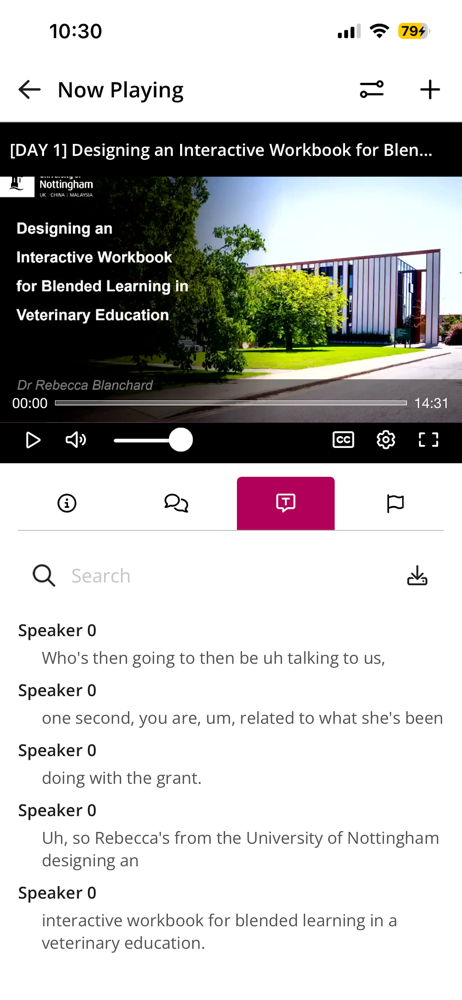
My only big issue right now has to do with split screen multitasking. *Every time* you multitask with the app and it’s taking up a quarter of the screen, the side bar protrudes into view. I usually will have my note taking app taking 3/4 of the screen and the video lecture in the left 1/4. Doing this causes that left side bar (course term selection screen) to obscure the lecture video. Thank you for adding the ability to do “Audio Only” lectures and also I can now have the lecture open in Slide Over, and listen to the lecture while having my note taking app full screen.
EchoVideo helps learners, educators, and staff stay connected through secure video - whether you're learning, teaching, training or sharing knowledge....
