
Check the acquisition promise
Read the store headline, screenshots and description. What problem is the app promising to solve?
Study the storefront ↗
Kevin Chang · iOS
Explore the ad evidence, study the storefront, and build your next acquisition hypothesis.
01 / Creative research
Read the store headline, screenshots and description. What problem is the app promising to solve?
Study the storefront ↗Explore apps with direct store-link matches. Compare their hooks and formats without assuming the same approach works here.
Browse observed advertisers ↗Store rankings and revenue estimates describe market context. They do not establish ad spend, conversions or ROAS.
Review the market context ↗02 / Storefront & product
Study the product story and store experience behind the acquisition funnel.
03 / Market context
Keep revenue, downloads and store rankings separate from advertising performance.
Update: Even better now after being updated, and definitely still the best. Just about perfect. 👌🏽 Came to rate this app again after just using it, and realizing how much I actually use it and enjoy doing so. It just works like it should, and has a great widget. I was surprised to see it hadn’t been updated in 2 years after reading other comments about it being abandoned. While I do hope for and look forward to future updates if needed, I now use an iPhone 6s+ running 13.4.5 and have no problems. That said, I don’t sync with other devices, only for backup. So I don’t have the problem others have wrote about. I read a comment about there being a maximum of 1000 clippings. That is only an unlisted/inbox maximum. You have unlimited clippings when they are assigned to a list/folder you create, with the IAP. I wrote this review in Copied and assigned it to my AppStore Reviews list. I highly recommend purchasing Copied+ as the best iOS clipboard manager.
Really handy app! Been on it about 6 months so far and still like how easy it is to save to in any device (laptop, desktop, cellphone, tablet) and retrieve on another. Saves title and link. Would prefer the option to save the text too for reading later offline or to save both link and text. Maybe that’s a setting I haven’t discovered. Also need to be disciplined so you don’t overwhelm yourself! A simple way to search and re-sort the links would be nice.
I used to have another app that did this kind of thing, but it wouldn’t work after iOS 11.. I especially like the merge feature. I can copy several things from the clipboard in the sequence, and then merge them together into one large item and do something with it. The ability to move items into a sublist for separate handling is also pretty cool. And it seems to have several features I haven’t even explored yet, and lots of customization. This thing appears to do for text and the clipboard, what I catcher does for podcasts… Allows simple use cases for those who just need something fast, but has a lot of deep powerful features for us crazy feature addicts and power users. Only one criticism I have to mention: some of its interface is not really accessible to voiceover users. I have noticed pictures and icons that do not have accessibility labels, and some of those are buttons that do things and a user who can’t see them has to kind of guess what they are for. I wish they would fix that.
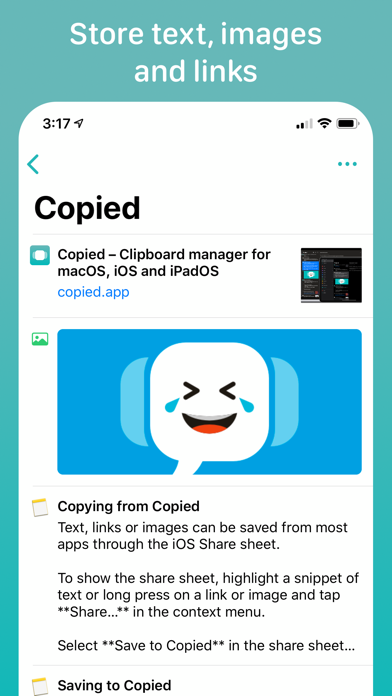
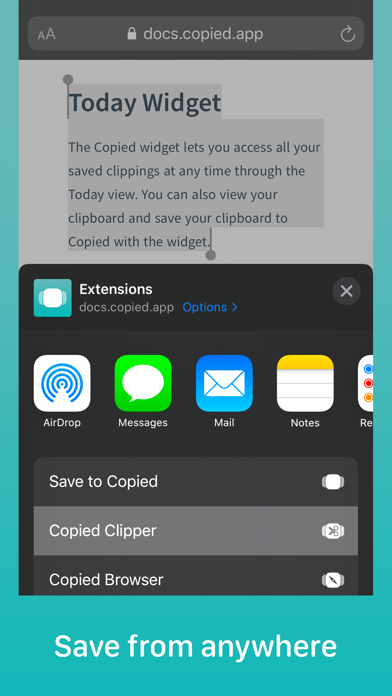
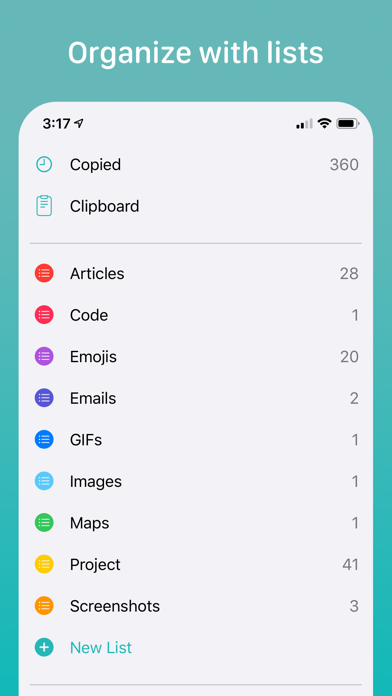
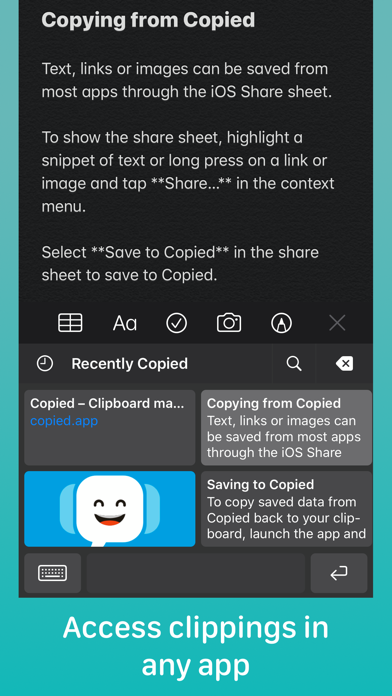
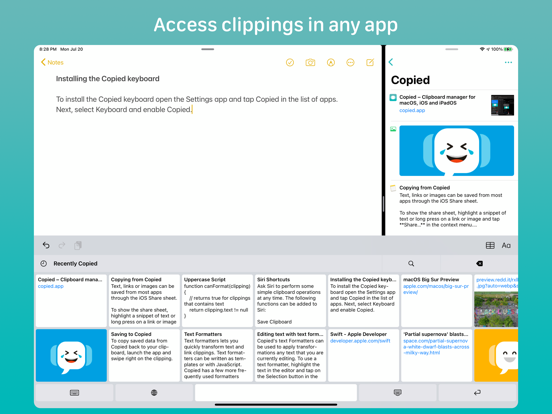
Use Copied to save snippets of text, images and links quickly. Edit your clippings and organize them in lists. Access your clippings easily and use th...


