
Check the acquisition promise
Read the store headline, screenshots and description. What problem is the app promising to solve?
Study the storefront ↗
La Crosse Technology · iOS
Explore the ad evidence, study the storefront, and build your next acquisition hypothesis.
01 / Creative research
Read the store headline, screenshots and description. What problem is the app promising to solve?
Study the storefront ↗Explore apps with direct store-link matches. Compare their hooks and formats without assuming the same approach works here.
Browse observed advertisers ↗Store rankings and revenue estimates describe market context. They do not establish ad spend, conversions or ROAS.
Review the market context ↗02 / Storefront & product
Study the product story and store experience behind the acquisition funnel.

03 / Market context
Keep revenue, downloads and store rankings separate from advertising performance.
I like this app it gives me all the information I want with a very friendly user interface. It’s simple to use. I have a VA1 WiFi projection alarm clock that I absolutely love. This is the best projection alarm clock. It was easy to set up using this app. It projects a very bright time/temp&humidity that you can even see in daylight. The projection and clock display brightness are both adjustable. It is very easy to program and has a lot of adjustability. The clock has a beautiful color display. The controls are very intuitive and easy to use. You don’t have to but if you connect the clock to WiFi it gives you the correct time ,date ,indoor,and outdoor temperature and humidity,the high and low temperature and the acu weather forecast for the next 12 hrs. I especially like that the time is always accurate without having to depend on an atomic clock connection. At 2 AM this morning the display went blank. I clicked on the contact us section in this app and used the AI bot. It gave me detailed instructions on how to fix my problem. I followed the instructions and my clock is working perfectly. After rebooting my clock it automatically connected itself to my WiFi and set itself. It was very convenient being able to fix my clock this early in the morning. I thought I was going to have to return it. I also like being able to set an alert if the temperature in my home drops below whatever temperature I set in the app.
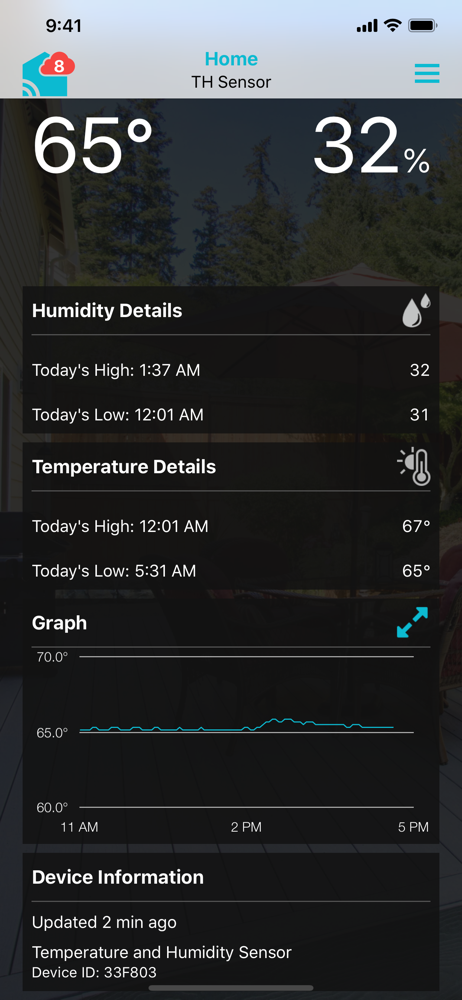
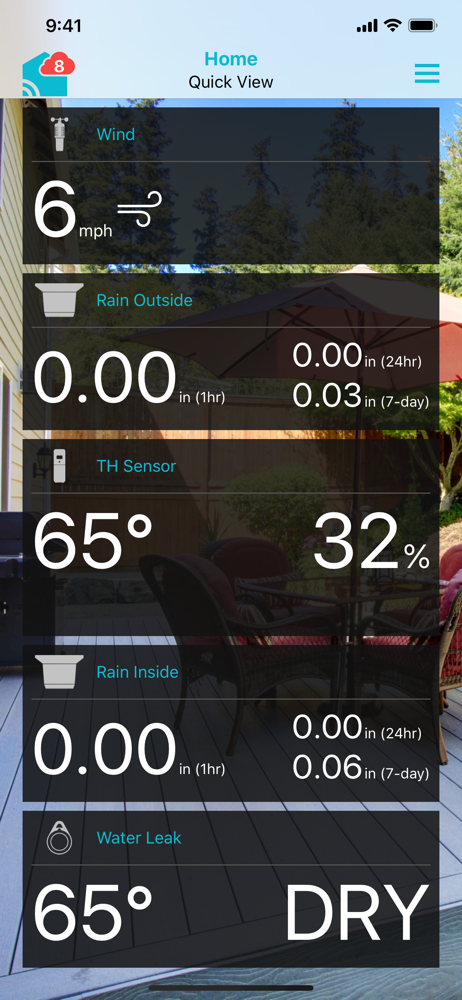
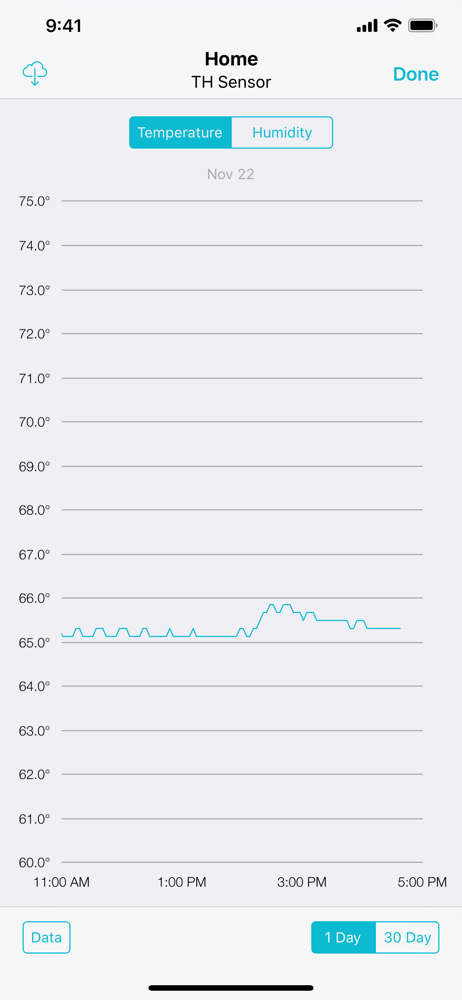
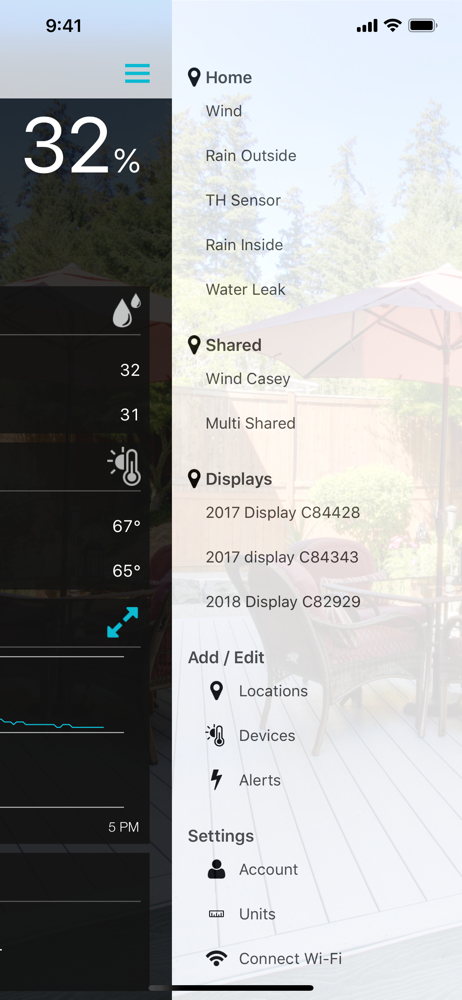
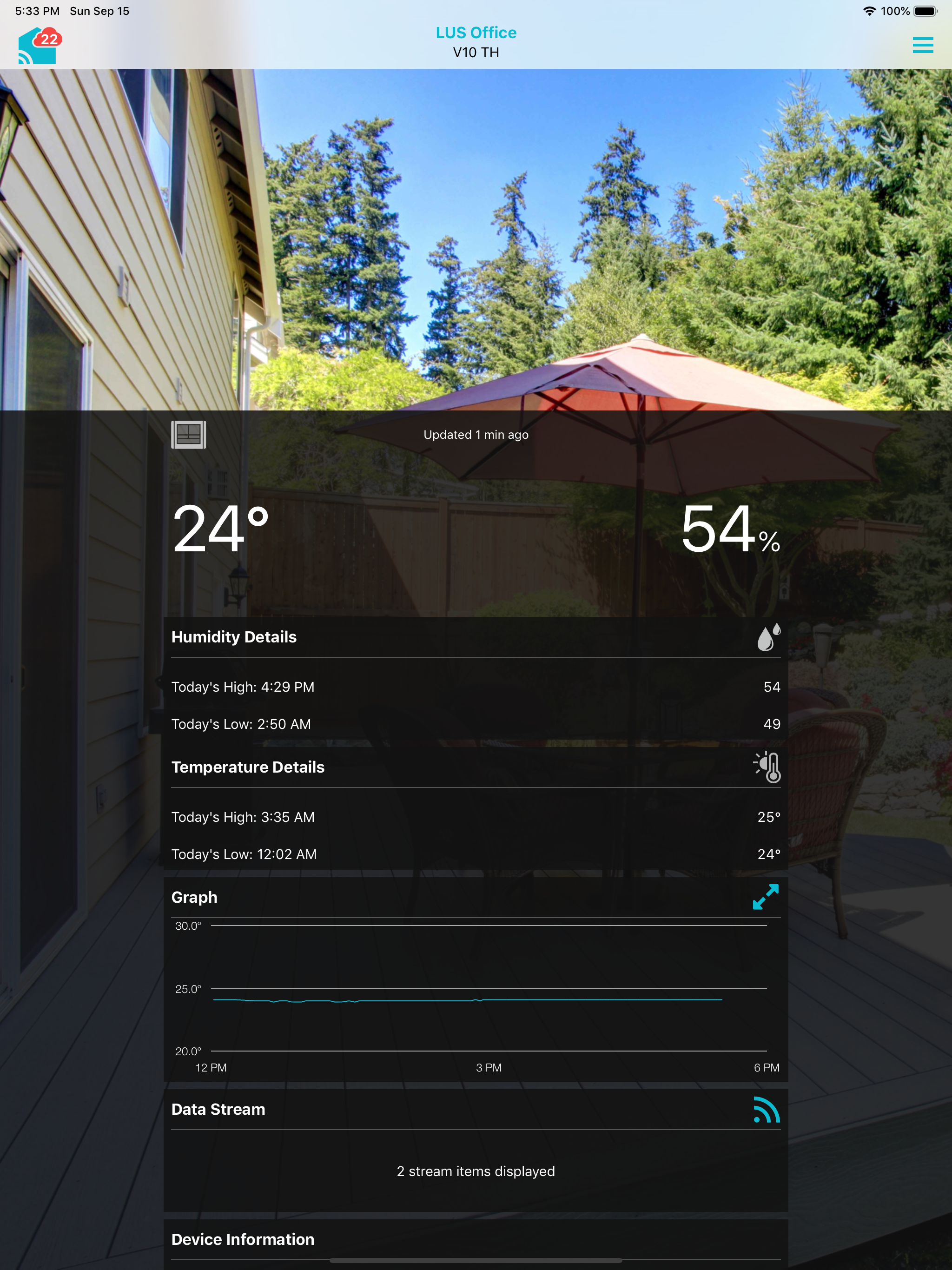
First let me say - We love our La Crosse weather station! We do NOT love the App for viewing on our phones or computer. It’s not user friendly - it slides between each devices reading which makes it hard to read the screen, the display of temp, humidity and the graphs are placed in a cumbersome order causing one to double look and check again before realizing what your looking at, each devices screen is basically the same so your searching for the reference- “Am I looking at Wind or Rain or Inside or outside Temp” the reference is like an after note at the top of the page and since the pages slide between each device it’s difficult at best reading your information. The graphs are great ideas but very basic, not real easy to read. This App has good ideas it just needs to be massively updated with different colors (get rid of the hard to read light blue colored fonts!), defining pages that swipe between devices (not flow between devices), make the statistics for each devices page literally on the page so I don’t have to continuously scroll down to read everything, maybe define each device in your App like La Cross does on the weather panel so that every device and its reading is consistent throughout the La Cross brand. La Crosse has a good product hopefully they can make it better by improving their Software. Update: The App WiFi keeps disconnecting from the La Crosse display, I call and they say they will send me a new screen product-we’ve gone through 4 in 9 months!!!
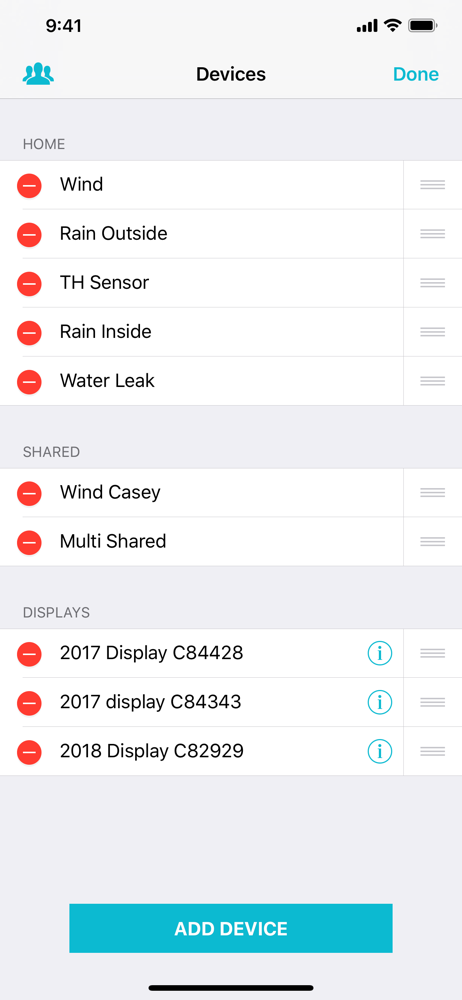
Got this as a unexpected gift and had no idea the amount of detail it actually offers. The set up was good with one issue: No Wireless MAC Address label to be found. So I disabled my MAC filtering on the WiFi router, connected it, went into my router’s settings on the internet and saw the address that way, added it to my address list and re-enabled the filter. The app works seamlessly on an iPhone 7 Plus. I have experienced zero issues. You can also add other sensors that you buy for a cottage, barn, or dog house etc and use your personal pictures as a background for each location of the sensor you wish to see readings on. This set up with the app and device is working so far. I’ll update my review in 2 months but as of now it works perfectly. -Update- 4 months later and everything is going good sensor wise but display wise there’s issues. I just managed my data stream, deleted cloud cover which only reads a percentage and says auto/auto next to it in the ticker, deleted snow accumulation which read normal, added wind speed, and possibility of damaging thunderstorms, and for some reason it won’t update correctly and I get an error in the app. I took two stars away
La Crosse View is the companion app for La Crosse Technology Wi-Fi Weather Stations and Alert & Monitoring Systems. Stay connected to your environment...