Check the acquisition promise
Read the store headline, screenshots and description. What problem is the app promising to solve?
Study the storefront ↗
SUNY College of Environmental Science and Forestry · iOS
Explore the ad evidence, study the storefront, and build your next acquisition hypothesis.
01 / Creative research
Read the store headline, screenshots and description. What problem is the app promising to solve?
Study the storefront ↗Explore apps with direct store-link matches. Compare their hooks and formats without assuming the same approach works here.
Browse observed advertisers ↗Store rankings and revenue estimates describe market context. They do not establish ad spend, conversions or ROAS.
Review the market context ↗02 / Storefront & product
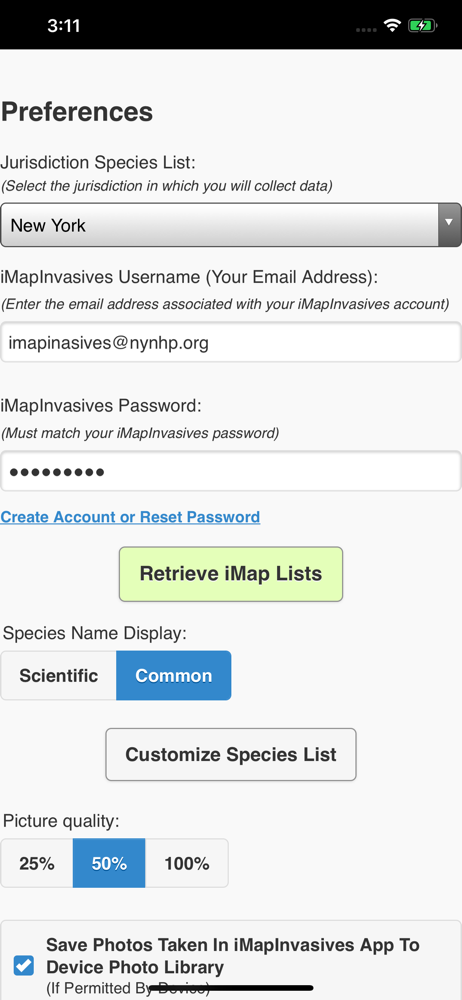
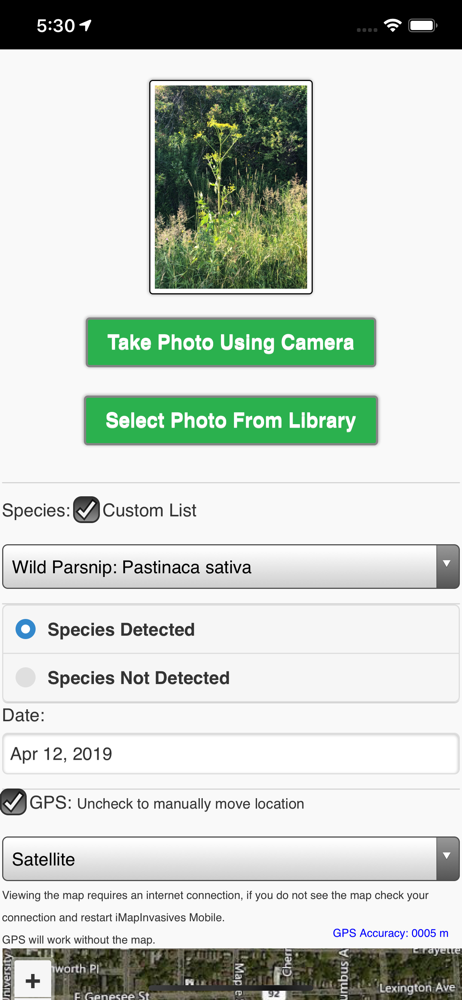
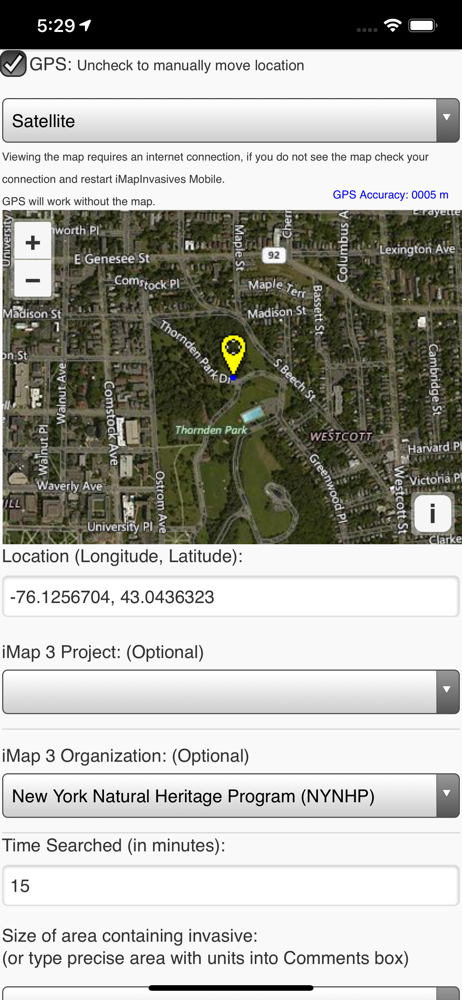
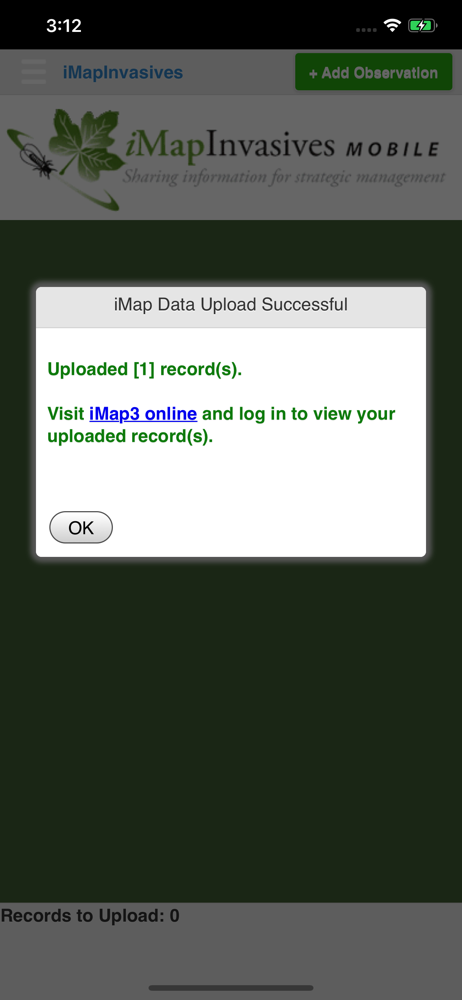
Study the product story and store experience behind the acquisition funnel.




03 / Market context
Keep revenue, downloads and store rankings separate from advertising performance.
If you go to report an invasive but change your mind there is no way to close the reporting screen or go back to the home screen
App works well but improvements could be made. Particularly, reference pictures of the invasive species would be helpful- rather than just a list of names. Without this function, it leaves users having to bounce between the app and their internet browser to see what each item listed looks like.
Using an iPhone6 and iOS 8.3(12F70) the application is impossible to use on my phone. The selection species list comes up as none for every option. I've seen it work on other phones, and the app looks great, but it seems to have bugs.
iMapInvasives Mobile helps you report invasive species locations to your online iMapInvasives account by using your mobile device camera and GPS. You...