
Check the acquisition promise
Read the store headline, screenshots and description. What problem is the app promising to solve?
Study the storefront ↗
Apimac · iOS
Explore the ad evidence, study the storefront, and build your next acquisition hypothesis.
01 / Creative research
Read the store headline, screenshots and description. What problem is the app promising to solve?
Study the storefront ↗Explore apps with direct store-link matches. Compare their hooks and formats without assuming the same approach works here.
Browse observed advertisers ↗Store rankings and revenue estimates describe market context. They do not establish ad spend, conversions or ROAS.
Review the market context ↗02 / Storefront & product
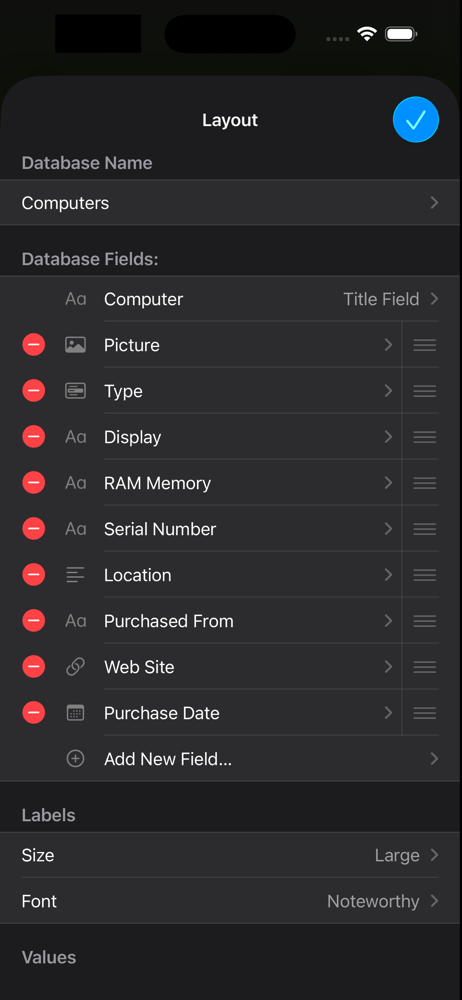
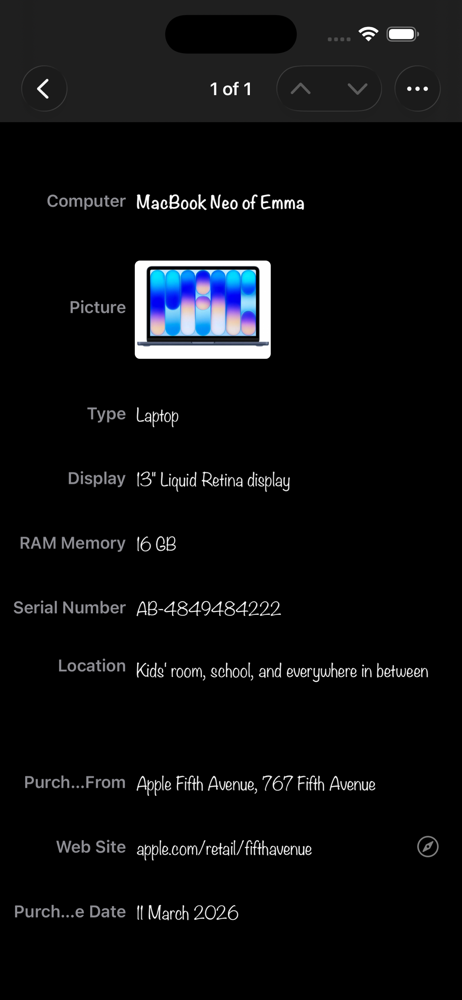
Study the product story and store experience behind the acquisition funnel.






03 / Market context
Keep revenue, downloads and store rankings separate from advertising performance.
It’s a great database builder for simple things. It freezes and gets locked up when making a data entry sometimes(fixed by restarting app). Lucky when hat happens no data is lost. If the developers attempted they could do so much more with this app. For starters they could make a Windows interface because the one they have is only available for Mac. Second they could make the back-ups automatic. Third they could make the calculations with ability extract information from other fields and then perform calculations(like in Excel or numbers app). I would pay more for these features if they offered it.
Has to be backed up to Dropbox after each session, otherwise, you’ll get duplicates and lost info. Lots AND lots of duplicates. Requires a lot of patience. The app version has limitations that the desktop version doesn’t. (For example: you cannot move template entries, side-by-side on the app, only on the desktop version. Exporting to Numbers or Excel is hit and miss, but it could be the version of Excel I have. Update 12/11: I just purchased TapFroms. It’s $50 for the desktop version, and $17 for the iOS version, but it automatically syncs through iCloud! No more info getting lost, duplicated or overwritten! Pricey, but the stress you’ll save yourself will be worth it. TapForms is also more adaptable and extensive in features. Don’t get me wrong. For simple database apps, iDatabase is just fine for small collections. (I do automotive brand evolution research in my spare time, so I have several hundred thousand entries with several additional subcells, that I update whenever the mood strikes) But for the homeowner recording their inventory, or tracking their devices, etc., iDatabase is perfect.
After purchasing the app I find that BACKUP and EXPORT are NOT AVAILABLE without a dropbox—on-line account. The app description states that the database(s) can be stored locally without mentioning an on-line account creation requirement. This “small” contingency for BACKUP and EXPORT capability nullifies the promise for off-line access. *True privacy* is when you don’t give your information—i.e. medical records, health related data, sensitive data—to any and all that state they can be trusted (not to financially prosper from collected data, not to borrow creative rights, not to disclose intentionally or have data lost/copied by disgruntle employee or anyone that wants to wreak havoc) Daily living may request information for an office to track via an office visit or postal mail, but why should I jeopardize myself to identity theft by using the “worldwide” web. **Basically, iDatabase advertised off-line feature without disclosing the true on-line requirement.
CREATE DATABASES IN SECONDS iDatabase is the simplest way to create and manage databases on your iPhone and iPad. No technical skills required. Organi...
| Name | Price | Type |
|---|---|---|
| Lifetime License | $59.99 | One-time |


