
Check the acquisition promise
Read the store headline, screenshots and description. What problem is the app promising to solve?
Study the storefront ↗
Foneric Technology Co.,Ltd. · iOS
Explore the ad evidence, study the storefront, and build your next acquisition hypothesis.
01 / Creative research
Read the store headline, screenshots and description. What problem is the app promising to solve?
Study the storefront ↗Explore apps with direct store-link matches. Compare their hooks and formats without assuming the same approach works here.
Browse observed advertisers ↗Store rankings and revenue estimates describe market context. They do not establish ad spend, conversions or ROAS.
Review the market context ↗02 / Storefront & product
Study the product story and store experience behind the acquisition funnel.


03 / Market context
Keep revenue, downloads and store rankings separate from advertising performance.
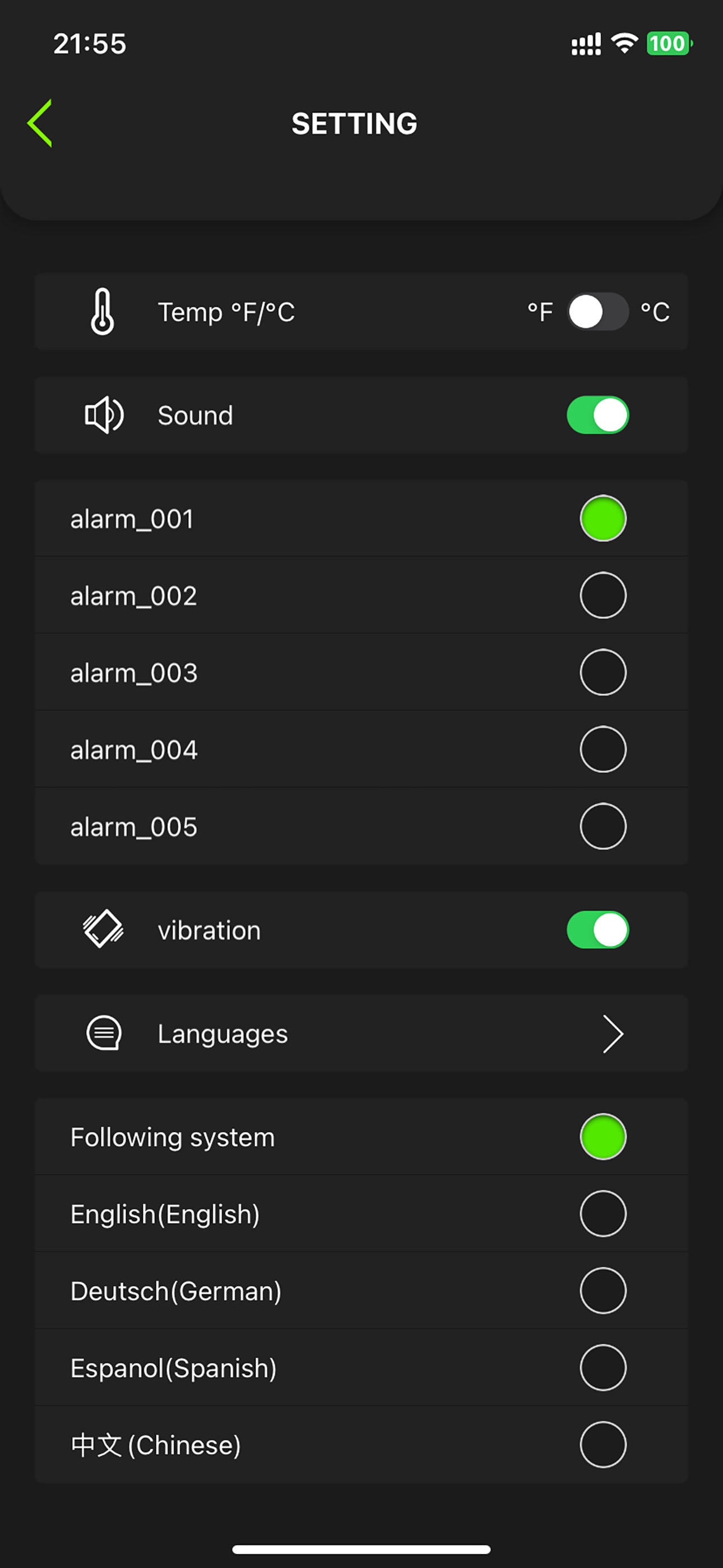
The temperature graph only includes the meat, not the ambient temperature. if they update the software to include the ambient temperature. Additionally, if I change my settings to Fahrenheit, the graph stays in Celsius.
The alarm is very low to the point you can not here it on iPhone. I will change my 3 star to a 5 star once the alarm is fixed. The Bluetooth thermometer works great just the alarm in the app is a 1 star rating.
There are definite issues in this app to amke it useful. When choosing Fahrenheit as the Unit, many of the graphs do not update from Celcius to Fahrenheit. When setting a custom temp alarm profile. One has to chose a photo from the photo library. Not acceptable. I should be able to skip or pick from available Icons. Custom cook profile does not save and one has to keep recreating ir. When choosing English as a language, Chinese characters appear when renaming custom profile in the rename window.
MW2 is the latest Wireless Smart Meat Thermometer that can help you cook meats perfectly every time. The MW2 app will together with the MW2 meat therm...


