Check the acquisition promise
Read the store headline, screenshots and description. What problem is the app promising to solve?
Study the storefront ↗
Wunderbear · iOS
Explore the ad evidence, study the storefront, and build your next acquisition hypothesis.
01 / Creative research
Read the store headline, screenshots and description. What problem is the app promising to solve?
Study the storefront ↗Explore apps with direct store-link matches. Compare their hooks and formats without assuming the same approach works here.
Browse observed advertisers ↗Store rankings and revenue estimates describe market context. They do not establish ad spend, conversions or ROAS.
Review the market context ↗02 / Storefront & product
Study the product story and store experience behind the acquisition funnel.




03 / Market context
Keep revenue, downloads and store rankings separate from advertising performance.
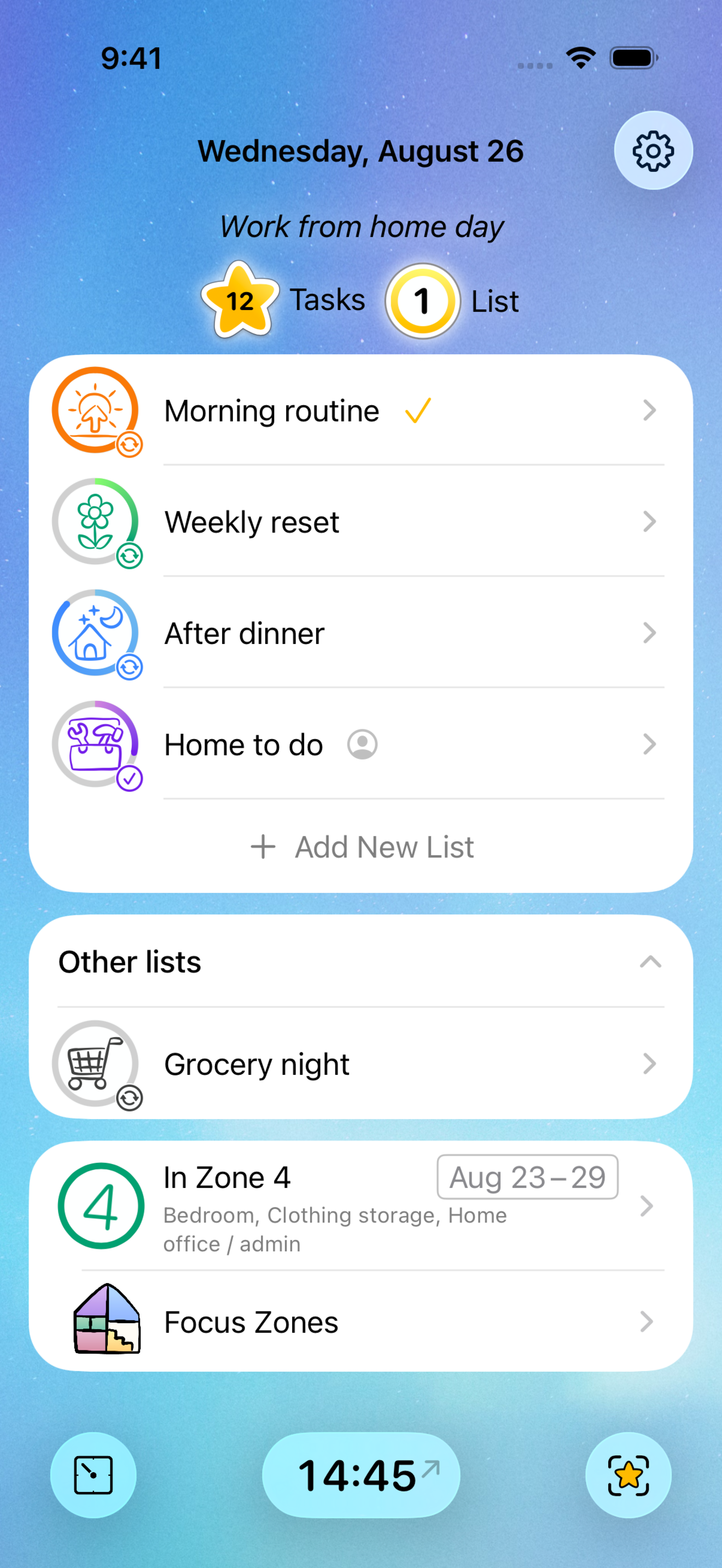
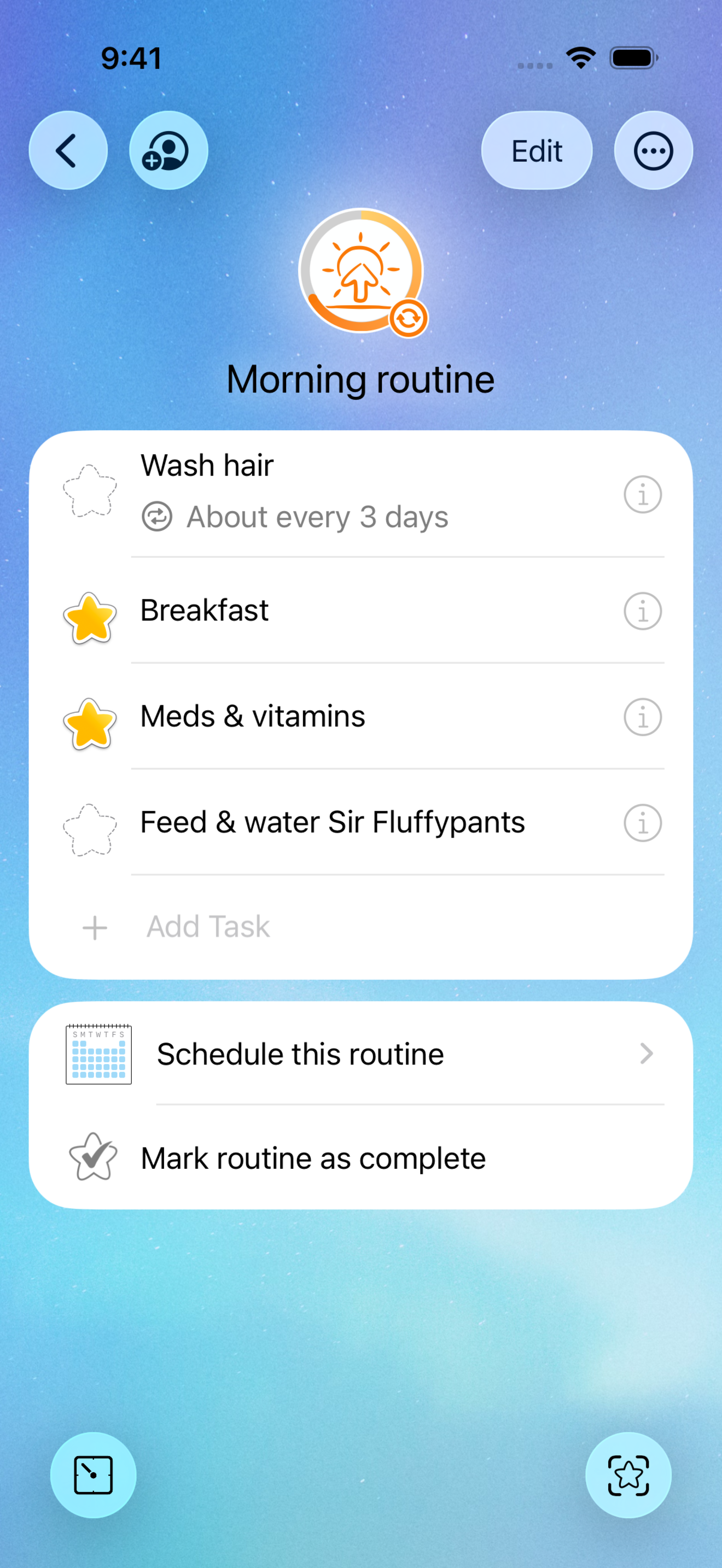
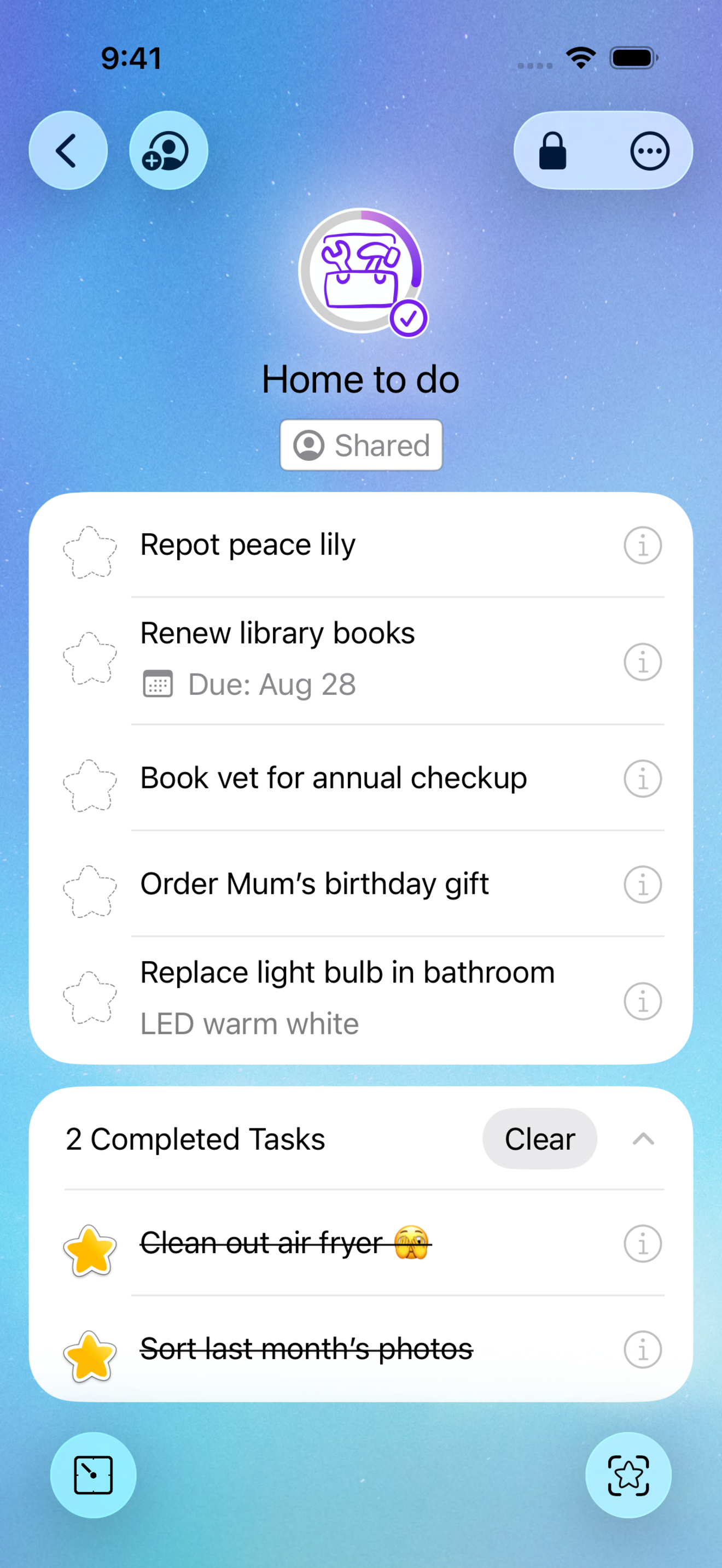
I’ve used the previous, basic version for years. I love it. It helps so much with my ADHD, being able to break down a larger task into smaller, less daunting tasks. Routines are so helpful, and being able to schedule them as needed keeps my list focused. I have many routines and many tasks. So I like to group them, for each part of the day. For example, several routines for mornings, as opposed to one extremely long list. And when the time is up (morning is over) I can move onto the next segment of the day knowing my routines will be there and I’ve had a chance to review them to ensure anything critical for today is complete. This review applies to the new version compared with the old. What I love: * Lists existing within routines, ability to switch routine to list and vice versa * Sections within lists/routines * New icons and colors for routines/lists * Notes on tasks. What I miss: * Daily messages. I used them a lot. * Links within tasks. You can still have them, but they’re not functional. * Today vs All views. Another feature I used a lot, for organizing routines. Wish List: * Notes on sections and routines. * Option to import To Do and Zone information There may be more in my wish list, but that’s it for now.
I absolutely LOVE Home Routines. So much so that I am moving all of my routines and to do lists from other apps I’ve tried over the years to Home Routines. I’ve used it long enough now to know that it does everything and more than other apps I have used. And they keep improving it. For some reason it’s so much easier to follow and less stressful. I think it’s because it’s so well organized. You can hide routines that are not scheduled for today or this month. You’re not overwhelmed with everything all at once. Once you get a routine the way you like it, you can duplicate it, rename it, and edit it for another area. For example your routine for cleaning your master bedroom would be similar to cleaning the guest bedroom. You can set routines to show daily, weekly, biweekly, or monthly. You can select it to show only on certain days or certain months. You know how easy it is to forget certain monthly or annual tasks - like changing the furnace filter or descaling your coffee machine? No more. You can just put it in a monthly or annual routine. You can also set up zones, but unlike other apps, you can leave them unscheduled, if you like. Home Routines will show you the last zone you were working in, which is the way I like to work - section by section. I don’t like to be halfway finished with a zone and have the app make me move on. Thumbs up, developers! You’ve done an amazing job!
I’ve been using the old Home Routines app for around 15 years. It changed my life! I’ve tried all the other popular productivity apps that have come up over the years, but none have been better than this one. This app helped me manage crazy busy mornings so my kids and I could start the day unfrazzled. Home Routines taught me how to break up chores into manageable sessions and kept track so I always knew what needed to be done. Just try it! And keep trying. Habits take time, but you’ll get there!
Take care of your home and everyday care responsibilities with Home Routines. Create adaptable routine checklists with reminders to keep you on track,...
| Name | Price | Type |
|---|---|---|
| Monthly Subscription | $1.99 | Monthly |
| Annual Subscription | $19.99 | Yearly |