Check the acquisition promise
Read the store headline, screenshots and description. What problem is the app promising to solve?
Study the storefront ↗
Ozymandias · iOS
Explore the ad evidence, study the storefront, and build your next acquisition hypothesis.
01 / Creative research
Read the store headline, screenshots and description. What problem is the app promising to solve?
Study the storefront ↗Explore apps with direct store-link matches. Compare their hooks and formats without assuming the same approach works here.
Browse observed advertisers ↗Store rankings and revenue estimates describe market context. They do not establish ad spend, conversions or ROAS.
Review the market context ↗02 / Storefront & product
Study the product story and store experience behind the acquisition funnel.



03 / Market context
Keep revenue, downloads and store rankings separate from advertising performance.
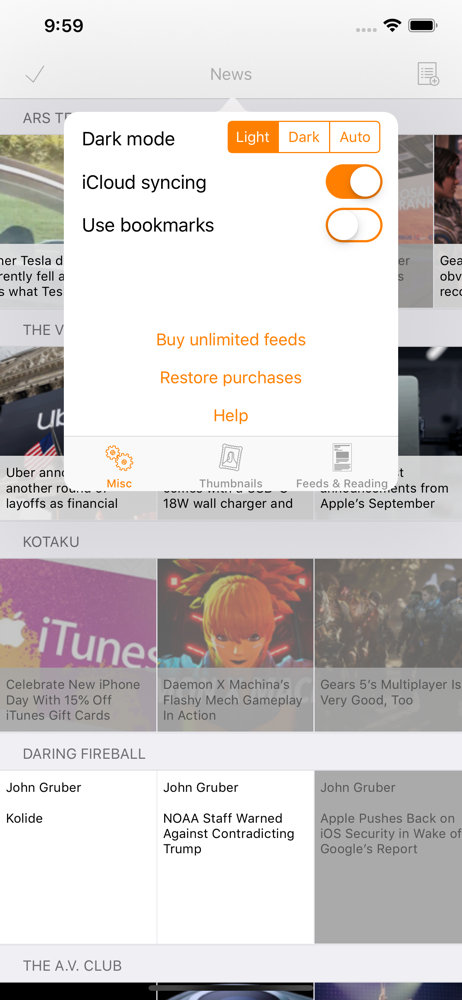
This RSS reader supports iCllid synching! Yes!!! If you’re having problems, make sure iCllid synching is turned on, and that your iCllid synching configuration is correct. If iCllid synching isn’t showing up or isn’t working for you, try restarting your device(s) and re-connecting before contacting the developer.
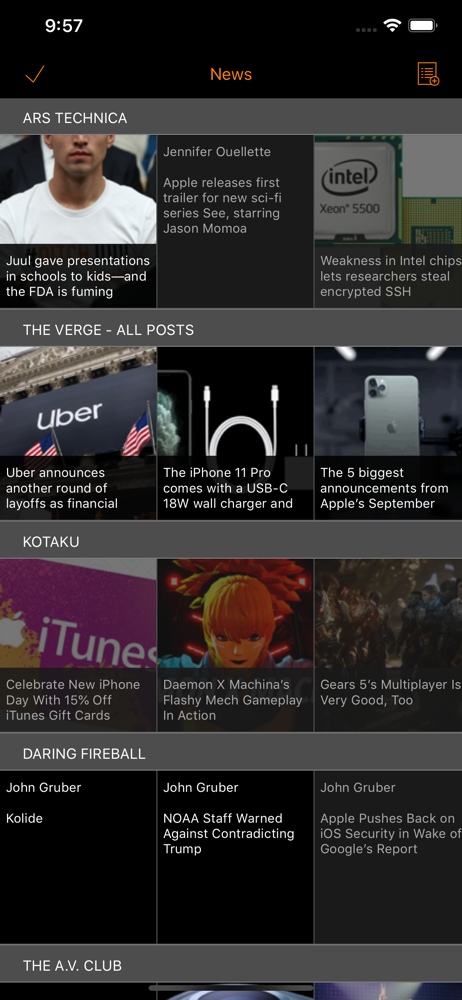
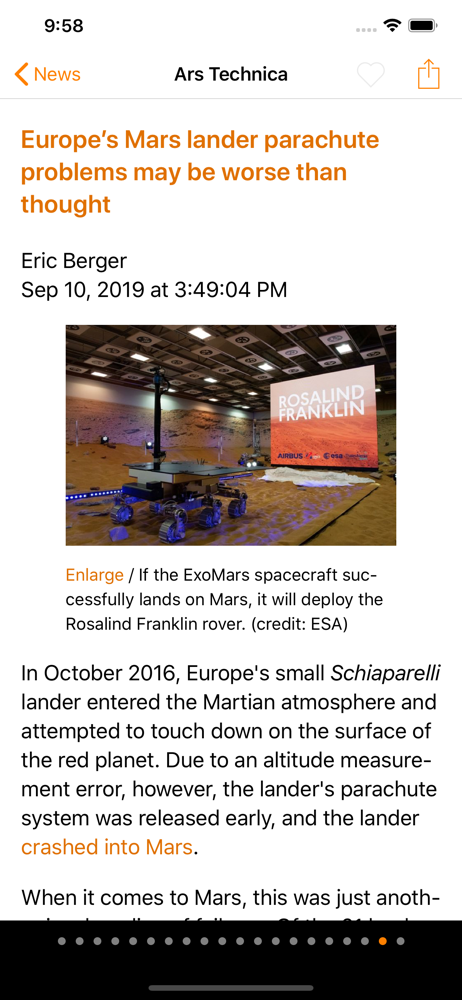
I loved Pulse way back before it was acquired by LinkedIn, and was never satisfied with any other newsreader until I found Heartfeed. I hate all those awful apps that try to predict what you want to read, because they never get it right. This app is the real deal, and I wish more apps on the app store were as simple and straightforward as this app.
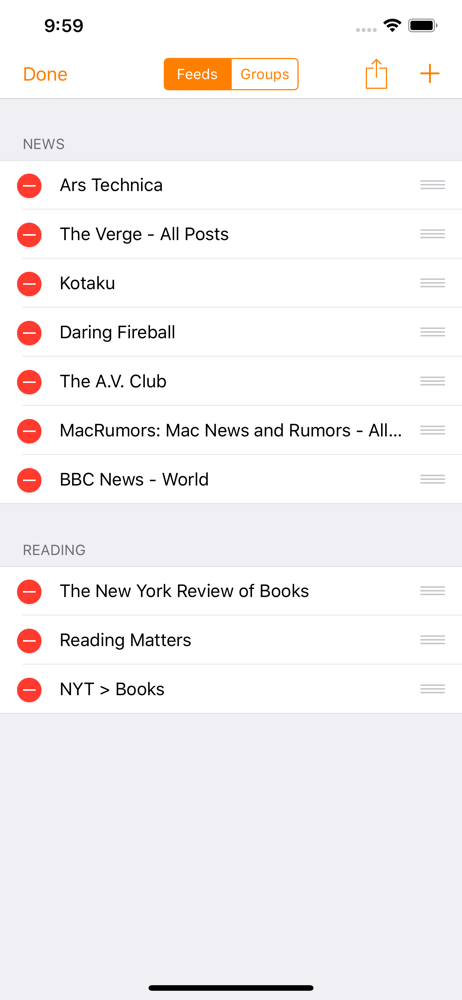
You can review the most news you are interested in in the least amount of time. I suggest the developer make a simple graphically enhanced discovery page with an index of popular feeds so users without experience in rss can just easily add interesting feeds. This should help explode the use.
Do you want to read your news using RSS/Atom/JSON feeds in the most efficient, no-nonsense way, and with no requirement to setup an app-specific user...