Check the acquisition promise
Read the store headline, screenshots and description. What problem is the app promising to solve?
Study the storefront ↗
Matthew Miller · iOS
Explore the ad evidence, study the storefront, and build your next acquisition hypothesis.
01 / Creative research
Read the store headline, screenshots and description. What problem is the app promising to solve?
Study the storefront ↗Explore apps with direct store-link matches. Compare their hooks and formats without assuming the same approach works here.
Browse observed advertisers ↗Store rankings and revenue estimates describe market context. They do not establish ad spend, conversions or ROAS.
Review the market context ↗02 / Storefront & product
Study the product story and store experience behind the acquisition funnel.

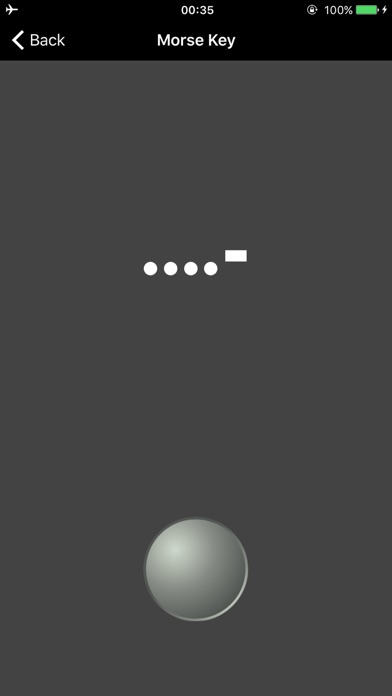

03 / Market context
Keep revenue, downloads and store rankings separate from advertising performance.
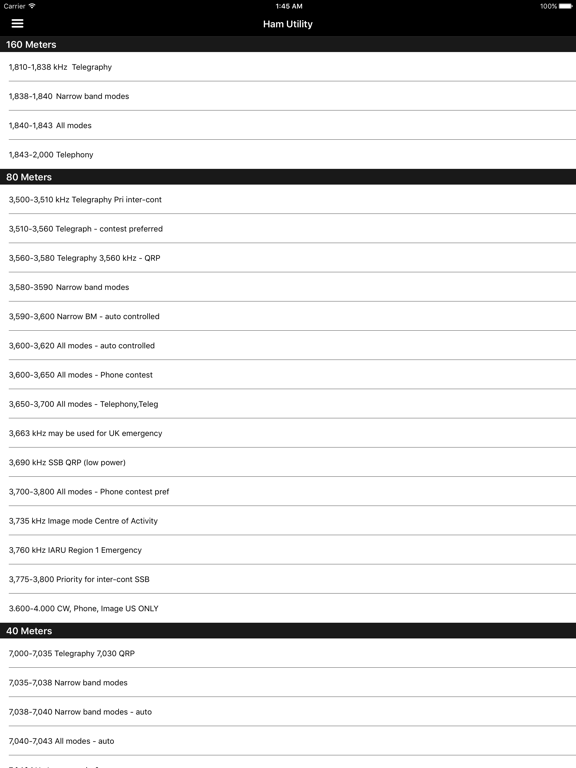
The band plan information is inaccurate and incorrect. Could use more features like DX cluster, FCC RF exposure calculator, etc. For a pay app, should be more useful.
Go to Settings/ General/ Accessibility/ Increase Contrast and make sure your Reduce Transparency is turned OFF. This, for me, fixed the problem of not being able to see the main menu. Only gave 4 stars because the app should detect and account for this somehow, but I did send the developer an email describing what I did to fix it.
Upgraded from an older version and now menu icons are invisible on iPhone 6, latest iOS 9.2. I tried uninstalling and re-installing with no success.
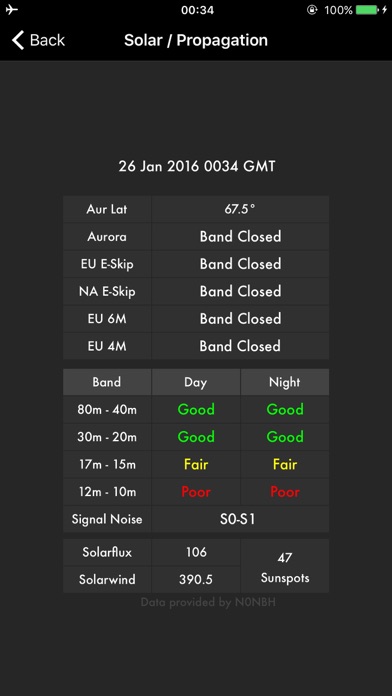
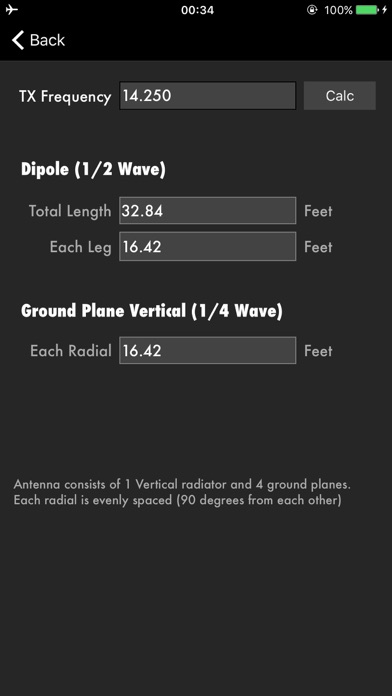
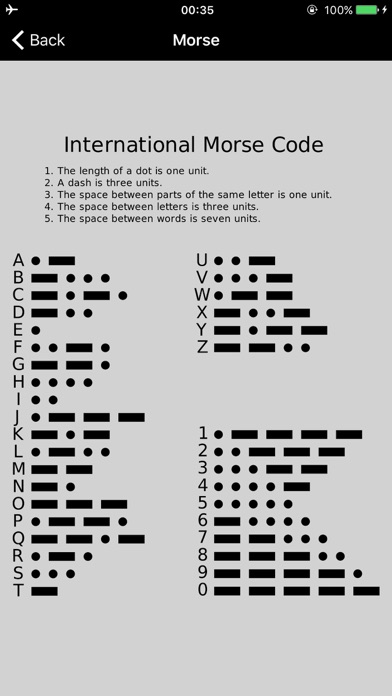
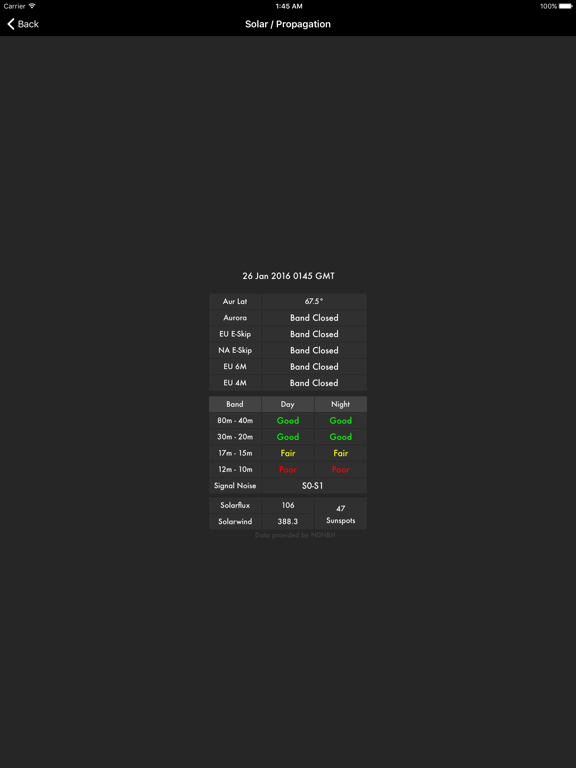
Ham Utility is one of those must have apps for all ham radio operators and swl's. Features: *Frequency Band Plan (Including US) * Q-Codes (never for...