Check the acquisition promise
Read the store headline, screenshots and description. What problem is the app promising to solve?
Study the storefront ↗
Design Studio Press · iOS
Explore the ad evidence, study the storefront, and build your next acquisition hypothesis.
01 / Creative research
Read the store headline, screenshots and description. What problem is the app promising to solve?
Study the storefront ↗Explore apps with direct store-link matches. Compare their hooks and formats without assuming the same approach works here.
Browse observed advertisers ↗Store rankings and revenue estimates describe market context. They do not establish ad spend, conversions or ROAS.
Review the market context ↗02 / Storefront & product
Study the product story and store experience behind the acquisition funnel.




03 / Market context
Keep revenue, downloads and store rankings separate from advertising performance.
Like the title says I like the concept of this app but oh man does the app fail miserably. It takes the app a while to recognize and scan the book page and when the video finally loads up the app doesn't allow me to use any of the on-screen controls(fast forward, pause, etc) let alone use the back button so that I can leave the current video and scan the next.
I've used this app significantly on my iPhone 5 and iPad 3 with the purchased book and I have not had any serious problems as the current overall 2.5-star rating might suggest. I've never had to hold the camera on the page longer than 10 seconds before getting recognition. Usually it recognizes the page extremely quickly, in about 2 seconds. Occasionally the camera has trouble focusing, especially when held too close to the page. But even in a dark room with a single desk lamp the app can see the page enough to bring up the videos. The trick to a fast read is simply making sure the page is framed in the viewfinder. Besides that, the app is excellent with phenomenal video tutorials that really enhance the book.
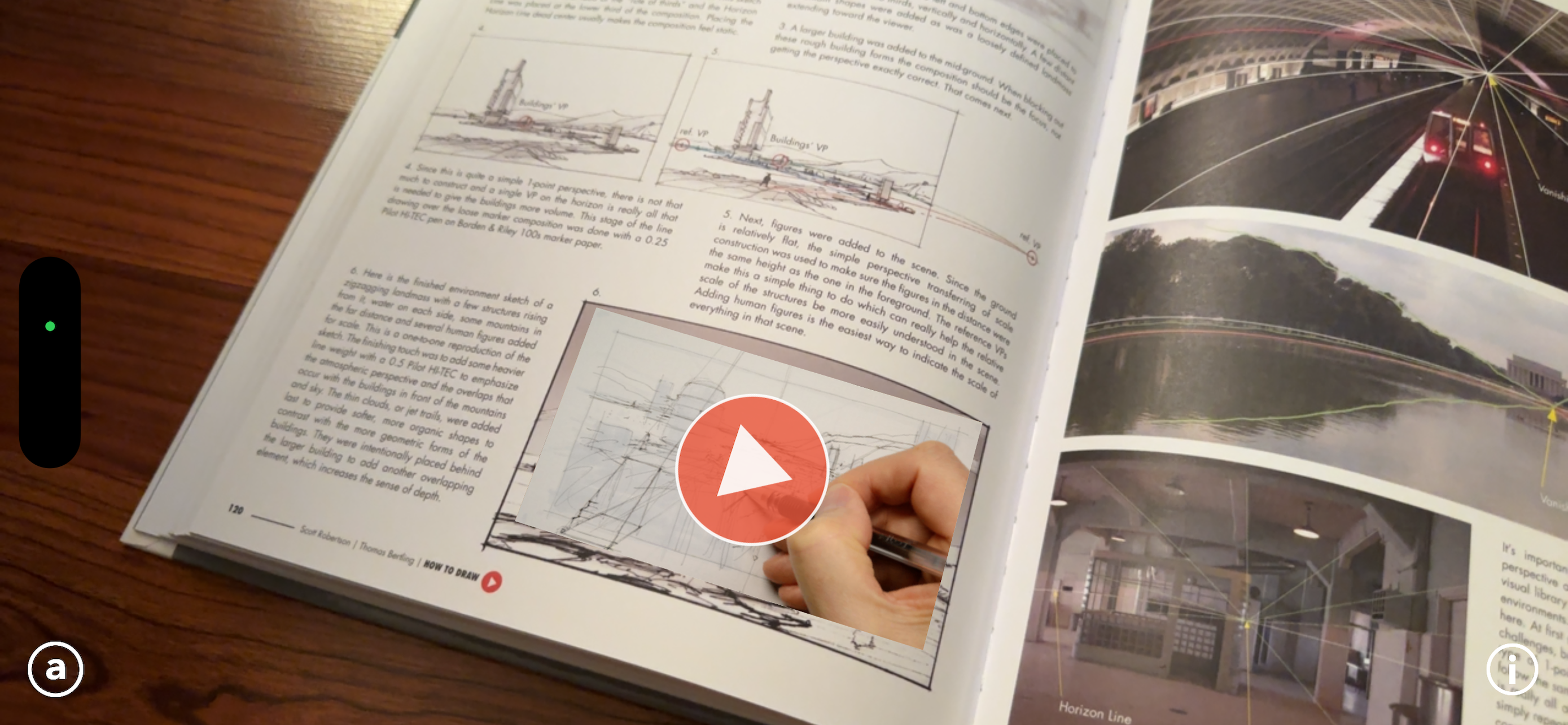
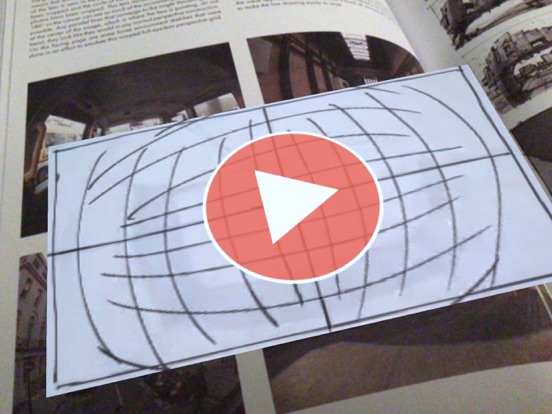
1. First off, if you don’t have the book, there is no need to download the app.2. If you do have the book, you know Scott Robertson is a fantastic instructor with tons of experience both designing and teaching design. This is fantastic material.3. There are about 10 HOURS of videos available.4. The technology here is almost like magic. Just point the camera at a page in the book with video content (they’re marked with an orange triangle) and it recognizes it and puts the video in that spot on the page in the picture. It’s really cool.5. The big problem (and this may be related to the iOS update, not sure) is that no matter WHAT I do, I can’t get the videos to actually play. You’re supposed to be able to hit the play button on the video and it will come up in a window, but it doesn’t work. I’ve tried it on my iPad air and iPad 4 (both OS 7.1) and it doesn’t work. This is my reason for the 1 star rating. I’ll happily fix the review and rating if an update fixes this.6. This is an exciting app and will be awesome once they fix number 5 above. Until then, it’s useless. Please fix it, guys!
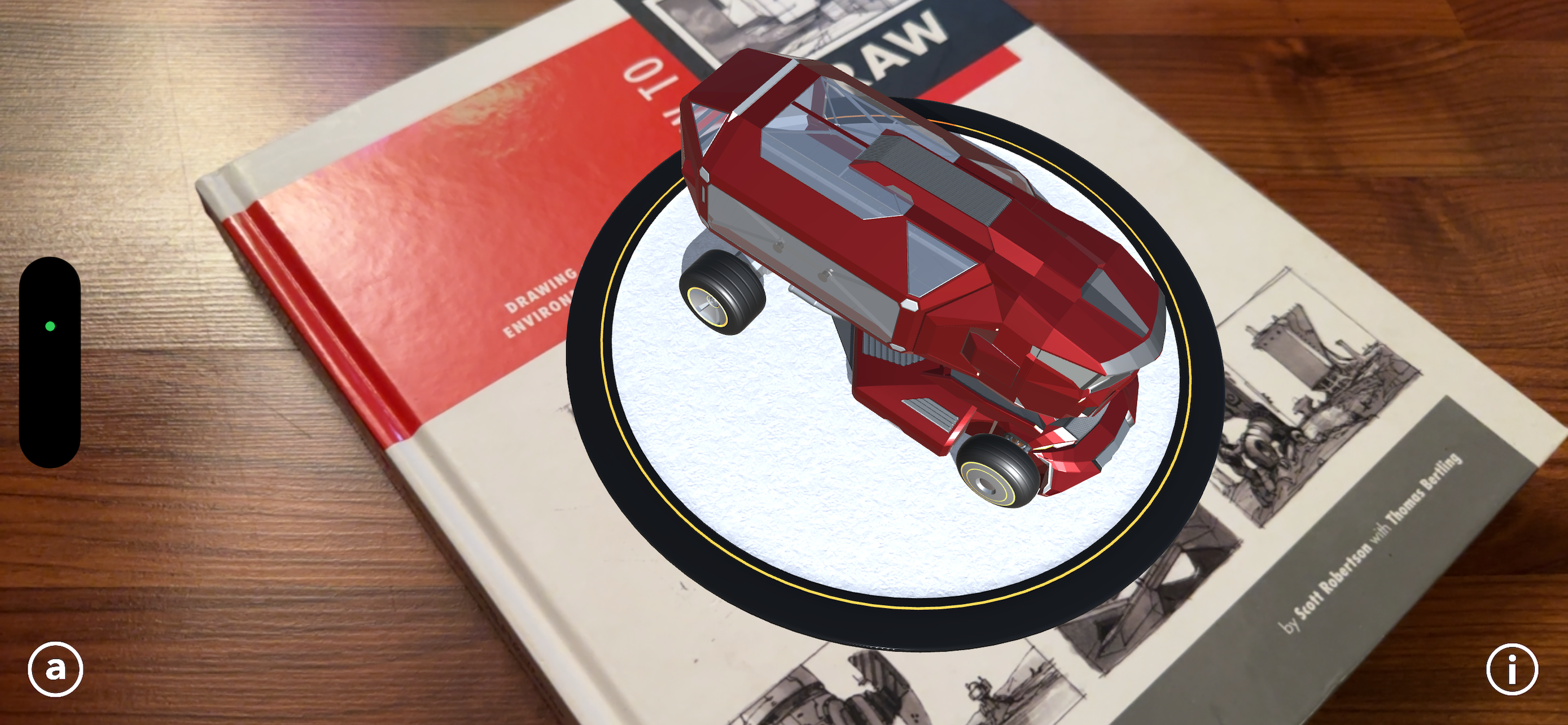
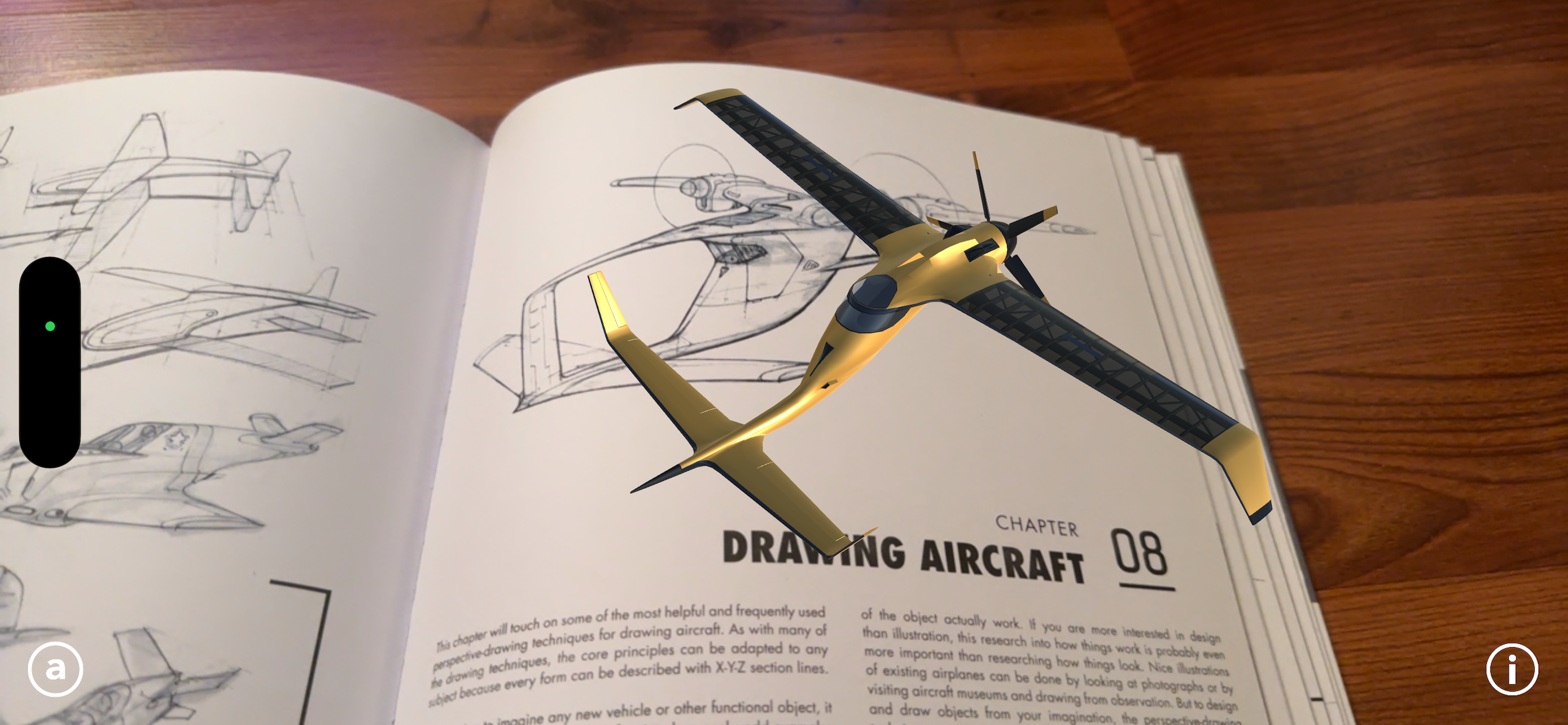
This is the companion app for the new Design Studio Press book: How to Draw. Enhancing the learning experience, this app has been created to allow r...