
Check the acquisition promise
Read the store headline, screenshots and description. What problem is the app promising to solve?
Study the storefront ↗
Baldeep Hira · iOS
Explore the ad evidence, study the storefront, and build your next acquisition hypothesis.
01 / Creative research
Read the store headline, screenshots and description. What problem is the app promising to solve?
Study the storefront ↗Explore apps with direct store-link matches. Compare their hooks and formats without assuming the same approach works here.
Browse observed advertisers ↗Store rankings and revenue estimates describe market context. They do not establish ad spend, conversions or ROAS.
Review the market context ↗02 / Storefront & product
Study the product story and store experience behind the acquisition funnel.




03 / Market context
Keep revenue, downloads and store rankings separate from advertising performance.
Works as advertised. Wish there was a way to unmark all items at once. Would be so handy for long lists.
I am completely confused with this app. I wanted something easy to use to list the groceries I needed without all the bells and whistles. Once I made my list and leave the app until I need to add another item, how do I get back to my list. Also, I hit something that took me to a food list already on here to choose from, but cannot find it again. Can you help?
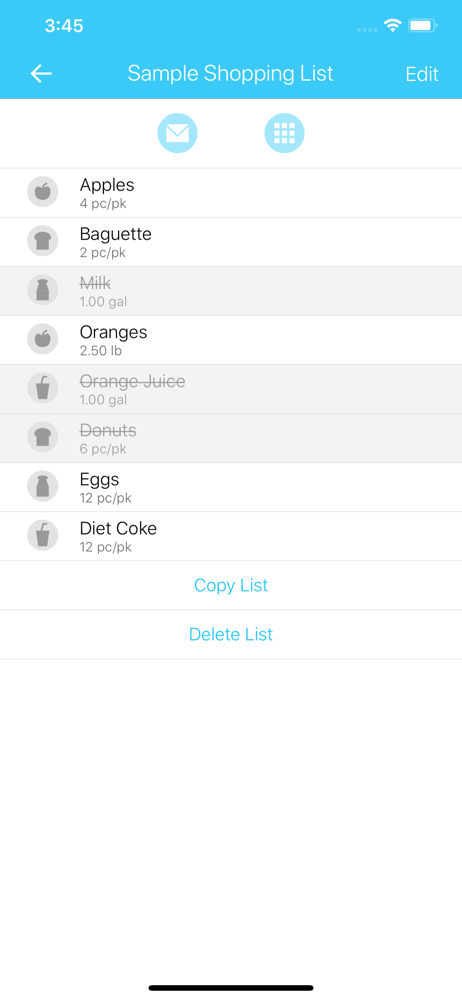
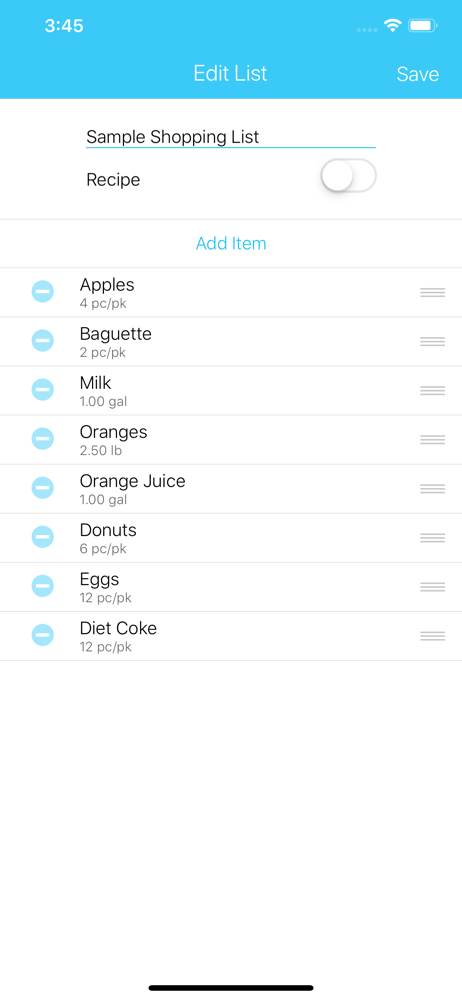
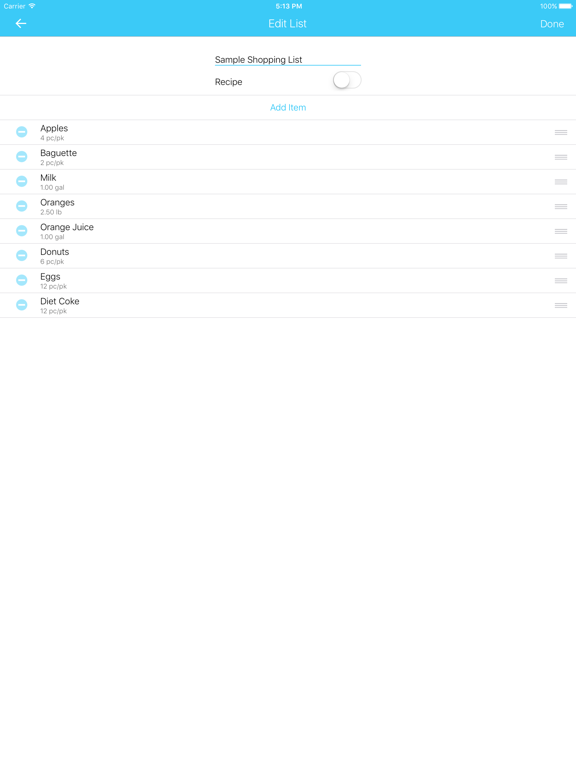
Just like the one I had on the fridge but I don’t have to rewrite it every week. I also have the items in the order that they are in the store. I can also add an item and then move it up to where it should go on the list by pushing down on the little lines on the right and dragging it. I now have a list for Winco and Walmart but you can literally make a list for everything. I’m really pleased with this simple no no nonsense app.
Grocery Listr is your ONE app for lists. It is a convenient way to organize grocery lists and shopping lists. Create multiple lists, automatically g...


