
Check the acquisition promise
Read the store headline, screenshots and description. What problem is the app promising to solve?
Study the storefront ↗
Greenlite Lighting Corporation USA · iOS
Explore the ad evidence, study the storefront, and build your next acquisition hypothesis.
01 / Creative research
Read the store headline, screenshots and description. What problem is the app promising to solve?
Study the storefront ↗Explore apps with direct store-link matches. Compare their hooks and formats without assuming the same approach works here.
Browse observed advertisers ↗Store rankings and revenue estimates describe market context. They do not establish ad spend, conversions or ROAS.
Review the market context ↗02 / Storefront & product
Study the product story and store experience behind the acquisition funnel.
03 / Market context
Keep revenue, downloads and store rankings separate from advertising performance.
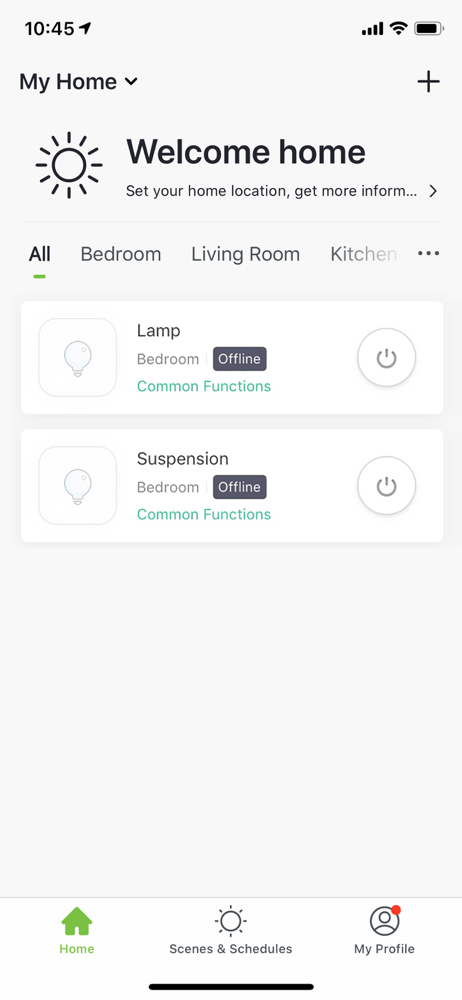
Can’t seem to erase a light bulb that was established. After lights went out one day they went offline and I can’t fix it.
I really wish they would update the app if people are still going to be using their products. Currently the app runs alright but I do have an issue where going back to your lights and you click on a different one you have to wait about 5 seconds before you can attempt to click on a different product to use it. It’s really cumbersome when you have more than 1 product to use in the app to control in your home. Along with that adding schedules or modifying them can be confusing at times when you want to do it quick.
Apple changed their security settings. If you don’t change access in the GreenLite app you can’t connect new lights. I struggled for hours. Found the setting and connecting turned into 20 seconds a bulb.
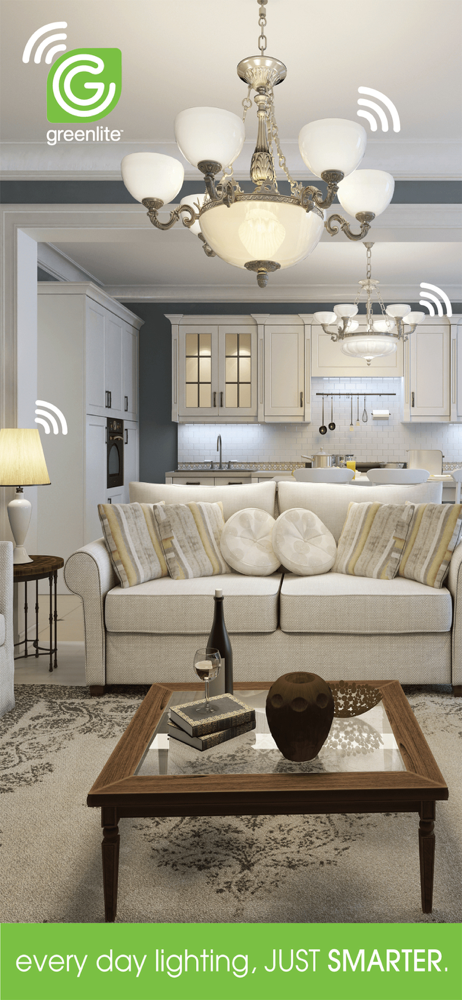
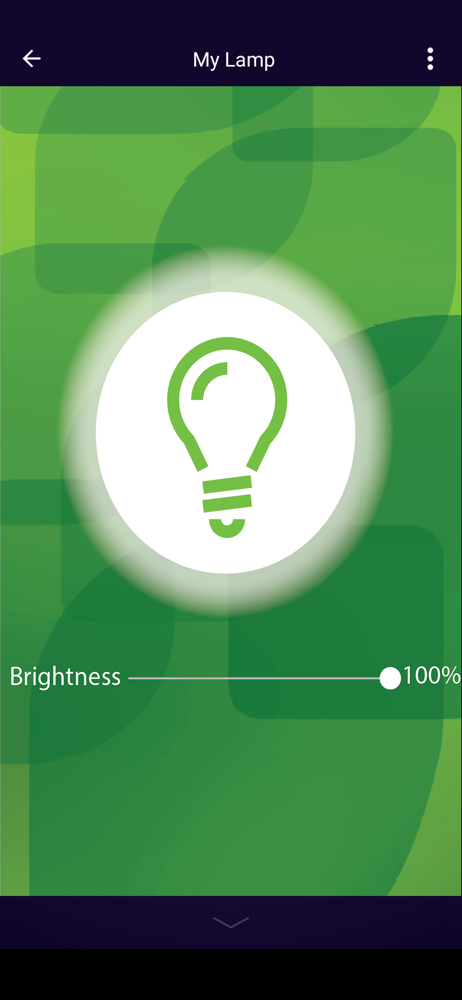
CONTROL YOUR LIGHTS THE EASY WAY With the Greenlite app, you can control your Greenlite smart light bulbs easily at any time, from anywhere. • Cont...


