Check the acquisition promise
Read the store headline, screenshots and description. What problem is the app promising to solve?
Study the storefront ↗
Trang Hoai · iOS
Explore the ad evidence, study the storefront, and build your next acquisition hypothesis.
01 / Creative research
Read the store headline, screenshots and description. What problem is the app promising to solve?
Study the storefront ↗Explore apps with direct store-link matches. Compare their hooks and formats without assuming the same approach works here.
Browse observed advertisers ↗Store rankings and revenue estimates describe market context. They do not establish ad spend, conversions or ROAS.
Review the market context ↗02 / Storefront & product
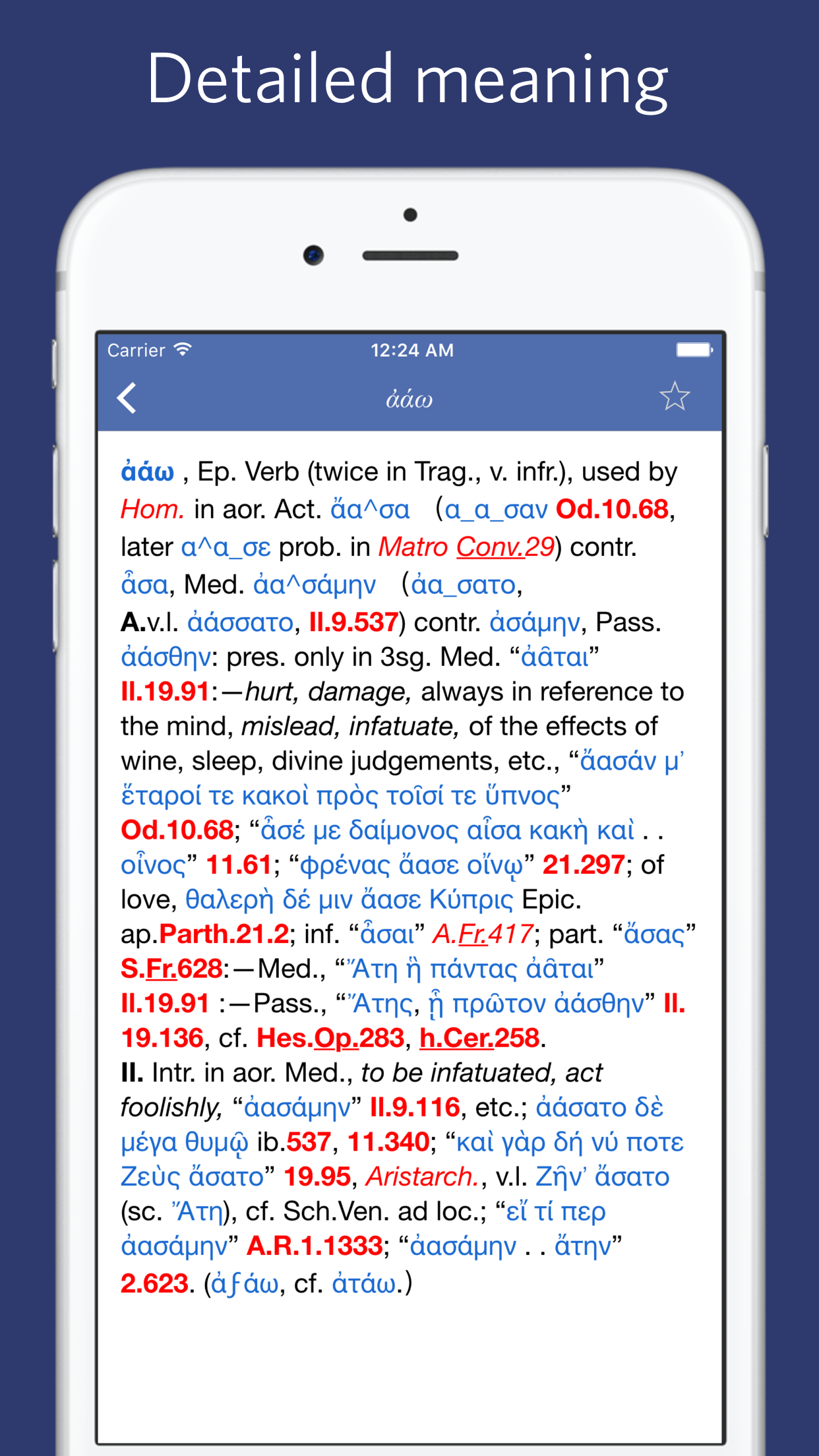
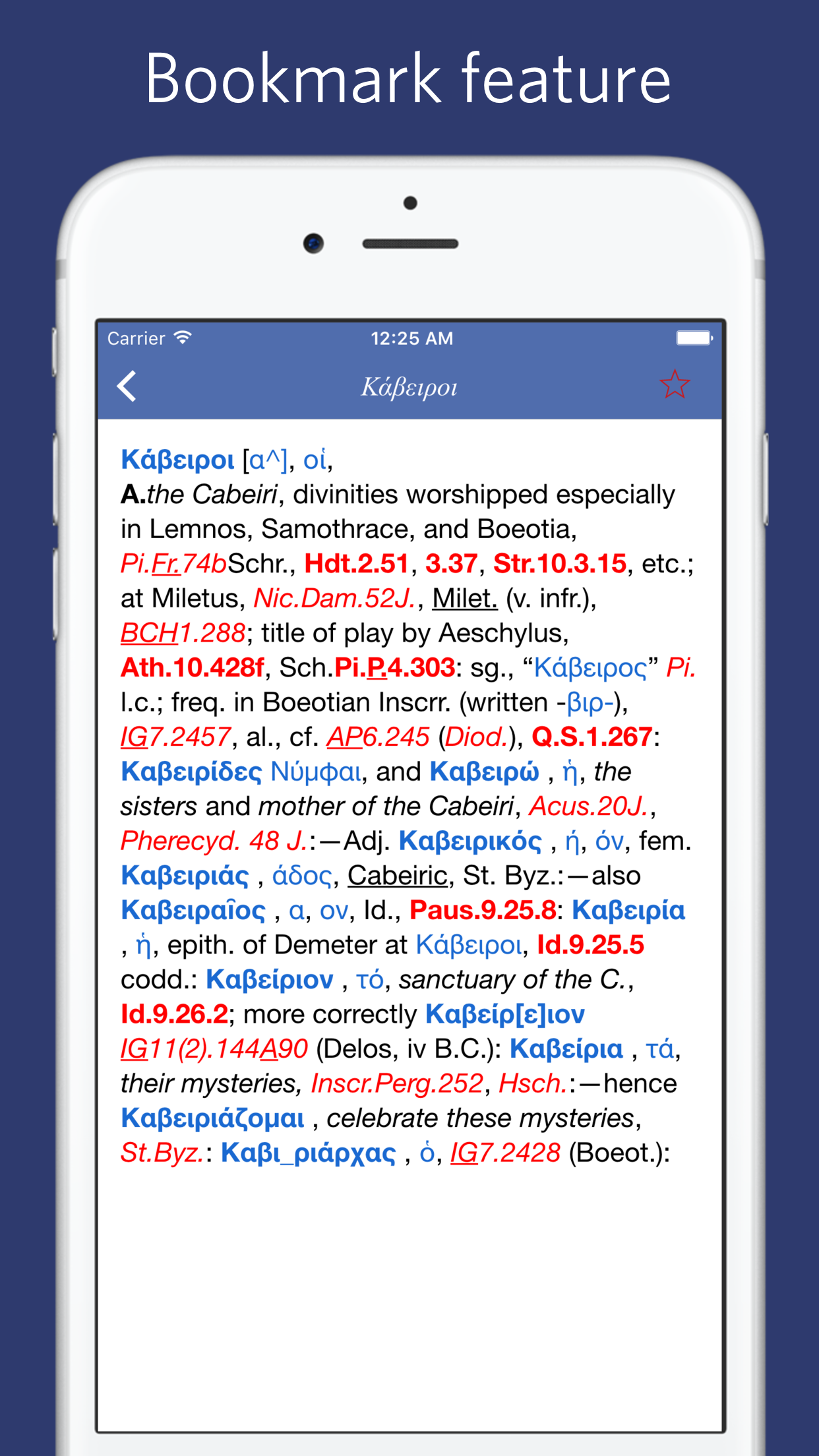
Study the product story and store experience behind the acquisition funnel.





03 / Market context
Keep revenue, downloads and store rankings separate from advertising performance.
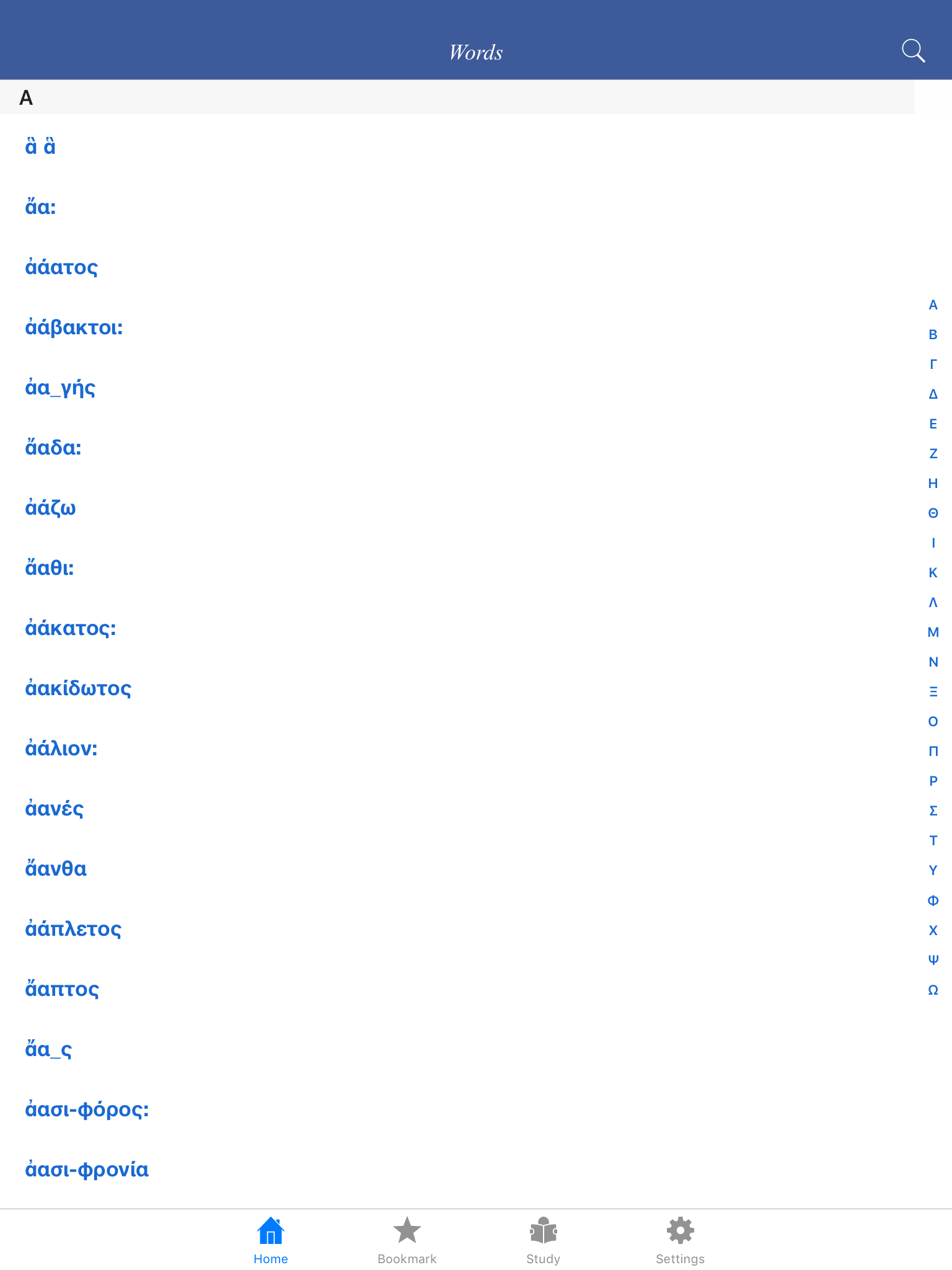
This only has 2/3 of the lexicon: all the entries from the last part of sigma onwards are missing.
The problem has not been fixed yet!
OK except words beginning with φ χ ψ ω (at least--I haven't checked all) don't appear when clicked on. Also the search field doesn't support insert bar for editing. One has to retype everything to correct a typo. Update of review. Here is part of an email I sent the developer two weeks ago. I have not had a reply. #1. The app only defines words from alpha to (I think) sigma. Letters further down the alphabet appear in the search field and the left hand column, but when selected their definitions do not appear. Thinking that the file had not downloaded completely, I deleted the app and downloaded it again. However, the loss of the latter portion of the lexicon still happens. #2. The capital Greek letters in the right edge of the search page (for shortcuts, I assume) also work only for the earlier portion of the alphabet, down again to about sigma.
A Greek–English Lexicon, commonly known as LSJ, is a standard lexicographical work of the Ancient Greek language. It is the most comprehensive ancien...