Check the acquisition promise
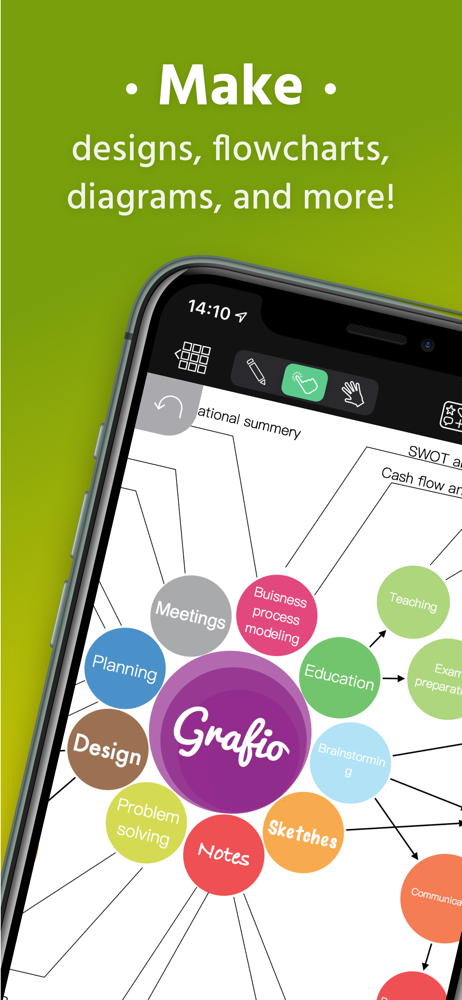
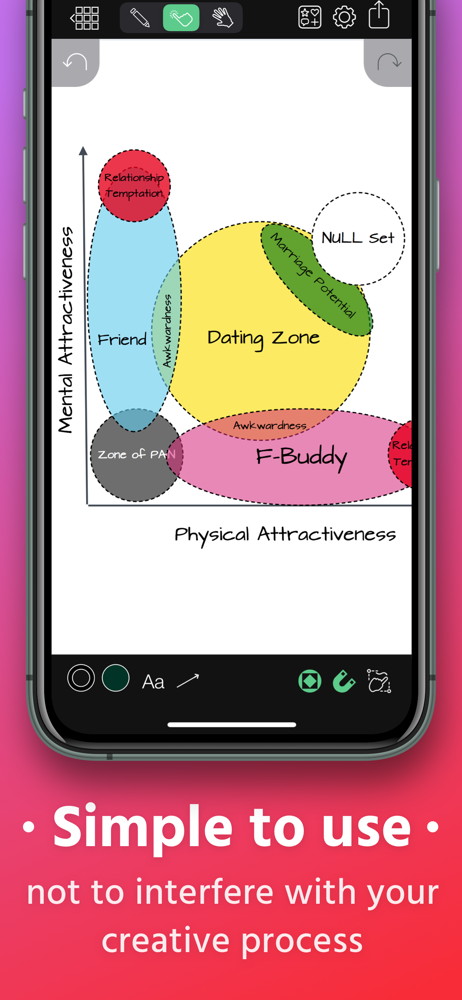
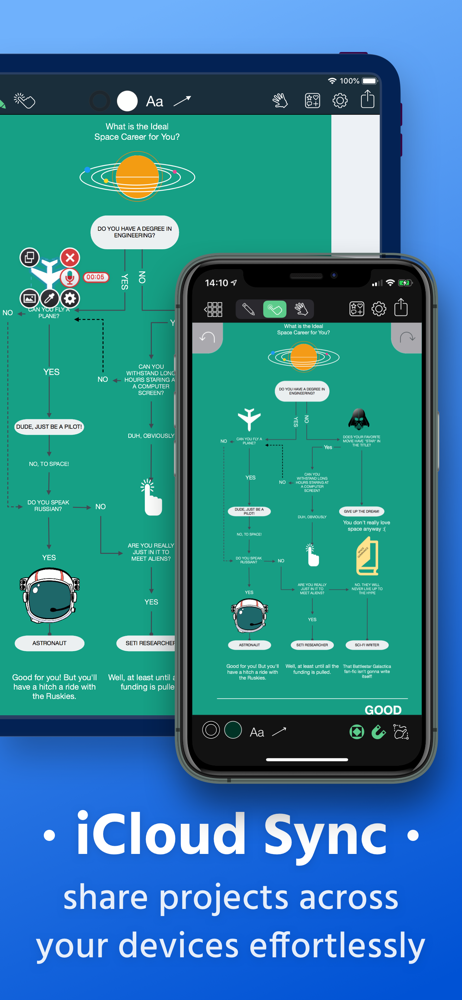
Read the store headline, screenshots and description. What problem is the app promising to solve?
Study the storefront ↗
Ten Touch Ltd. · iOS
Explore the ad evidence, study the storefront, and build your next acquisition hypothesis.
01 / Creative research
Read the store headline, screenshots and description. What problem is the app promising to solve?
Study the storefront ↗Explore apps with direct store-link matches. Compare their hooks and formats without assuming the same approach works here.
Browse observed advertisers ↗Store rankings and revenue estimates describe market context. They do not establish ad spend, conversions or ROAS.
Review the market context ↗02 / Storefront & product
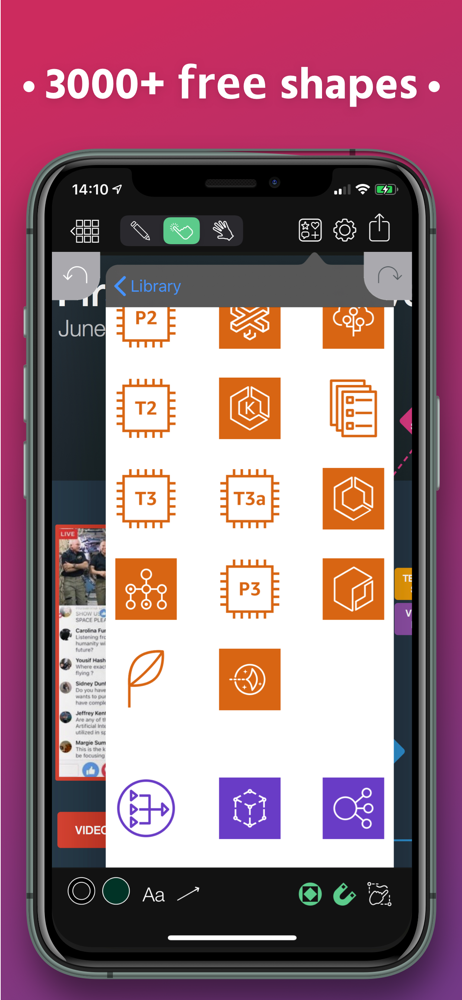
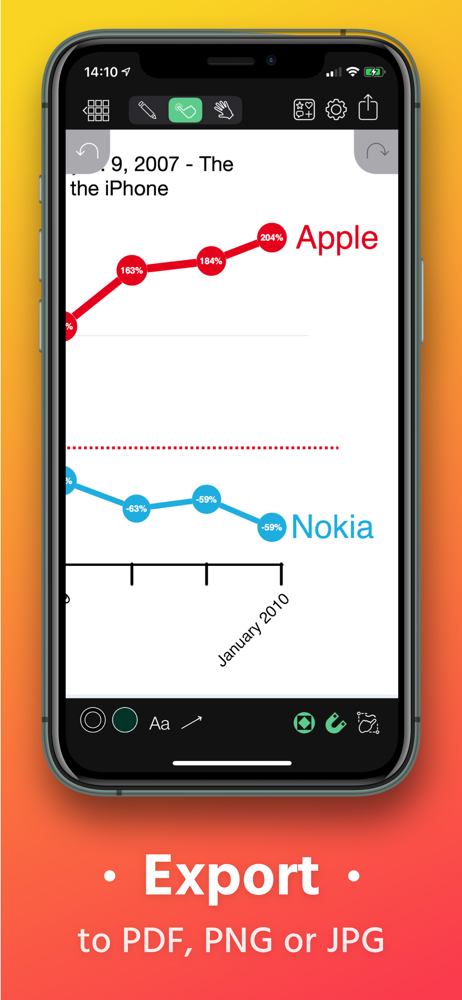
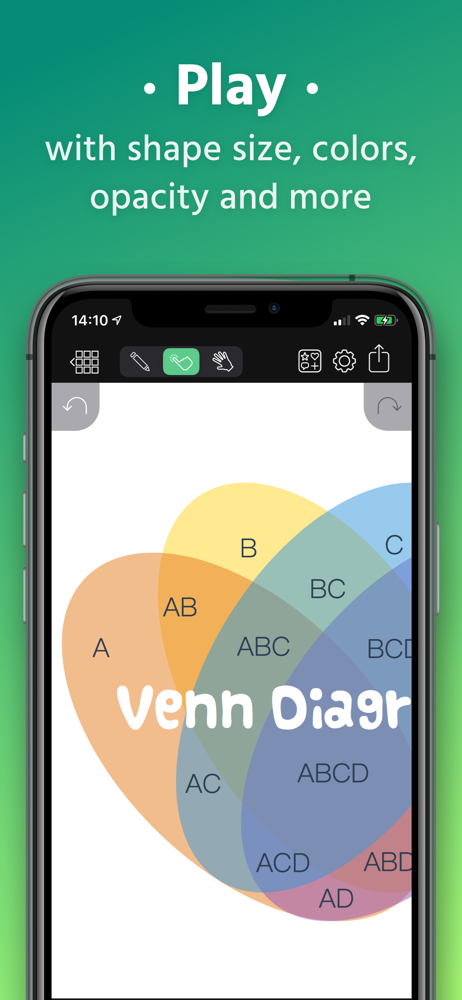
Study the product story and store experience behind the acquisition funnel.


03 / Market context
Keep revenue, downloads and store rankings separate from advertising performance.
I gave it a low rating due to the issues this app previously had. Gladly most are resolved. I appreciate developers who listen and work to improve a their product. I love this app and have for years. That Could use some improvement. A big market and one that I’m currently in is architecture and interior design. I want to ask and encourage developers to add furniture(chairs, tables, couches, kitchen island etc) elements for doors, pocket doors, swing doors, windows, kitchen appliances, etc. everything that would accommodate an average floor plan. This would be great to do a quick sketch. Just wanted to put it out their. Could even be a paid 1.99 feature. Thanks for the great work. ——————————————————————————————————- ————————- Some icons don’t import properly. They often are off the screen behind the undo button. A terrible wastes of time. Doesn’t work. Occasionally, the app just closes while working. This was a great app, I hope the developers continue to support this app through all of the iOS iterations. I hope that for all of their products. Ven diagrams don’t work. UX Doesn’t work, marketing section doesn’t work, etc. so basically everything I need no longer works. Please stand behind your product and fix. *REVISED* This last update did the trick. It had that secret sauce and now all is working perfectly. Thank you to the developers for supporting their apps. Wonderful! If you could give some attention to Vidra that too would be amazing. Enable the ability for elements to move independently in any direction, and overall enhance the functionality. Much appreciated. Great job! Thank you
I am thrilled with Grafio. Can’t get enough of it. I do wish they can introduce (and fix) certain features. The fix first: since the recent iOS upgrade I can no longer upload to Dropbox. That’s minor. As for improvements: when creating org charts allow for shape substitutions to boxes. Now you have to delete a box and all connectors resulting in lots of lost time to recreate. Aligning multiple objects at once whether top/bottom, right/left or center would be great. Otherwise love, love, love it.
I love this app. Let’s get that straight right up front. I find one consistently bothersome bug though. The way I use the app, I typically push shapes around constantly, tweaking here and there, sometimes for over an hour. Almost always use Apple Pencil. But I also use Apple Keyboard a lot at the same time. I like the precision of moving objects with the arrow keys. But invariably, the arrow keys will stop working sometime during the session. Even with the Apple Pencil, I can’t get the same precision of placement and it becomes frustrating trying to place things just so with either finger or pencil. The workaround I found was to disconnect and reconnect the keyboard to make the arrow keys work again. Oh, and one big wish for future functionality: It would be most awesome if a circle would remain a perfect circle when being resized. I don’t want to lose the ability to make an egg shape out of it, but I do want the option to do both. Actually this would be great for all the shapes, but most especially for circles. Wonderful App!
Grafio turns 10. It's been around for a decade already - polished, efficient and with more features than ever before. Grafio is not a tool for profes...