Check the acquisition promise
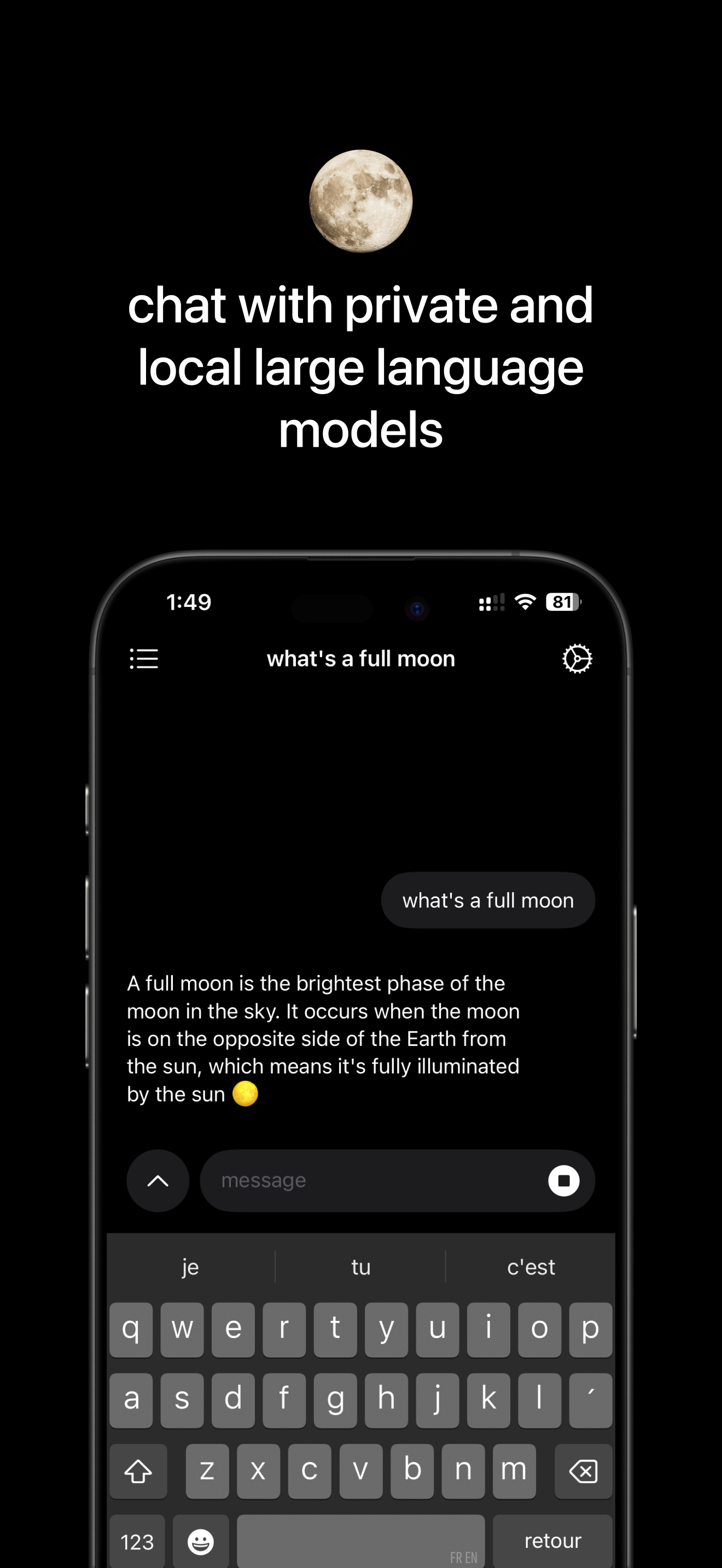
Read the store headline, screenshots and description. What problem is the app promising to solve?
Study the storefront ↗
Mainframe Computer, Inc. · iOS
Explore the ad evidence, study the storefront, and build your next acquisition hypothesis.
01 / Creative research
Read the store headline, screenshots and description. What problem is the app promising to solve?
Study the storefront ↗Explore apps with direct store-link matches. Compare their hooks and formats without assuming the same approach works here.
Browse observed advertisers ↗Store rankings and revenue estimates describe market context. They do not establish ad spend, conversions or ROAS.
Review the market context ↗02 / Storefront & product
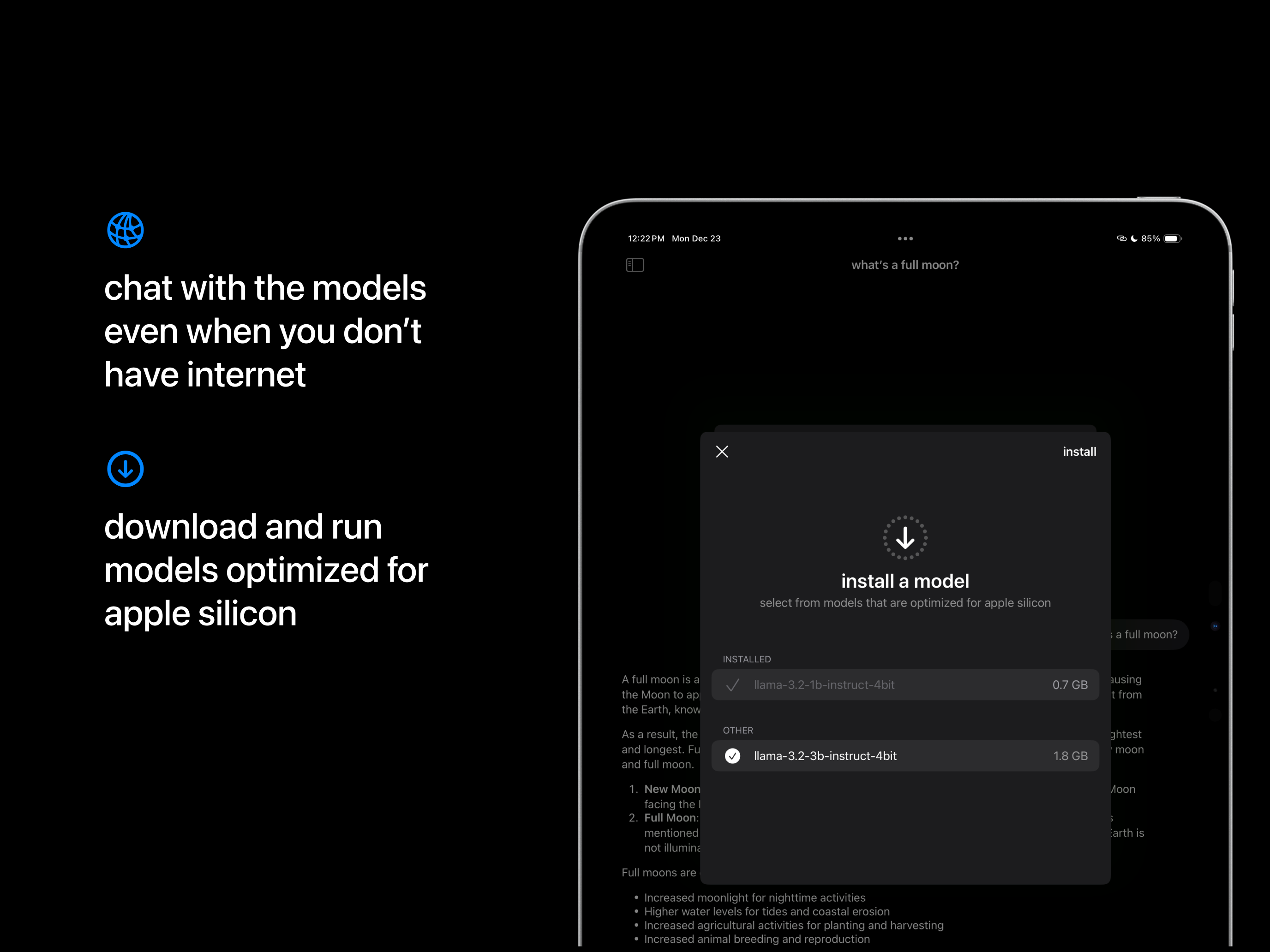
Study the product story and store experience behind the acquisition funnel.




03 / Market context
Keep revenue, downloads and store rankings separate from advertising performance.
This is a great, free starting point for someone who wants to play with AI chat, but doesn’t want every query being sent and stored in the cloud. The models offered have apparently been optimized for Apple silicon, and they do feel more responsive compared to other apps. The suggested Llama 3.2 works well, as does its bigger brother (if your phone has RAM for it). My single biggest gripe is the apparent lack of ability to give the models standard instructions, like a “system prompt.” That omission is enough to knock this to four stars for me. It’s not a major issue for the default Llama model, or the bigger Llama model. But the Qwen models can be VERY verbose. I don’t want to have to keep telling the model “be brief.” There’s also some fit-and-finish issues that aren’t show stoppers, but could use attention. First, the initial model download stalled around 60% of the way in. There’s no obvious way to abort and retry. I killed the app and tried again. Fortunately that had no ill side effects. Second, once a model is installed, I didn’t find a good way to delete it. I wound up deleting the app (purging my chat history) and reinstalling to remove the extra model. Lastly, the number of models are limited. I realize that’s probably because of the Apple silicon optimizations. In the fullness of time, it would be nice to have some more options, even if they were paid upgrades. Thanks to the developer for the effort. Again, it’s a great start; I’m picky. They clearly know what they’re doing, and I’m sure they’ll get there eventually.
I travel very often and having access to LLM locally it’s a blast. The app is very good. I could ask for integrating with online LLM thru my API keys but I really like that app is focused on having LLM local and not trying to do all and nothing. It’s fast, simple and reliable. Pls also create a bsky profile so we can have a fullmoon community there !
I would like to see expansion of the functionality made available through Shortcuts so I can chain messages and steer system prompts with shortcut blocks. For some reason my 2020 SE cannot run the app because the app says it doesn’t support metal 3 but as far as I can tell this is not the case. Performance on the 12 mini is acceptable, so if you have anything newer it should be a good experience.
the simplest way to use private LLMs: works fully offline and private when you don’t have internet. runs models on-device optimized for Apple silicon....