
Check the acquisition promise
Read the store headline, screenshots and description. What problem is the app promising to solve?
Study the storefront ↗
FUJIFILM North America Corp. · iOS
Explore the ad evidence, study the storefront, and build your next acquisition hypothesis.
01 / Creative research
Read the store headline, screenshots and description. What problem is the app promising to solve?
Study the storefront ↗Explore apps with direct store-link matches. Compare their hooks and formats without assuming the same approach works here.
Browse observed advertisers ↗Store rankings and revenue estimates describe market context. They do not establish ad spend, conversions or ROAS.
Review the market context ↗02 / Storefront & product
Study the product story and store experience behind the acquisition funnel.


03 / Market context
Keep revenue, downloads and store rankings separate from advertising performance.
I literally have to delete app and then add it back in to put more photos from library into app. Ridiculous! This app used to be really easy to use, not anymore!! You can’t delete photos out of the app either
Because the terminals for instant print are so broken no matter what Walmart I go to, I rely on other ways to print. One of the negatives I have always experienced with using the app to send photos is there is ALWAYS a white bar on my photos. Like the app crops my photos and doesn’t use the full 4x6. Another issue I’ve come across a couple of times is it cropping the photo where I’ve told it NOT to crop. This last time that I’ve used this app has ruined 4 photos that I will need to go somewhere to reprint. It has completely cropped 3 photos in a way that has taken out important parts of the photo. The fourth photo is the absolute worst. It put a photo that I told to be in landscape mode in portrait mode.
Getting photos to the process of submitting the print job is fine, nothing great. What is really not good about the app is once you click your last button to submit, you get no notification that it’s accepted or confirmation number on screen, you have to leave the app wait for the email. If you have a large amount to print, your order confirmation nor anywhere in the app allows you verify which pictures you have in a particular order. Therefore if you’re unsure of you previously selected it….. you either don’t print it or you print a duplicate.
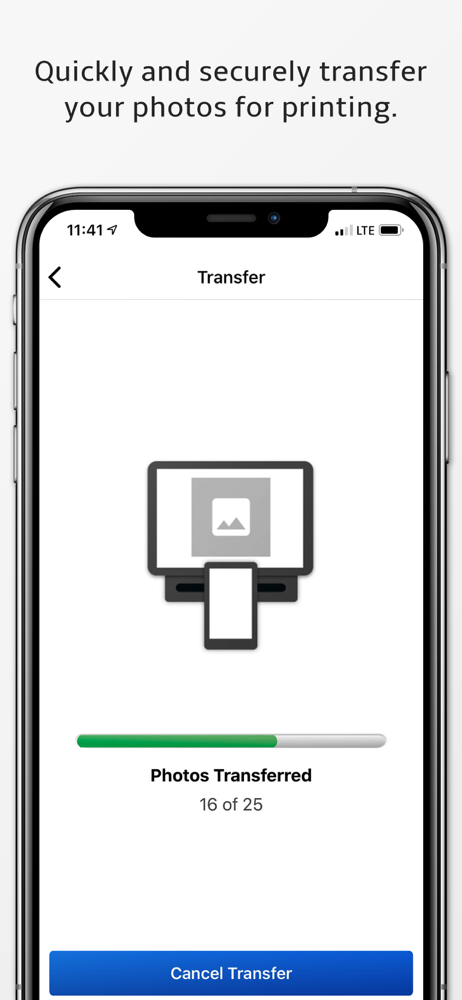
Kiosk Photo Transfer by Fujifilm allows you to transfer photos easily and quickly right from your mobile device onto a Fujifilm Kiosk so that you can...