
Check the acquisition promise
Read the store headline, screenshots and description. What problem is the app promising to solve?
Study the storefront ↗
Geopher Tools · iOS
Explore the ad evidence, study the storefront, and build your next acquisition hypothesis.
01 / Creative research
Read the store headline, screenshots and description. What problem is the app promising to solve?
Study the storefront ↗Explore apps with direct store-link matches. Compare their hooks and formats without assuming the same approach works here.
Browse observed advertisers ↗Store rankings and revenue estimates describe market context. They do not establish ad spend, conversions or ROAS.
Review the market context ↗02 / Storefront & product
Study the product story and store experience behind the acquisition funnel.






03 / Market context
Keep revenue, downloads and store rankings separate from advertising performance.
Didn’t even work
This app is nothing more than another flat file space application. Why can't anybody seem to write a program that will let you organize your files from a PC? I've got 15,000 photos in 100 directories, multiple directories down. I want to preserve that structure.
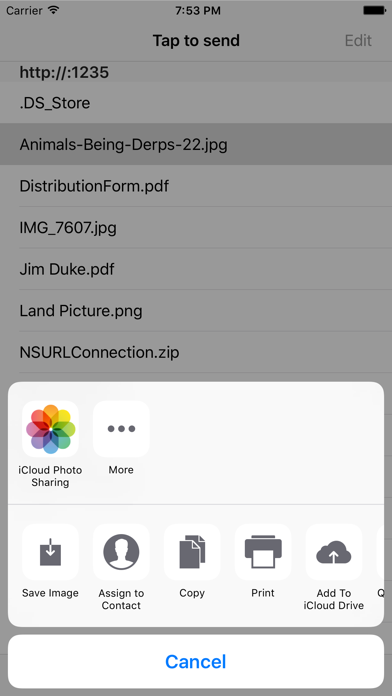
In my ideal world, I could directly edit my SugarSync synced files. But right now, Apple imposes limitation on that model. Folders comes very close to filling the gap. Syncing is straightforward. Add files to the window and they are directly transferred to your iPad with no other syncing required. This makes it possible to transfer files from multiple computers without fiddling with syncing everything else. Cool. Clicking on any synced file opens a dialog that let's you choose which app to open in. Cool again. Granted, not what Apple intended, but......... What it needs is complete file/folder sync to save time and preserve structure. I know this is not what Apple wants, but it sure would be nice. For now, this helps to round out a full boat travel productivity solution that allows me to leave my laptop at the office.
Folder is an application that allows you to use your iPhone, iPod touch or iPad as a portable hard drive via iTunes. Plug in your device, open iTunes...


