
Check the acquisition promise
Read the store headline, screenshots and description. What problem is the app promising to solve?
Study the storefront ↗
Schezzy LLC · iOS
Explore the ad evidence, study the storefront, and build your next acquisition hypothesis.
01 / Creative research
Read the store headline, screenshots and description. What problem is the app promising to solve?
Study the storefront ↗Explore apps with direct store-link matches. Compare their hooks and formats without assuming the same approach works here.
Browse observed advertisers ↗Store rankings and revenue estimates describe market context. They do not establish ad spend, conversions or ROAS.
Review the market context ↗02 / Storefront & product
Study the product story and store experience behind the acquisition funnel.




03 / Market context
Keep revenue, downloads and store rankings separate from advertising performance.
This is a fantastic app, it’s exactly what I was looking for in Skedpal (namely the automatic time blocking), with many of the features, but able to actually be used free?? Honestly, I really want to support the app and get the paid version, if there was a lifetime option you’d have me in a heartbeat. I completely understand the subscription model for continual support (and it’s fairly cheap too which is great), it’s just not in my cards at the moment, but the functionality is still great even if you only use the free features. As someone with difficulty keeping on task due to chronic migraines, being able to auto adjust my times is a godsend when I have to drop everything and lie down. I wish there was a way of bulk changing due dates, or even an “add x days” to push items back, but I know that’s just my use case. Additionally, it would be awesome if down the road a natural language option was implemented in the inbox, so it could fill out some of the options when you do go to schedule it. I can’t wait to see how it keeps evolving, and hope to be able to support the app soon. Keep up the good work!
UPDATE, after a year of use: I can confirm my initial enthusiasm about this app, and go further—it’s just brilliant. The developers (Jacob and Lucas) are super-responsive, and they keep refining and improving the app. Among other things, they have checked off all three of the items I requested in my original review (tags/search/filtering, simple dependencies, and an option to have a task automatically expire after its due date and time). So: six stars! ORIGINAL REVIEW (Straightforward on the surface, sophisticated in what it does): A really useful app, helping me to plan my routines and middle-sized projects realistically and flexibly. I subscribe to the pro version, and happily enough; I’ve seen a steady stream of small improvements that justify the cost. I’m looking forward to seeing two features on the roadmap: “Improved to-do list organization (tags, filtering, etc.)” and “Auto-ignore overdue repeating tasks (if you can't make your workout on Monday, it shouldn't schedule two workouts on Tuesday).” I’d also really like to see some fairly simple implementation of dependencies: “schedule x for an earlier time, schedule y for a later time.” But above all I hope that the developers keep the interface relatively simple, and the app relatively speedy.
Update: one month in. Has one of the least steep learning curves of one of these types of apps. That said, this app is very powerful and has tremendous potential! Designed more for the individual user versus a team, pluses include an intuitive clean schedule user interface, the ability to add both fixed time and automatically scheduled tasks, a relatively intuitive way to add events and tasks, and a bit more intelligent way of organizing (and now prioritizing!) the events throughout the day versus just slamming you with all the events at the beginning of it each day. Oh and extremely responsive developers! That said, It really needs the ability to interact directly (complete, snooze, recalculate, even just go to) with the task being notified with the push notifications, it also really needs the addition of interactive push notifications for the Web app, Siri integration, and could use a more muted color UI option (my weird blue green color blindness would be less grumpy).
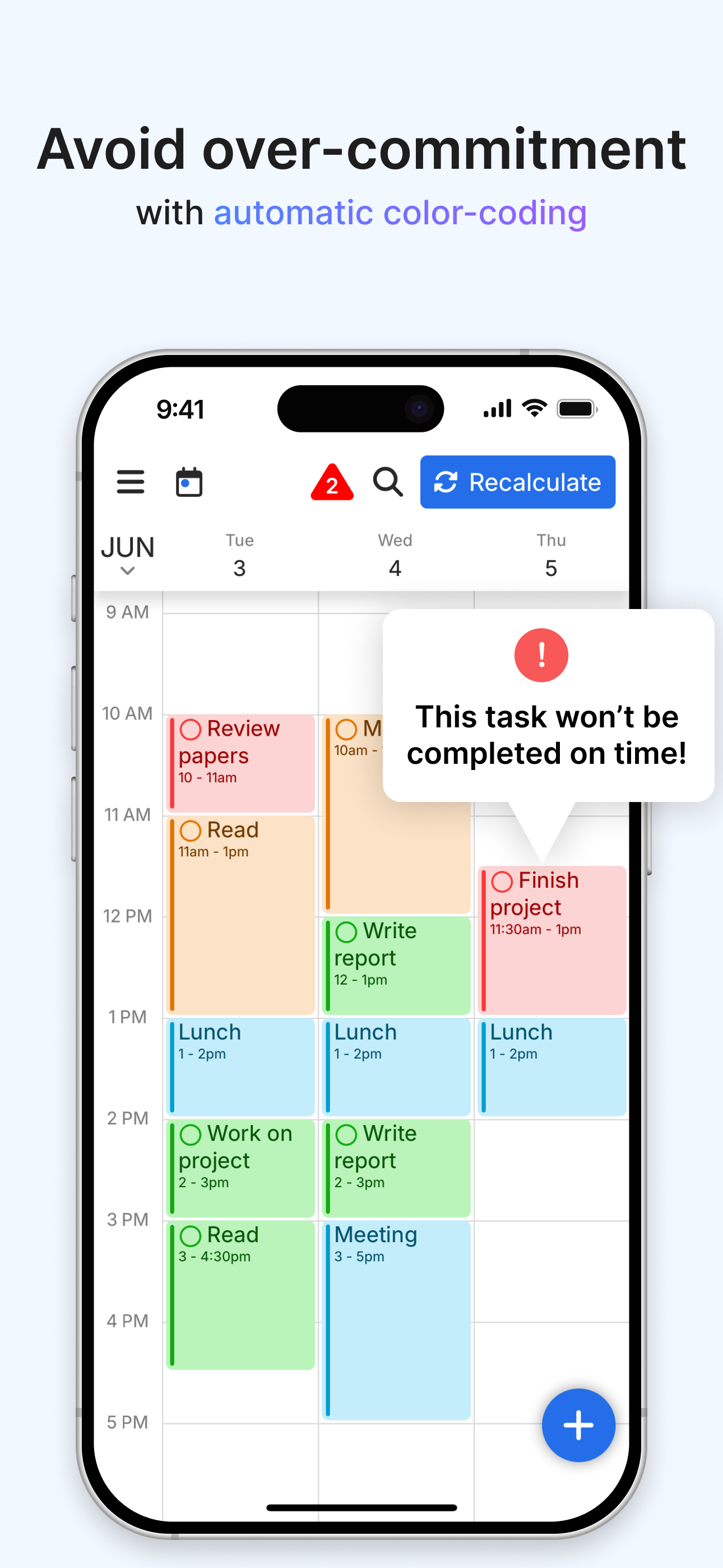
FlowSavvy is an AI Schedule that intelligently plans tasks from your to-do list into your calendar so you can see exactly what needs to get done and w...