Check the acquisition promise
Read the store headline, screenshots and description. What problem is the app promising to solve?
Study the storefront ↗
Behzad Gorimar · iOS
Explore the ad evidence, study the storefront, and build your next acquisition hypothesis.
01 / Creative research
Read the store headline, screenshots and description. What problem is the app promising to solve?
Study the storefront ↗Explore apps with direct store-link matches. Compare their hooks and formats without assuming the same approach works here.
Browse observed advertisers ↗Store rankings and revenue estimates describe market context. They do not establish ad spend, conversions or ROAS.
Review the market context ↗02 / Storefront & product
Study the product story and store experience behind the acquisition funnel.




03 / Market context
Keep revenue, downloads and store rankings separate from advertising performance.
Overall, it mostly does what it’s supposed to do. I’ve contacted the developer with issues regarding export and such, and was surprised with both the quick reply, and how dismissive it was. My problems are pretty simple. The PDF is in iOS compressed format, so I can’t use it outside the iPad. Trying to save to local files on the iPad seems to confuse the application, so when entering the name, and the type of image file, it lets you enter the name and choose the file type, but whether you choose PNG or JPG - you get an unnamed PNG file. I did purchase the full version for $10, and I’m debating asking for a refund.
So I’ve tried many a flowchart diagramming app, and thus far this is the best I’ve come across. I purchased the full version to be able to create multiple pages and some advanced editing. Not sorry about the purchase, does what I need. It would get a full five stars if you could have the page bar visible all the time without having to click on the three dots at the bottom right of the screen and not have a large part of the screen covered up by the resultant window that opens up, or at a minimum give us the ability to reposition the window as its quite obtrusive. I like that you can export to a variety of formats and can pick from a few different places to store the file and exports. Not sure why it generates a blank text file when you export a pdf, but am hoping this is a bug that gets fixed in a future update. I use an external keyboard and when editing text, the directional buttons (up, down, left, right) don’t do anything. You have to click where you want the cursor to be and you cannot reposition it using the keyboard, again hoping this gets fixed in an update. Would be nice to be able to see all pages at once, when working with multiple pages it would make life easier. Overall a great little app well worth the $10.
The actual diagram creation functionality is great. Where I ran into problems (even after buying a license) was in the export/sharing. I used a big cloud to signify, you know, “the cloud” and then put some EC2 objects in it (top layer), a connection between them with a label, and a text call out. When I went to export/share my finished diagram I discovered that only the EC2 images within the cloud were visible. No amount of fiddling would get the link, text, and call out to appear (different export options selected, for example). Eventually I deleted the cloud and just used a group boundary box, and that worked fine. Also the transparency settings didn’t overlap with the selected object underneath well and were unusable. Please fix these issues and I’ll change my rating to five stars.
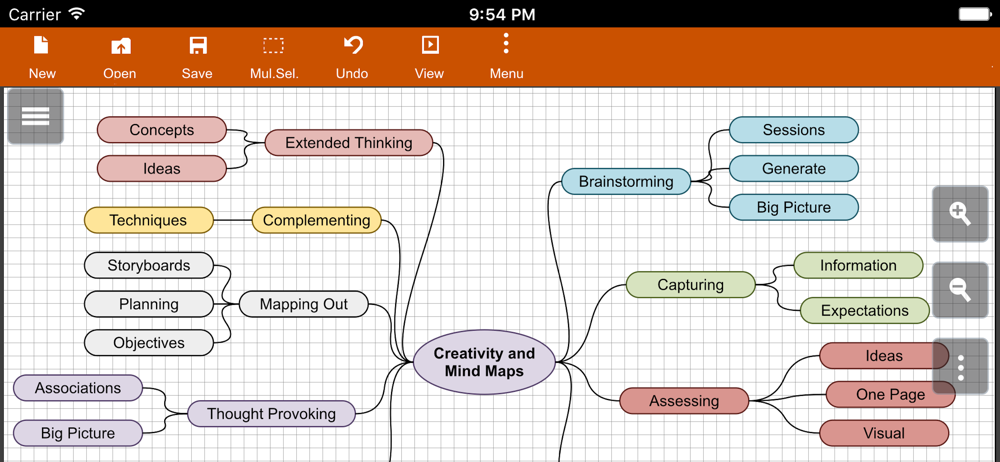
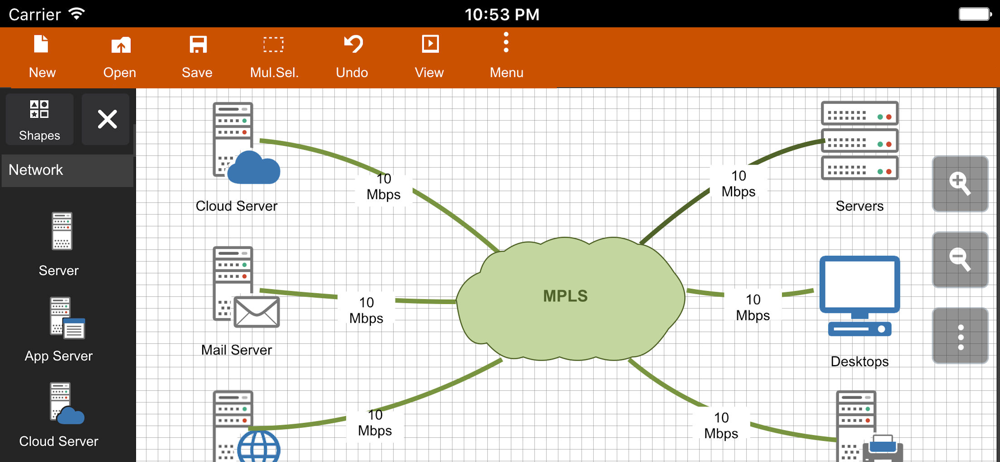
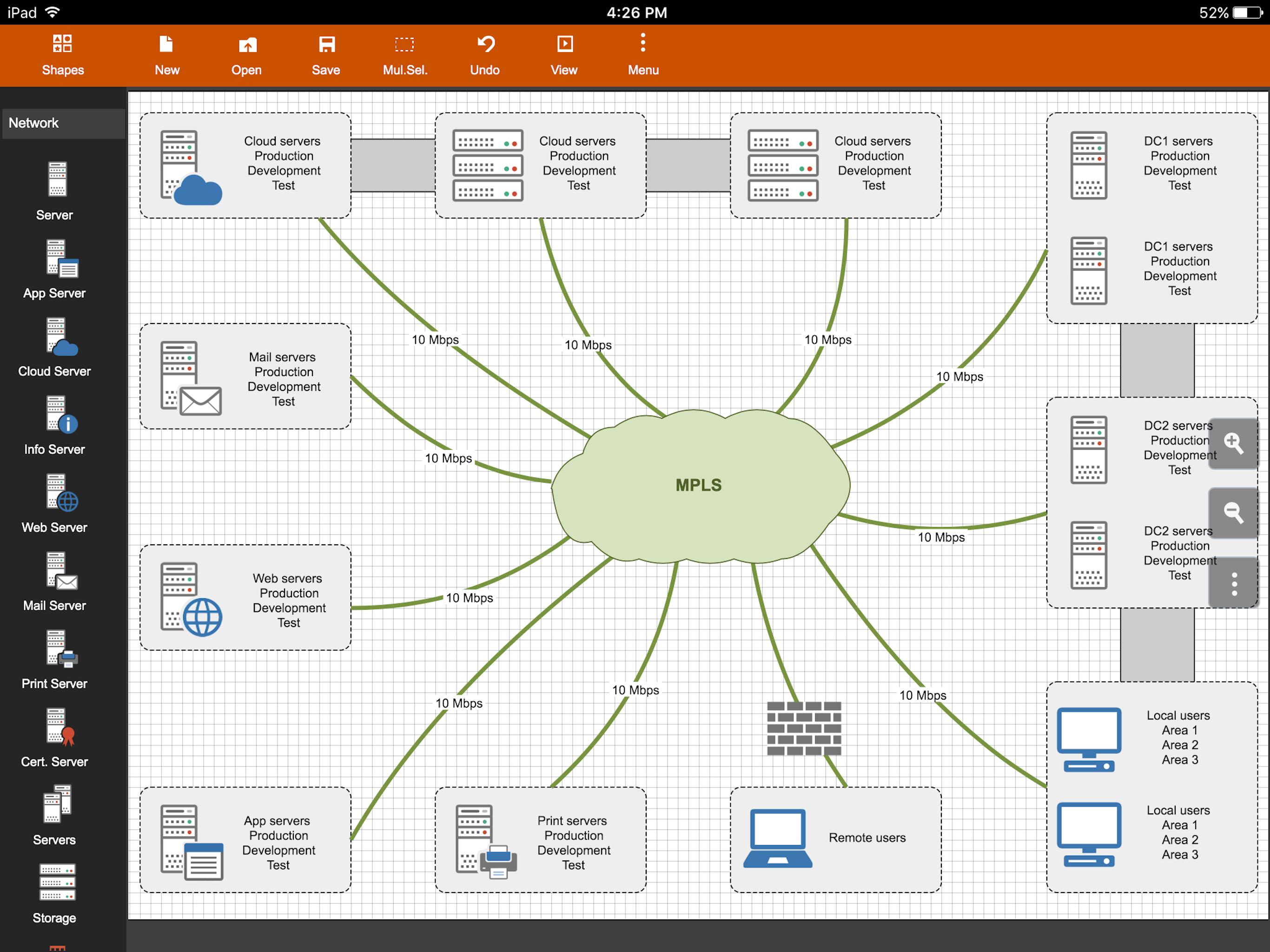
Flowdia is an easy to use flow diagram tool that can be used to quickly create professional quality flowcharts, mind maps, BPMN, network and server la...
| Name | Price | Type |
|---|---|---|
| Upgrade to Premium | $9.99 | One-time |