
Check the acquisition promise
Read the store headline, screenshots and description. What problem is the app promising to solve?
Study the storefront ↗
Arjun Gupte · iOS
Explore the ad evidence, study the storefront, and build your next acquisition hypothesis.
01 / Creative research
Read the store headline, screenshots and description. What problem is the app promising to solve?
Study the storefront ↗Explore apps with direct store-link matches. Compare their hooks and formats without assuming the same approach works here.
Browse observed advertisers ↗Store rankings and revenue estimates describe market context. They do not establish ad spend, conversions or ROAS.
Review the market context ↗02 / Storefront & product
Study the product story and store experience behind the acquisition funnel.




03 / Market context
Keep revenue, downloads and store rankings separate from advertising performance.
I downloaded on iPhone 5, iPad 3, and iPhone XR. In all devices I was unable to reach/access the “new page” button. This made the app useless. There is no “settings” button. No way to scroll to the other tools. The “Eraser” was unreachable on two of the Apple devices mentioned above.
This is the only flip book that can print. The children in my family need to create flip books for art classes but this app font is too large. Can we have more pen options or art options?
App cuts out sides so that you cannot switch pages nor have the entire color palette.
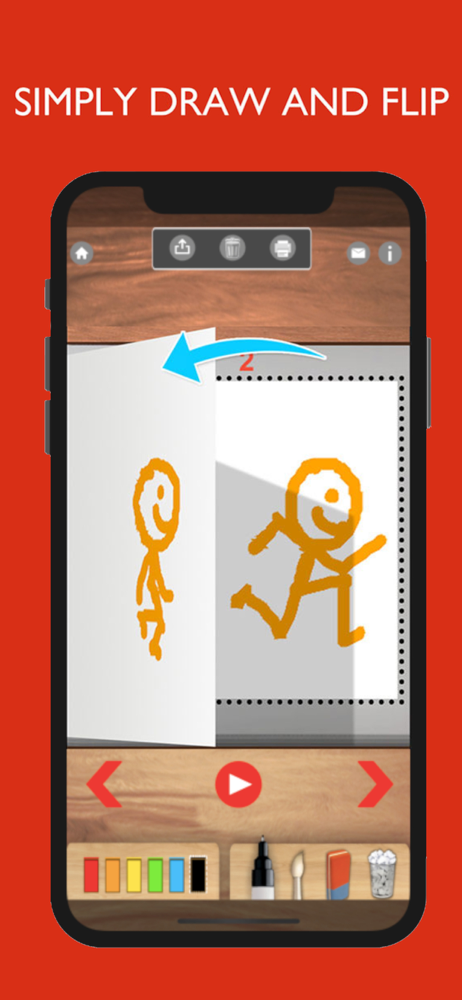
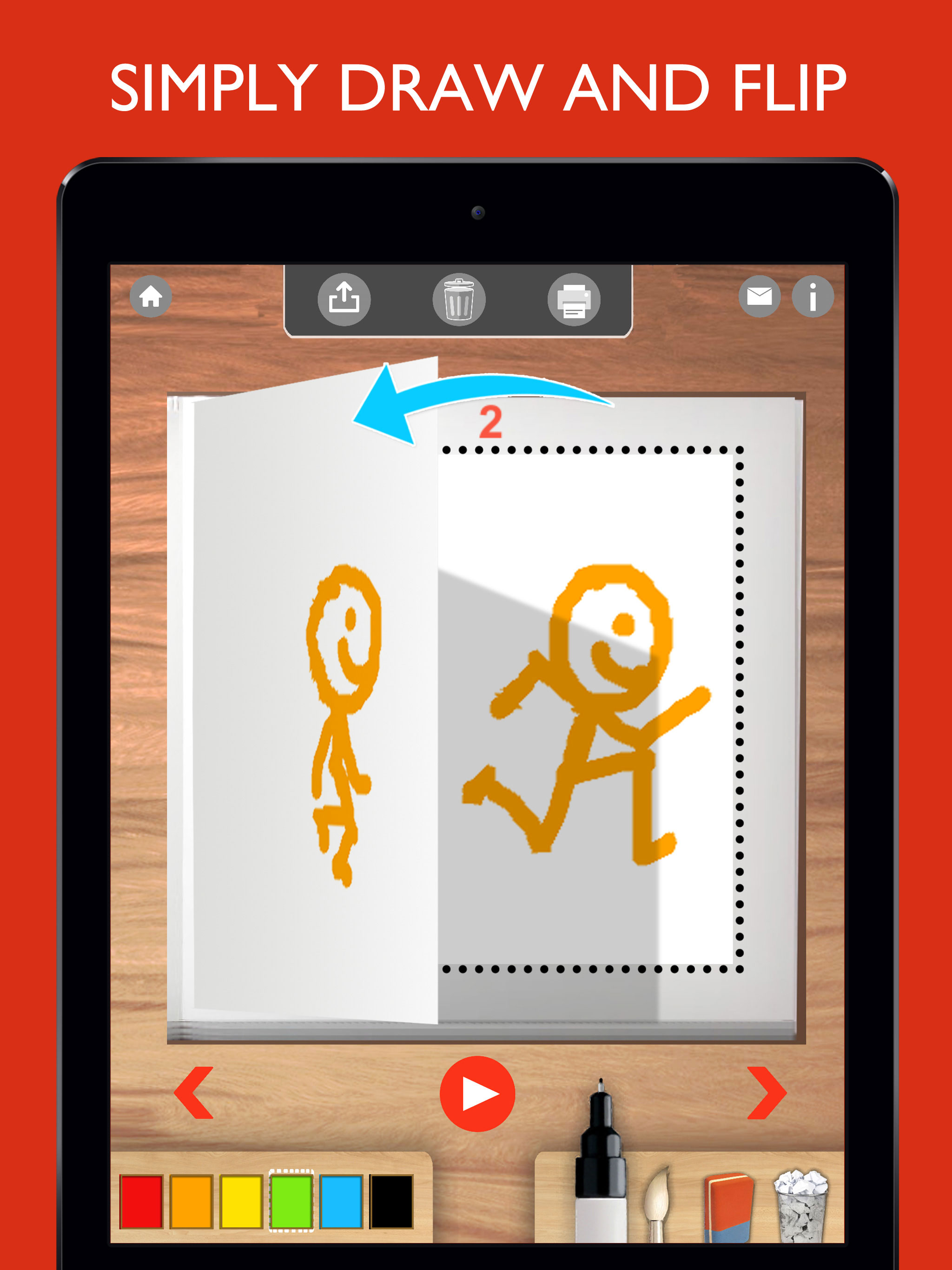
Flipbook:Animate is an easy way for kids to create animation flipbooks and movies. Draw,paint and animate easily in this app designed specifically for...


