Check the acquisition promise
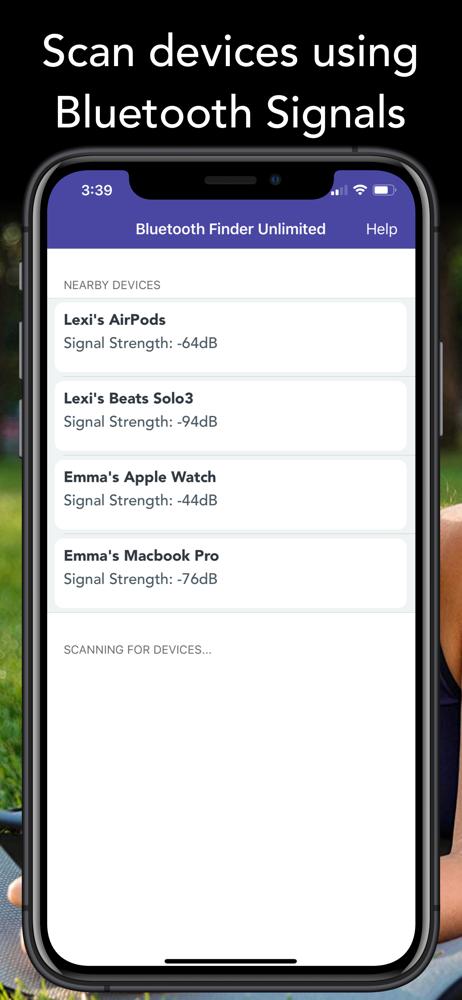
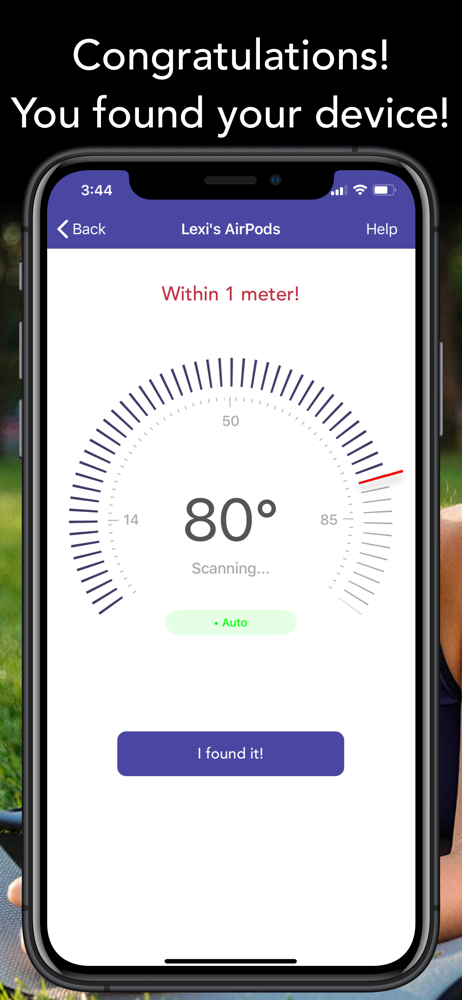
Read the store headline, screenshots and description. What problem is the app promising to solve?
Study the storefront ↗
Rukshan Marapana · iOS
Explore the ad evidence, study the storefront, and build your next acquisition hypothesis.
01 / Creative research
Read the store headline, screenshots and description. What problem is the app promising to solve?
Study the storefront ↗Explore apps with direct store-link matches. Compare their hooks and formats without assuming the same approach works here.
Browse observed advertisers ↗Store rankings and revenue estimates describe market context. They do not establish ad spend, conversions or ROAS.
Review the market context ↗02 / Storefront & product
Study the product story and store experience behind the acquisition funnel.



03 / Market context
Keep revenue, downloads and store rankings separate from advertising performance.
Found devices that don’t exist
The problem with this app, and probably most of the apps like it, is that it cannot actually name the source of many of the signals it is receiving. I bought the app, ran it, and looked for a specific device. It listed probably 30 devices and more than half of them were simply identified as “unknown device”. I may be able to use it to find my Fitbit, but it’s going to take a very long time because I will have to try each of the signals to see if that’s the one I’m really looking for. I’ll be walking around the house all day!
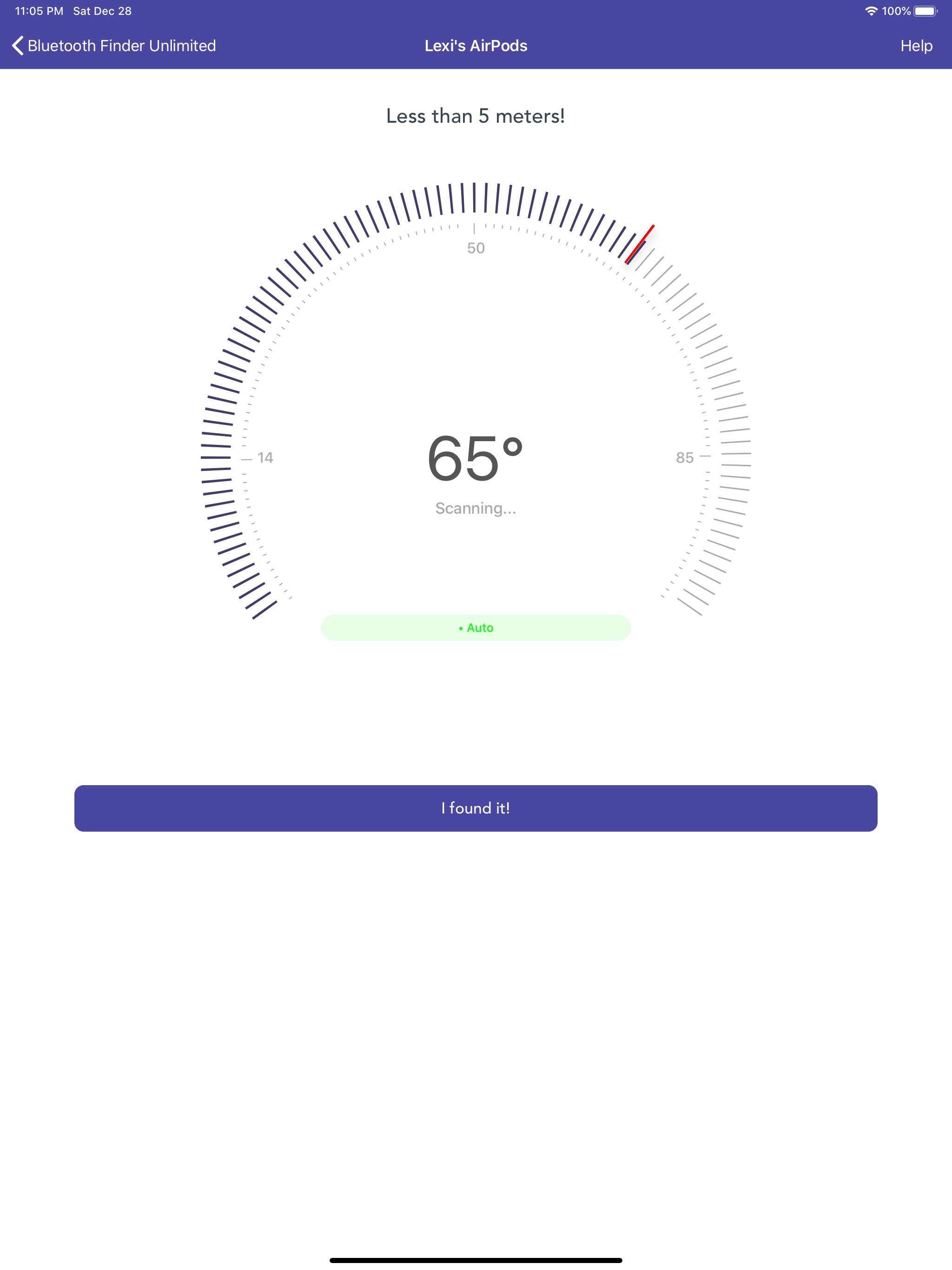
Find your lost AirPods, Bose, Sony, Beats, and other wireless BLE headphones before the batteries die! Quickly locate missing headphones, earbuds, or...