Check the acquisition promise
Read the store headline, screenshots and description. What problem is the app promising to solve?
Study the storefront ↗
Plane Cubes · iOS
Explore the ad evidence, study the storefront, and build your next acquisition hypothesis.
01 / Creative research
Read the store headline, screenshots and description. What problem is the app promising to solve?
Study the storefront ↗Explore apps with direct store-link matches. Compare their hooks and formats without assuming the same approach works here.
Browse observed advertisers ↗Store rankings and revenue estimates describe market context. They do not establish ad spend, conversions or ROAS.
Review the market context ↗02 / Storefront & product
Study the product story and store experience behind the acquisition funnel.
03 / Market context
Keep revenue, downloads and store rankings separate from advertising performance.
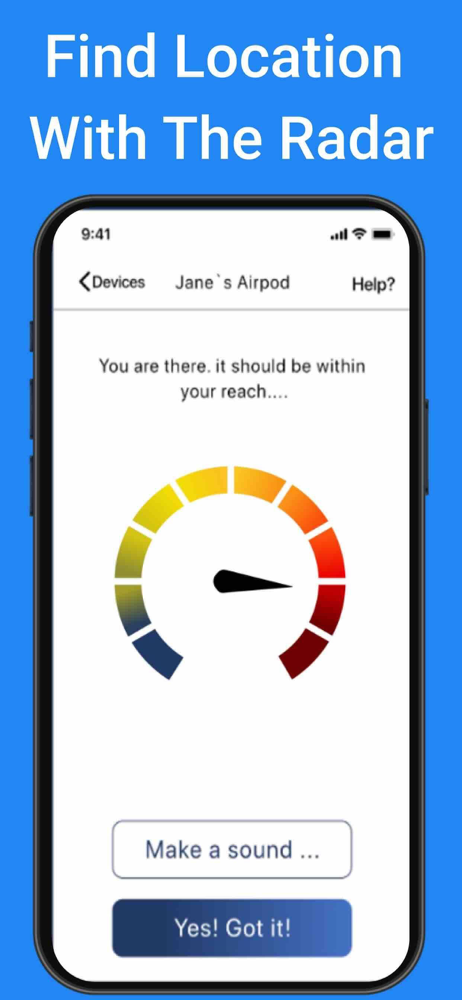
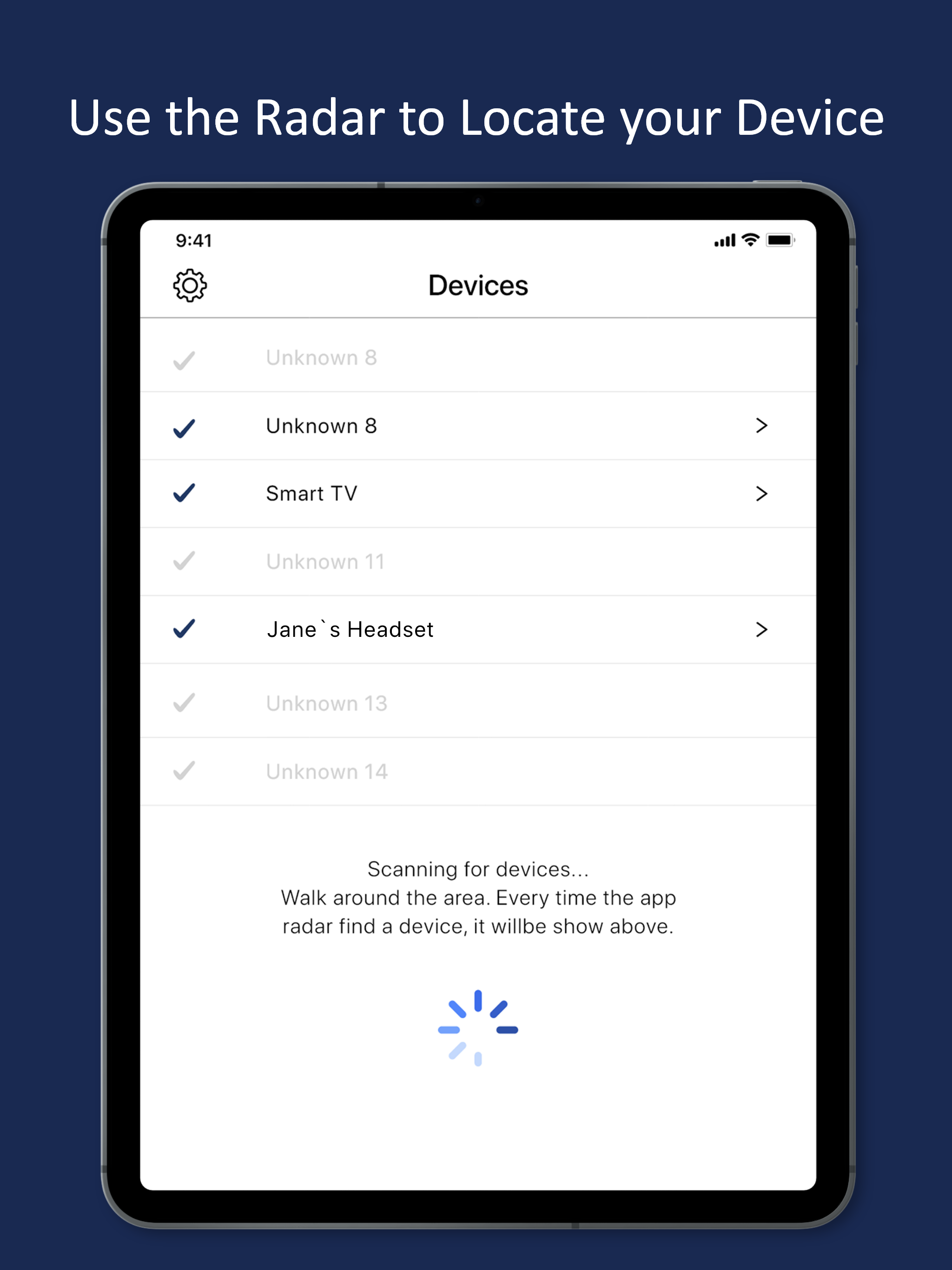
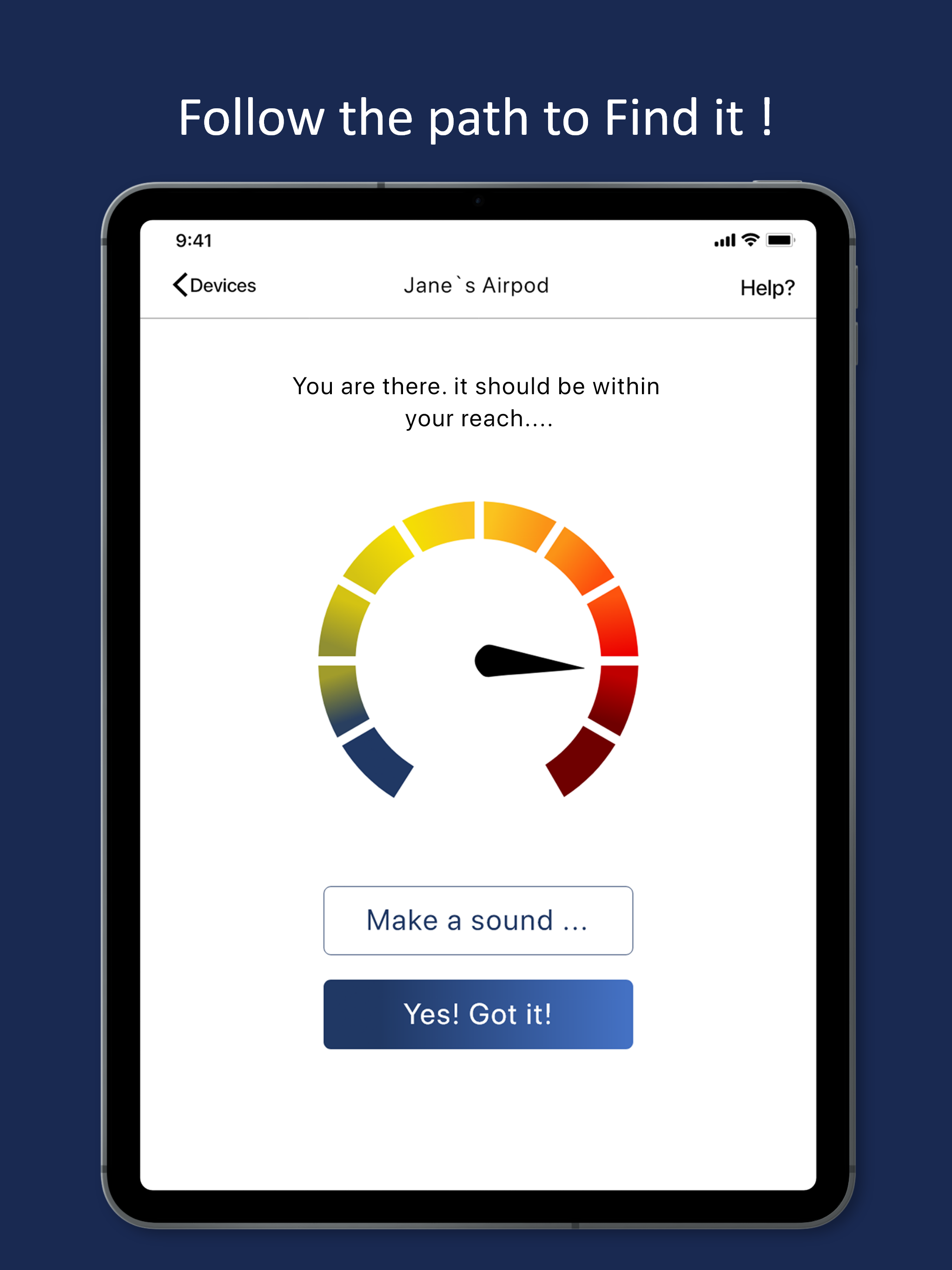
When I first started using the app, the averaging to keep the needle moving smoothly had too much lag to be useful. What I was looking for was turning its signal on and off, and the proximity needle was so slow that it was misleading. When I just left the app in SCAN mode and watched the numbers, I could, with patience, see a given number (when it periodically appeared) increase or decrease as I moved to the next spot and waited. So I was able to eventually find the object and I will keep the app.
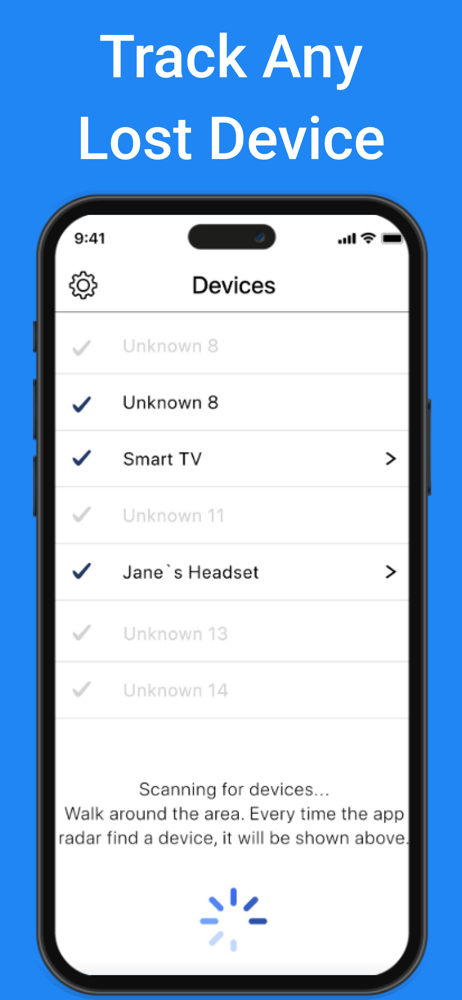
First thing to know is that signal strength is measured from 0(best) to -100(worst). This is not obvious to most people so you will wander around looking for high numbers then the signal will disappear. You should be looking for the lowest number. Second, it does not give the recognition id for the device. It just give some unknowable id so you will have to guess which device is your lost one. Obviously the best thing to do is to turn off all known b tooth devices until your only left with the lost one. Lastly, since it is a free app, the designers do have lots of ads and you’ll have many opportunities to select the $5 upgrade, but if you use it correctly you don’t need it. So I give it 3 stars. I did find my device in about 15 minutes from loading the ap.
Get this app today. I’ve tried several different ones and this app did the job of all of them combined, for Free!!! Once you connect the device to the manufacturer Bluetooth name, you can input your own name into the system. You don’t have to go through hundreds of devices in your surroundings and you can identify the one you’re looking for right off the bat. Trust me, I’ve used a lot of these apps trying to find one teeny device. I downloaded this app and the search was over! I found my device within six minutes! YAY
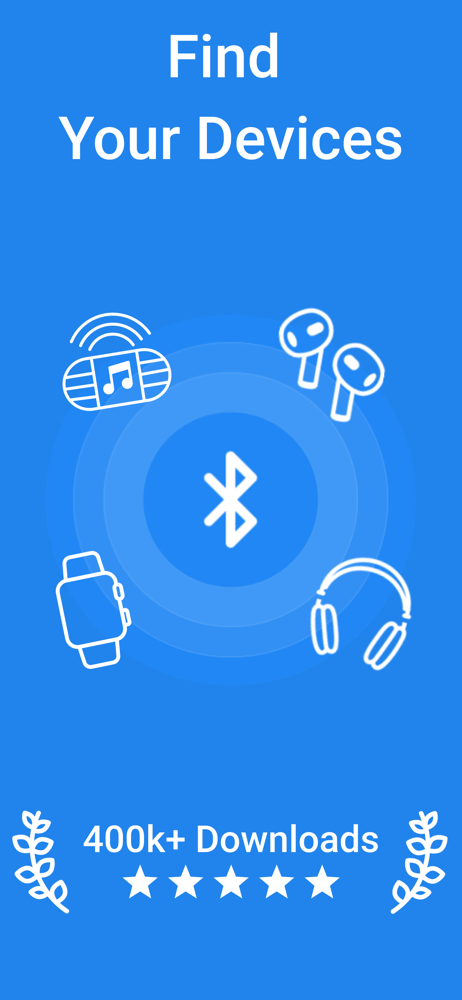
Δ Find your lost Headphones, Fitbit, Fitness Tracker, Earbuds and many more Bluetooth devices... Δ The radar will locate BLE devices in your area Δ Th...
| Name | Price | Type |
|---|---|---|
| Donation | $0.99 | One-time |
| Find Bluetooth Device Week | $2.99 | Weekly |
| Donation | $2.99 | One-time |
| Find Bluetooth Device Month | $4.99 | Monthly |
| Donation | $4.99 | One-time |
| Premium Features Pack | $9.99 | One-time |