Check the acquisition promise
Read the store headline, screenshots and description. What problem is the app promising to solve?
Study the storefront ↗
tv remote screen mirroring llc · iOS
Explore the ad evidence, study the storefront, and build your next acquisition hypothesis.
01 / Creative research
Read the store headline, screenshots and description. What problem is the app promising to solve?
Study the storefront ↗Explore apps with direct store-link matches. Compare their hooks and formats without assuming the same approach works here.
Browse observed advertisers ↗Store rankings and revenue estimates describe market context. They do not establish ad spend, conversions or ROAS.
Review the market context ↗02 / Storefront & product
Study the product story and store experience behind the acquisition funnel.


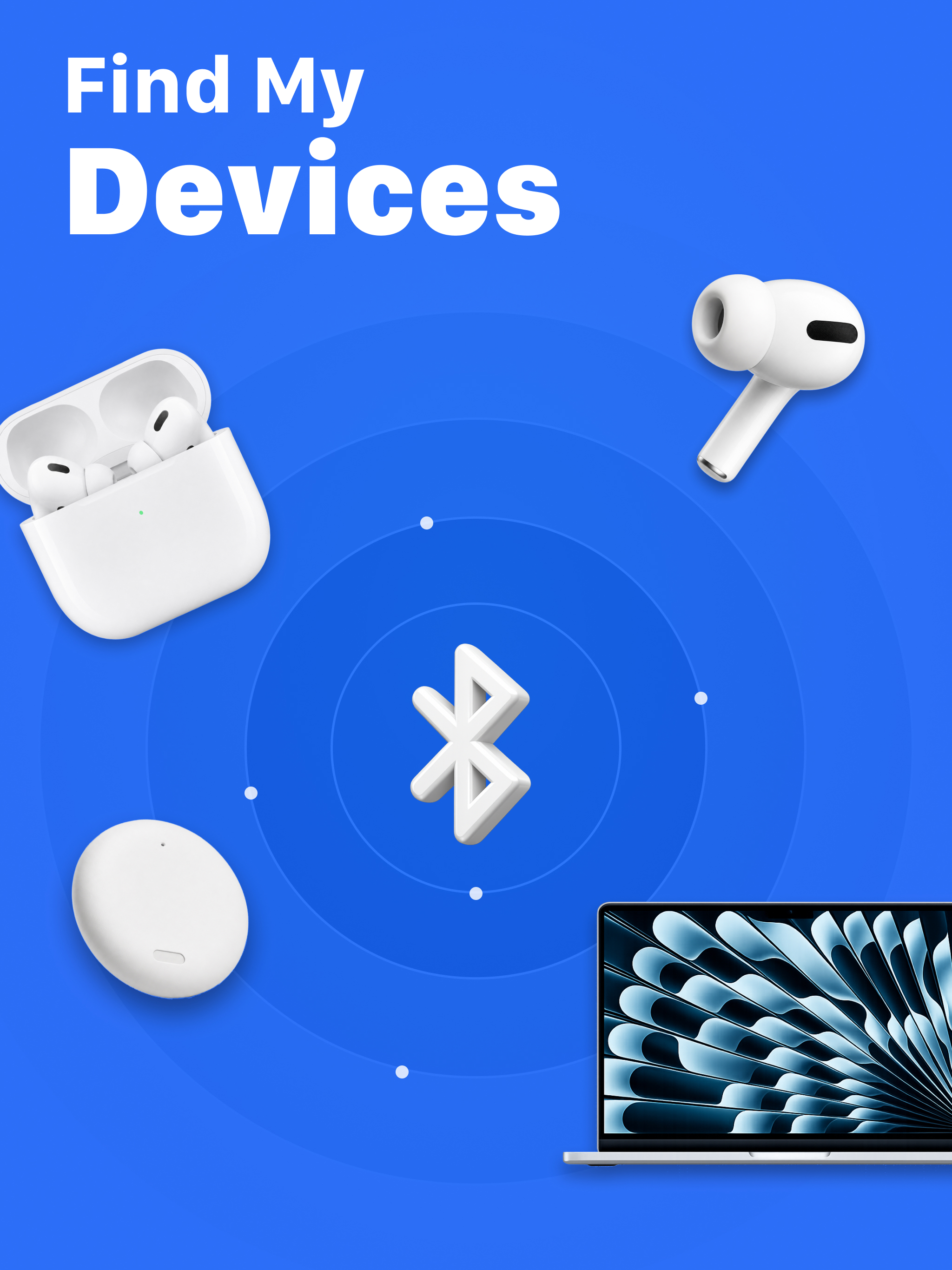
03 / Market context
Keep revenue, downloads and store rankings separate from advertising performance.
I can’t believe it and neither can the contractor or my coworkers. I work residential construction and I lost my single earbud while I was in a freshly insulated attic with nearly 2ft of insulation. I managed to find my tiny earbud in the dark at the bottom of the insulation resting on the drywall of the ceiling. I downloaded multiple apps, but this is the only app that worked. Turning up my music all the way I still couldn’t hear it but once I got close with this app, I could! Found within about 5 minutes using this app. I still can’t believe it. This app delivered while 3 others didn’t. I will suggest this app every chance I get.
When I first turned the app on to scan for my Sony headphones, it said that they were nearby, but then couldn’t find them. When I got home, my Sony headphones were actually at home. So I decided fed to try again by turning the app on the next morning to scan for these headphones just to be sure that the app worked. I turned my Sony headphones on, put them in Bluetooth mode, connected then to my laptop, and the app said it couldn’t find them . So I turned the app all the way off and restarted it. Guess what? The app found my headphones. Would you have given more than a 3?
Thank god they give you a free trial because I have been looking for my airpods and the connection it finds gives me a bunch of numbers and letters and doesn’t say what it actually is that is getting that Bluetooth connection because I looked up on the map to see where they are and said it was in my neighbors house that I’ve never been too and then when I reloaded it, it put the marker in a completely different spot and also will tell me it’s 115 feet away when it says right next to me so in that case that just shows alone there’s a lot wrong with this app and that it does not work correctly at all and if those number and letters are the serial number or the version it’s giving me someone else’s Bluetooth cause I do not have any of those codes and looked through all my connections I big update where things are a lot more clearer are needed for this to be successful and actual place of where the thing is.
With this app you can locate and find your bluetooth devices using the received signal strength indication (rssi), the closer you get, the stronger th...
| Name | Price | Type |
|---|---|---|
| Bluetooth Scanner Weekly | $3.49 | Weekly |
| Bluetooth Scanner Weekly | $5.99 | Weekly |
| Bluetooth Scanner - Monthly | $15.99 | Monthly |
| Yearly Saleoff | $19.99 | Yearly |
| Bluetooth Scanner - Monthly | $19.99 | Monthly |
| Bluetooth Scanner Monthly | $19.99 | Monthly |
| Bluetooth Scanner Yearly | $21.99 | Yearly |
| Bluetooth Scanner - Yearly | $24.90 | Yearly |
| Bluetooth Scanner Monthly | $24.99 | Monthly |
| Bluetooth Scanner - Monthly | $31.99 | Monthly |