Check the acquisition promise
Read the store headline, screenshots and description. What problem is the app promising to solve?
Study the storefront ↗
QaamGo Media GmbH · iOS
Explore the ad evidence, study the storefront, and build your next acquisition hypothesis.
01 / Creative research
Read the store headline, screenshots and description. What problem is the app promising to solve?
Study the storefront ↗Explore apps with direct store-link matches. Compare their hooks and formats without assuming the same approach works here.
Browse observed advertisers ↗Store rankings and revenue estimates describe market context. They do not establish ad spend, conversions or ROAS.
Review the market context ↗02 / Storefront & product
Study the product story and store experience behind the acquisition funnel.


03 / Market context
Keep revenue, downloads and store rankings separate from advertising performance.
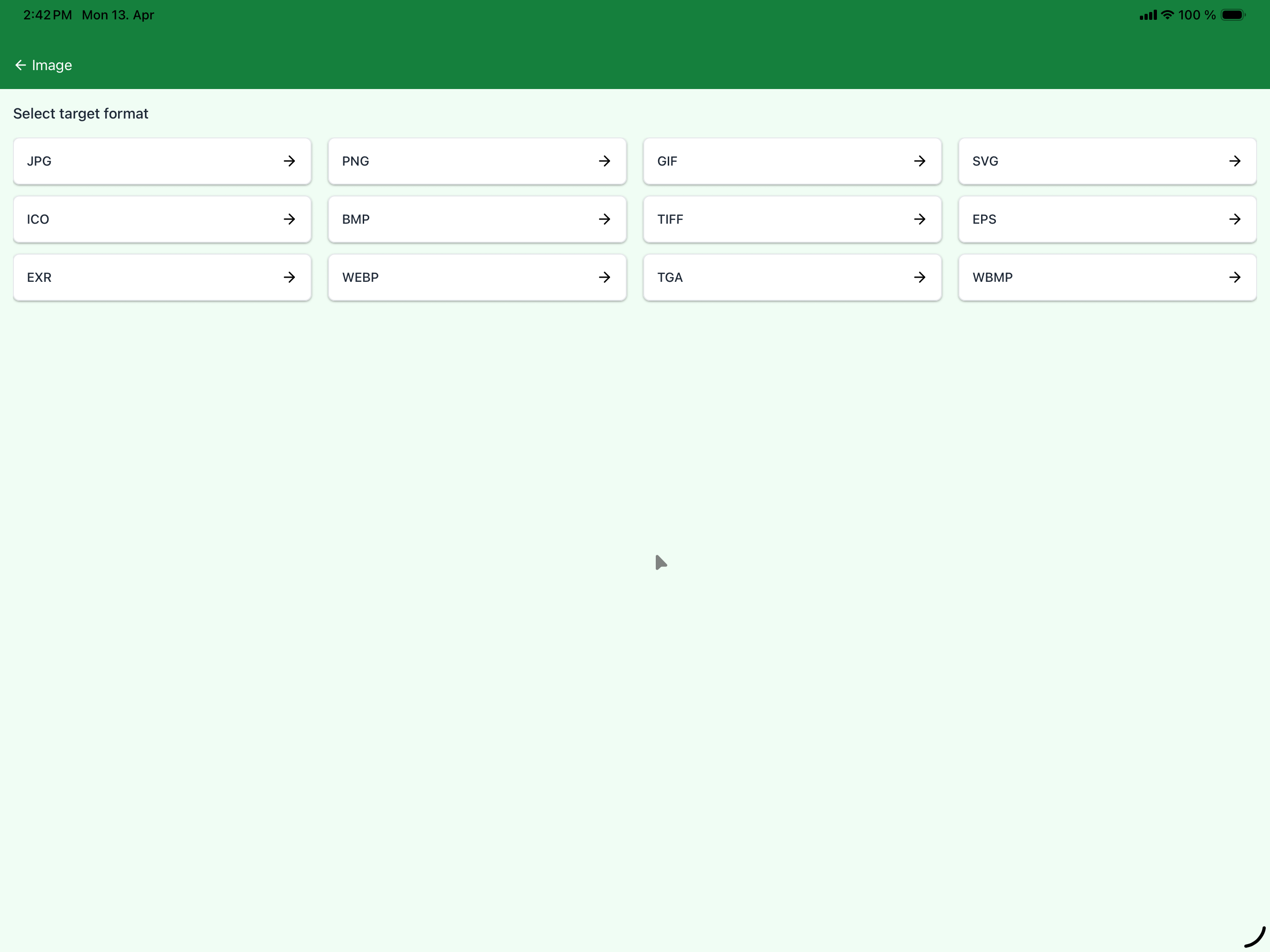
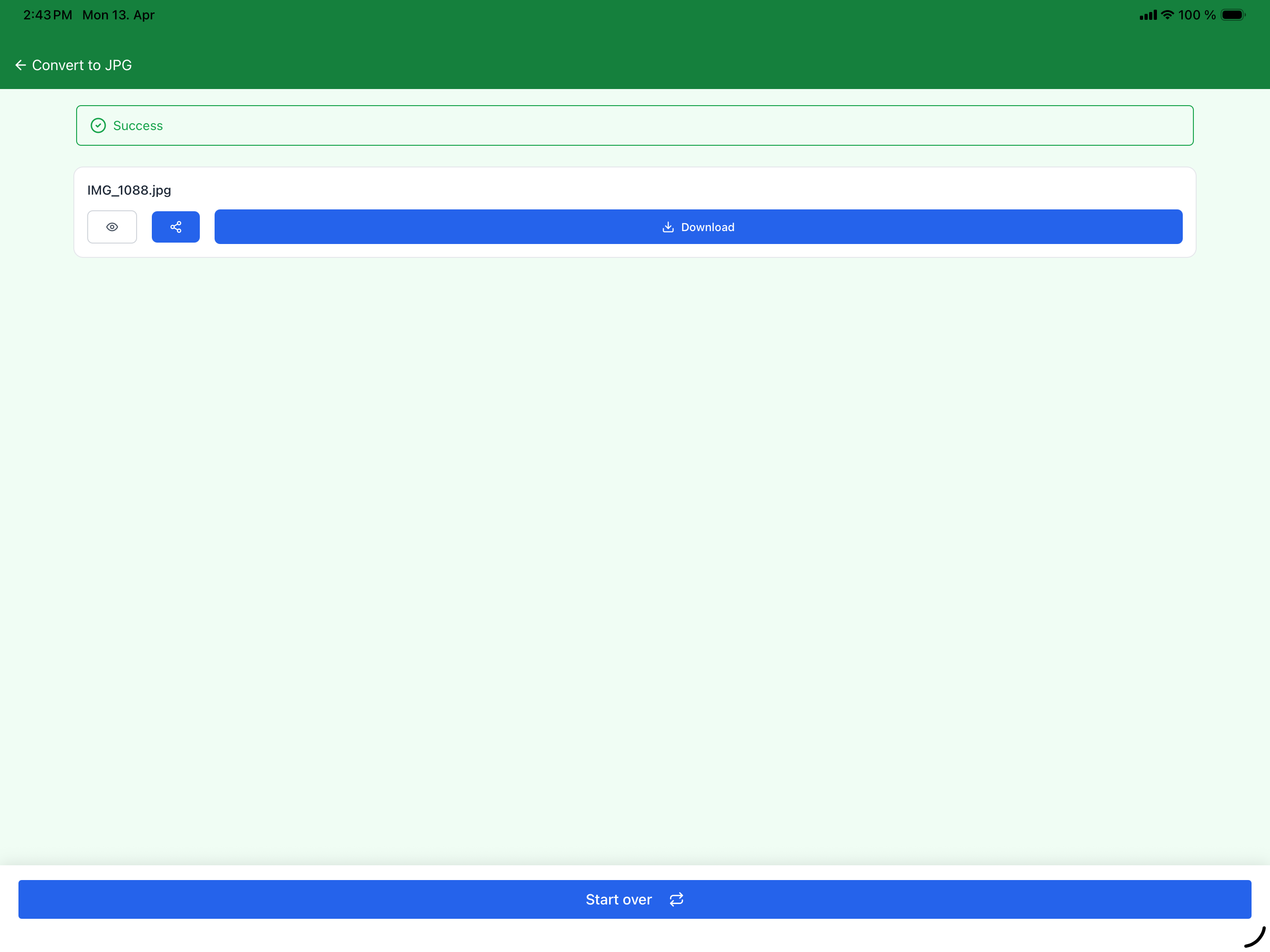
My first problem was that I could only access my local files (the files I have stored directly on my phone) through the “Cloud” option. This is more a nitpick than anything else, but it did take me a good few minutes to figure that out. My main problem is with the conversion itself, which won’t work properly because the app believes the file I’m converting is nonexistent. It’ll prepare the file for a few seconds and then give me an error message telling me that it can’t find the file, despite the fact that it’s there and I can open it just fine on my phone’s Files app. The website works just fine though, so just use that instead.
I use the site itself quite a bit, and decided to give the app a shot. Unfortunately, it always fails, saying the file couldn’t be found. The weird thing is the only option I have to browse files to convert that are on my iPad is by choosing cloud. That doesn’t make sense as my files aren’t on the cloud but on my iPad itself. However, when I choose cloud, it does in fact show all my files that are on my iPad. Think the problem with the app lies somewhere there. Not sure why there isn’t just an option to browse my own iPad drive.
Amazing works well with what I use it for and convenient
► Online-Convert.com’s FREE Online File Converter App ◄ With this FREE app, you can easily convert many different files formats into the most popular...