
Check the acquisition promise
Read the store headline, screenshots and description. What problem is the app promising to solve?
Study the storefront ↗
Petroleum Experts Limited · iOS
Explore the ad evidence, study the storefront, and build your next acquisition hypothesis.
01 / Creative research
Read the store headline, screenshots and description. What problem is the app promising to solve?
Study the storefront ↗Explore apps with direct store-link matches. Compare their hooks and formats without assuming the same approach works here.
Browse observed advertisers ↗Store rankings and revenue estimates describe market context. They do not establish ad spend, conversions or ROAS.
Review the market context ↗02 / Storefront & product
Study the product story and store experience behind the acquisition funnel.


03 / Market context
Keep revenue, downloads and store rankings separate from advertising performance.
It does not work with dark mode which hurts in the field because you drain your phone battery faster when using light mode, and it occasionally has a bad reading and gets stuck that way when doing S/D measurements. This can result in a wacky misunderstanding of the structural features in an area so it is best to keep a brunton compass on you and double check periodically. Otherwise, it’s a solid app!
I have used this tool for two years now doing geologic mapping for my master’s thesis and it has been an invaluable tool. The only issue I have is that the image function in the notes section causes the app to crash every time. It would be fantastic to see this fixed, as that would enable me to use this app as my primary tool. Additionally, if there could be a tracking section added to the maps portion, it would be quite easy to map large swaths of rock simply by walking the contacts!
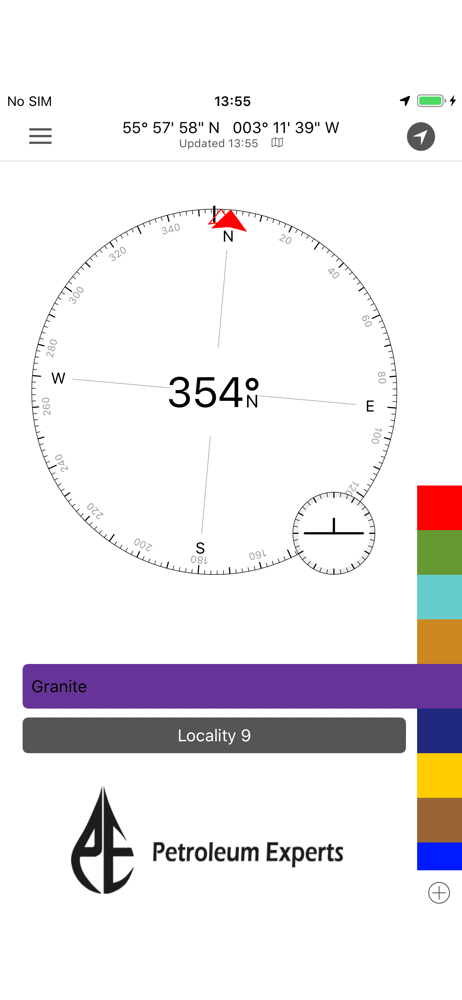
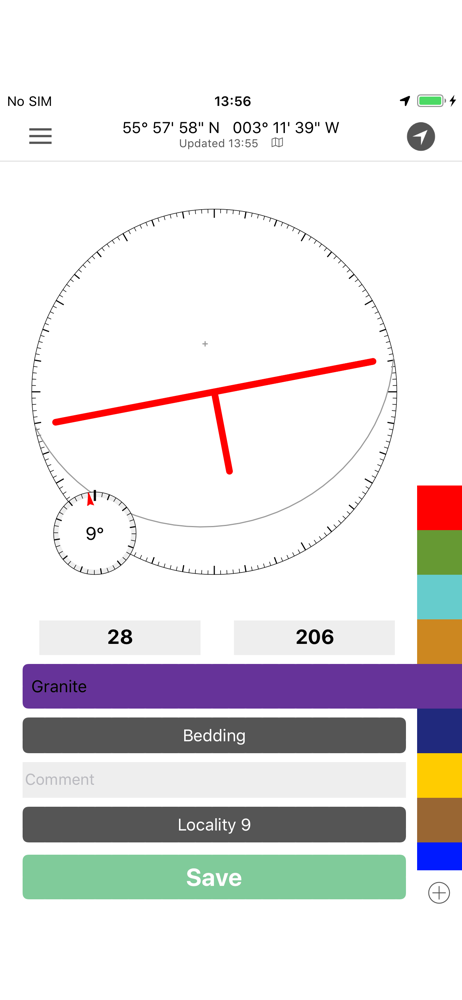
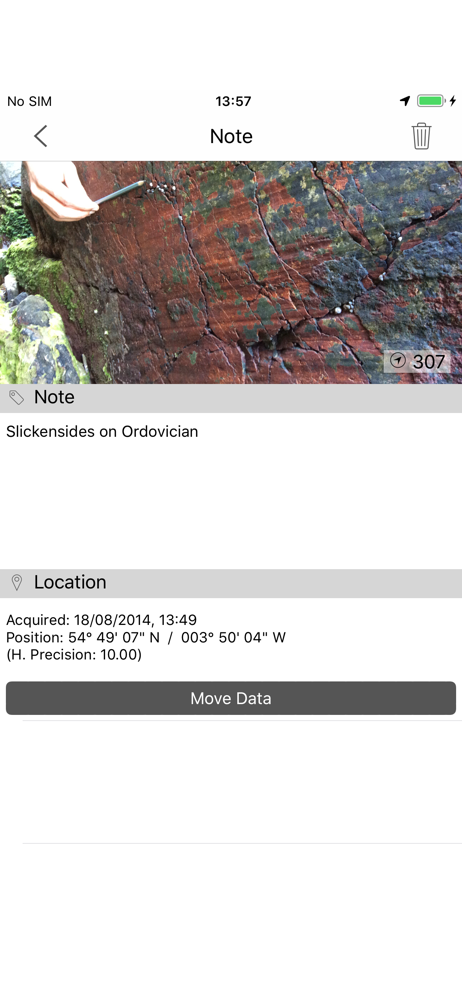
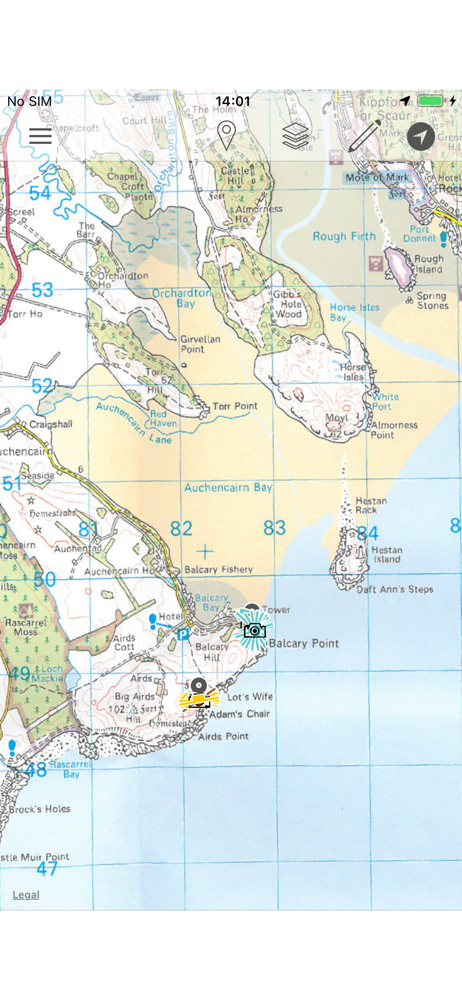
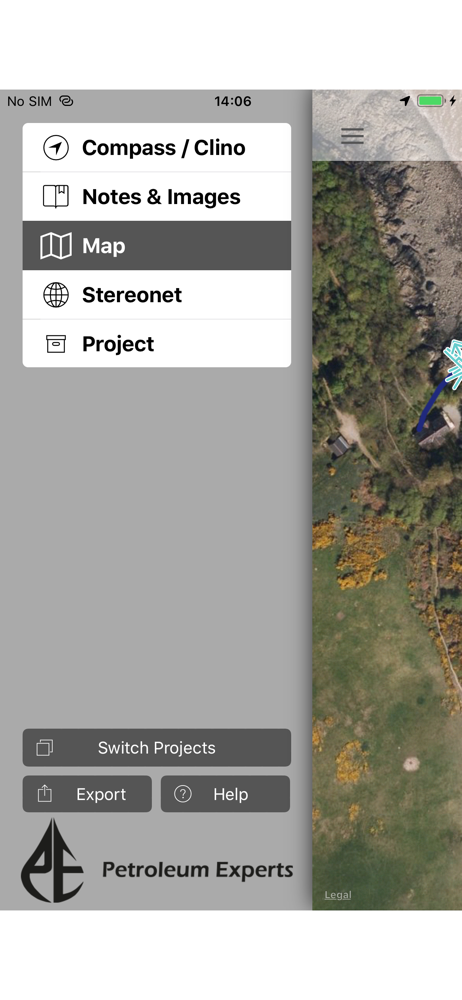
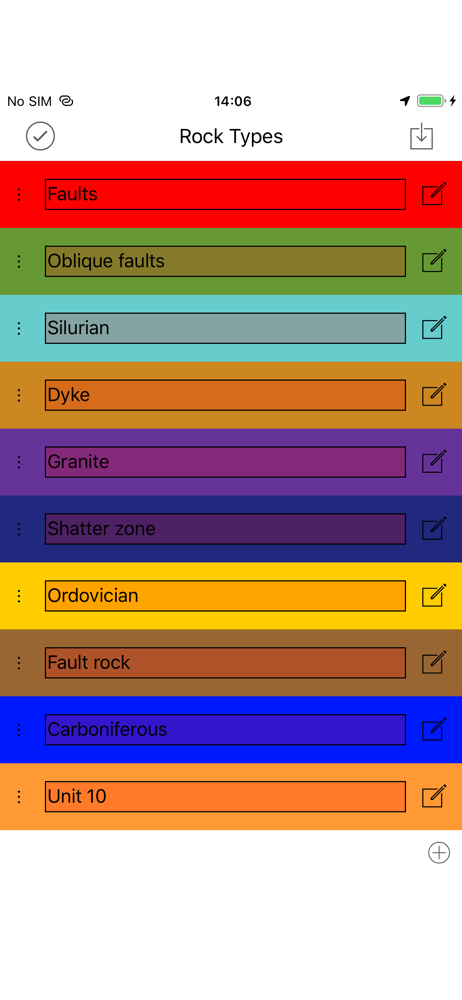
There are so many things I love about this app. It’s now my primary mapping tool for everything: strikes and dips, faults, slickensides, notes, geotagged images, annotating the map. Last field season it worked a little smoother, so I’m wondering if there’s some bugs with new iPhone update... Some actions that cause Clino to crash: - trying to take a picture from within the app using the “camera” icon. - I can make a note and upload “existing picture” (it’s an extra step) but “new picture” crashes again. - clicking on a line in map view It would be great to upload a better base map. I’ve been switching between Gaia and Google Earth to see if the location is correct. It’s sometimes 10-20 feet off, which is an issue. Even if the imagery isn’t great, it’s be nice to be able to zoom in closer for fat-fingered drawing. Other than that, this app is great. I’m grateful that the S/D symbols show up in google earth along with meta data and stratigraphic units. Makes my data management so much easier.
FieldMove Clino Features: FieldMove Clino is a digital compass-clinometer for data capture on your iPhone, designed for simplicity in the field, and...


