Check the acquisition promise
Read the store headline, screenshots and description. What problem is the app promising to solve?
Study the storefront ↗
Quorum Business Solutions, Inc · iOS
Explore the ad evidence, study the storefront, and build your next acquisition hypothesis.
01 / Creative research
Read the store headline, screenshots and description. What problem is the app promising to solve?
Study the storefront ↗Explore apps with direct store-link matches. Compare their hooks and formats without assuming the same approach works here.
Browse observed advertisers ↗Store rankings and revenue estimates describe market context. They do not establish ad spend, conversions or ROAS.
Review the market context ↗02 / Storefront & product
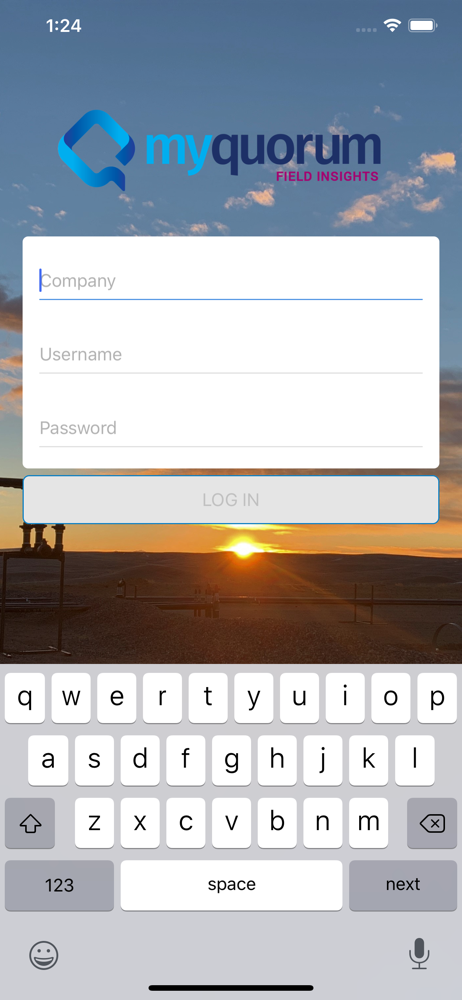
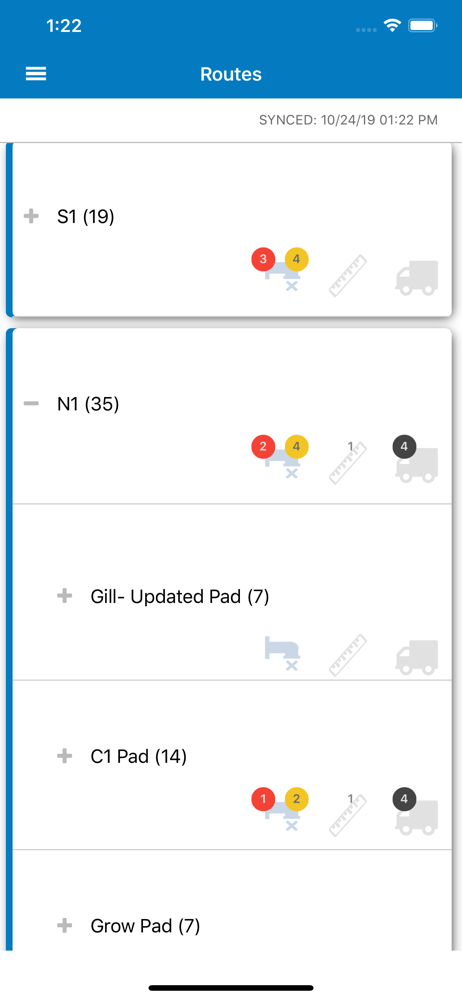
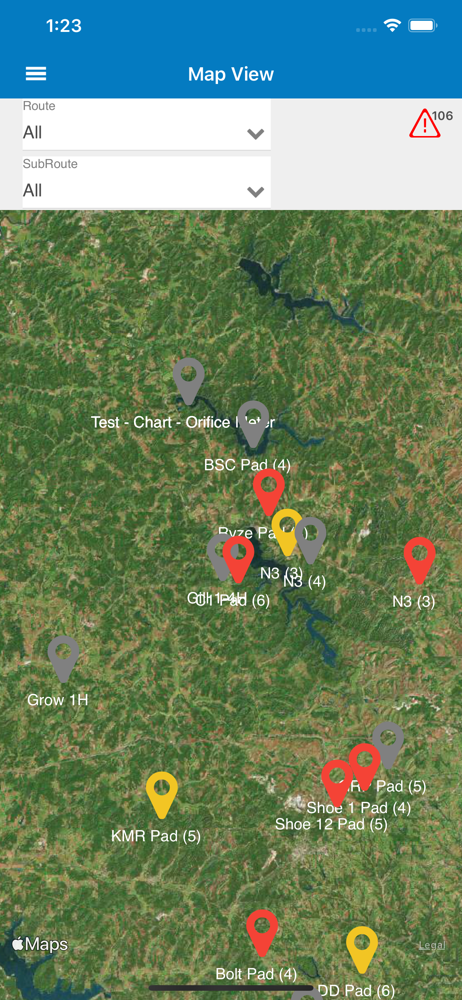
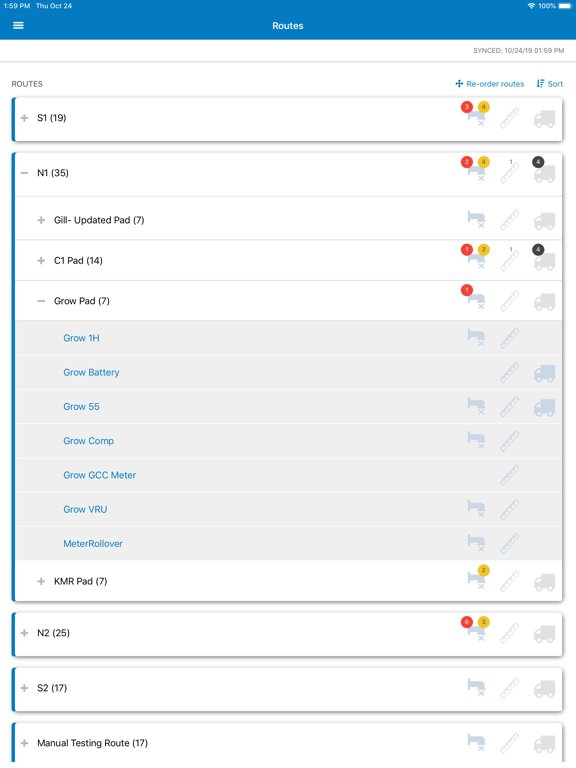
Study the product story and store experience behind the acquisition funnel.



03 / Market context
Keep revenue, downloads and store rankings separate from advertising performance.
App constantly crashes
App crashes all the time and will not open back up for quite some time
So far field insight seems alright. Coming from a laptop with P2 Evin. I miss having trends open and not having to click everything to input. PG Up, PG Down, Left/Right/Up/Down arrow keys and tab with a few others were all you needed to move around from route to route.. I do miss seeing multiple days of production entries when on a route stop which made adjustments for fat finger etc. Easy to correct. I do hate that if you need to make an edit a few days ago. Be prepared to have to go in and make whatever entry you had that day again for every day after your edit. If not you’ll start going negative on your production. One of the other biggest pain is if someone messes up an entry. 5 phone calls and explaining what’s going on just for the admin to believe you and delete an entry you could have done yourself. The sync Feature is alright. I actually prefer the old way of starting over with new data everyday to receive any scada stuff. Then making your entries. Once all routes were done. Send entries. That way there were no “automatic surprises”. Sort of a pain in FI if something fails in receive/send depending on how often you have it set to do it automatically. Also if 2 app updates still don’t fix the sync issue. I’ve been bit more times than I care ti admit and had stuff get messed up because things didn’t send but showed sent. So fyi, do your app updates manually to see how it acts for all the people who change versions and end up with issues. Let them be the field test to see what happens. Aside from that. I miss my laptop lol.
Field Insights Mobile is an offline-capable, fully functional field data capture app for Oil & Gas producers of all sizes. PRODUCTION DATA CAPTURE N...