
Check the acquisition promise
Read the store headline, screenshots and description. What problem is the app promising to solve?
Study the storefront ↗
GENERAL Inc. · iOS
Explore the ad evidence, study the storefront, and build your next acquisition hypothesis.
01 / Creative research
Read the store headline, screenshots and description. What problem is the app promising to solve?
Study the storefront ↗Explore apps with direct store-link matches. Compare their hooks and formats without assuming the same approach works here.
Browse observed advertisers ↗Store rankings and revenue estimates describe market context. They do not establish ad spend, conversions or ROAS.
Review the market context ↗02 / Storefront & product
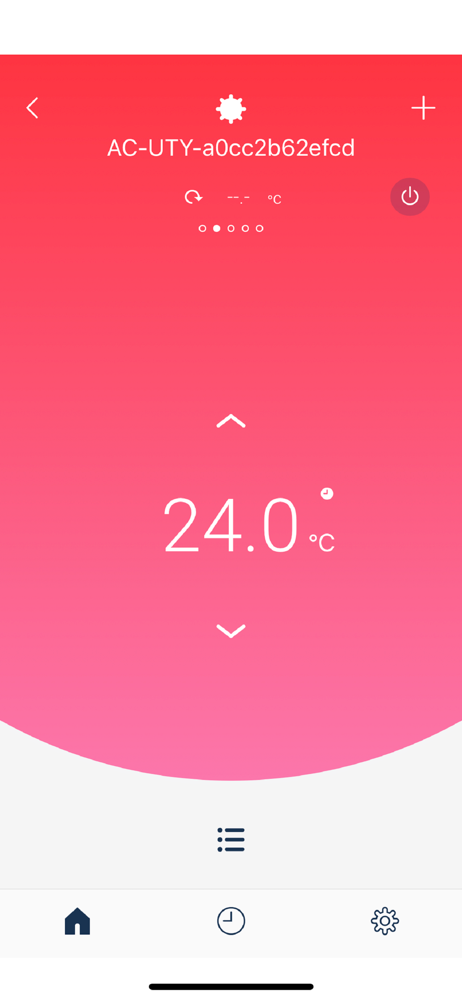
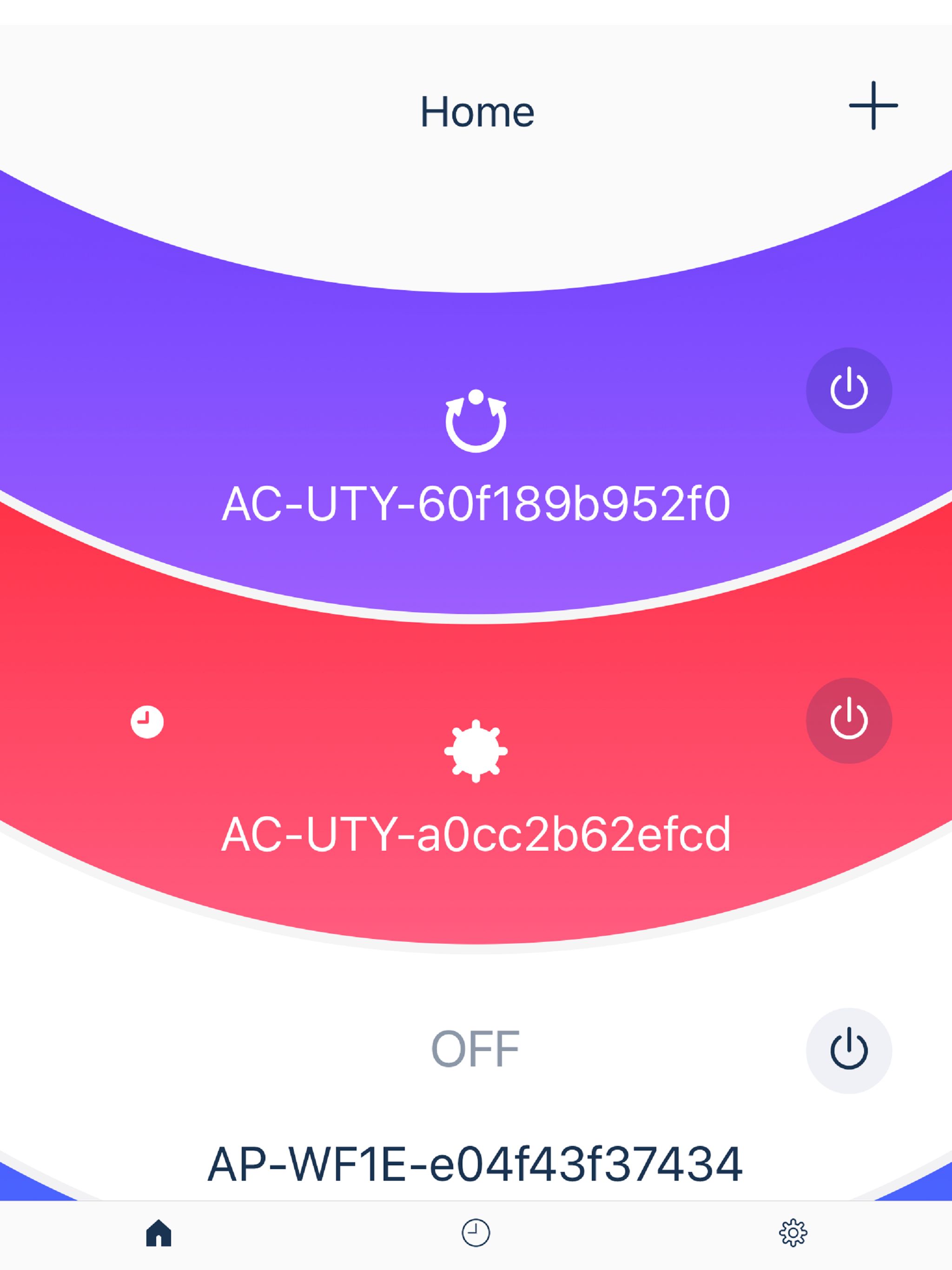
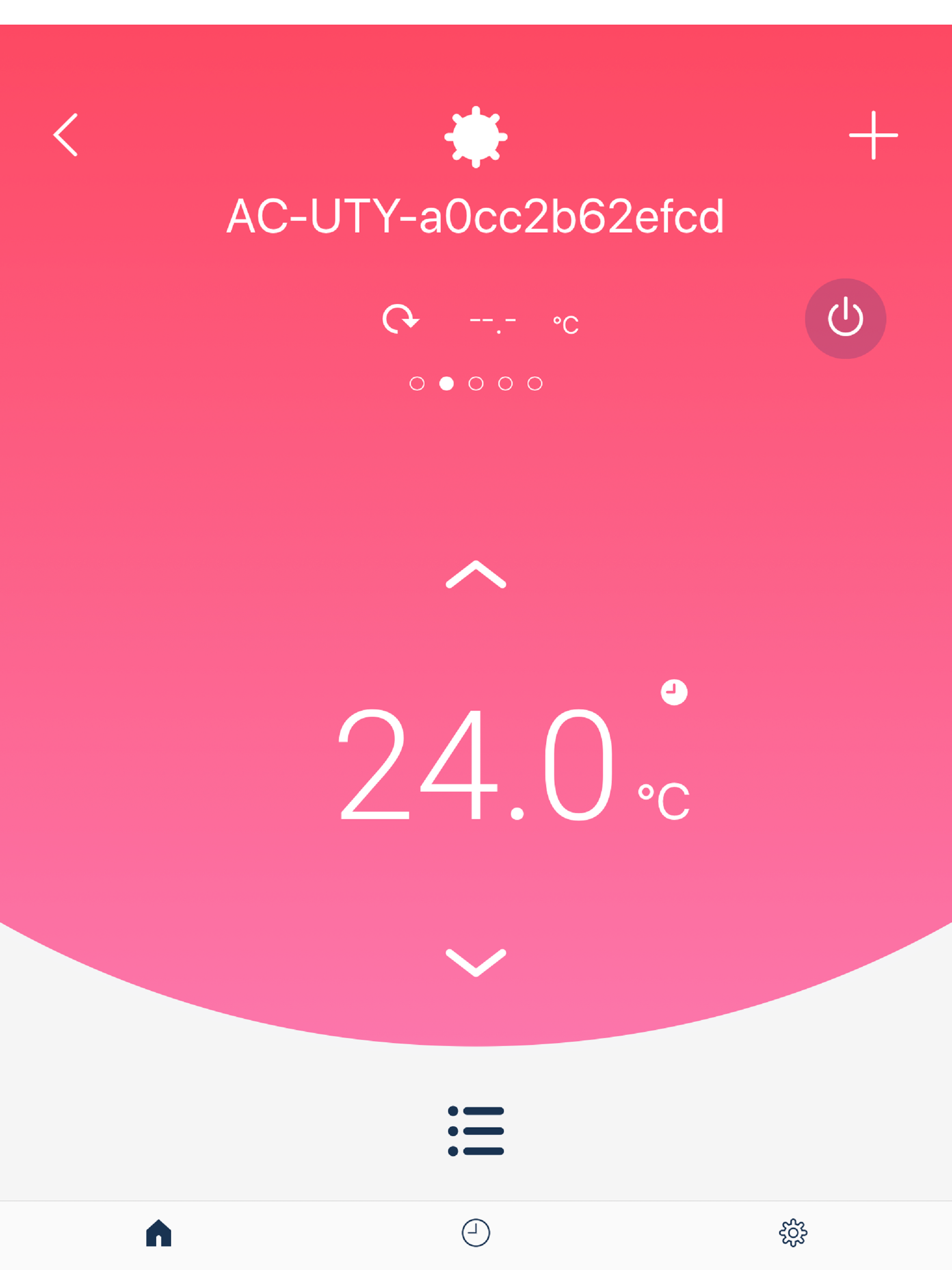
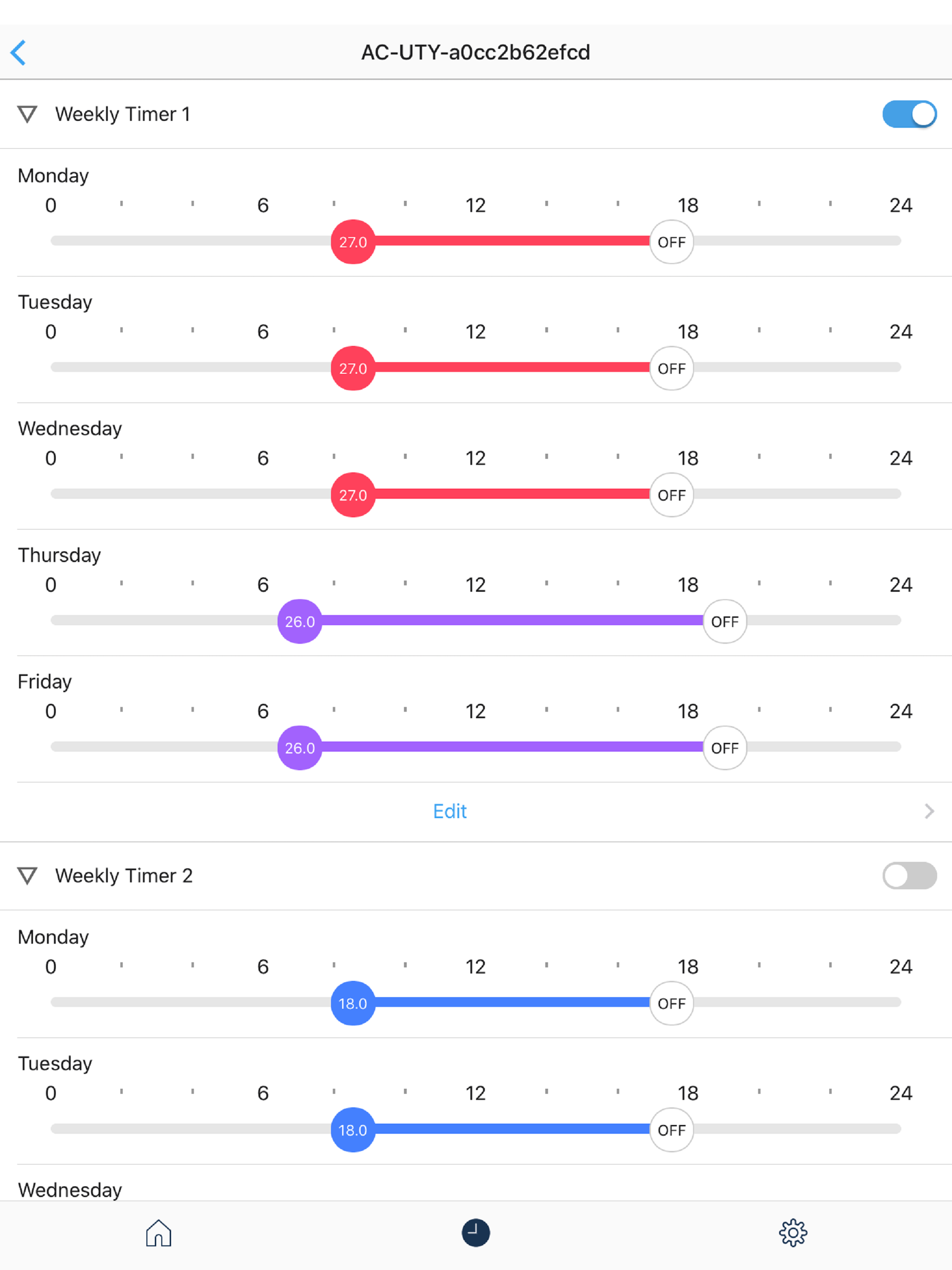
Study the product story and store experience behind the acquisition funnel.


03 / Market context
Keep revenue, downloads and store rankings separate from advertising performance.
In the 2 years we’ve been using it, they’ve made great improvements. Setting up individual schedules is pretty straightforward. That’s generally ok for us because our contractor hasn’t been able to calibrate our mini splits so they all need to be on different temperatures and we keep many of them off during the day or night. The downside is when you want to turn them all on/off/minimum heat you have to do each individually. My biggest remaining gripe is that if you’ve put your phone in airplane mode (at night for example) and you’ve either forgotten the app open or make the mistake of opening the app to say, lower your bedroom temp, it erases all your minisplit names and grouping. Argh! Please, please, please change the app to check whether the user is online first. If it’s not, don’t try to connect with any of the mini splits.
If you are just wanting to know what you have your thermostat set on or you want to turn your system off from your couch then this is a five star app! At best it is clunky and not easily understood. The scheduling is perhaps the worst I have ever seen and the app doesn’t address the halcyon inverter series of “heat pumps”. Setting up the connection was nightmarish and you can not change the name of the system. I think in time if Fujitsu listens it will be better. But for now it’s just meh. However don’t let the app sway you away from the system itself. It is an amazing deign and energy efficient and quiet! Our house is more consistent with temperatures and we don’t find ourselves in cool or warm moments. Hopefully Fujitsu will develop a way to zone off these new systems.
Installed the WiFi remotes into our 36btu indoor Halcyon wall units, which took some time since it was my first time removing the covers from them, but went ok. I was able to get the remotes connected to the Wifi router easily, and the app was able to find them and register them. So far (only been a couple days) it’s working well. I especially like the fast feedback on the status of the units, like if someone manually changes the temp or mode with the IR remote, I can see the changes in the app. From reading the reviews I wasn’t surprised that the app doesn’t support Minimum Heat mode (temp below 60), but I was shocked to discover that after connecting the WiFi remotes, Minimum heat mode no longer works at all, even with the IR remote! This is a problem for a function hall that’s only used occasionally. **Update 4 weeks later** I added a star because after 4 weeks I haven’t had any problems and everything is working the way it should, managing 2 remote Halcyon 36k BTU systems. Also I found a work-around to the lack of support for temps below 60 degrees: Using the instructions in the installation manual, I recalibrated the thermostat 10 degrees lower. This resulted in set temp effectively at 50 while set to 60. The only downside is that you have to turn the heat up to 80 degrees to bring the interior up to 70.
“FGLair” is an application software that enables you to operate the General’s air conditioner(s) with a mobile device from anywhere out of your home o...


