Check the acquisition promise
Read the store headline, screenshots and description. What problem is the app promising to solve?
Study the storefront ↗
Eisaku Nozu · iOS
Explore the ad evidence, study the storefront, and build your next acquisition hypothesis.
01 / Creative research
Read the store headline, screenshots and description. What problem is the app promising to solve?
Study the storefront ↗Explore apps with direct store-link matches. Compare their hooks and formats without assuming the same approach works here.
Browse observed advertisers ↗Store rankings and revenue estimates describe market context. They do not establish ad spend, conversions or ROAS.
Review the market context ↗02 / Storefront & product
Study the product story and store experience behind the acquisition funnel.
03 / Market context
Keep revenue, downloads and store rankings separate from advertising performance.
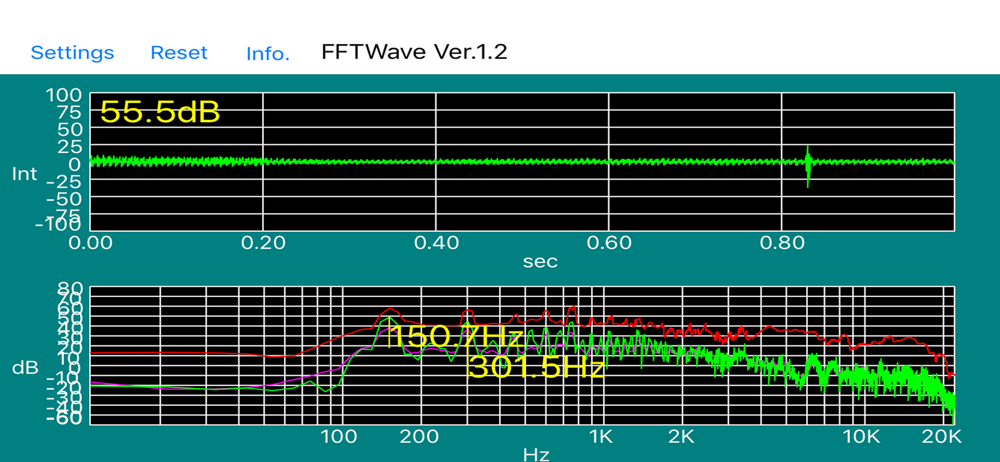
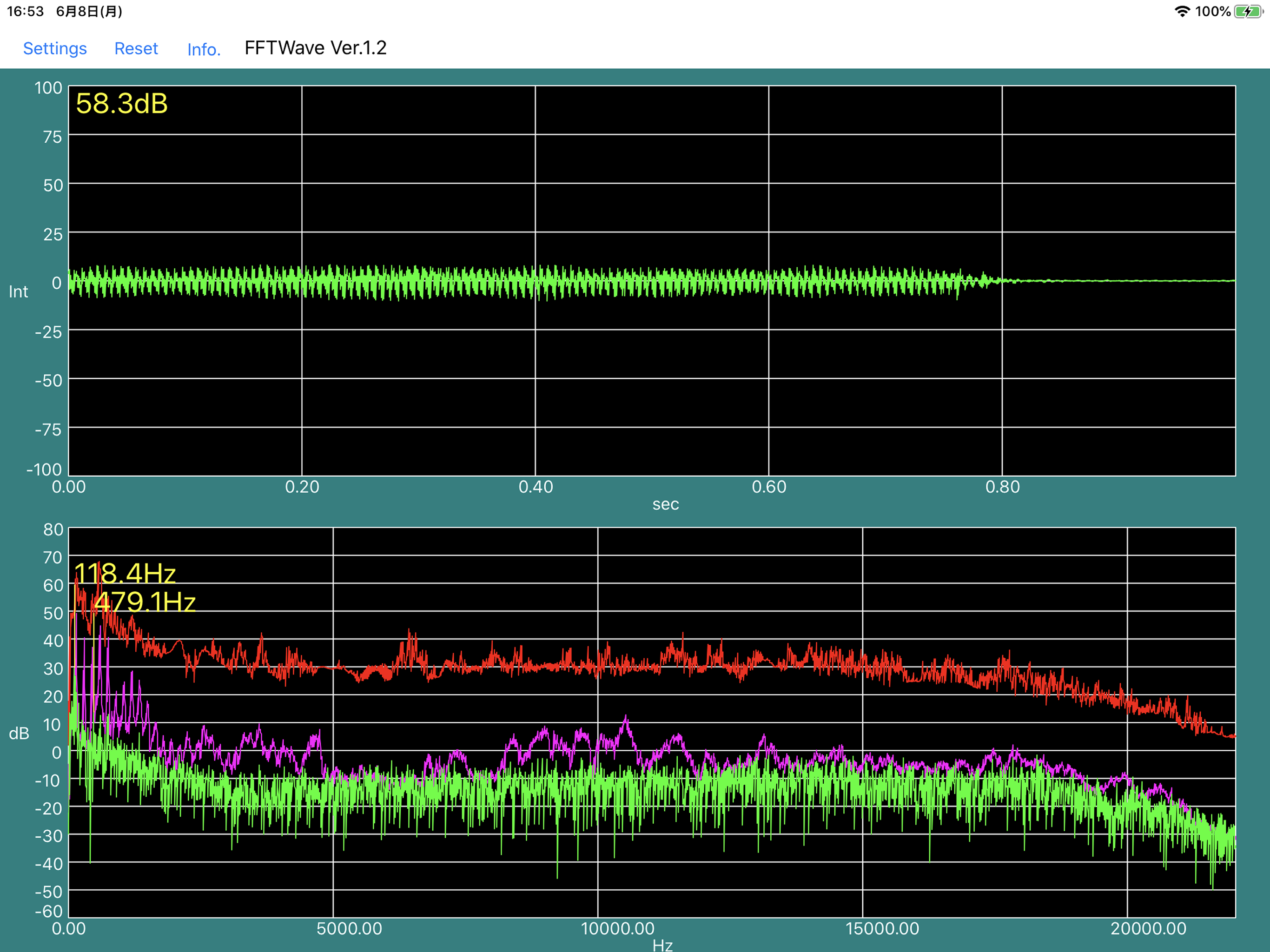
App is very intuitive and free. It shows numerical values of frequency of peeks. However, the value is not super accurate. For example, the middle A sound is 440Hz. The app shows 441.4. And it’s happening on both my iPhone and iPad. So it’s very unlikely due to the microphone.
There are no ads you have to worry about with this app, it’s very straightforward to use, and it works exceedingly well with external audio interfaces like my IK Multimedia iRig 2, which is typically used with guitars and other musical instruments. Perfect for those of us who still like to repair tape decks, where precise frequency readings are essential, especially for motor speed and playback head azimuth adjustments. The app was definitely a big help for replacing the belts on my Sony cassette deck from 1996. 👍
A little tweaky in resizing bandwidth but VERY straight forward and very useful for live sound control. No ads.
This app displays the waveform of the sound from the microphone. In addition, it can display a spectrum by Fourier transform. You can check the freque...