
Check the acquisition promise
Read the store headline, screenshots and description. What problem is the app promising to solve?
Study the storefront ↗
Huy Nguyen Thanh · iOS
Explore the ad evidence, study the storefront, and build your next acquisition hypothesis.
01 / Creative research
Read the store headline, screenshots and description. What problem is the app promising to solve?
Study the storefront ↗Explore apps with direct store-link matches. Compare their hooks and formats without assuming the same approach works here.
Browse observed advertisers ↗Store rankings and revenue estimates describe market context. They do not establish ad spend, conversions or ROAS.
Review the market context ↗02 / Storefront & product
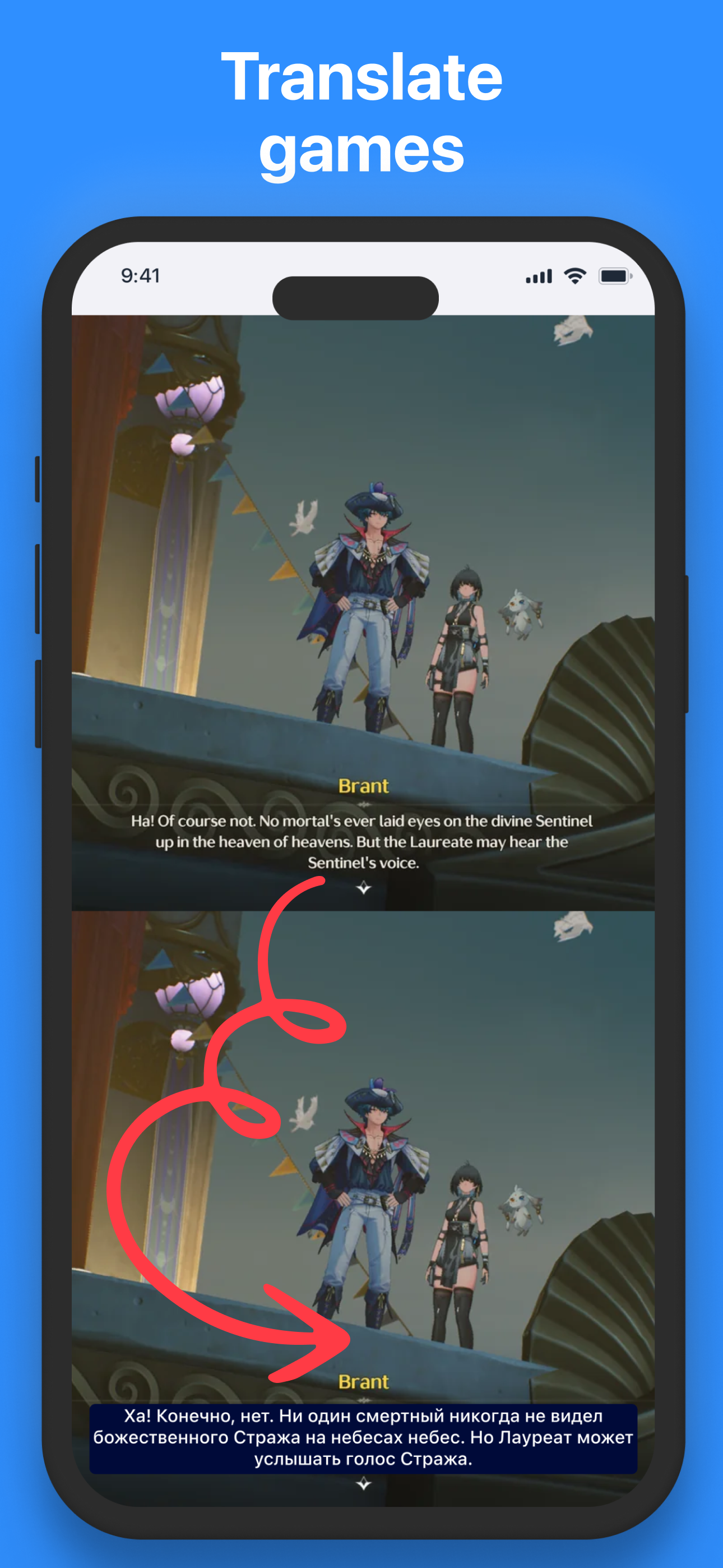
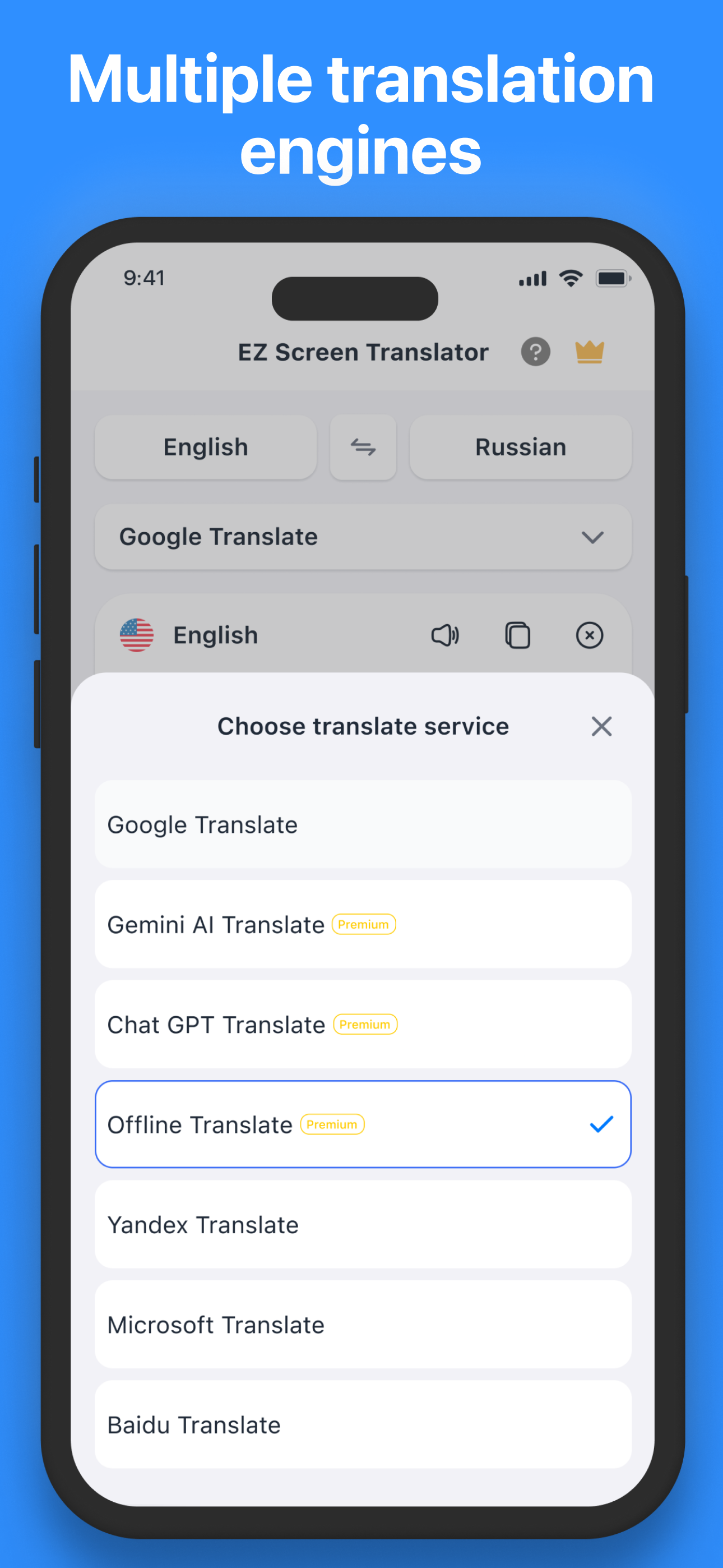
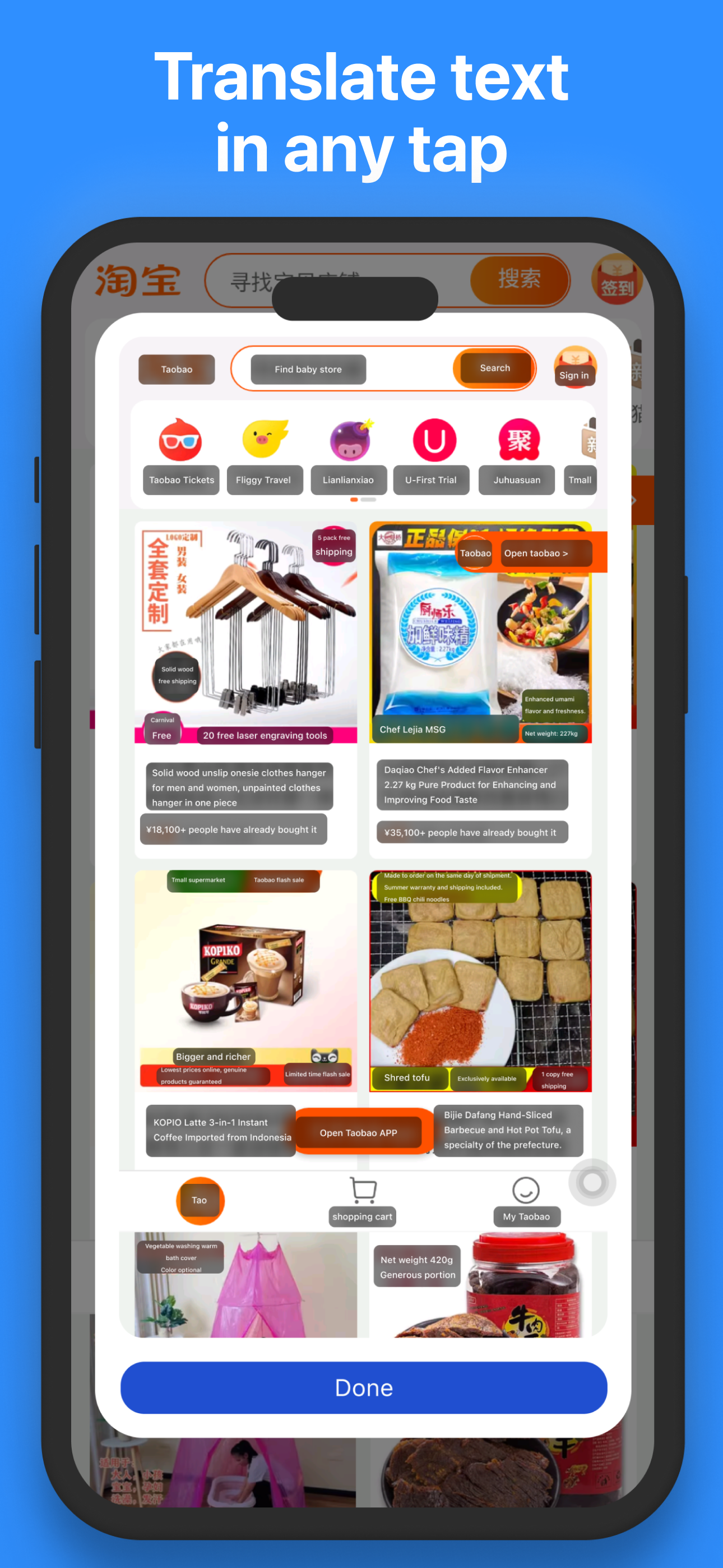
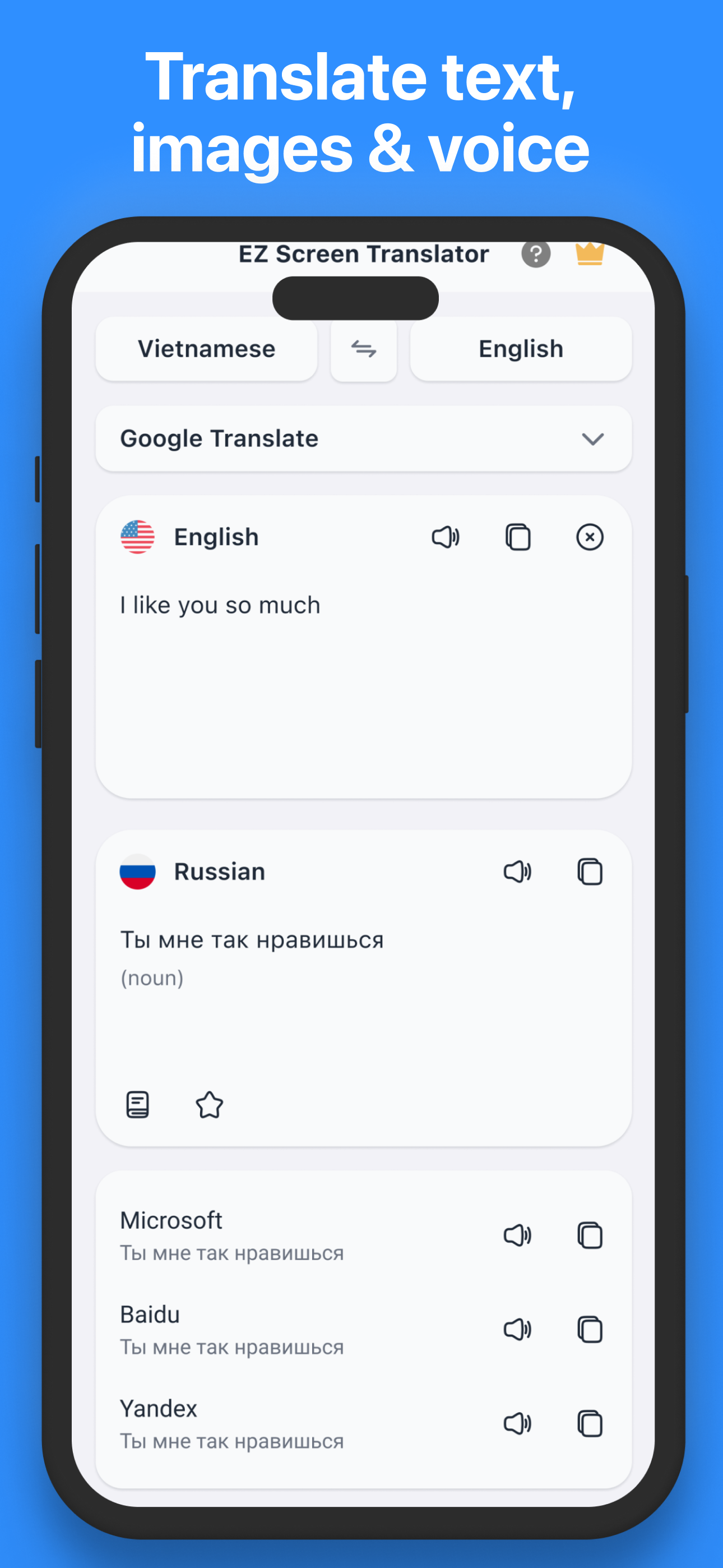
Study the product story and store experience behind the acquisition funnel.




03 / Market context
Keep revenue, downloads and store rankings separate from advertising performance.
Bought the full version for Japanese and I’m disappointed. The camera translation is bad and can’t translate anything accurately. If there is more than one line of text it doesn’t detect anything. The assistive touch shortcut also faces the same issue. It’s better to just use the Apple translation app. For Japanese also, the normal text translator only uses Japanese characters and doesn’t give the option for Romanji.
I will buy the premium but when i use ez screen translator i can't change the language how i change ?
Works as expected. Whole file option would be better
EZ Screen Translator - Tap Translate Screen is a smart translator, with convenient shortcuts, helping you quickly translate any text displayed on the...
| Name | Price | Type |
|---|---|---|
| Weekly | $5.99 | Weekly |
| Monthly | $14.99 | Monthly |
| Yearly | $49.99 | Yearly |
| One Time Purchase | $99.99 | One-time |


