
Check the acquisition promise
Read the store headline, screenshots and description. What problem is the app promising to solve?
Study the storefront ↗
EPOS GROUP AS · iOS
Explore the ad evidence, study the storefront, and build your next acquisition hypothesis.
01 / Creative research
Read the store headline, screenshots and description. What problem is the app promising to solve?
Study the storefront ↗Explore apps with direct store-link matches. Compare their hooks and formats without assuming the same approach works here.
Browse observed advertisers ↗Store rankings and revenue estimates describe market context. They do not establish ad spend, conversions or ROAS.
Review the market context ↗02 / Storefront & product
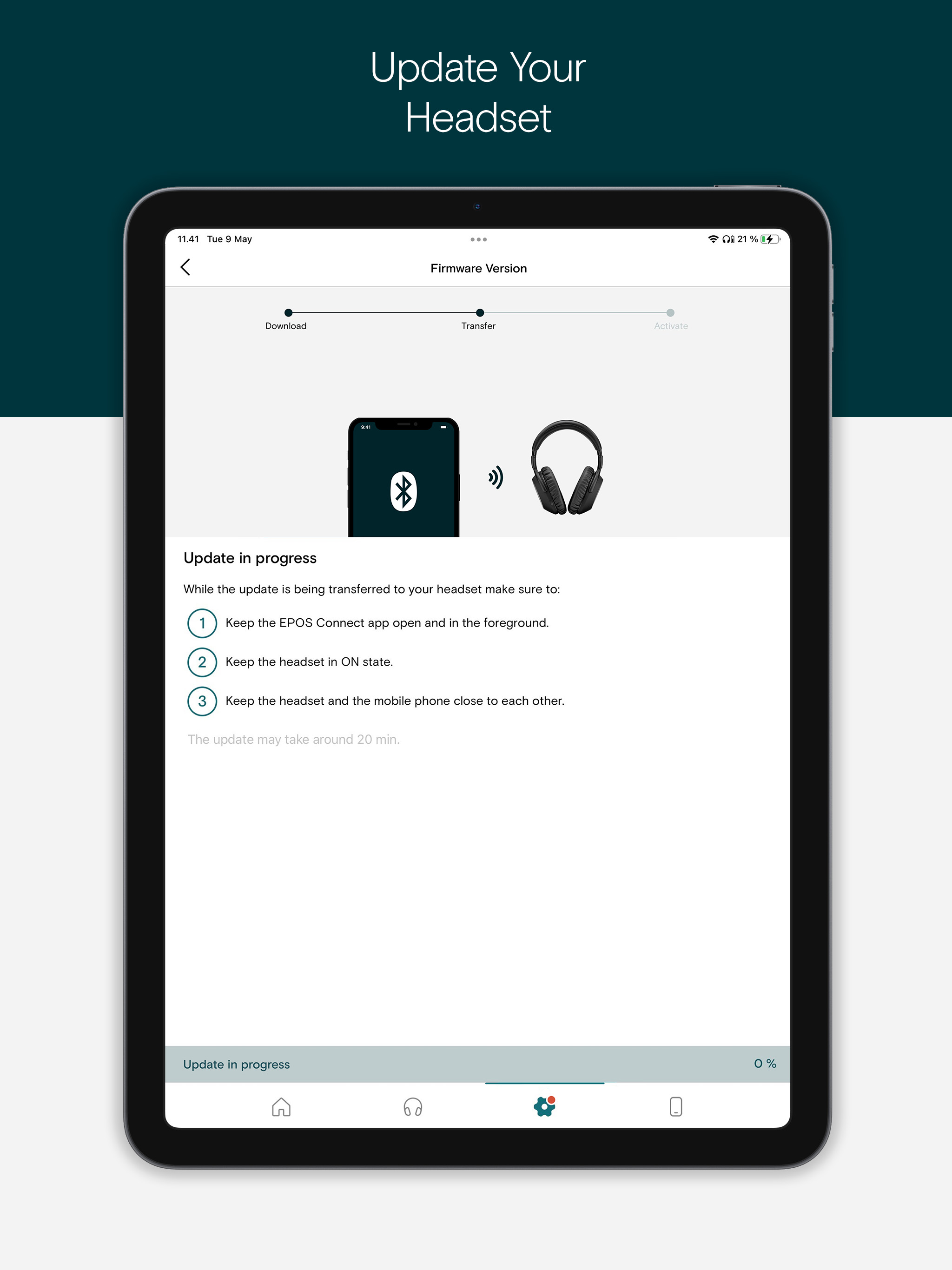
Study the product story and store experience behind the acquisition funnel.


03 / Market context
Keep revenue, downloads and store rankings separate from advertising performance.
I have the Adapt 660 headphones which work well but getting the EPOS connect app to recognize them is a hassle. My iPhone 15 pro will be connected to the headphones and will play music fine. I then open the Epos connect app and the app can’t find the headphones (it’s obviously connected given that I can hear music). The only way around this is to delete all connections on my headphones and delete the Bluetooth connection from my phone then launch the app and re-connect. After that point, the app connects to the headphones and I can use it but it’s such a hassle I rarely would use it. The app is also pretty limited in terms of features and usability but I can deal with that. I am using the latest version of the app and firmware for the headphones and have tried restarting all devices multiple times.
EPOS doesn’t show this but I got mine to work fine. Connect your headset to a Windows or MAC via a USB cable and install the EPOS software. When you open the software tell it to check for update and update your firmware to the latest and try to connect in the app on your iOS device. They ship with firmware 1.4.x which does not work with the app.
From a consumer stand point, by the flashy marketing, and the amazing feedback from other customers (excluding online feedback) and a company well known for making quality gaming headsets and headphones, you would expect their app to work with their new H3 Hybrids, right? The rule at most companies is the latest and greatest gets the best support in the app. But of course, we have to factor in that every company is different. But no, the user experience is super choppy, and the app doesn’t even work with your new H3 Hybrid gaming headphones you paid $200 for in cash at your local GameStop. Epos, I am a fan of your products, but I highly suggest you do better with your app. I value your attempt to make such an app in iOS though. For that, you deserve at the maximum 2 stars for effort. Some suggestions you might ask? List of suggestions: Updated UI The current UI is super choppy, so you should try updating the UI to a way where it is at least smooth at consistent 50-60hz at the industry standard. More support More support for your $200 headphones would be great. I would really appreciate being able to connect my $200 headphones to your app to activate noise cancelation as advertised. Even if my headphones don’t support noise cancellation, you see and hear my point. I look forward to your improvements. Thank you for taking the time to read to my reply.
Elevate Your Audio Experience with EPOS Connect! Stay ahead with the latest features and optimal performance for your EPOS headset. EPOS Connect is a...


