
Check the acquisition promise
Read the store headline, screenshots and description. What problem is the app promising to solve?
Study the storefront ↗
City of Elmhurst · iOS
Explore the ad evidence, study the storefront, and build your next acquisition hypothesis.
01 / Creative research
Read the store headline, screenshots and description. What problem is the app promising to solve?
Study the storefront ↗Explore apps with direct store-link matches. Compare their hooks and formats without assuming the same approach works here.
Browse observed advertisers ↗Store rankings and revenue estimates describe market context. They do not establish ad spend, conversions or ROAS.
Review the market context ↗02 / Storefront & product
Study the product story and store experience behind the acquisition funnel.



03 / Market context
Keep revenue, downloads and store rankings separate from advertising performance.
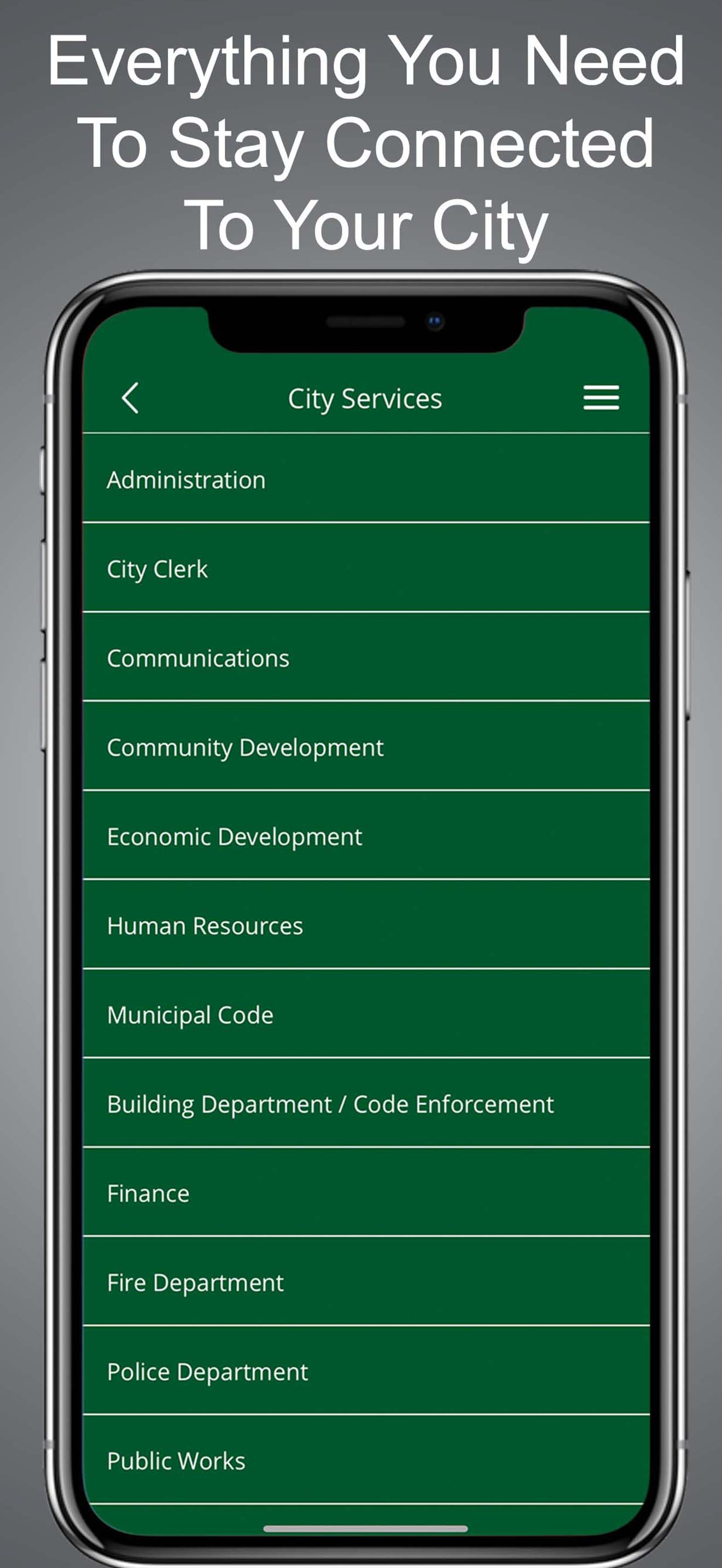
I just stafted using the new app. At first glance it seems functional, but time will tell. But UI design seems pretty elementary and lacking, not professional. The rotating icons is a "wouldn't it be cool if" idea, not a well thought out design that follows modern iOS UI standards. The background image of the umbrellas art installation gets misscaled on iPhone 14 Pro once I navigate into "Report an Issue" and then back out to home screen. I'm sure this isn't the only UI glitch. That background image also isn't cleanly rendered, and the Elmhurst Connect text barely fits the width of an iPhone 14 Pro. Overall it gives a "mickey mouse app" vibe, and that it wasn't tested thoroughly on multiple iPhone models/sizes.
Download “Elmhurst Connect”, the City of Elmhurst’s official app with features that allow the community to report issues or concerns. You'll find it e...


