Check the acquisition promise
Read the store headline, screenshots and description. What problem is the app promising to solve?
Study the storefront ↗
Elisi Studios, Inc. · iOS
Explore the ad evidence, study the storefront, and build your next acquisition hypothesis.
01 / Creative research
Read the store headline, screenshots and description. What problem is the app promising to solve?
Study the storefront ↗Explore apps with direct store-link matches. Compare their hooks and formats without assuming the same approach works here.
Browse observed advertisers ↗Store rankings and revenue estimates describe market context. They do not establish ad spend, conversions or ROAS.
Review the market context ↗02 / Storefront & product
Study the product story and store experience behind the acquisition funnel.



03 / Market context
Keep revenue, downloads and store rankings separate from advertising performance.
This is by far the best planner geared toward bullet journaling I’ve seen. I love so much about it. I love the week to week planner. It helps my brain stay focused, having the side by side function with lists readily available to plan my week. I use the lists for keeping up with routines, projects, focused lists, etc. I would like to be able to easily add certain lists directly to the planner and/or link to habits. I would also like to see a yearly overlook in the planner section, so it’s easier to see the bigger picture when planning seasonal/quarterly tasks (change air filter, etc). Lastly, I’d like to see more options in the lists for customization, like reset all function for cyclical/routine lists or being able to change the type of list to something other than bullet style. All in all, it’s a very well made app with a great design, but still has some room for improvement.
Ever struggle to manage your time and thoughts concisely? Can’t find a way to choose behind the organizational freedom in writing your agenda out vs the neatness and fluidity to make changes to your schedule without worrying about space which comes with using digital calendars? Ever look at bullet journals and think “that would be right up my ally but I’d not have time (and maybe sometimes artistic talent) to even set up the books structure? If you said yes to any of these things this app seems to be the best that I could find to suite these very needs that I was searching to suffice myself. Not only does this app have a brilliant planner, it’s capabilities to make subgroups within tasks made this app stand out from other calendar applications. The app also is going in positive directions with its note section, habit section and list section however I would like to critique that the use of lists and goals within the app is not every clear and can be a bit messy, I wish this was explained better, in regards to how to use it and the purposes and use behind objectives since interestingly they can be tied to entities in other areas within this app; something that is surly useful but at the current state it’s at, with little explanation, it becomes auxiliary that I probably won’t toy with too much until later updates fixing this issue. I wish you could post photos as well but this is truly all you could want for the professional utilitarian purposes of a bullet journal.
Overall this app is great, I’m not sure why it’s not more mainstream considering it’s almost exactly what I’ve been looking for. It has a desktop mode as well as mobile which is perfect for someone like me who can’t use their phone in classes/meetings. I love the fact that habits can be added to to do lists. I’m not sure I understand the goal feature, but I’m still new to the app so I’m sure some playing around with it should help. A few suggestions for improvement: 1. More calendars please! I know integrated calendars is a relatively new development, and thank you for that since it is absolutely crucial, but as of right now I’m only able to add two calendars? I would love it if I could add more. 2. Visual settings, while I find the interface pretty self explanatory I would appreciate an option to change the time from 24:00 to 12:00. Also the ability to change out of dark mode even if the device is in dark mode would be awesome. 3. iOS widget! I think having a widget that shows your to-do and calendar for the day would be awesome!
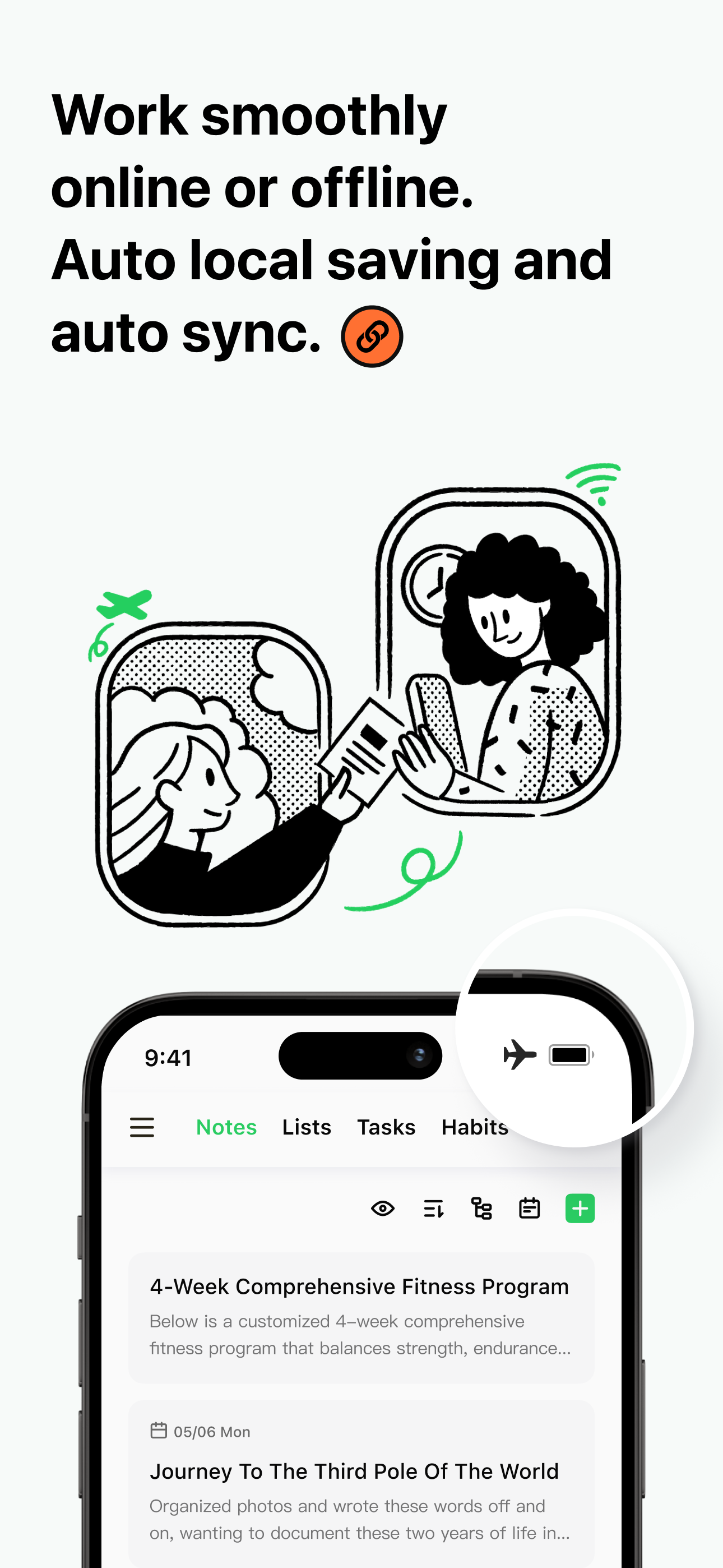
Unleash peak productivity with Elisi, your AI Smart Planner & Task Manager. Get intelligent organization for tasks, lists, notes, habits, moods and ex...
| Name | Price | Type |
|---|---|---|
| Elisi Premium Plan - Monthly | $2.99 | Monthly |
| Elisi Premium Plan - Yearly | $23.99 | Yearly |
| Elisi Premium Plan - Forever | $69.99 | One-time |
| Elisi Premium - Forever | $69.99 | One-time |
| Elisi Premium Plan - Forever | $69.99 | One-time |