Check the acquisition promise
Read the store headline, screenshots and description. What problem is the app promising to solve?
Study the storefront ↗
Chilling Moose · iOS
Explore the ad evidence, study the storefront, and build your next acquisition hypothesis.
01 / Creative research
Read the store headline, screenshots and description. What problem is the app promising to solve?
Study the storefront ↗Explore apps with direct store-link matches. Compare their hooks and formats without assuming the same approach works here.
Browse observed advertisers ↗Store rankings and revenue estimates describe market context. They do not establish ad spend, conversions or ROAS.
Review the market context ↗02 / Storefront & product
Study the product story and store experience behind the acquisition funnel.




03 / Market context
Keep revenue, downloads and store rankings separate from advertising performance.
I really enjoy using Ed – Tile Editor. The tool feels powerful and unique on iPad — especially the animated brush feature, which I’ve only seen before in Pro Motion on desktop. The interface is intuitive, and it’s clear that the app is actively supported with frequent updates. However, I’ve been experiencing long freezes while working on larger tilemaps, which makes it difficult to rely on the app for bigger projects. For context, I’m using iPad Air 13 (2025), so the hardware should not be a limitation. This is why I’m giving 4 stars instead of 5: the app has great potential, but performance optimization is essential. Once stability improves, it will be a perfect tool for pixel art and tilemap design on iPad.
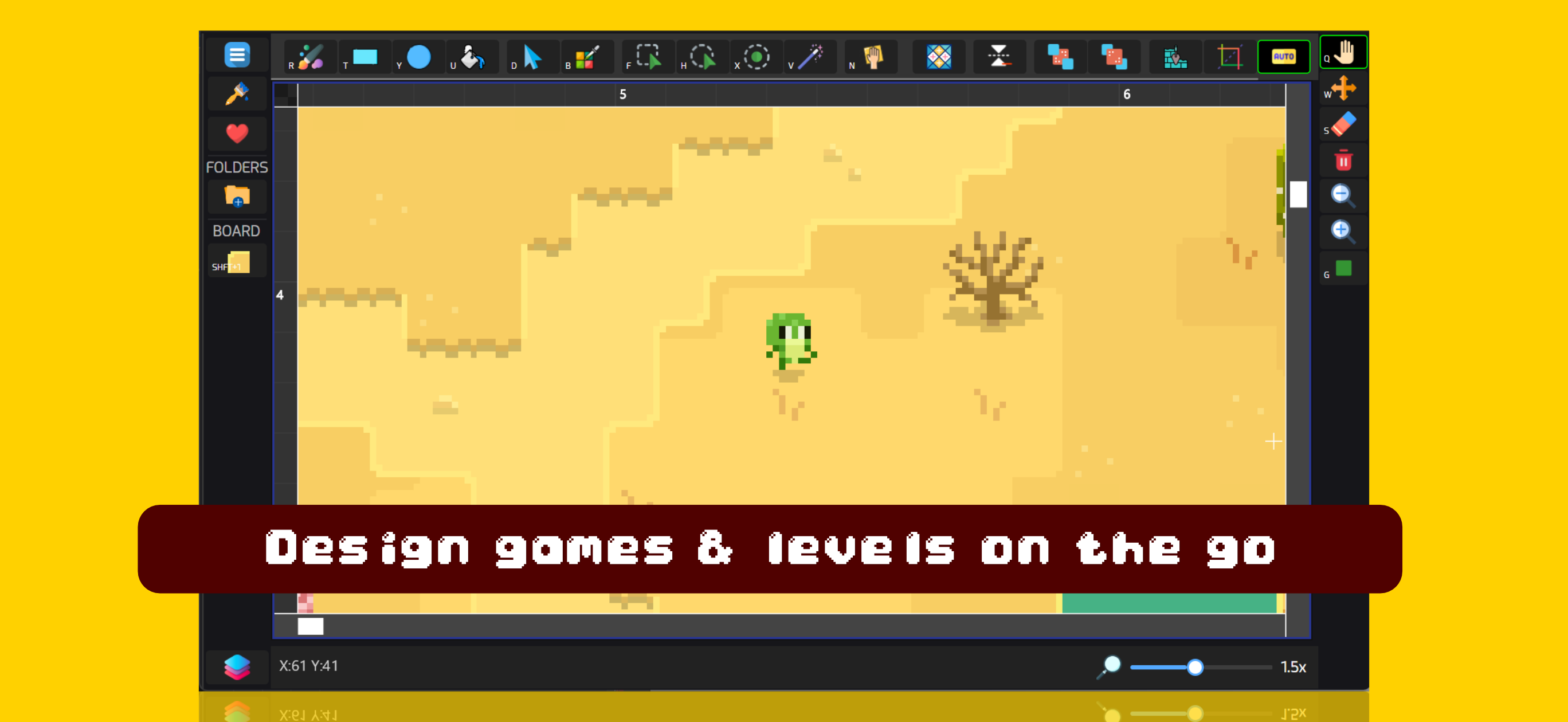
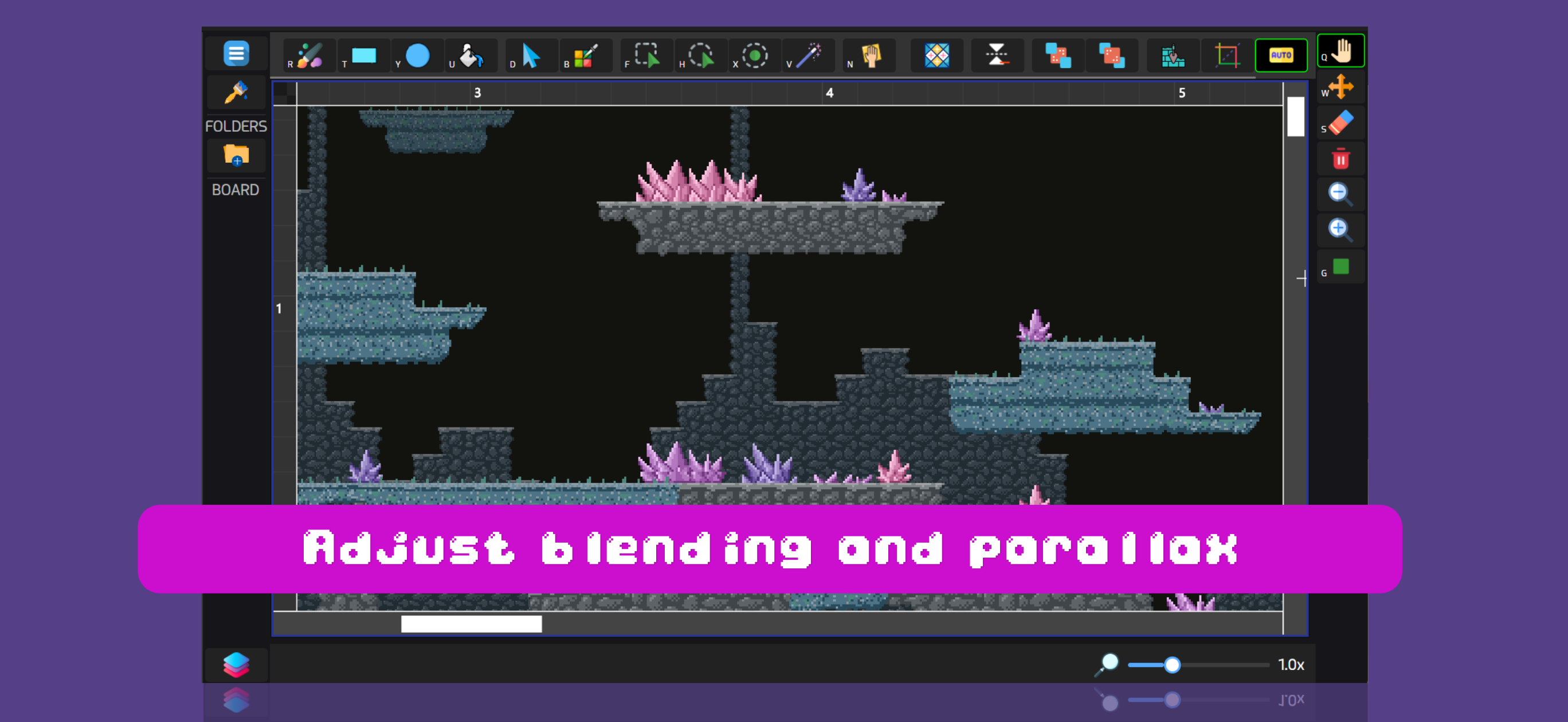
Ed is a cross-platform prototyping tool and level editor for tile-based games. The tablet version of the app comes with the full feature set including...