Check the acquisition promise
Read the store headline, screenshots and description. What problem is the app promising to solve?
Study the storefront ↗
Vlas Voloshin · iOS
Explore the ad evidence, study the storefront, and build your next acquisition hypothesis.
01 / Creative research
Read the store headline, screenshots and description. What problem is the app promising to solve?
Study the storefront ↗Explore apps with direct store-link matches. Compare their hooks and formats without assuming the same approach works here.
Browse observed advertisers ↗Store rankings and revenue estimates describe market context. They do not establish ad spend, conversions or ROAS.
Review the market context ↗02 / Storefront & product
Study the product story and store experience behind the acquisition funnel.

03 / Market context
Keep revenue, downloads and store rankings separate from advertising performance.
Does it work in the background if the app is closed? Because there is no stop button in it.
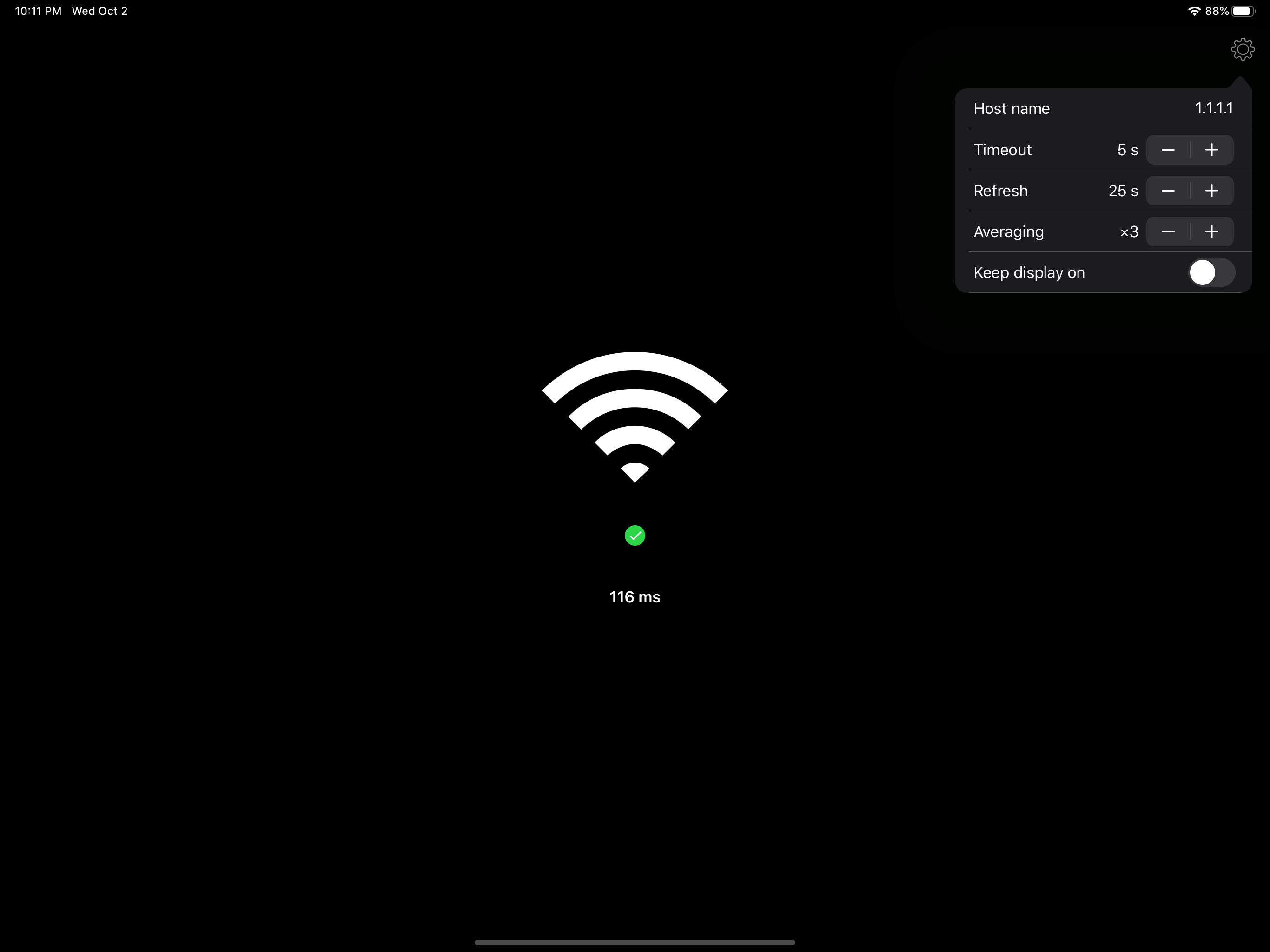
Since the update to IOS 13 and now 13.1 on the Apple iPhone (7+) the connectivity indicator no longer reports the SSID name, instead now simply reporting “WiFi”. You also can no longer adjust the settings. I can probably live with the default settings, but the connectivity indicator reporting simply”WiFi” instead of the SSID has seriously crippled this otherwise handy app. Hope this is fixed soon.
This app is nice because its simple and because of its widget, one can easily check connectivity of network without unlocking their phone. It would be great if you add alert function, we want to get notified when connectivity breaks A simple log with date and time is also a good feature which makes this app unique because there is no app in store with this simplicity. Well done !
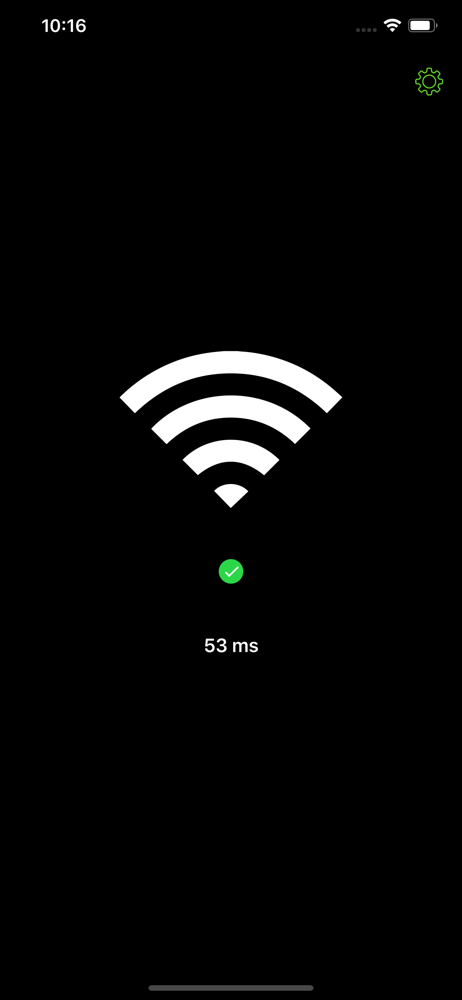
EasyPinger is a tiny little app that was designed to be the easiest way to check your device's connectivity status. Just open it up whenever in doubt...