Check the acquisition promise
Read the store headline, screenshots and description. What problem is the app promising to solve?
Study the storefront ↗
Sylvain Huon · iOS
Explore the ad evidence, study the storefront, and build your next acquisition hypothesis.
01 / Creative research
Read the store headline, screenshots and description. What problem is the app promising to solve?
Study the storefront ↗Explore apps with direct store-link matches. Compare their hooks and formats without assuming the same approach works here.
Browse observed advertisers ↗Store rankings and revenue estimates describe market context. They do not establish ad spend, conversions or ROAS.
Review the market context ↗02 / Storefront & product
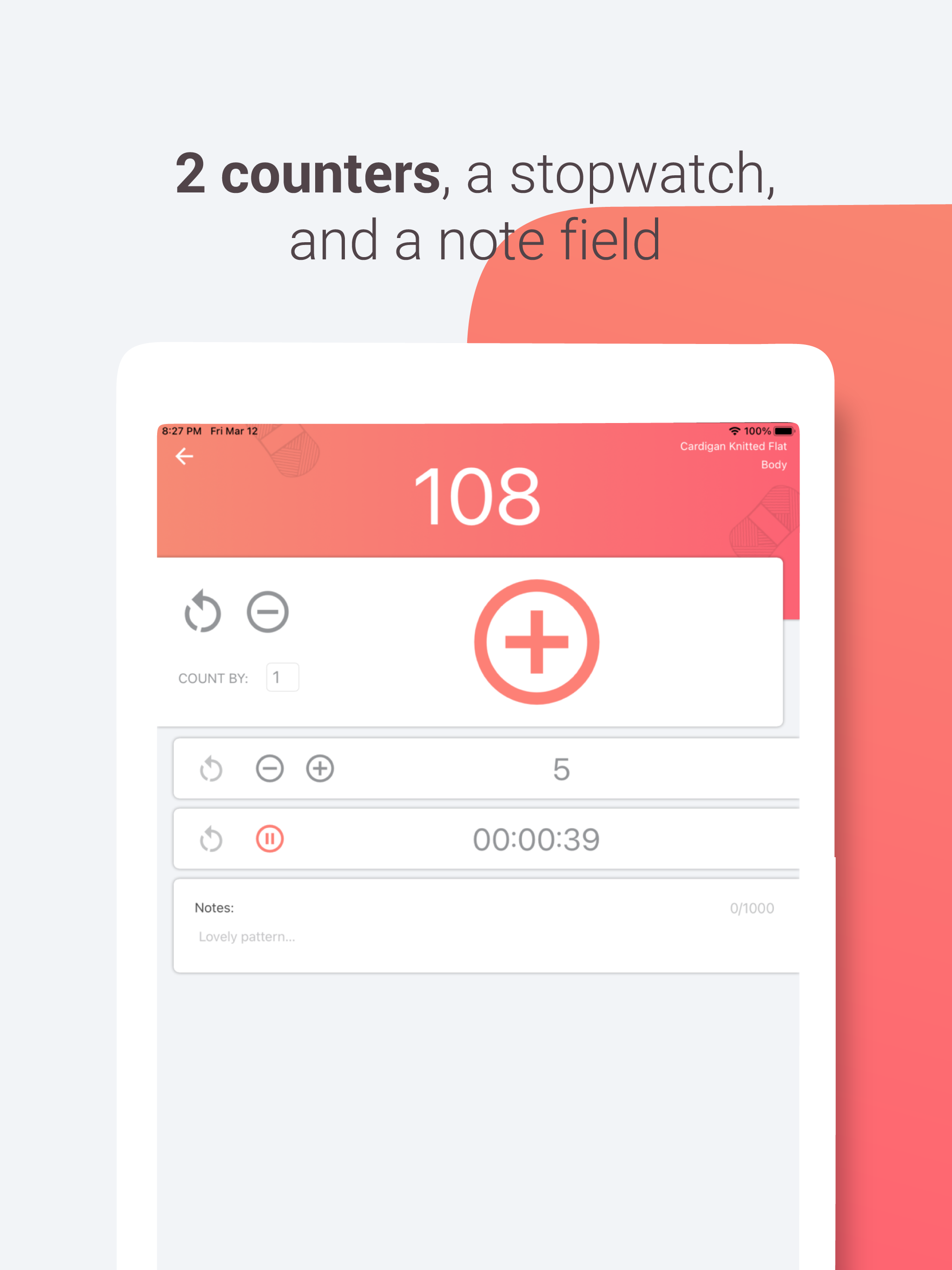
Study the product story and store experience behind the acquisition funnel.



03 / Market context
Keep revenue, downloads and store rankings separate from advertising performance.
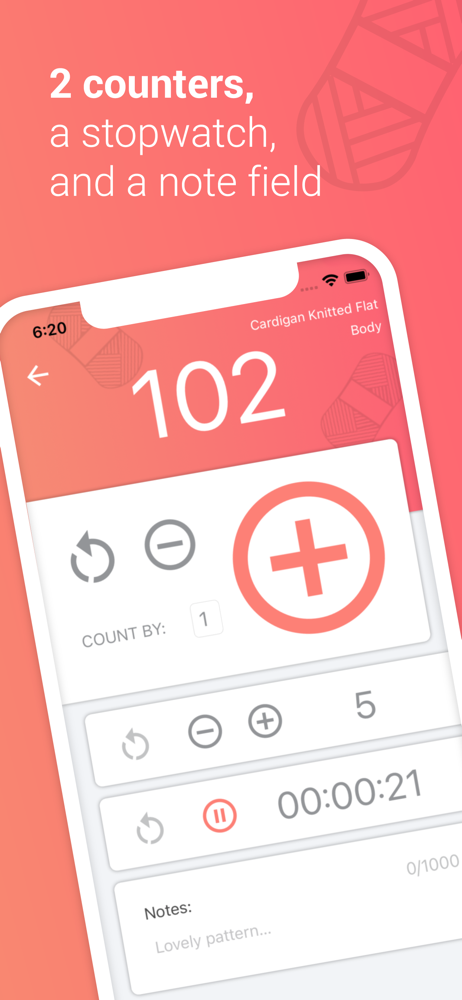
I use it for crochet and bought the premium for both counters I use one as a stitch counter and one as a row counter. I do amigurumi so it’s good for keeping track of every stitch for decreases and such. I use it for almost everything I make. I also have adhd so this definitely helps me when I completely forget what stitch I’m on when I’m working on it. Knocked down one star bc sometimes it doesn’t realize I have the premium version and I can’t use the premium features until I close and open the app a couple times which is annoying, it doesn’t do it all the time but enough to be annoying
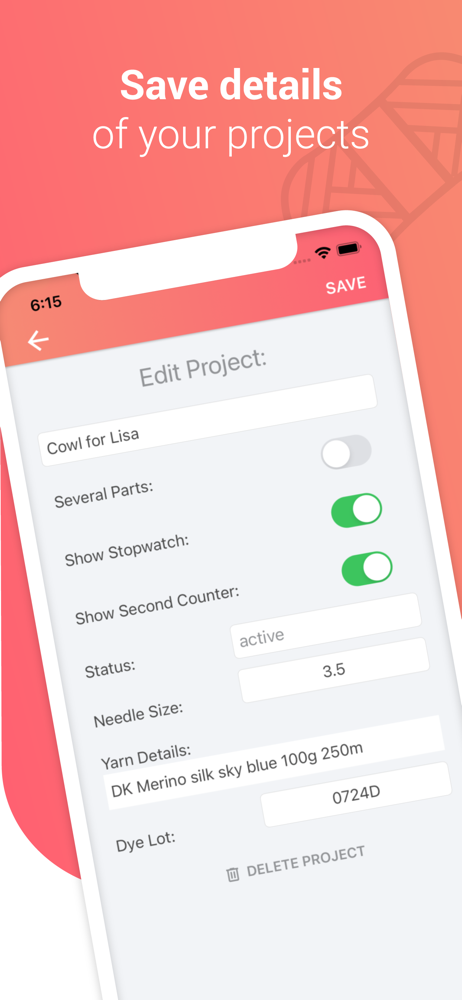
I really enjoy and like the features offered in this app! It works well and I like the options of customizing or writing notes if necessary! I didn’t mind paying for full access to the app. It was reasonably priced and will be helpful to have for in the future. My favorite aspects are the options to have several sections for one project and having the time tracker for the projects. The time tracker is important to me because I’m considering selling projects in the future. This will be helpful so that I can more accurately know how much time I’m spending on making things! However, my bigger issue/bug I see most in the app is the timer not working properly. It works perfectly fine only if the app is left open on the phone screen. However, if I lock my phone and leave it in the background, it either won’t continue counting the time that passes or it will jump significantly forward and record an amount of time that hasn’t passed yet. Before the recent update, the time tracking feature worked alright when I would leave it to run in the background/phone screen locked. But it’s been pretty funky since! Overall, very happy with it!!!
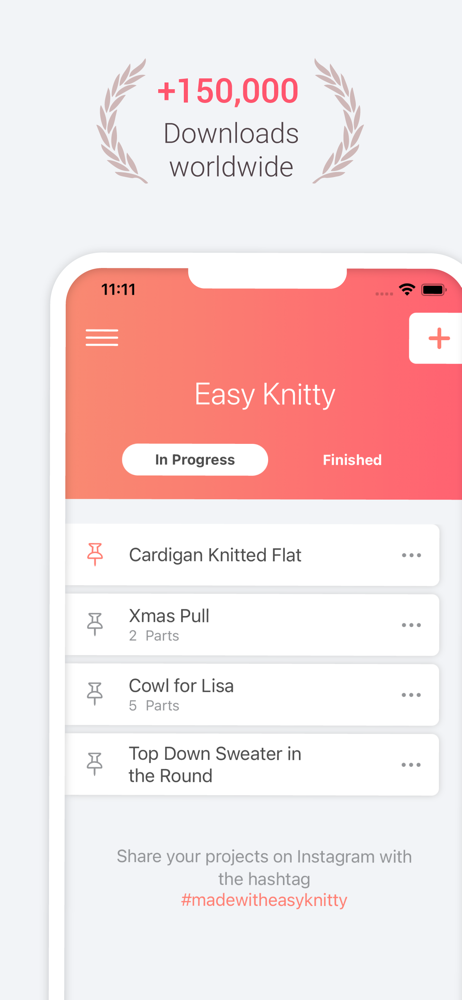
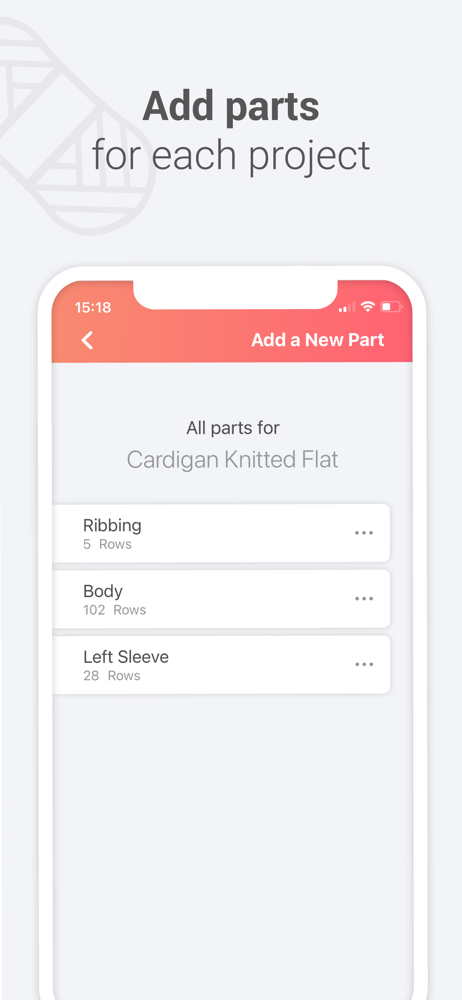
I’m on a kitting group in Facebook. I talked about this app. Someone said she does everything in a journal, writes it down. I just couldn’t stay constant with that method. One thing consistent with me is, I always have my phone. This app gives me one place to do it all. Count rows, type notes, write out my pattern when I’m free styling. This app allows me to break up a project into sub parts. Teaching myself sock knitting so my sock has the toe pattern. Then foot pattern, then heel then the leg. (Toe up sock). Looking at it in sections really helped me focus on just that section. Call it ADHD or what ever, this app helps me focus on the part of the sock I’m working and forget the other parts until I get there. And, it’s all going to be there for sock number two. Yes, you can do this in a journal but correcting and making adjustments is a whole lot cleaner in this app. It even lets me check on how many rows I did in a day. It’s interesting to know that. So I want to thank the developers for this cool app. I love it.
Easy Knitty row counter, row tracker is your new yarn app or knitting tool for all your knit and crochet projects. Tracking and counting your rows h...
| Name | Price | Type |
|---|---|---|
| Unlimited Version | $3.99 | One-time |
| Unlimited Version | $3.99 | One-time |