
Check the acquisition promise
Read the store headline, screenshots and description. What problem is the app promising to solve?
Study the storefront ↗
LIXIL Corporation · iOS
Explore the ad evidence, study the storefront, and build your next acquisition hypothesis.
01 / Creative research
Read the store headline, screenshots and description. What problem is the app promising to solve?
Study the storefront ↗Explore apps with direct store-link matches. Compare their hooks and formats without assuming the same approach works here.
Browse observed advertisers ↗Store rankings and revenue estimates describe market context. They do not establish ad spend, conversions or ROAS.
Review the market context ↗02 / Storefront & product
Study the product story and store experience behind the acquisition funnel.




03 / Market context
Keep revenue, downloads and store rankings separate from advertising performance.
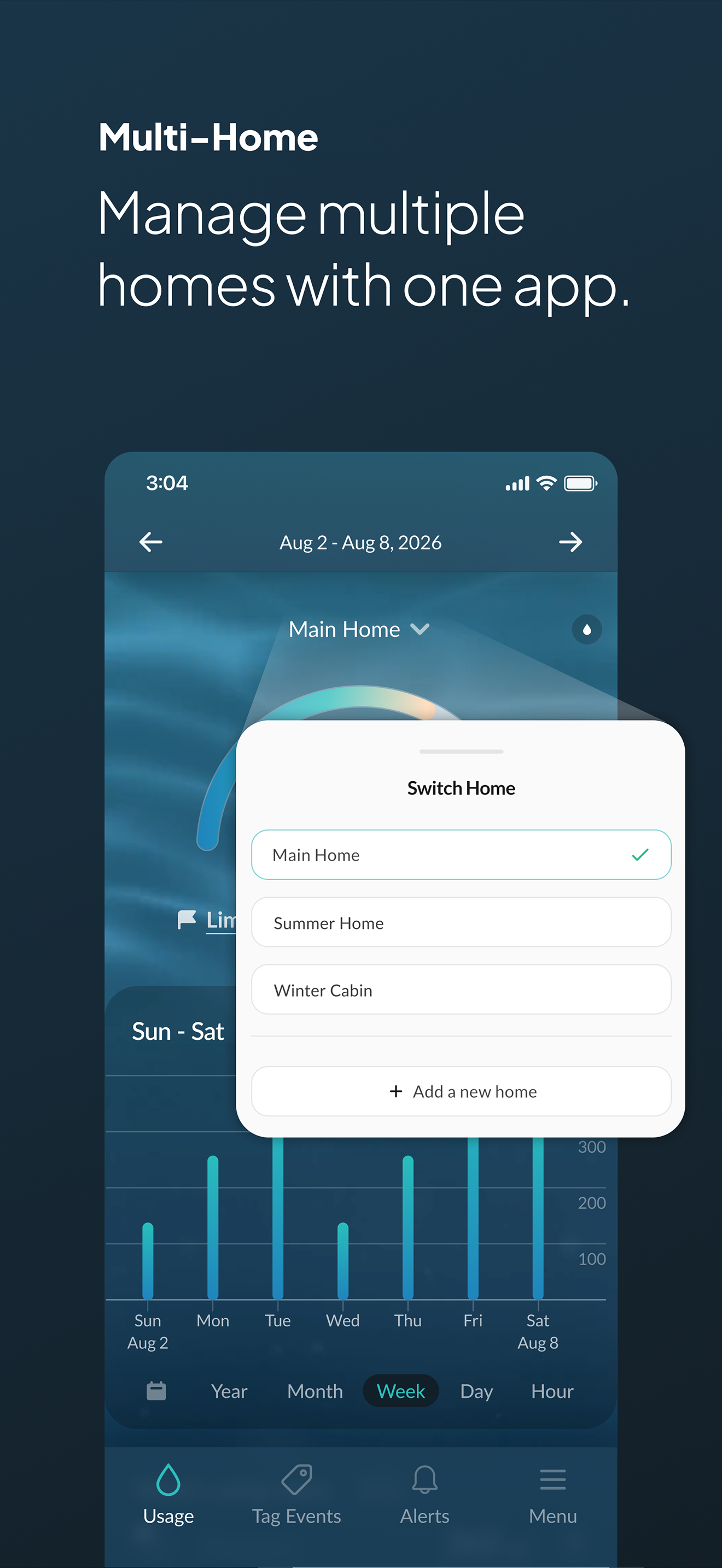
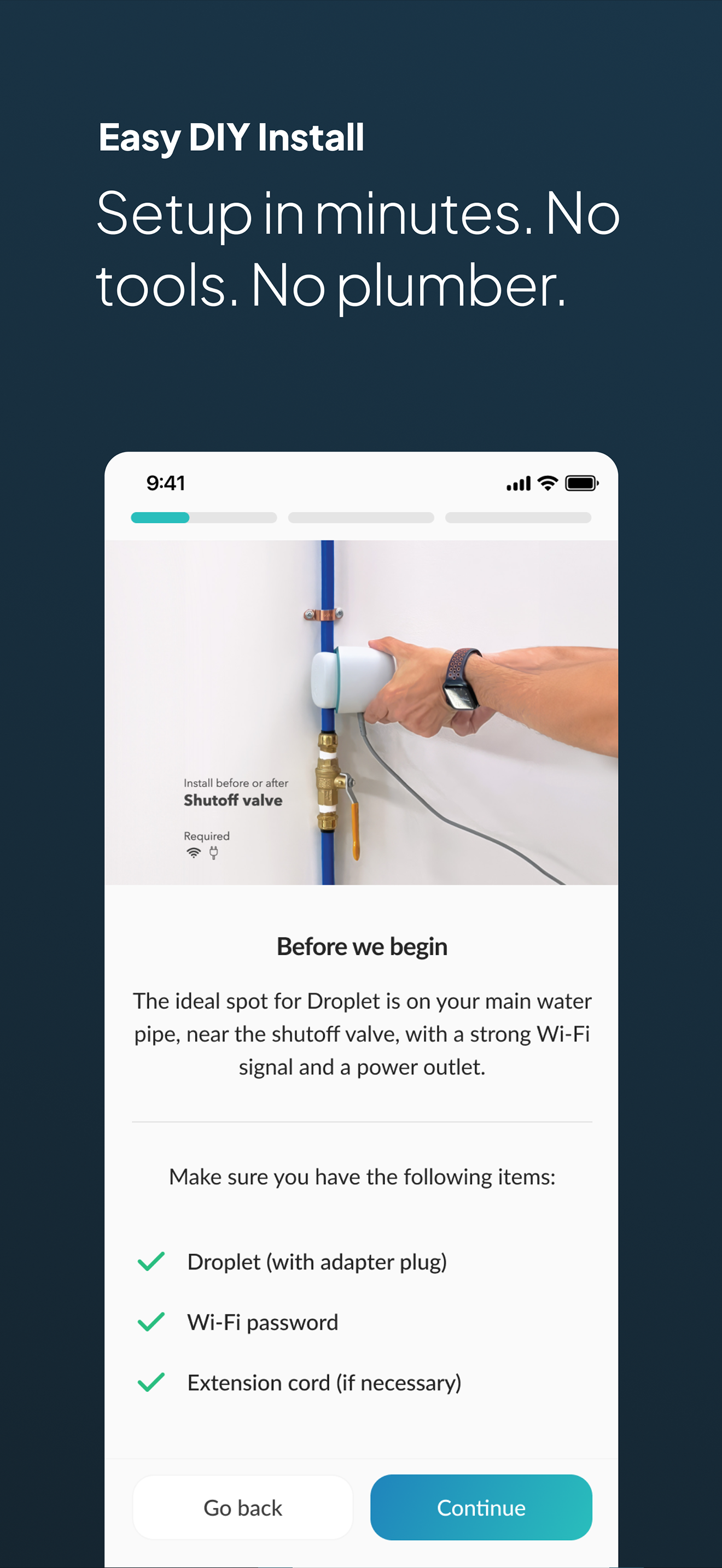
Since this app requires the device this is a dual review. To start, installation of the flow sensor is amazingly simple. 1) Clamp it to a pipe, no tools required 2) Plug it in 3) connect to it with the app 4) Follow the app prompts to set it up 5) Let the app detect your installation and it will set the sensor up comp,Emely for you That’s it, now the app itself This app has a clean layout where you can swipe left or right to view previous days trends. You can scroll up and down to see usage in your house by water outlet. Room, device, you name it. This feature is in beta and uses AI to learn trends and locations The app will notify you if your daily water usage goes over a certain gallon total used by day, that you set. The app will notify you if it detects a leak. You can review amount used by hour and you can review live gpm. There have been several enhancements to the app since I put me meter in and I’m sure it will only get better Great app, great device.
I don't write a lot of reviews but this product deserved one for sure. It was super easy to install and it was accurate. I tested it by filling up a 5 gallon bucket and it was pretty much spot on in its usage calculation. I have been a using a competitor's product for a while. That product was Called Flume. It detects water usage by connect to the water main's meter and it can sense the meter spinning. I had a number of issues with that solution like the battery dying, calibration issues, the device shifting. The Droplet solution much easier to install. There are no batteries to worry about and it installs more snug to the pipe. The Flume was also limited in the brand and type of water meter it would work with. In a nutshell, it would not work in my main house but did work in my cabin. The Droplet device will work everywhere
I’ve had my Droplet for about a month and it does about what I expected. It senses water use and alerts you if there’s a high water event. The app feels very 1.0 or even beta. There’s not much intelligence to it and it doesn’t seem offer much value. I’m surprised that the fixture tagging doesn’t include irrigation systems, water softeners, or anything beyond basic fixtures and toilets. When I try to update fixture labels, the app crashes. Every time. I would love to know what the roadmap looks like. It could be exciting.
Say hello to Droplet, the powerful water monitor for your whole home. The award-winning Droplet catches leaks before they cause damage, with real-tim...


