
Check the acquisition promise
Read the store headline, screenshots and description. What problem is the app promising to solve?
Study the storefront ↗
Drawboard Pty Ltd · iOS
Explore the ad evidence, study the storefront, and build your next acquisition hypothesis.
01 / Creative research
Read the store headline, screenshots and description. What problem is the app promising to solve?
Study the storefront ↗Explore apps with direct store-link matches. Compare their hooks and formats without assuming the same approach works here.
Browse observed advertisers ↗Store rankings and revenue estimates describe market context. They do not establish ad spend, conversions or ROAS.
Review the market context ↗02 / Storefront & product
Study the product story and store experience behind the acquisition funnel.


03 / Market context
Keep revenue, downloads and store rankings separate from advertising performance.
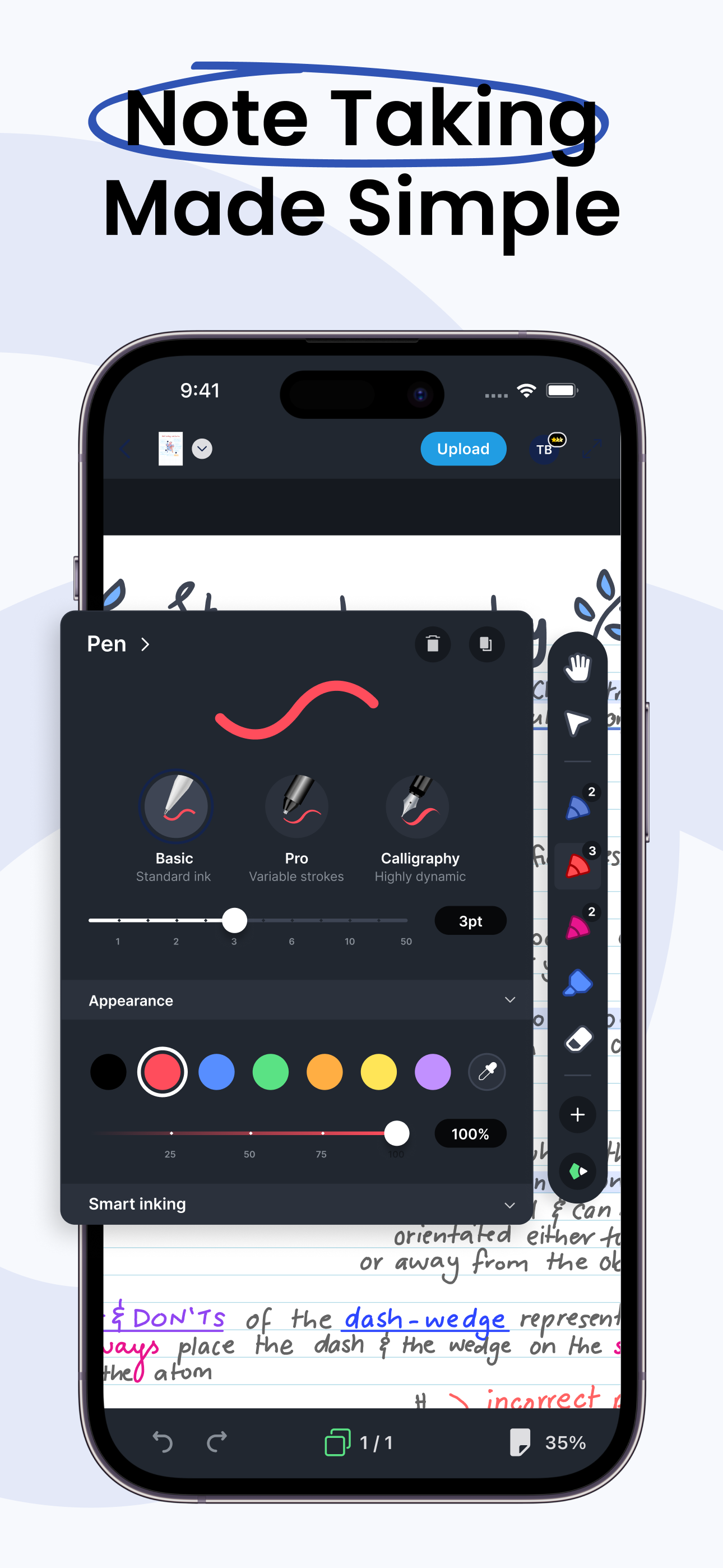
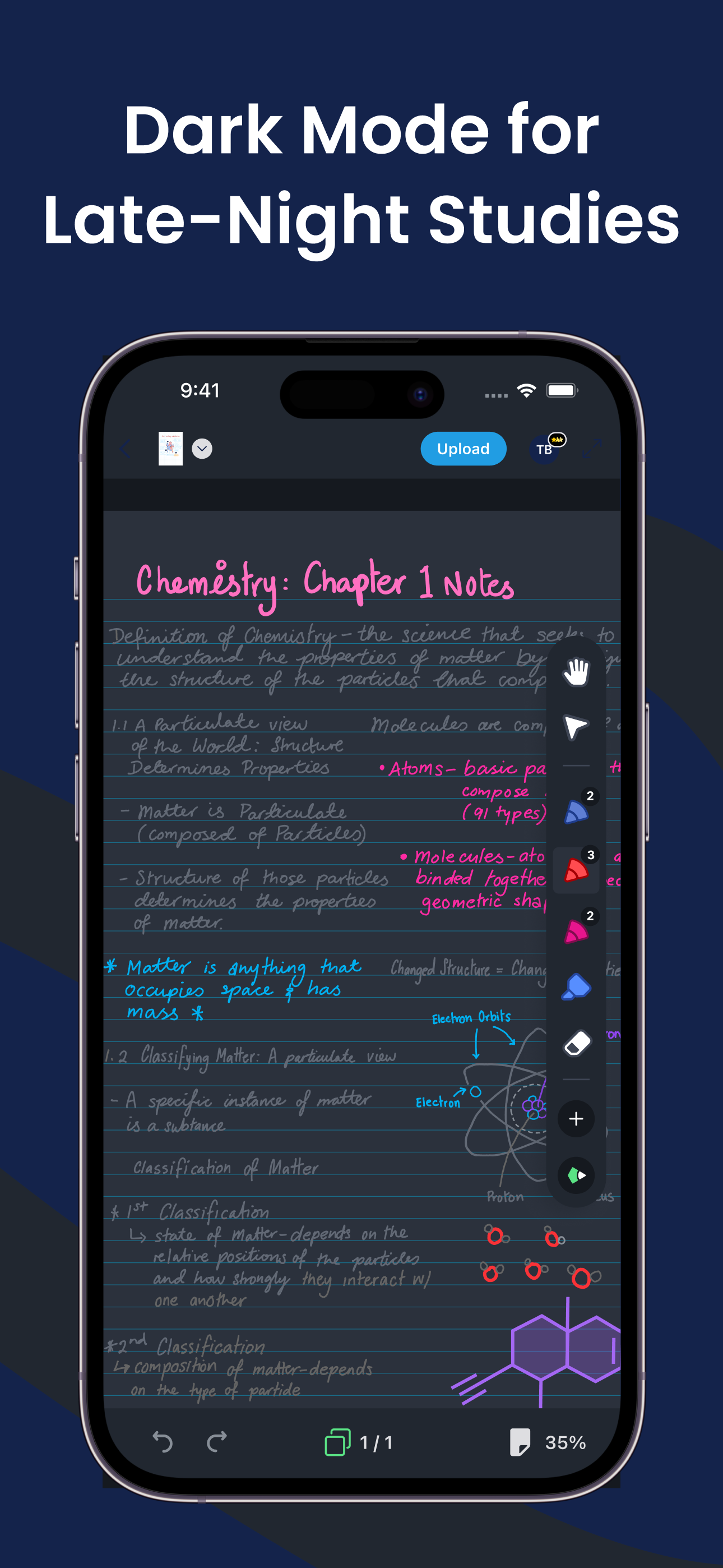
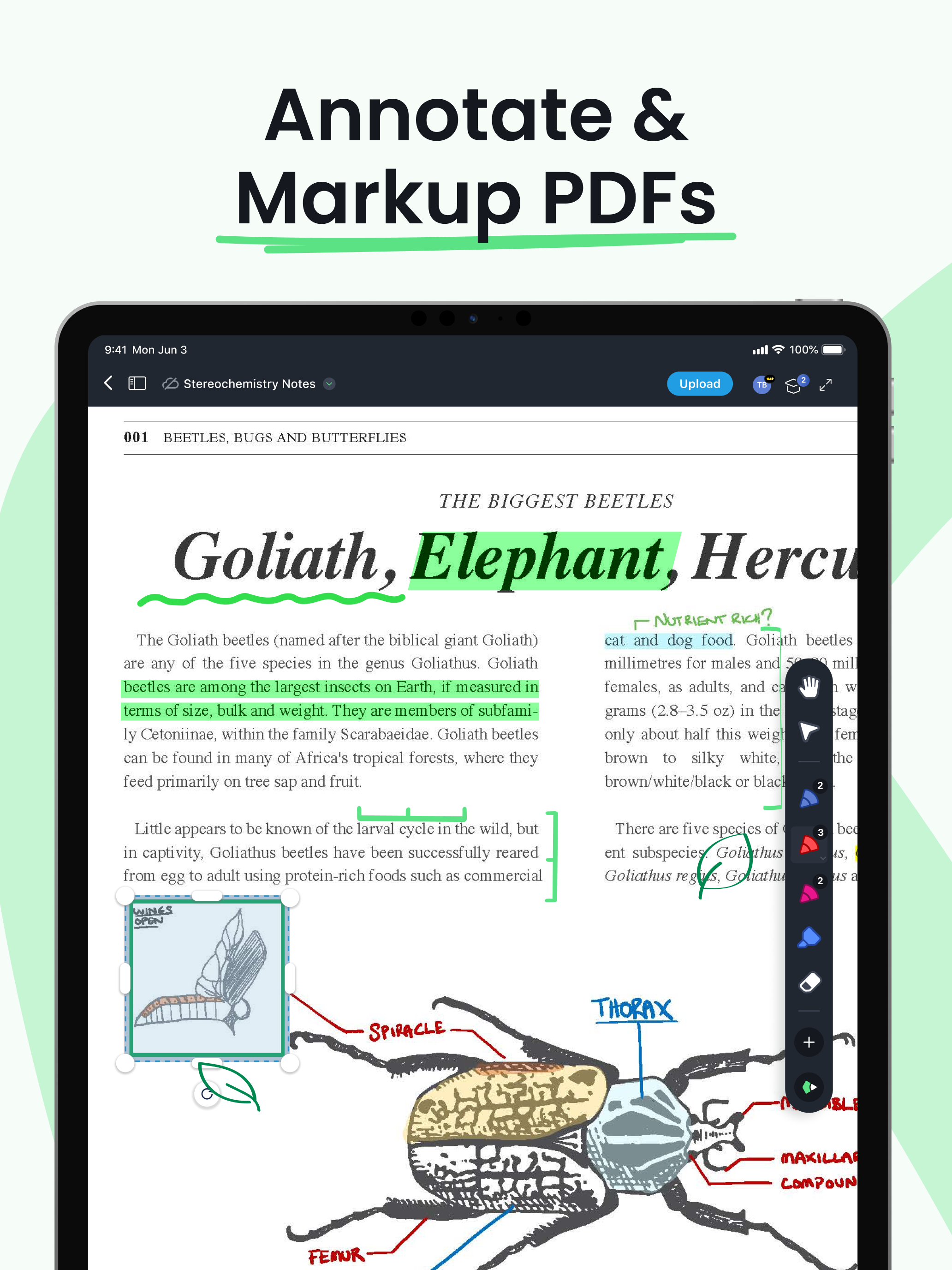
I cannot notice any pixellation in brush strokes when drawing or while zooming. And, I think Drawboard achieves this without using the native apple pencilkit, as I’m able to freely configure the brush size to any degree, and the default brush has a unique pen pressure weight response that I really quite like. I also really like that there’s a fullscreen view that hides the rest of the screen. I haven’t experienced any lagging while writing or scrolling, even on scanned pdfs with hundreds of pages. The only small issue I’ve noticed is that when initially zooming while pinching, there’s just a slight pause. But it’s a very minor thing and not noticeable most of the time. It also does heat up the bottom edge of my particular iPad a tad. But for how amazing it performs and looks, and how stable it is — and most of that for free… it’s absolutely amazing. Thank you devs.
I started using this app around 2022. It started off great. I don’t need a lot of features, and it still has the right amount. I open PDF sheet music to mark up for my students, and it does this job. Now let me get into how it has increasingly got worse… When I first got the app, it remembered I liked it snapped to the left of my screen. It also let me exit books without relaunching the window. This was soon changed in an update. It always goes center screen at an undesired resolution. I have to constantly put it back to where I went it, and resize it. Later they also had an update that kept the app crashing. I ended up briefly switching to a different app. I came back when another update fixed the crashing, but now it can’t remember my pages 50% of the time. Which is super frustrating when I have 50 students per week, working on books with hundreds of pages. Luckily I write down the pages for each student, but I still have to scroll to them. This app used to make my workflow better, but lately it hasn’t been holding up. I wouldn’t be upset if this is how it always was, but I’m not sure how they are continuously making the app worse. I wish I could go back and use the first version I had, it was perfect. Alas, I’m stuck with the newest lemon they’ve produced.
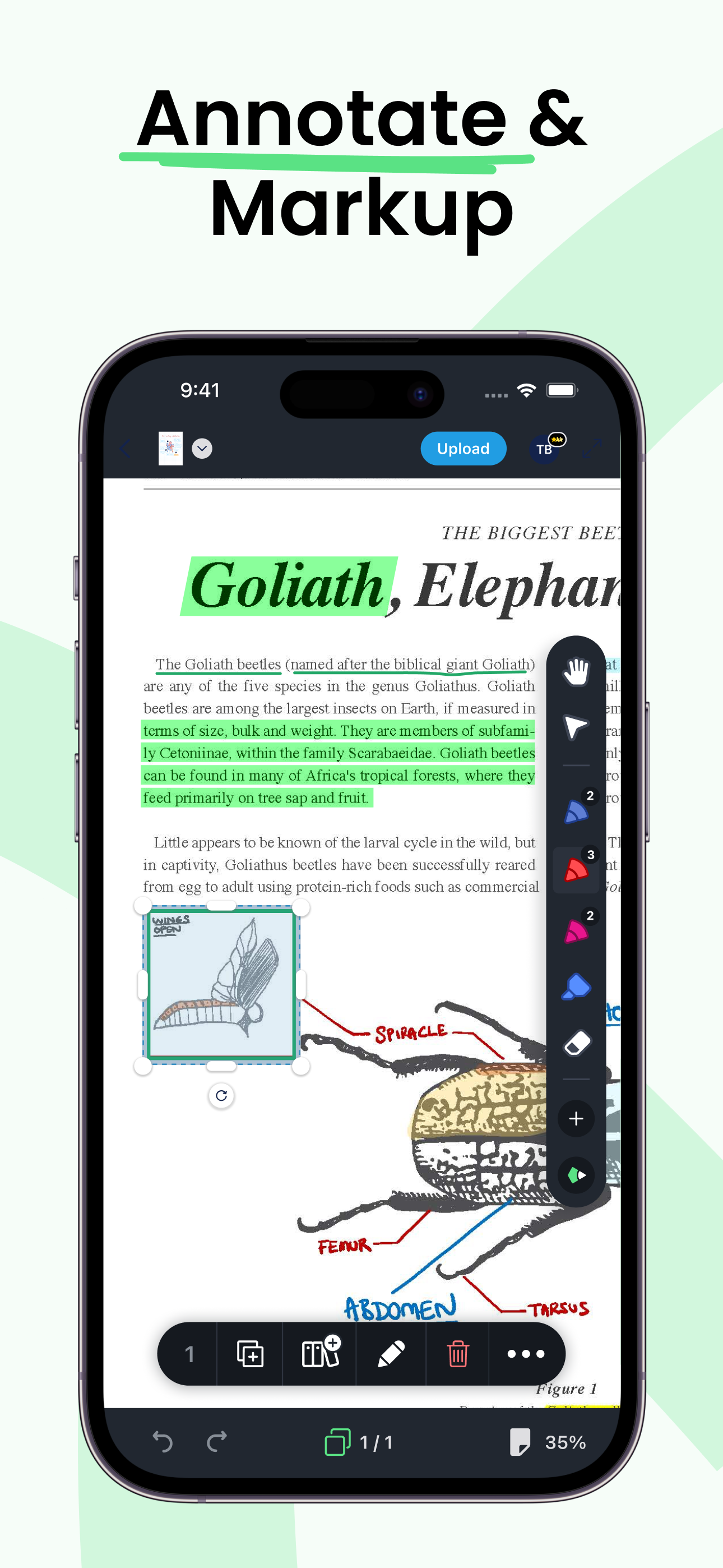
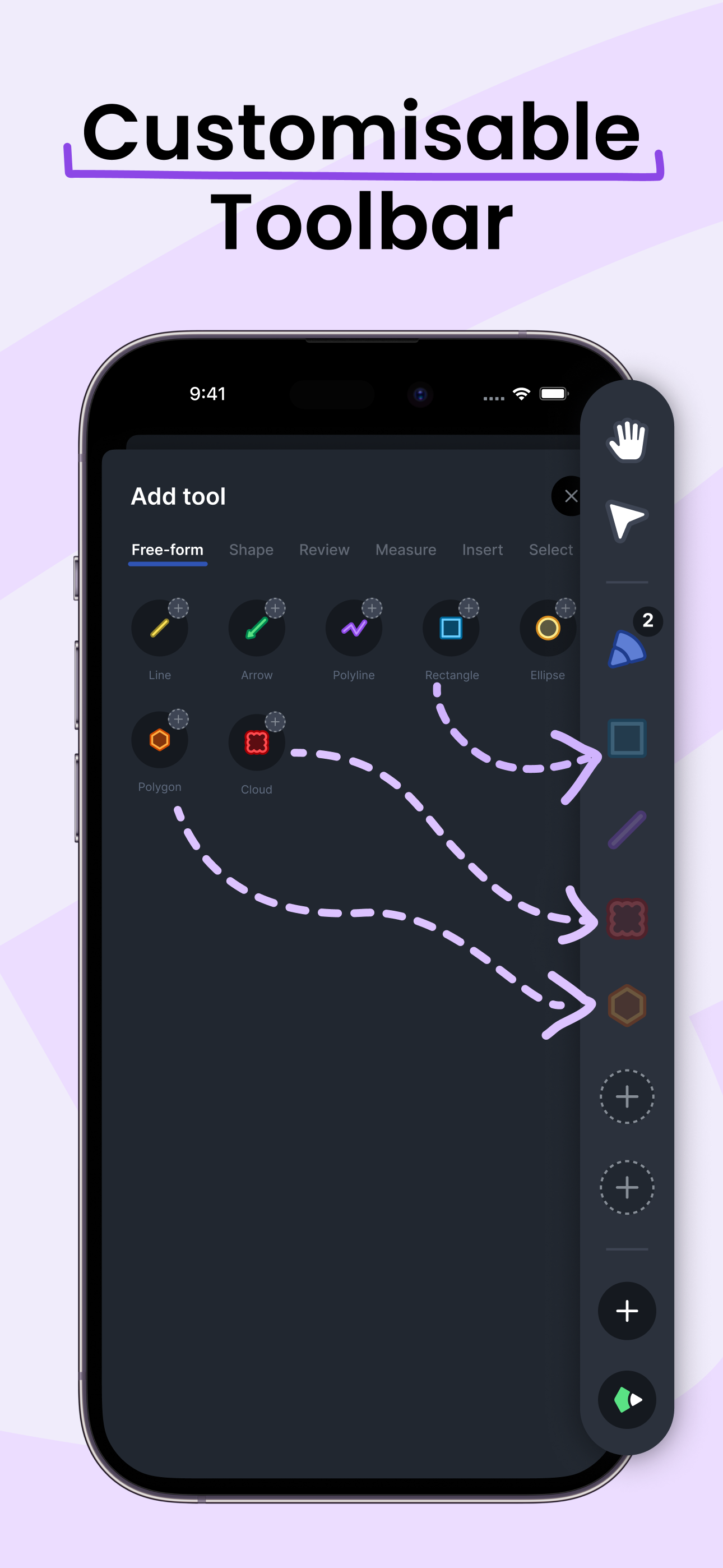
I’ve used the Pro Plus edition of Drawboard now on two separate projects, involving marking-up a check set of Architectural drawings. I’ve used BlueBeam in the past but they no longer support Mac is I no longer support them. Drawboard feels very clunky to me. There is no marquee zoom tool (a fatal flaw) so you have to keep hitting the +/- buttons along with panning to move around a drawing. There also should be a single click to “fit page” like almost every other pdf editor I’ve used. The various tools are selected from microscopic icons that lack intuitive graphics to describe their function. Using call-out notes has also been problematic as the positioning of the notes and leader lines can change when you close and re-open the file, causing you to reformat your notes. The responsiveness of trying to drag an object to a different location is poor. I have yet to figure out how to drag a copy of graphics or notes. Copying and pasting a note from one page to another changes the position of the note instead of allowing you to paste “in-place”. These are all very basic features of any graphics editing program and the fact that they are missing indicates to me that Drawboard isn’t prioritizing improvements.
Powerful PDF tools at your fingertips. The latest PDF technology and software for a better experience. With an intuitive UI designed for delight – the...
