
Check the acquisition promise
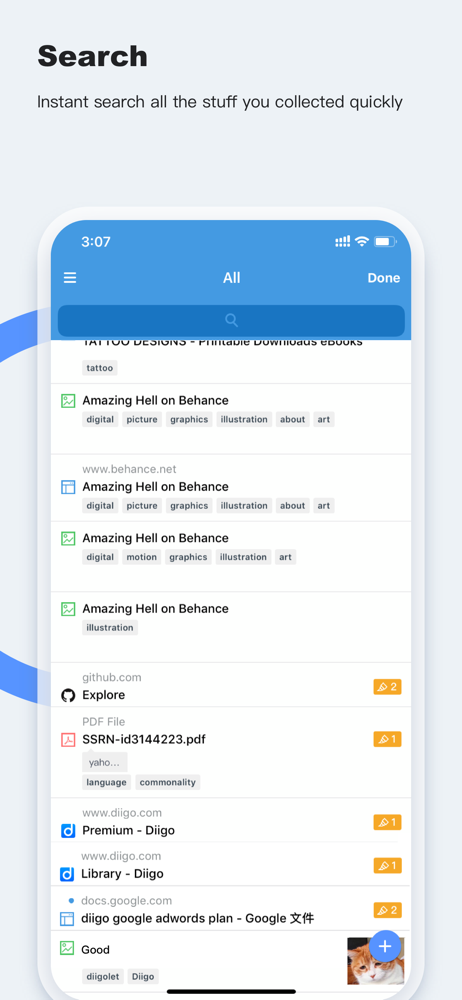
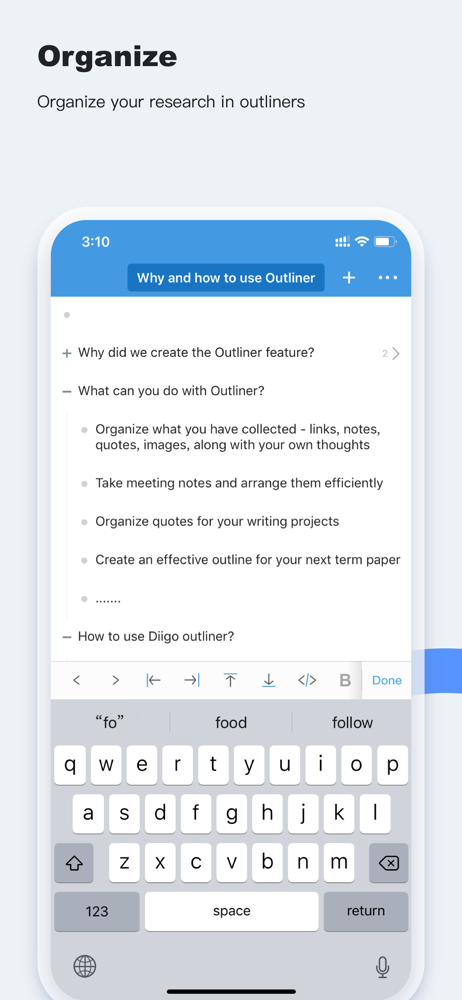
Read the store headline, screenshots and description. What problem is the app promising to solve?
Study the storefront ↗
Diigo Inc. · iOS
Explore the ad evidence, study the storefront, and build your next acquisition hypothesis.
01 / Creative research
Read the store headline, screenshots and description. What problem is the app promising to solve?
Study the storefront ↗Explore apps with direct store-link matches. Compare their hooks and formats without assuming the same approach works here.
Browse observed advertisers ↗Store rankings and revenue estimates describe market context. They do not establish ad spend, conversions or ROAS.
Review the market context ↗02 / Storefront & product
Study the product story and store experience behind the acquisition funnel.

03 / Market context
Keep revenue, downloads and store rankings separate from advertising performance.
Slow browser experience...Am on an iPhone 12 Pro. Who wants to use a slow browser these days? Non starter, sorry. Fortunately we can use Safari (fast and private) along with the Diigo share sheet to bookmark and tag. There is an unfortunate bug which prevents you from jumping to page annotation from the share sheet but you can get around it by opening the Diigo app yourself (you will have to endure the Diigo browser home page and then head to your library and finally reach the bookmarked page you want to highlight. My criticisms aside, I am a satisfied Diigo customer: - Diigo is a fantastic tool for highlighting the web, but using Diigo on IOS is currently subpar in my experience. And, there is no evidence at all over the last year that progress is in the works (Crickets…)
It's slow. The web app is wonderful. When I add or remove a bookmark on my iPhone or iPad, it shows up on the web within a matter of seconds. When I add something on the web, nothing happens in the iOS app, and if it does, only after I refresh, and that seems to take an unusually long time pretty much every time. In the iOS app you have an option that we can select to save all contents as private. What I would really like is to also have an option to save all bookmarks as unread as well. This is crucial if I'm going to select the option to quick save without a bookmark window. When I save bookmarks for reading later, I want this to be a quick process that will be easy for me to find what I bookmarked for reading later.
I was asked to download Diigo and experiment with it to see if it could be a useful tool to have available in the classroom. After messing around with it and trying out a few things, it became pretty easy to navigate as someone who isn’t always a fan of technology and prefers simple instructions. When you first open it, it will ask you to either sign in or create an account (zero hassle there) and it will take you straight into a tutorial on how to add a new page to Diigo and then save an annotation or bookmark. Normally I don’t pay attention to tutorials because they are slow and point out unnecessary details but this one was quick and contained simple guided instructions. At first I thought that the tutorial would be teaching me how to use Diigo instead of showing me how to save a bookmark which I didn’t really like because it was a little confusing. The actual instructions for how to use Diigo appeared at the end of the tutorial but I did not find that very helpful. Other than that the app is extremely basic and pretty much laid out for you so the only work you have to do is write the notes or highlight the annotations manually. Personally, this would not be my choice app to use because I prefer to quickly scribble things down instead of having to type out what I’m seeing or hearing so that way I don’t miss a step because I was too busy trying to fix autocorrect. Otherwise I would recommend this for all the detailed note takers out there that don’t mind having to type.
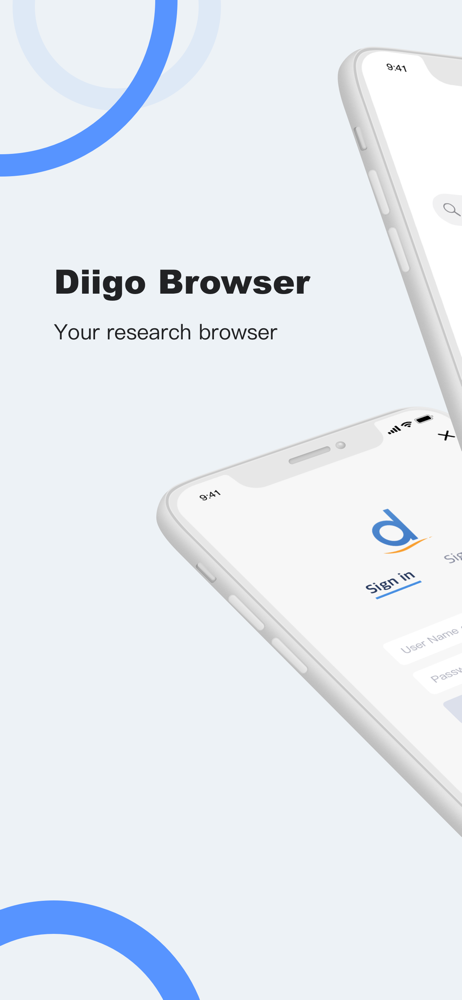
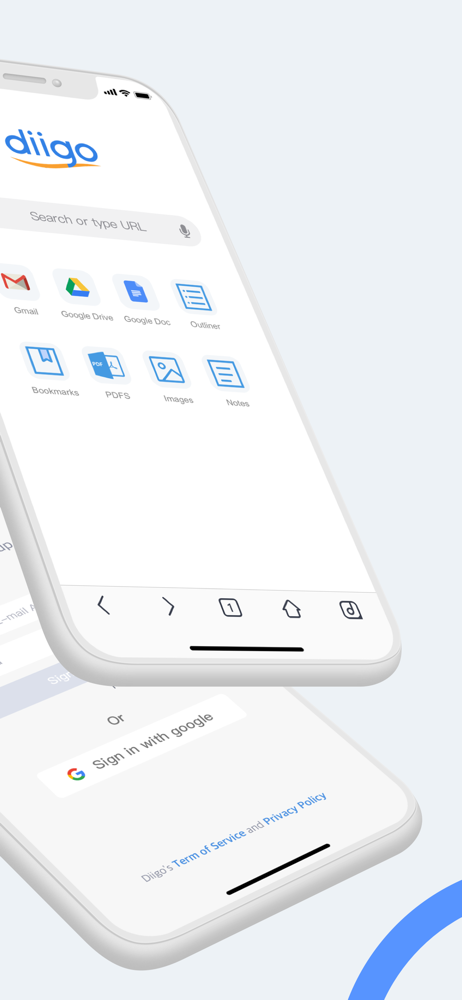
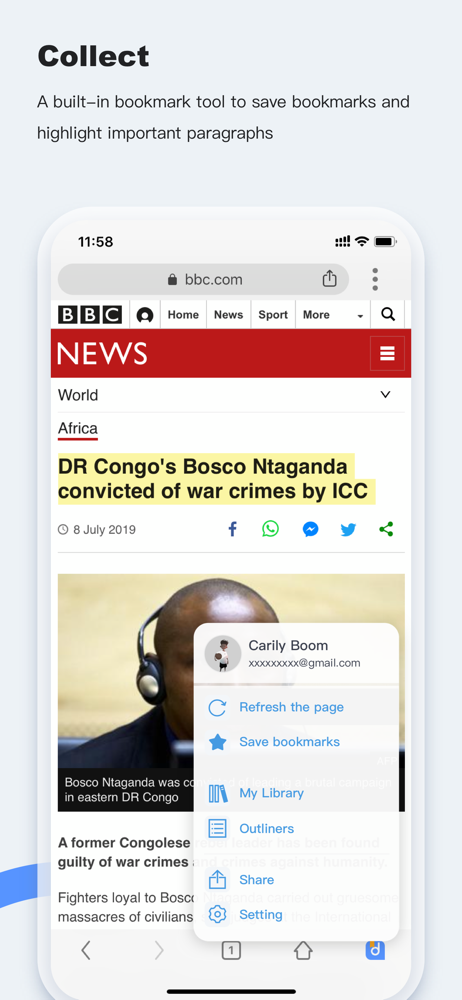
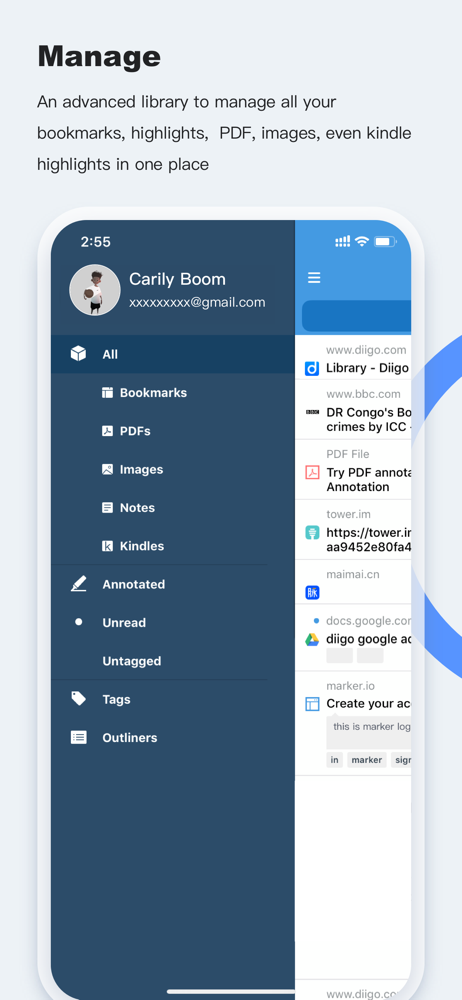
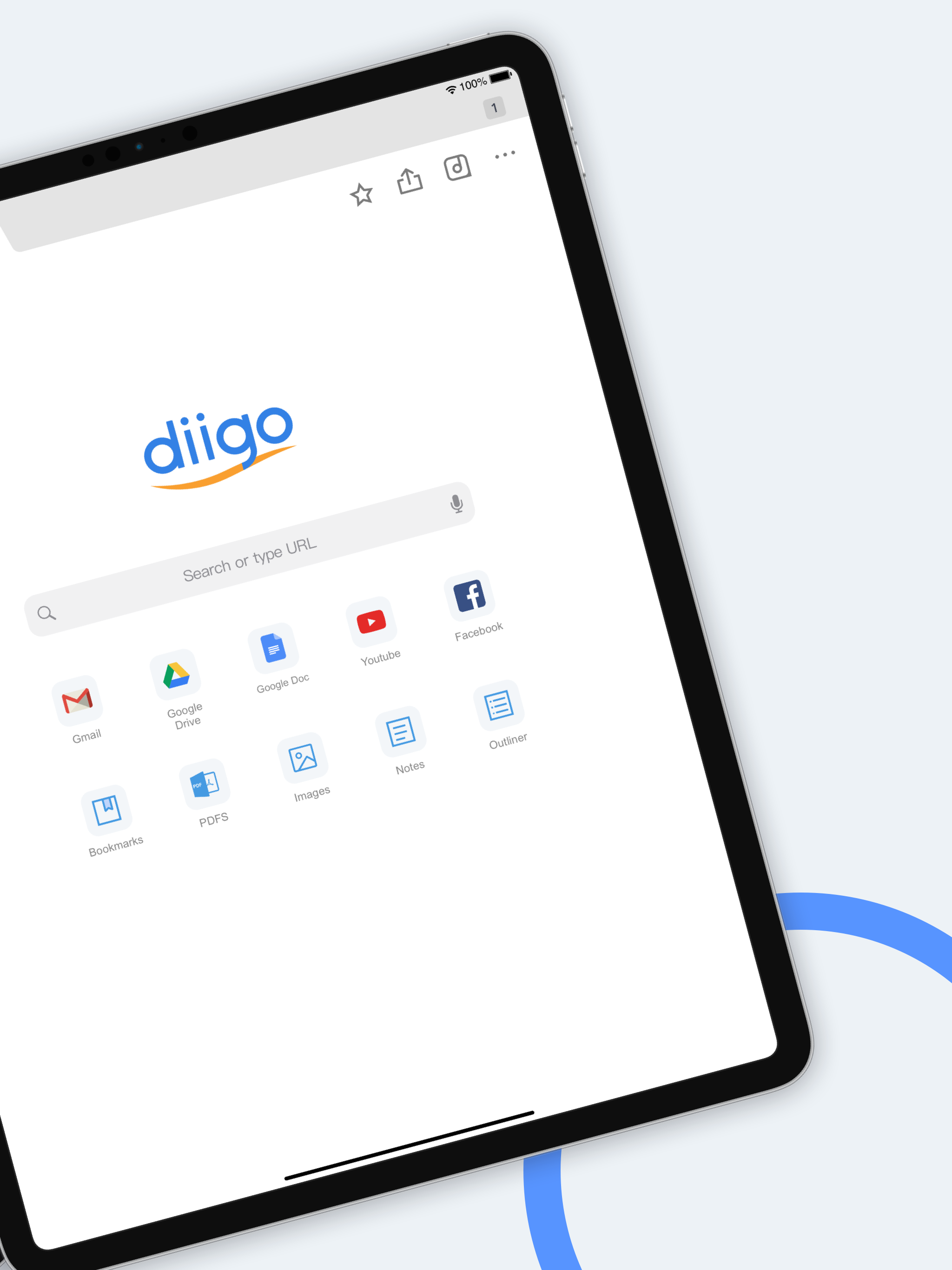
Diigo Browser allows you to save, annotate and share bookmarks easily! Save and sync You can use Diigo Browser to save web pages to your Diigo accoun...


