Check the acquisition promise
Read the store headline, screenshots and description. What problem is the app promising to solve?
Study the storefront ↗
Dominic Rodemer · iOS
Explore the ad evidence, study the storefront, and build your next acquisition hypothesis.
01 / Creative research
Read the store headline, screenshots and description. What problem is the app promising to solve?
Study the storefront ↗Explore apps with direct store-link matches. Compare their hooks and formats without assuming the same approach works here.
Browse observed advertisers ↗Store rankings and revenue estimates describe market context. They do not establish ad spend, conversions or ROAS.
Review the market context ↗02 / Storefront & product
Study the product story and store experience behind the acquisition funnel.
03 / Market context
Keep revenue, downloads and store rankings separate from advertising performance.
I really like the dial size, nice and compact. The numbers do not dial as smoothly or as accurately all of the time but that is infrequent. Overall, a fun little app to enjoy and I use it when I can remember someone’s telephone number (which is a skill less needed when having a mobile today!)
The app does what I hoped!It is great to have a phone again! I also want to answer a question I saw regarding this app. He was unhappy there was no contact list. What you do is get a piece of string and tie it to your phone then you attach your contact list Ma Bell makes contact lists they are called phonebooks. I actually came on to get help. My phone still looks the same if I tap the phone. The rotary dialer is listed as a separate app way on the last page of all those app icons. I want the rotary dialer to be my phone, now, tomorrow, forever! How do I put the two together?
The looks of confused scouts trying to figure out how to use a rotary dial is well worth the price.
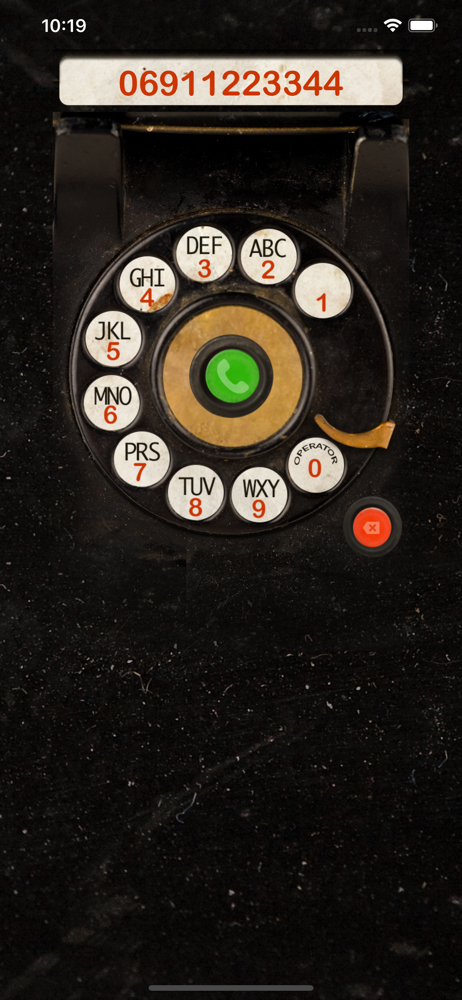
Turn back in time! With the rotary dialer in retro-style you can send your iPhone back in the 20th century! Features: • original sound effect • accur...