Check the acquisition promise
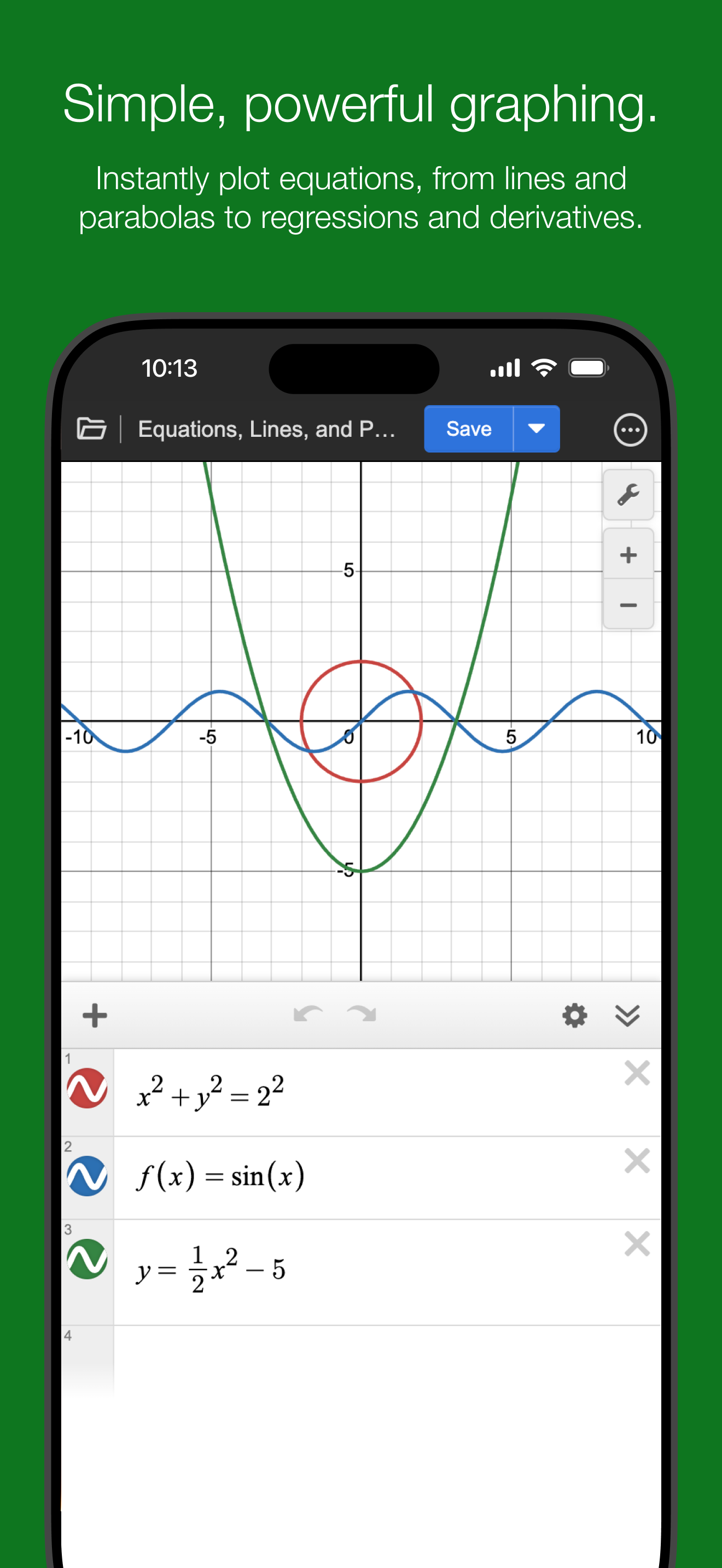
Read the store headline, screenshots and description. What problem is the app promising to solve?
Study the storefront ↗
Desmos · iOS
Explore the ad evidence, study the storefront, and build your next acquisition hypothesis.
01 / Creative research
Read the store headline, screenshots and description. What problem is the app promising to solve?
Study the storefront ↗Explore apps with direct store-link matches. Compare their hooks and formats without assuming the same approach works here.
Browse observed advertisers ↗Store rankings and revenue estimates describe market context. They do not establish ad spend, conversions or ROAS.
Review the market context ↗02 / Storefront & product
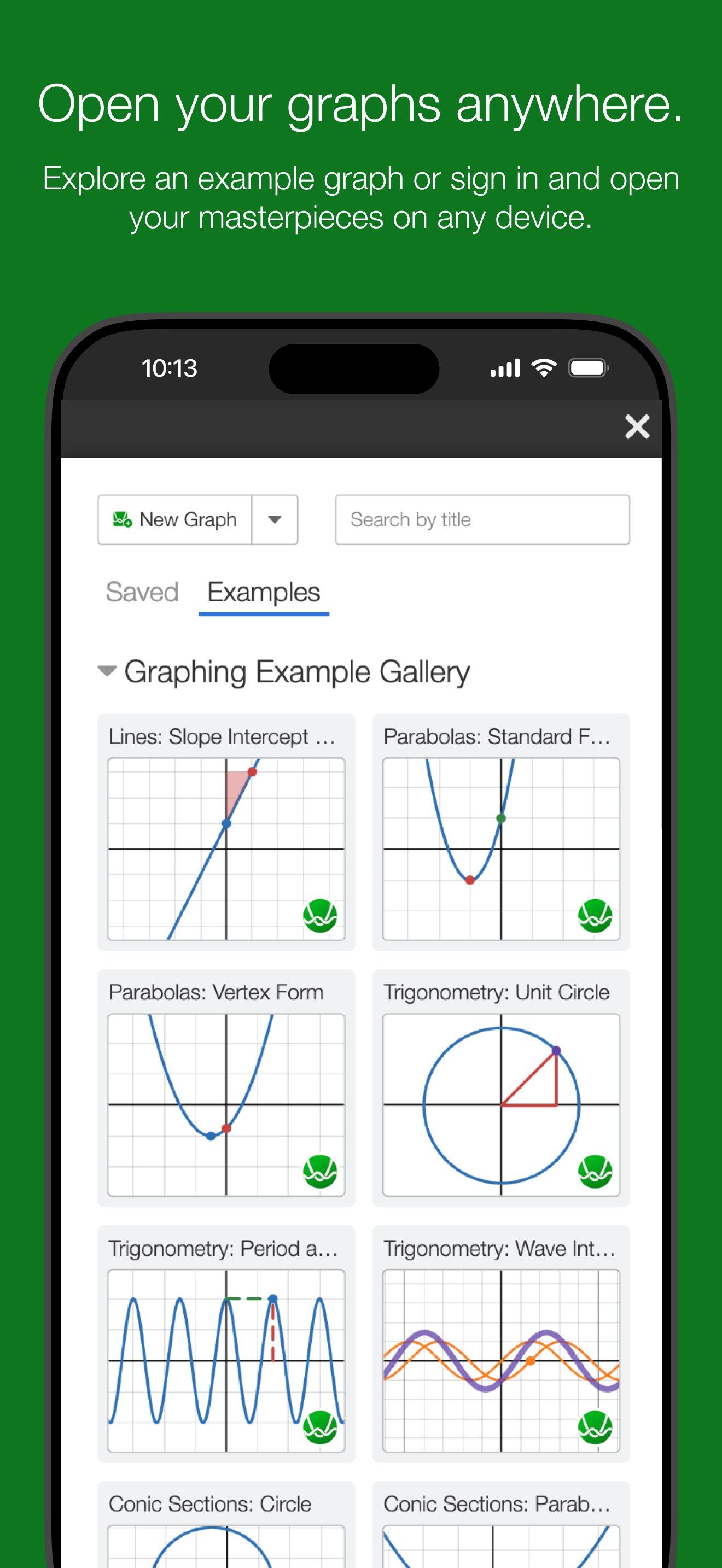
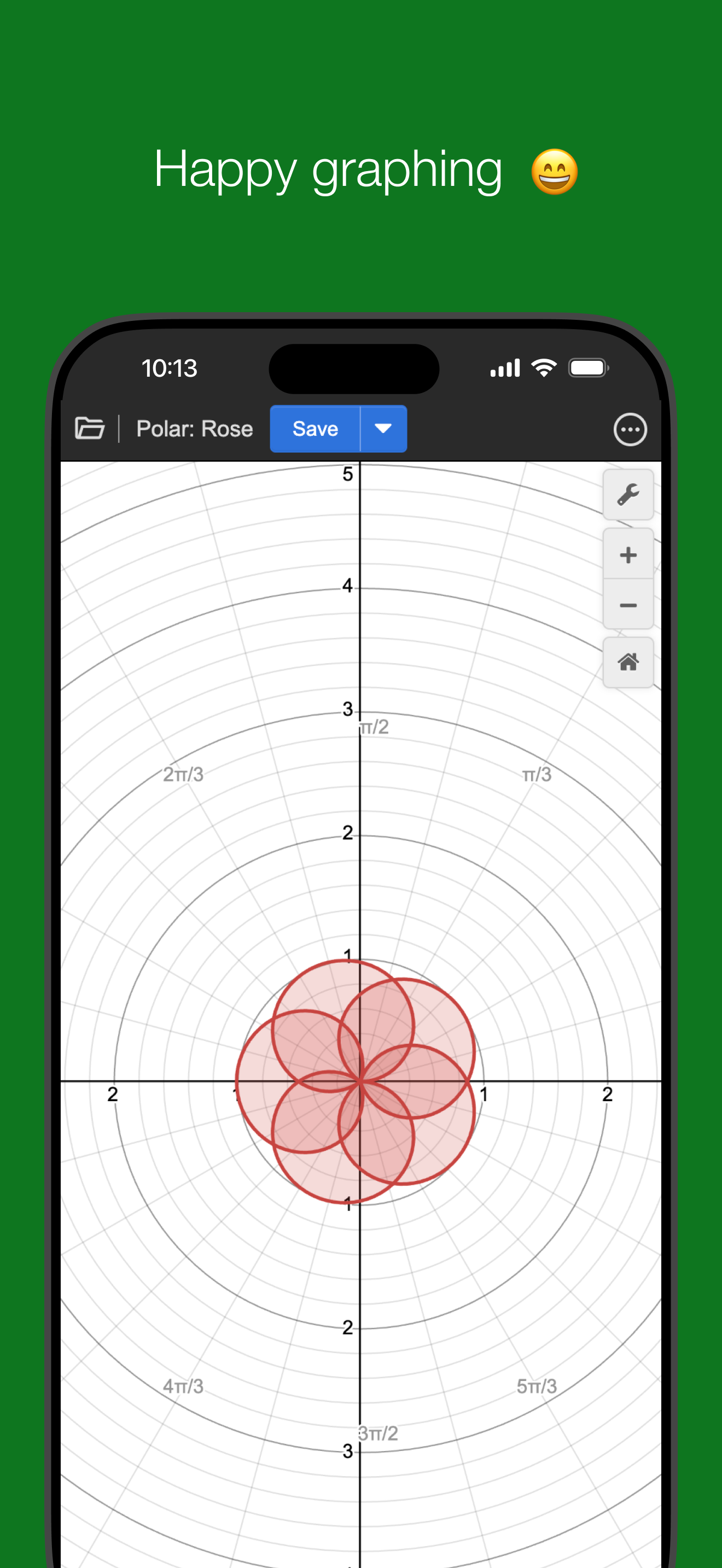
Study the product story and store experience behind the acquisition funnel.

03 / Market context
Keep revenue, downloads and store rankings separate from advertising performance.
I NEVER leave reviews for apps. But when I saw that Desmos, my LOVE, doesn’t have many reviews, I knew I’d have to leave one. I have used this app for years, and its utility cannot be understated. I used it in high school when I didn’t know where my graphing or scientific calculator was for homework, and I did the same through college as I worked on my engineering degree. It has always been a lifesaver. In all honesty, it’s probably a timesaver too, insofar as it is easier to quickly type and navigate to points of interest on a graph. I found it useful to save various physical coefficients to a variable to reduce time spent typing. And, while I know this is also possible on calculators, saving various files with different coefficients allows for quick and easy referencing and utilization. It is an incredible asset for mathematical work. That being said, Desmos is somehow FUN too. There are a litany of features you won’t find on calculators, such as creating custom colors and even audio tones. I’ve spent a good chunk of time listening to various functions and creating fun soundboards. There are so many possibilities with this app. TLDR: Desmos does everything your graphing calculator can do, but on your phone. There are also a bunch of features in Desmos that aren’t possible with graphing calculators, making this an incredible resource. Please try Desmos!
Ok number one, the dark green in the app picture thing looks funny. Number two, it needs some way to do horizontal mode. Also, the darn tiny keyboard is too hard to use on my tiny screen, just make them slide and/or make the buttons bigger. Third, I don’t want to have to download every single Desmos app just to do all of my cool math stuff, so it would be nice to combine them all into one big app. That way whenever you get around to finishing the mobile version of the geometry and 3d calculators, I can just update it instead of installing two new apps. And four why can’t you graph theta as a function of anything yet. And why can’t theta and r be in the same equation as x and y? I would understand that maybe, but at least let me limit the r value so my Cartesian graph fits in a little circle.
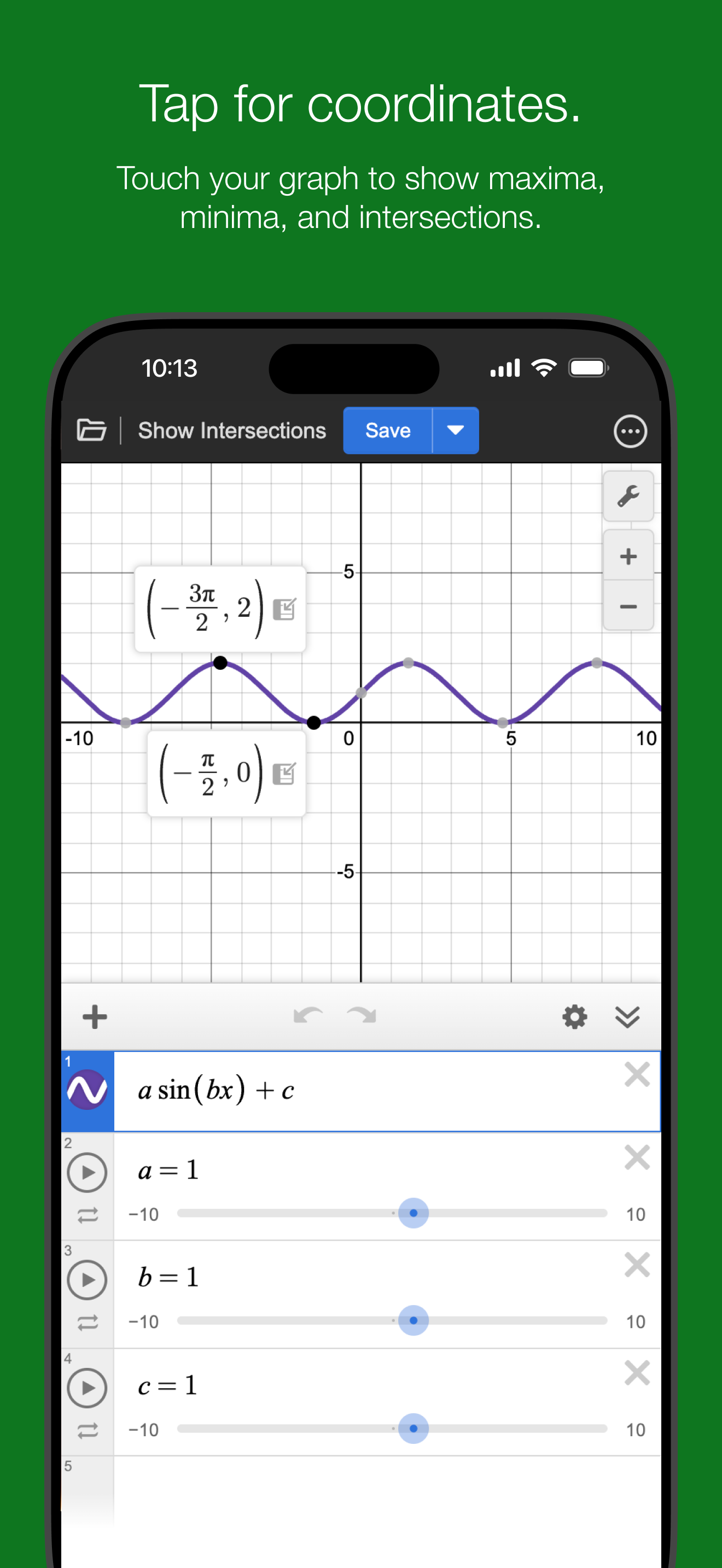
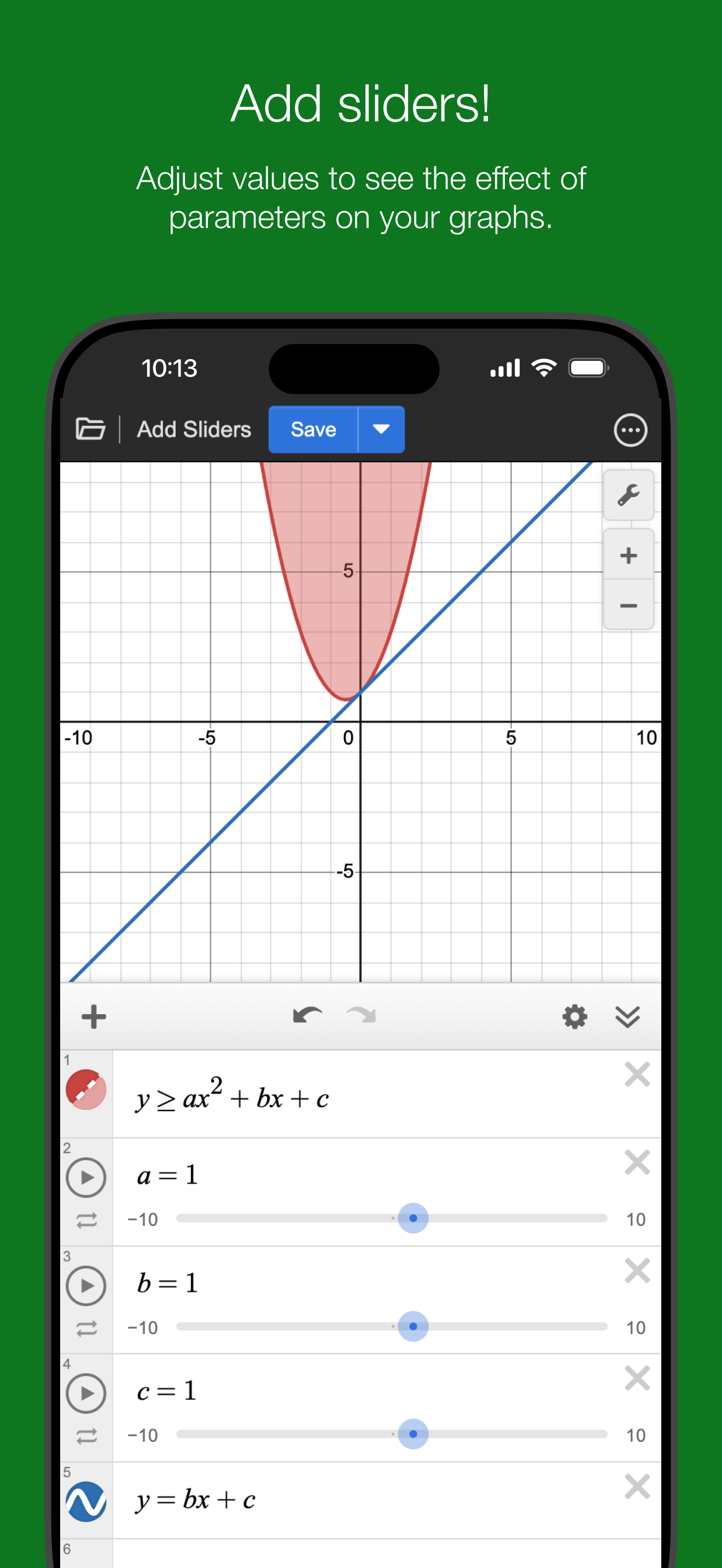
I put this to some pretty specific and odd uses at work (carpentry; the explanation is lengthy and boring) and tried at least 20 different calculator apps in my search for just the right one. This one’s a keeper because 1) you can give it expressions in any form you want, which seems to me like something any graphing calculator should be able to handle and 2) it works offline, which also seems like something any calculator should do, since an app that has to ask a server to do calculations isn’t really a calculator, is it? The app is fast, the sliders nifty, and the layout streamlined. I also like how easily customizable the display settings are, but I wish that some of these settings, especially Reverse Contrast, were persistent, meaning they would still be as I’ve set them after I close and re-open the app. This, plus a few tweaks to Reverse Contrast, would effectively give the app a dark mode, which is never a bad feature for an app to have (I’m surprised they aren’t just calling it “Dark Mode” as-is). I also wish that the little box that displays the coordinates of a point on a line would stay visible until you tap again, not just until you lift your thumb up (there’s a way around this, but it’s not intuitive at all), and that it would move when you adjust a slider. Aside from these minor gripes, this app is super—heck, I’d pay for it.
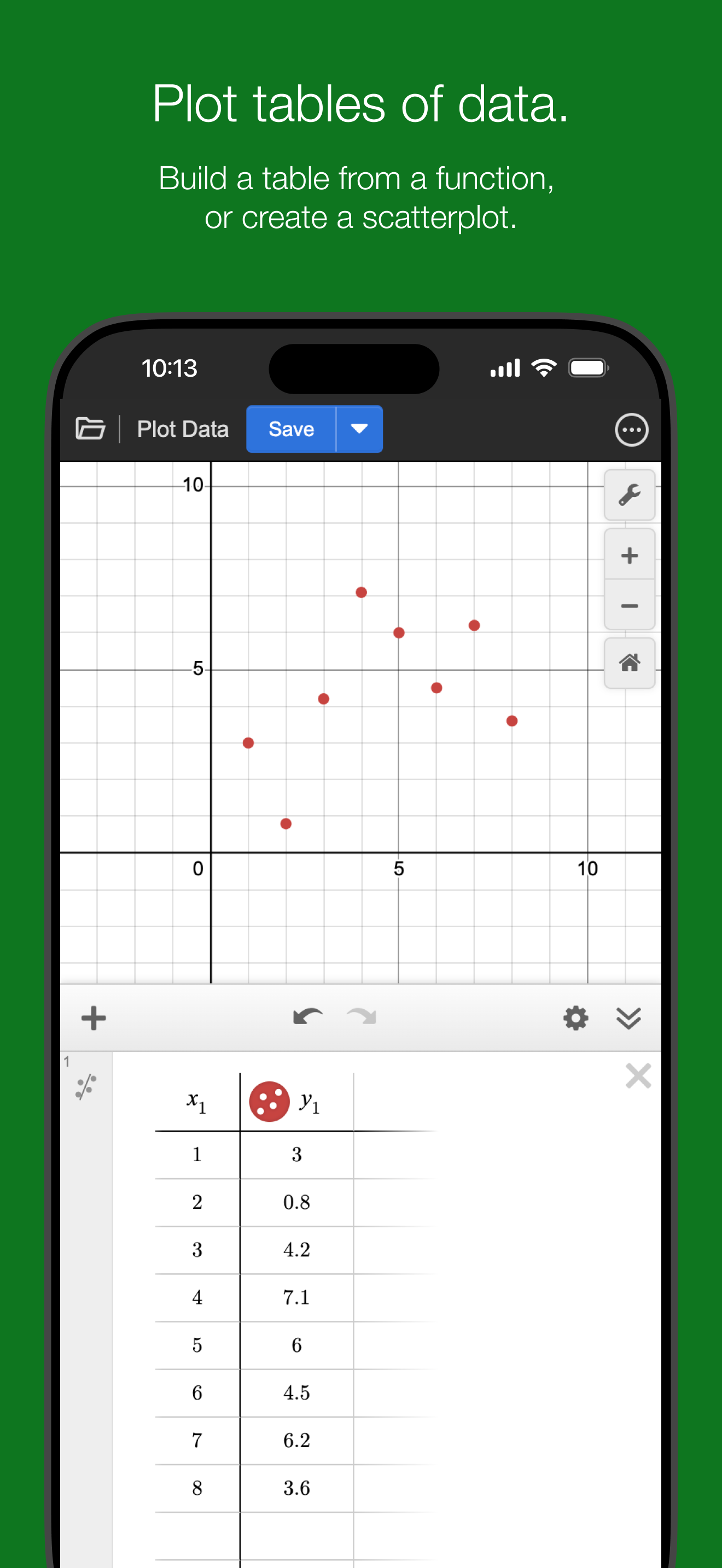
Explore math with the fast and powerful Desmos Graphing Calculator. Plot any equation, from lines and parabolas to derivatives and Fourier series. Add...