Check the acquisition promise
Read the store headline, screenshots and description. What problem is the app promising to solve?
Study the storefront ↗
Spicy Apps · iOS
Explore the ad evidence, study the storefront, and build your next acquisition hypothesis.
01 / Creative research
Read the store headline, screenshots and description. What problem is the app promising to solve?
Study the storefront ↗Explore apps with direct store-link matches. Compare their hooks and formats without assuming the same approach works here.
Browse observed advertisers ↗Store rankings and revenue estimates describe market context. They do not establish ad spend, conversions or ROAS.
Review the market context ↗02 / Storefront & product
Study the product story and store experience behind the acquisition funnel.


03 / Market context
Keep revenue, downloads and store rankings separate from advertising performance.
Some websites are *really* stubborn about allowing desktop view on mobile devices, and selecting the “Request Desktop Site” option doesn’t work when viewing them on most mobile browsers (Safari, Chrome, etc…). It just repeatedly loads the mobile layout. This can be extremely frustrating, especially because I often only need to see the desktop version of a website for but a moment to verify something that can’t be done on mobile. I don’t want to have to stop everything I’m doing to get up, find my laptop, plug it in, start it up, and pull up the website for a grand total of 10 seconds before shutting everything down again. Very inconvenient. Very annoying. Then I found this app while googling for workarounds. And It does exactly what I need: it loads the desktop view of a website on my mobile device. And it does it fast, simple, and free. The paid subscription option would likely be handy if I were looking to make this my primary browser, but since I only need it every once and awhile for a short period of time, the free tier is perfect. Thank you to the devs for making this app! Thank you for solving a very annoying problem for me :)
Okay when I first started using this app (which was years ago) it was good. I liked it. I especially liked how it really laid out the desktop format of websites on my phone screen just as if I were on a real desktop, that was the best part. I later deleted it simply because it just had to many bugs and I didn’t feel like writing you guys telling you about all the ones I had experienced ☺️. Just a week ago I went to looking for desktop browser apps and ran across this one. I was actually kind of surprised to see that after all these years the app had still been being taking care of. I decided to download it again, you know, just give it another shot. You guys have done outstanding work to this app!!! It works very well although there are still some bugs and lots of work to be done. Like for example, some websites still load the mobile version and you have to refresh the page in order for the desktop version to appear 🤦🏽♂️🤷🏽♂️.(that’s why you get a 4 star rating),Aside from that the app is well put together and it functions like a real desktop. Great job guys 😉👍🏽
Fr I don’t understand how this browser isn’t on front page of the App Store it is without a doubt the perfect browser. It does everything you want it to do and nothing more and that’s why it’s amazing. Viewing sites in desktop is as easy as it gets and never falters. There’s a quick shortcut button to switch right back to mobile view. There’s no unnecessary ads or “features” literally everything you need it to do is laid out in the simplest form so there’s no confusion searching for a certain function. Tabs are laid out beautifully at the bottom making it easy to switch back and forth. Bookmarks are streamlined and easy to access and as far as I know of, it’s the only browser with a full screen viewing option. Only thing I would add is the ability to create bookmark folders but even without that feature, this is still my favorite browser of all time and I’ve had an iPhone since they first hit the market. Thank you to the developer for giving us what we want! It is much appreciated
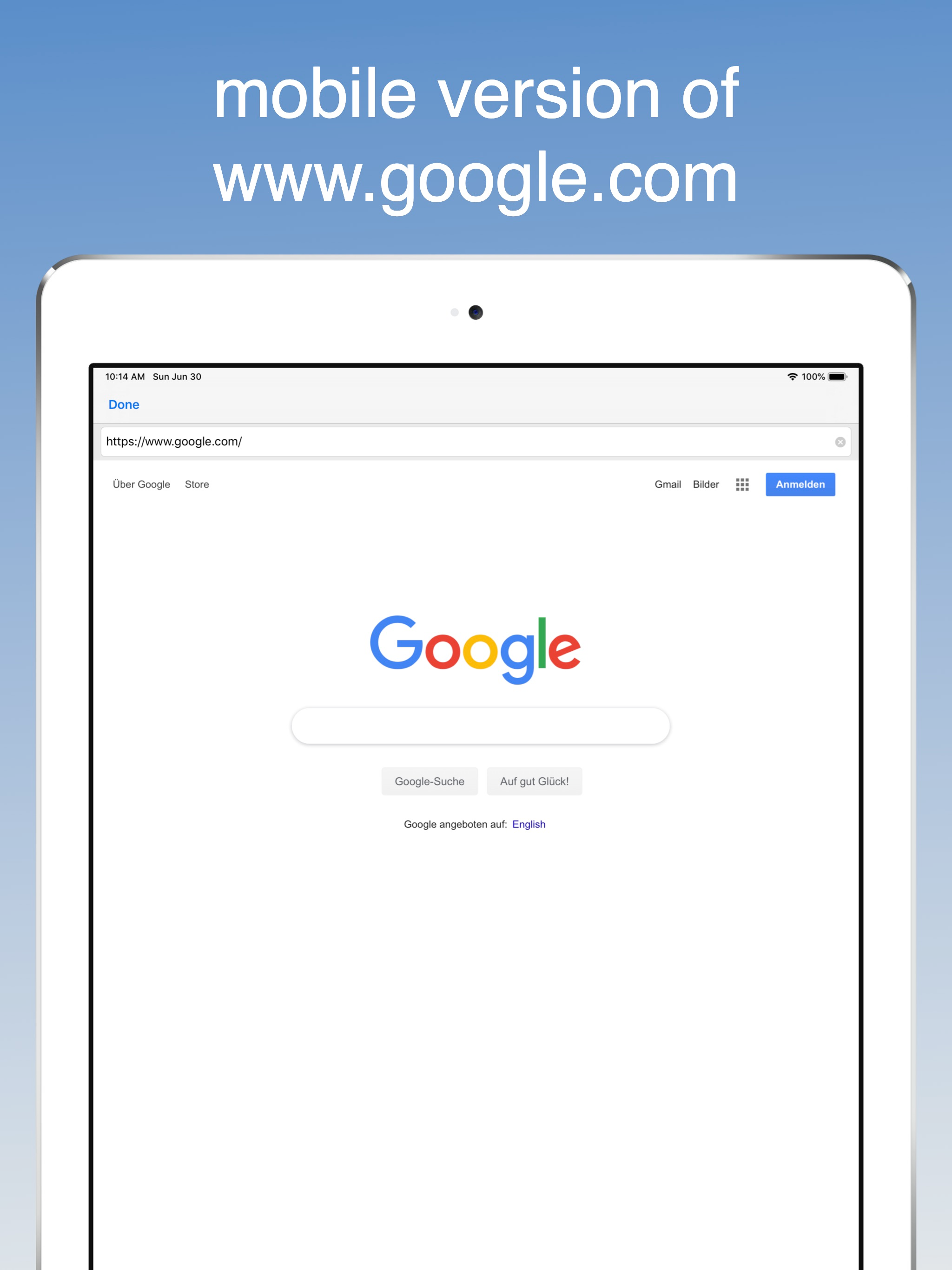
Desktop Browser displays the mobile or the desktop version of a website. In their mobile version some websites hide content, display different content...
| Name | Price | Type |
|---|---|---|
| weekly | $1.49 | Weekly |
| remove ads | $1.99 | One-time |
| browse plus | $1.99 | One-time |
| monthly | $2.99 | Monthly |
| all features pack | $2.99 | One-time |
| yearly | $7.49 | Yearly |