Check the acquisition promise
Read the store headline, screenshots and description. What problem is the app promising to solve?
Study the storefront ↗
CompanionLink Software · iOS
Explore the ad evidence, study the storefront, and build your next acquisition hypothesis.
01 / Creative research
Read the store headline, screenshots and description. What problem is the app promising to solve?
Study the storefront ↗Explore apps with direct store-link matches. Compare their hooks and formats without assuming the same approach works here.
Browse observed advertisers ↗Store rankings and revenue estimates describe market context. They do not establish ad spend, conversions or ROAS.
Review the market context ↗02 / Storefront & product
Study the product story and store experience behind the acquisition funnel.


03 / Market context
Keep revenue, downloads and store rankings separate from advertising performance.
I migrated from iPhone 7 to iPhone 14 and set up Dejaoffice to sync with my PC over home WiFi just as it was on my old phone. But unfortunately Dejaoffice does not see my new phone IP address even though it sees the network name (SSID). As a result, when I try to initiate the sync from my phone, it errors out with error “WiFi connection not available”. I cannot initiate sync from my phone. This is odd compared to my old phone on which Dejaoffice used to see the IP and allowed me to initiate the sync from my phone. Currently with Dejaoffice on my new phone I can initiate the sync only from my PC after pairing the phone manually on the PC. Any suggestions anyone?
Later, same day: the plus sign disappeared again. Now, I switch the Use Classic Edit from yes to no and back again and get a flash of a plus sign that then disappears. I really need to use my app! Please fix! Edited December 17, 2020. Same issue with inability to edit/add to memos, but this time I had to change Use Classic Edit View from yes to no. The ability to add memos, tasks, etc. disappeared (no plus sign). Only calendar had the ability to add item. Just about to right irritated review when I thought to check settings. Once I changed general settings, Use Classic Edit View from no to yes, the plus sign and ability to add items was restored.
I’ve used this app for years and wouldn’t change it for the world. It fits my needs completely. I have only two complaints. The first is the backup. It will only allow me to back up to an email address. I don’t tie into apples mail app. On the iPhone and iPad, your app won’t let me back up unless I give Apple access to my email address. I should have a choice of where and how to backup. The second problem is your cloud. It’s not using blind encryption. I avoid apps where the provider keeps a copy of the key or has a means if surrounding the information under court order. My right to privacy is a principle I hold dear.
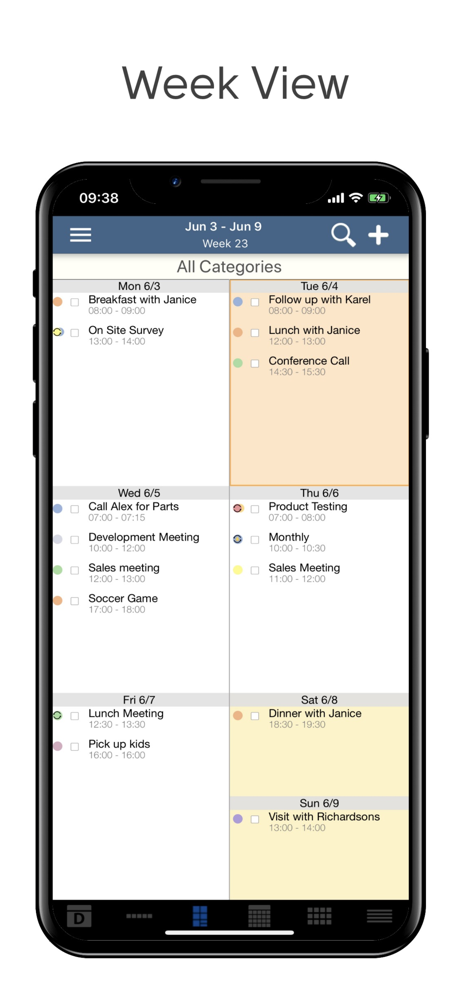
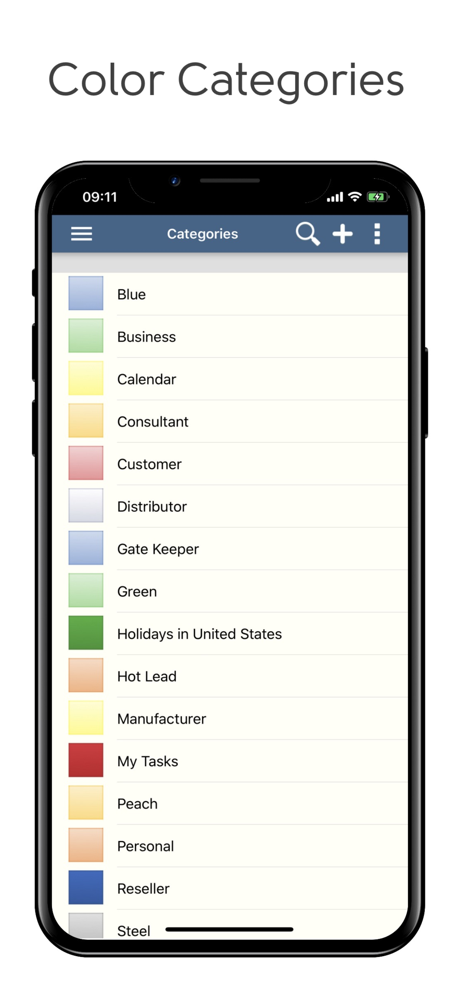
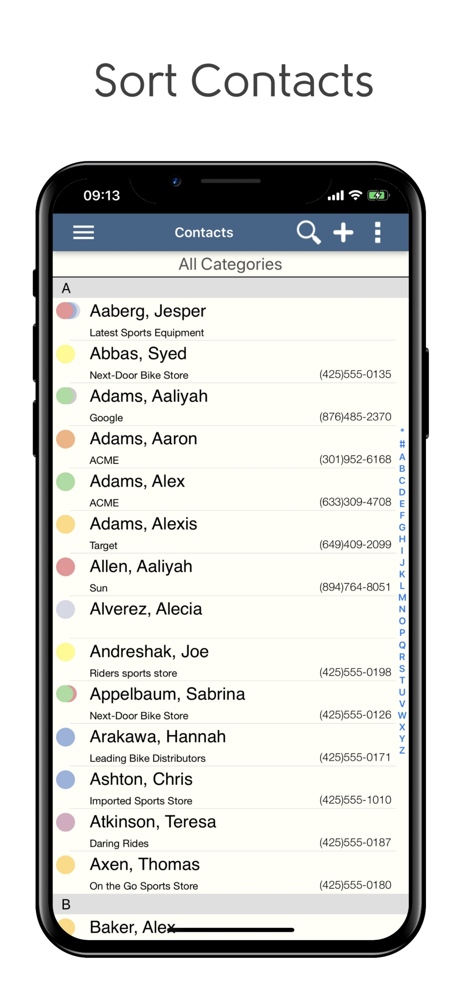
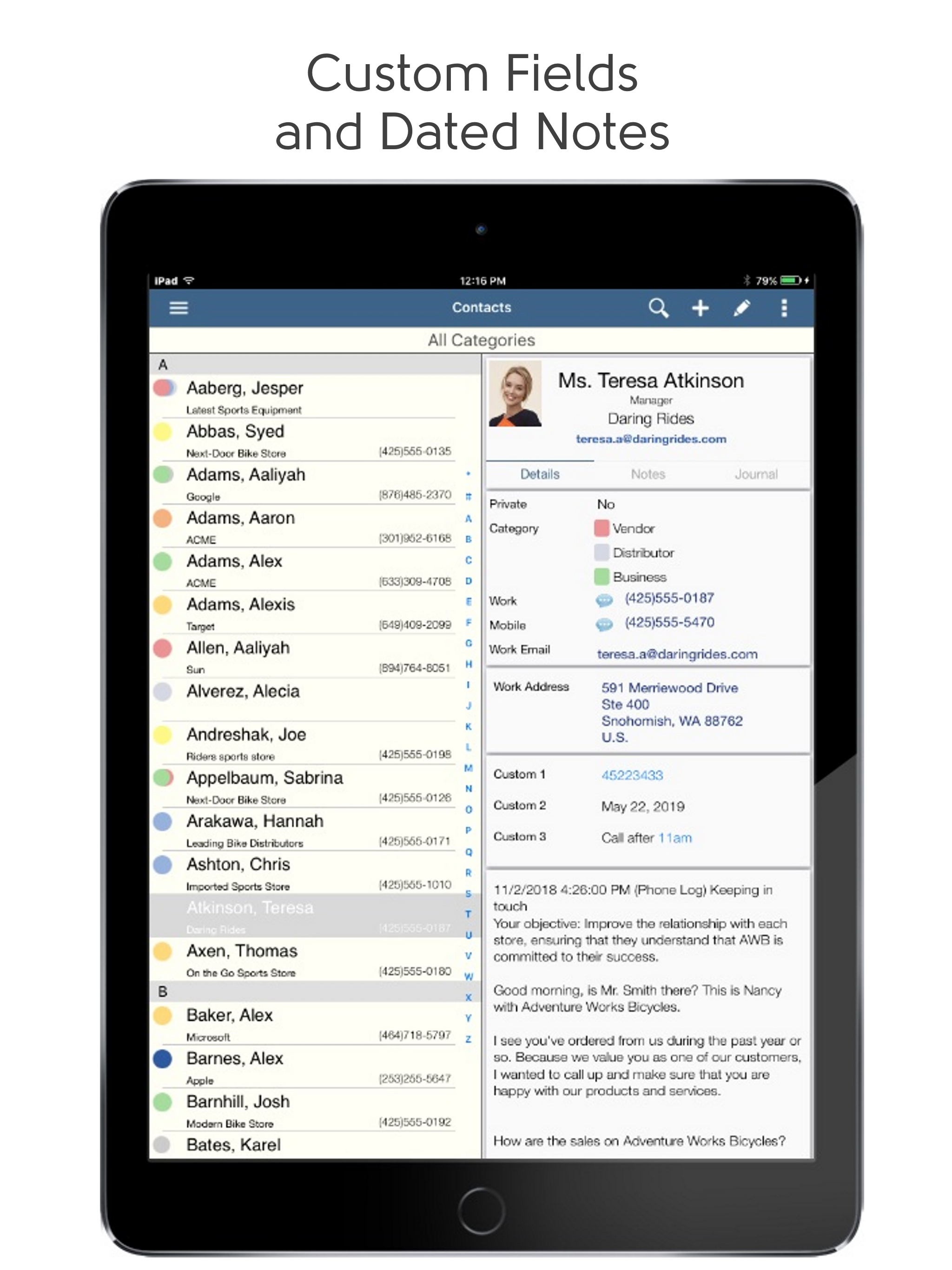
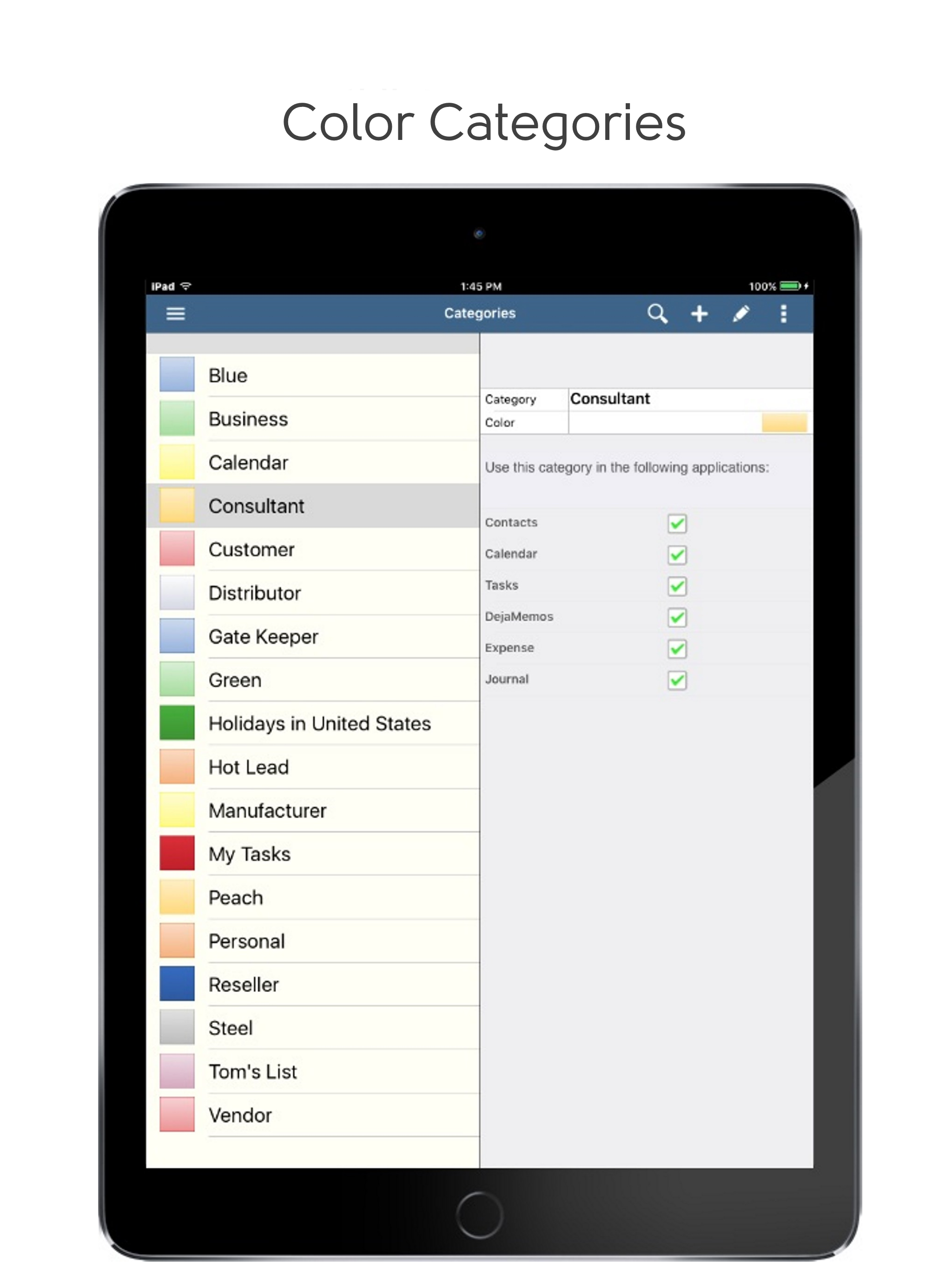
DejaOffice is an amazing Personal CRM with PC Sync to Outlook, Act!, Goldmine and Palm Desktop. Download now to try it! Full support for color categ...