Check the acquisition promise
Read the store headline, screenshots and description. What problem is the app promising to solve?
Study the storefront ↗
MachineForest Ltd · iOS
Explore the ad evidence, study the storefront, and build your next acquisition hypothesis.
01 / Creative research
Read the store headline, screenshots and description. What problem is the app promising to solve?
Study the storefront ↗Explore apps with direct store-link matches. Compare their hooks and formats without assuming the same approach works here.
Browse observed advertisers ↗Store rankings and revenue estimates describe market context. They do not establish ad spend, conversions or ROAS.
Review the market context ↗02 / Storefront & product
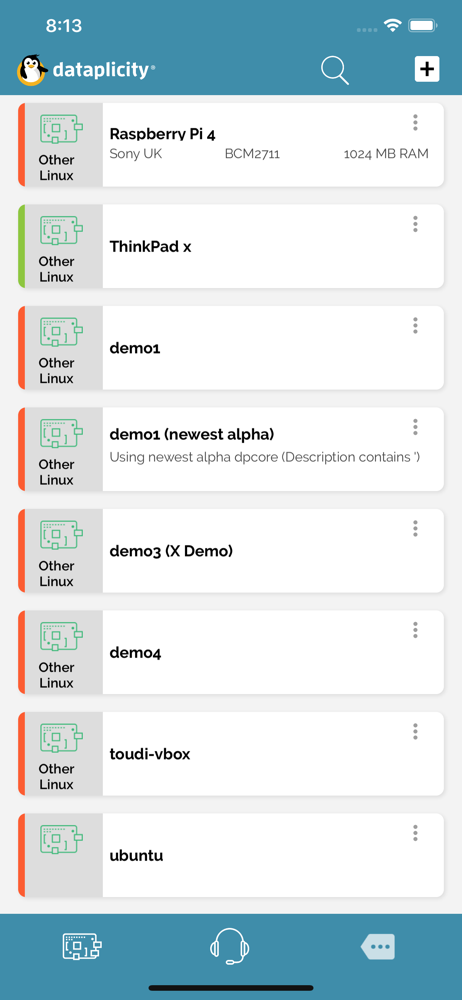
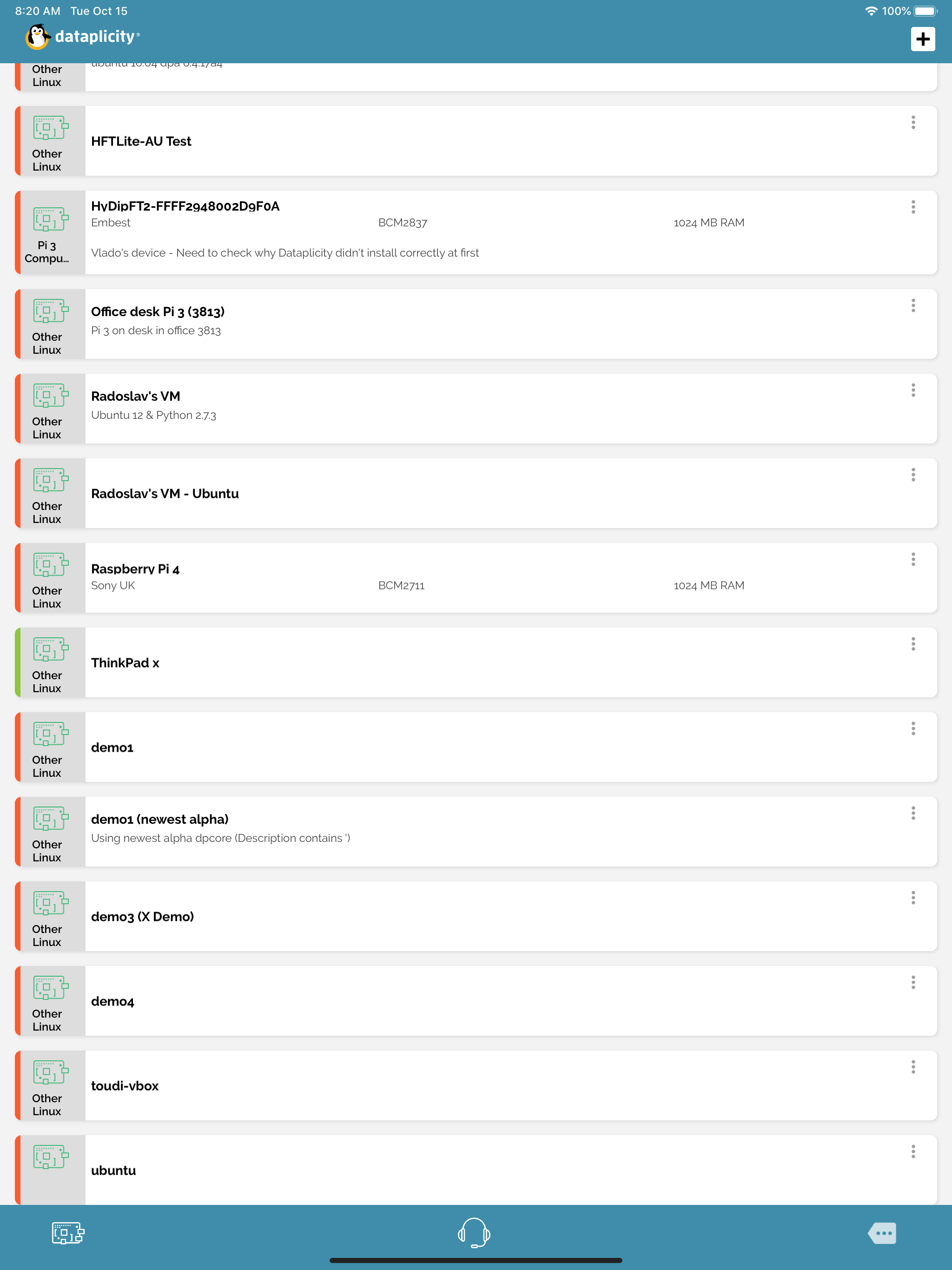
Study the product story and store experience behind the acquisition funnel.


03 / Market context
Keep revenue, downloads and store rankings separate from advertising performance.
Very easy to setup! And very easy to use! I wanted to play and learn about linux when Im away from the computer. Since Im newbie I spend hours to find the app and still couldn’t figure it out. I was about to give up and dataplicity was my last try and boom it only took 5min!!!!! and works great!!! with my phone without using same wifi as raspberry pi!!! I personally never write reviews on web but Dataplicity saved me from nightmare !!!! Thank you!!!!! You guys deserve to get 5 stars!!!!
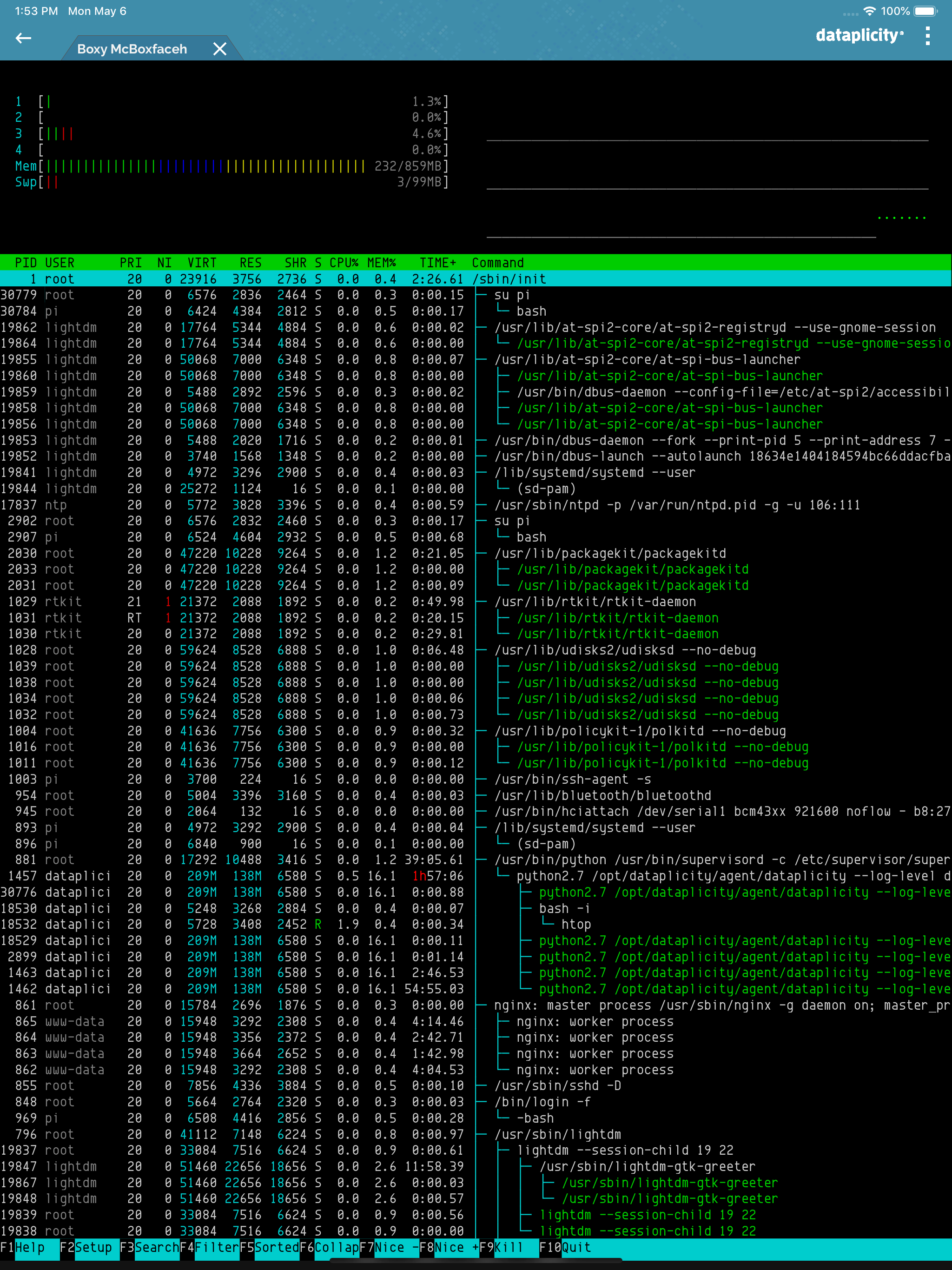
Dataplicity works very well as a convenient way to access a shell from practically anywhere. The phone access is great, but even better is the web access, as you have the luxury of a full size keyboard and such. Highly recommend.
Caveat: every command you run _will_ be sent through Dataplicity's servers, so if you have mission critical or sensitive work to do, I highly suggest a quick search on google for 'reverse SSH' or 'SSH tunnel' and going that route instead. No amount of convenience is worth an unintended or poorly timed loss of privacy. The Dataplicity services in addition to this app allow me to access my SBCs (currently Raspberry Pis) inside my LAN without having to jump through a bunch of hoops like setting up a DMZ, configuring port forwarding, etc. Because Dataplicity provides a backend service to establish and maintain internet-facing connections to my devices, I can connect to multiple devices inside any given network regardless of whether or not I am behind NAT, forwarded ports, set up a DMZ and so on and so forth. Dataplicity's service really does allow set-it-and-forget-it style console access to your home Raspberry Pis from anywhere on the web! And the app just makes it that much easier to work with your devices once setup is done!
Remotely access your Raspberry Pi shell from any network without dynamic DNS, portforwarding or VPN. * DOES IT WORK BEHIND NAT? Yes. The client initi...