Check the acquisition promise
Read the store headline, screenshots and description. What problem is the app promising to solve?
Study the storefront ↗
Steinberg Media Technologies GmbH · iOS
Explore the ad evidence, study the storefront, and build your next acquisition hypothesis.
01 / Creative research
Read the store headline, screenshots and description. What problem is the app promising to solve?
Study the storefront ↗Explore apps with direct store-link matches. Compare their hooks and formats without assuming the same approach works here.
Browse observed advertisers ↗Store rankings and revenue estimates describe market context. They do not establish ad spend, conversions or ROAS.
Review the market context ↗02 / Storefront & product
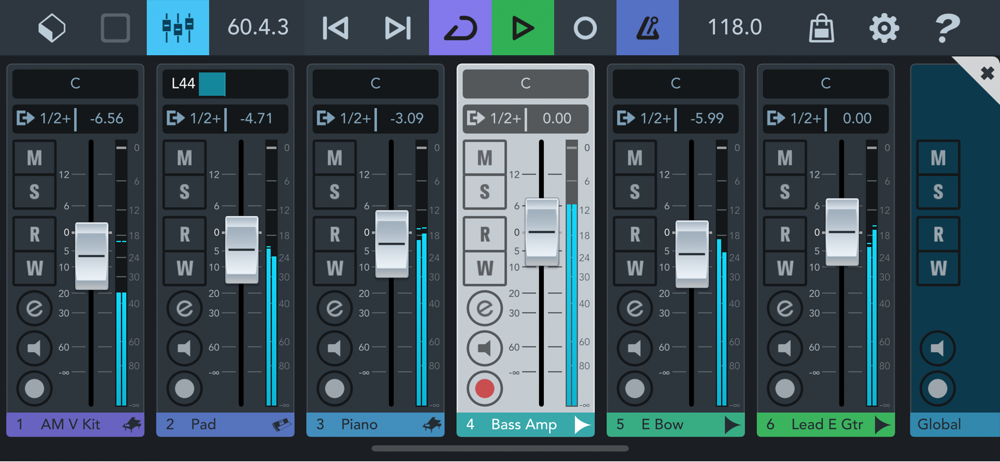
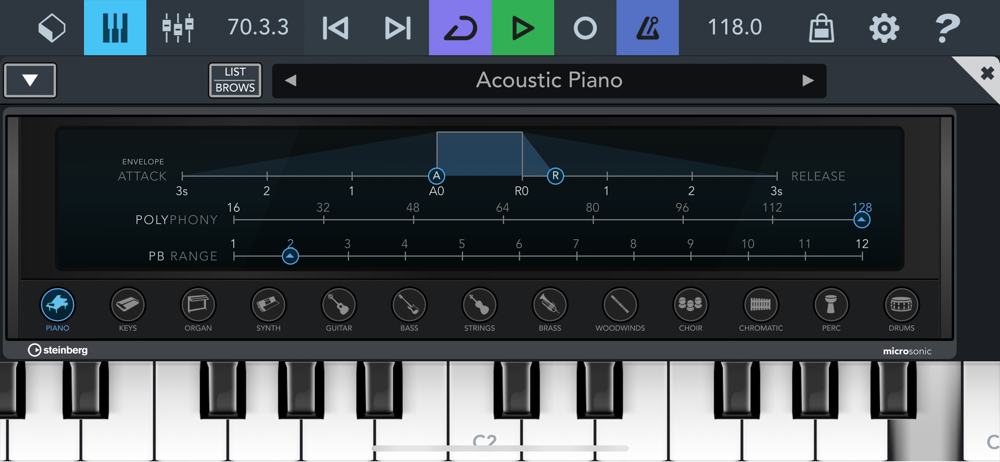
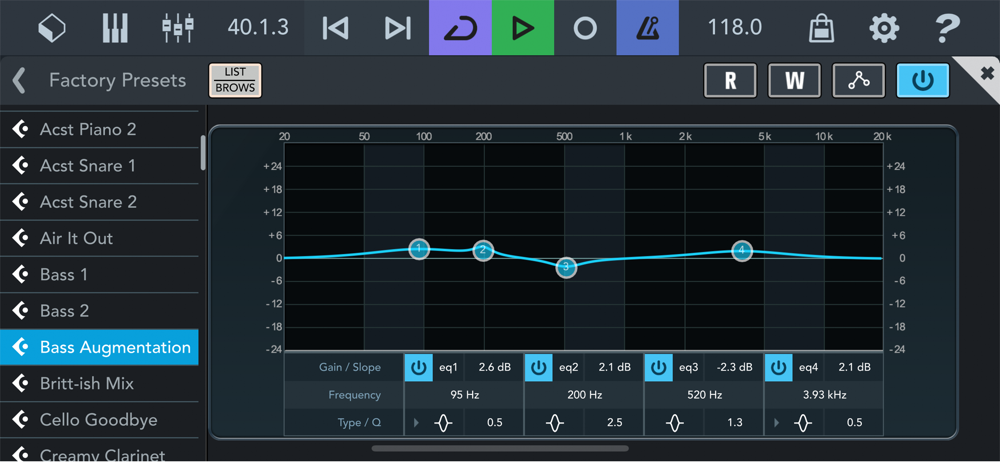
Study the product story and store experience behind the acquisition funnel.




03 / Market context
Keep revenue, downloads and store rankings separate from advertising performance.
This isn't a 'Light Edition' in the slightest. Unfortunate, cause that would have been fantastic - a multitrack host with a decent piano roll, with reasonable limitations and less features, allowing one to try things out in a realistic way and upgrade once it becomes a real part of one's workflow for more complex tracks. This 'Light Edition' not only completely resets after a ridiculously short time of 30 minutes, but also still lacks several crucial features such as AU hosting (why couldn't those simply be active, when the app is already so restricted as to be useless?). It's nothing but a storefront demo for the $25 full version, and not even sufficient for that purpose. I'll be happy to try this out again if it ever becomes a real light version and lets me stretch the workflow and the AU integration even a little bit, without being rushed and unable to do anything meaningful. I'm not committing $25 to something I don't have any real sense for.
I’d love for the developer to add Audio Output Device selection to the iOS version of this app. I currently have a usb c dock with usb for my audio and I’d love to have the HDMI output for video output only. Currently with both plugged in, the audio automatically routes to the HDMI. I’d like to have more control. Is this possible? Love the app btw. Correction/Update Using Apple’s USB-C A/V dongle, you can have HDMI video and USB audio enabled simultaneously. Other hubs don’t automatically detect this. It would still be nice to have the option to select this in iOS. Perhaps this is an iOS feature that needs to be enabled. I’m inching towards a 5 star review. Just need to add Markers in the DAW and I’ll upgrade my review lol.
Using the app is great, was easy to find out how to write midi and arrange and just what I was looking for. If this had more functionality on a demo, it would be perfect. Coming from someone who has used and purchased Cubase for 10 years, the demo limitations in this mobile app are a complete joke. 30 minute demo timer doesn’t even give you enough time to learn how to use the mobile app. It took me 5 minutes to find out how to start writing a MIDI track. You can’t start a new project, all settings revert after 30 minutes, you can’t export MIDI in demo. The only reason I would ever use my phone to track or write music is when I am on the go so I can get an idea written and translated so I can export or copy into my desktop DAW when I get home. This demo app doesn’t allow me to do that. I’d be willing to spend a few bucks on the app for sure but I am not buying a hardware license to use my phone to track ideas. I don’t know what subset of people record on their phone but this isn’t really what I’d consider a “Lite edition” (Cubasis LE). Maybe if they make a true LE for just tracking ideas and charge $3 I’d buy it.
*** Please note that a supported hardware device is required to unlock the feature set of Cubasis LE (unless unlocked Cubasis LE runs in demo mode). P...
| Name | Price | Type |
|---|---|---|
| Micrologue ARP Arpeggiator | $4.99 | One-time |
| Waves Tune Real-Time | $4.99 | One-time |
| Classic Machines | $6.99 | One-time |
| FX Pack 1: Reverbs & Delays | $6.99 | One-time |
| FX Pack 2: Vintage FX | $6.99 | One-time |
| FM Classics | $13.99 | One-time |
| Waves Plug-in Bundle | $19.99 | One-time |
| HALion Sonic Selection | $19.99 | One-time |
| Cubasis 3 Full Feature Set | $29.99 | One-time |
| Cubasis 3 Full Feature Set | $49.99 | One-time |