
Check the acquisition promise
Read the store headline, screenshots and description. What problem is the app promising to solve?
Study the storefront ↗
AMGCI, LLC · iOS
Explore the ad evidence, study the storefront, and build your next acquisition hypothesis.
01 / Creative research
Read the store headline, screenshots and description. What problem is the app promising to solve?
Study the storefront ↗Explore apps with direct store-link matches. Compare their hooks and formats without assuming the same approach works here.
Browse observed advertisers ↗Store rankings and revenue estimates describe market context. They do not establish ad spend, conversions or ROAS.
Review the market context ↗02 / Storefront & product
Study the product story and store experience behind the acquisition funnel.




03 / Market context
Keep revenue, downloads and store rankings separate from advertising performance.
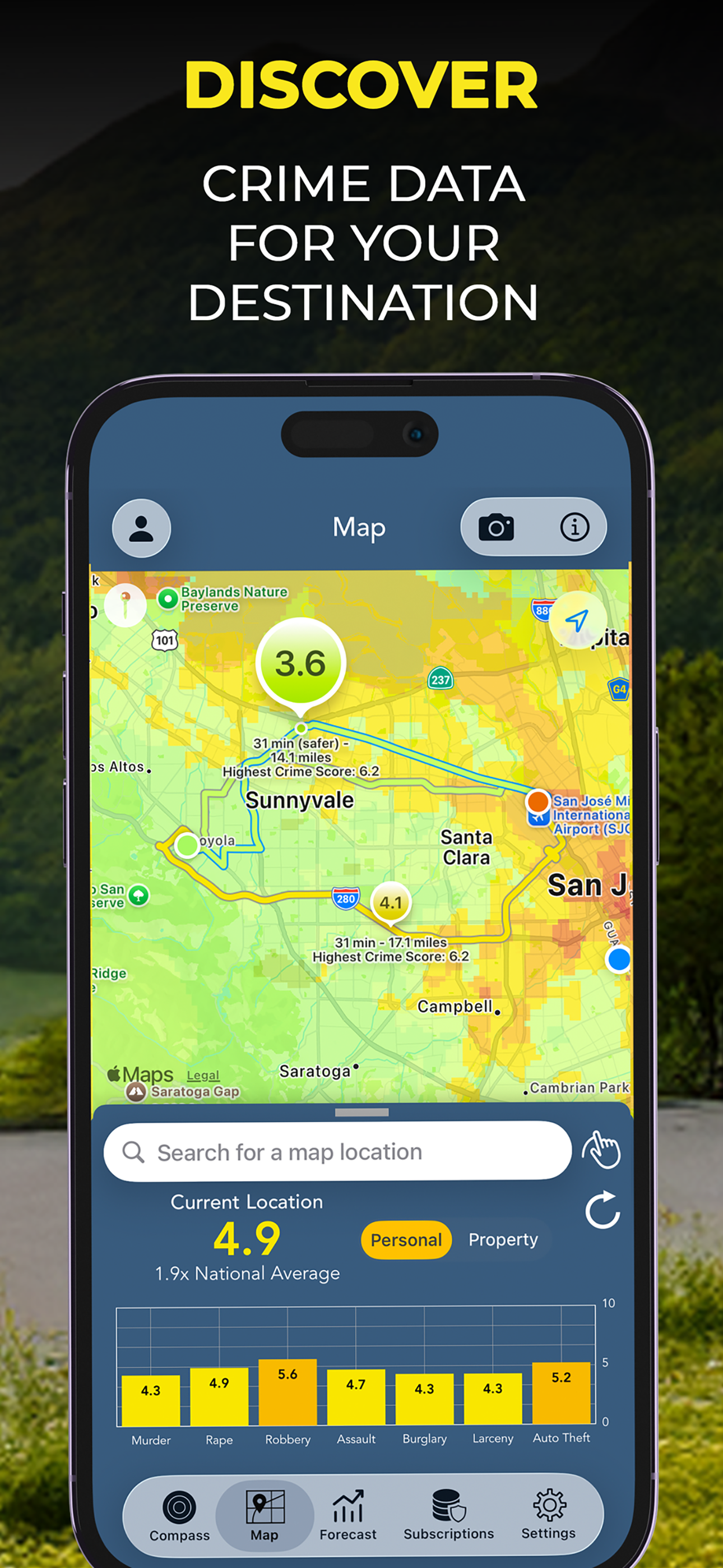
I just feel that it could be more detailed… using more data to label certain areas more precisely. I’ve been vacationing a lot lately and have been checking the app regularly during my stays. Big cities are always pretty dangerous so they’re always mostly red but recently I’ll be checking and the areas and they all have the same dangerous red labels but when I speak with locals they says I’m in the rich part of town at the moment or I’m in the extremely dangerous part and I need to get out asap to protect myself but on the app they’re labeled the exact same.
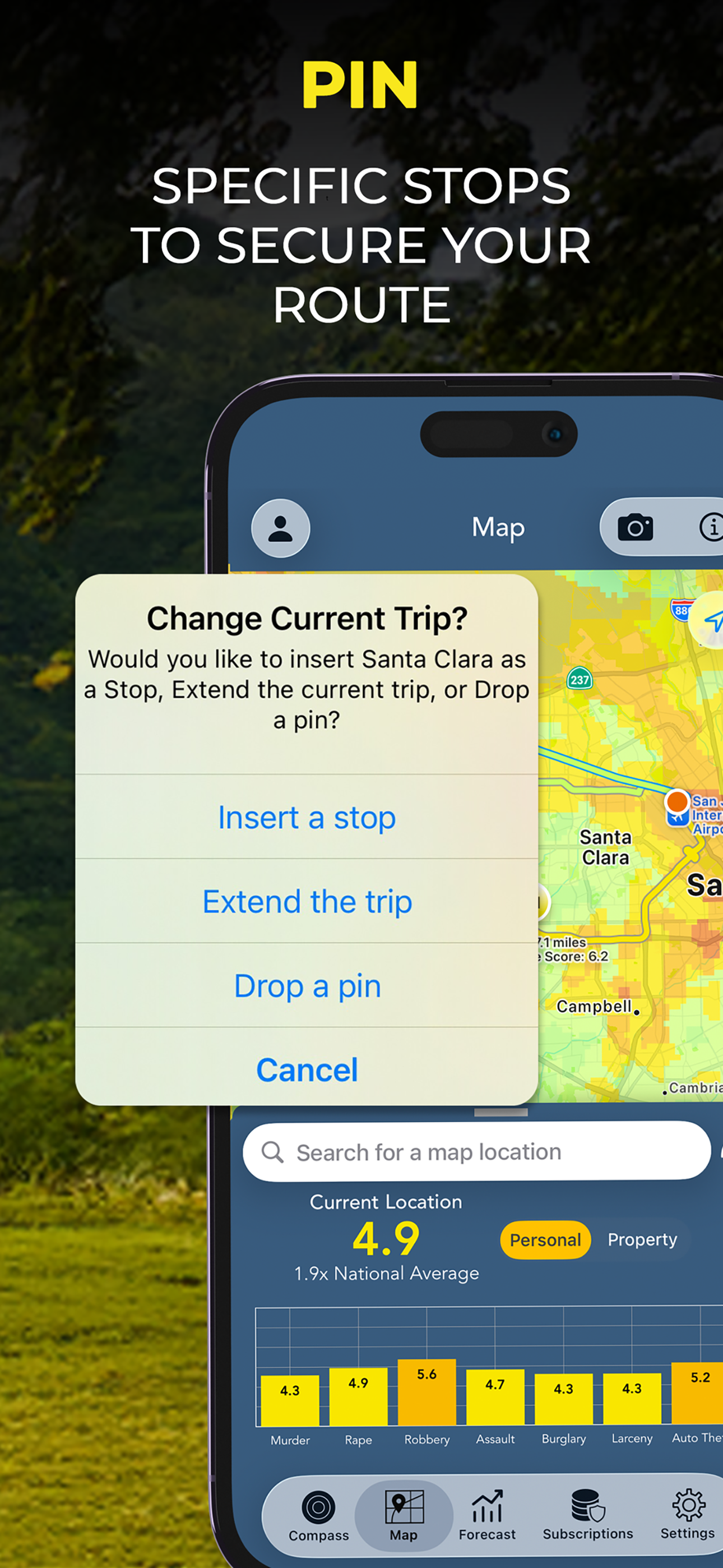
I like the idea, and the app seems to have a nice layout. The developer also responds to me (far better than the ones who don’t). But some things can improve: giving notifications even if not open (after all the widget seems to work without the app open), telling where the area was that caused the notification, and prominent notifications. I have iPhone 11 Pro with iOS 14 and iPad Pro with iPad OS 14, and the location services set to always allow, and the notifications allowed with a preference for the prominent notification. However, the app must be open for it to give me any notifications. Also, iPhones have the option for automatic do-not-disturb-while-driving and I have that enabled; and this is why I have prominent notifications set for this app, but they seem less prominent than I desire prominent notifications to be. Lastly, the app notification only mentions I entered a high crime area, but in case it notified while I was driving or otherwise not looking I won’t know what that area was; so I wish it gave a city and neighborhood or a thumbnail screen-capture of the map with the notice, so that I get the notice and know where it is/was that was risky.
I really enjoy this app’s concept. And I was convinced that this would be a great and reliable way to avoid bad areas... until dug a little deeper. I looked up the crime rate for an affluent area I lived at not too long ago, and I was surprised to find that it was above the national average above 6. This really surprised me, as this address was in one of the safest areas in the city, with some of the most expensive homes in that state. I suspected that something was wrong. I decided to compare this and other neighborhoods on other crime tracking websites, and I found that often times they didn’t match at all. Some websites listed high crime areas in places that the app displayed green, and vice versa. Some of those websites also listed locations and descriptions of reported crimes, and they didn’t really track well with what the app displays. One area was dark red in the app, but didn’t show up as having reported crimes from other websites. So really, if the data is questionable, what conclusions can you safely draw from using the app? One cannot confirm that the app is working as intended by saying crimes that weren’t committed to them. I feel the developer can improve the app by disclosing where the data comes from, and perhaps adding markers of reported crimes in specific areas so we can better see what goes behind the color. I want to be able to trust this app, and I hope the developer takes these considerations in mind.
Stay aware, stay safe with Crime and Place - the crime analysis app that combines data from the FBI and powerful features to keep you safe. “The app...